Aster Mail: Encrypted Email App Android Free Download

Aster Mail: Encrypted Email App Android Free Download
Aster Mail: Encrypted Email
Aster Communications Inc.Email
- Android
- Free
- Open source · AGPL-3.0-or-later
- Released
- Sep 9, 2026
- License
- AGPL-3.0-or-later
- Package
- org.astermail.android
- SHA-256
b767b2d35f46aabb1b8cab9d476f3d3164e7bbf90b6c0bfdcb8770307e3de9e7
Screenshots
What's new v1.0.2
What's new:
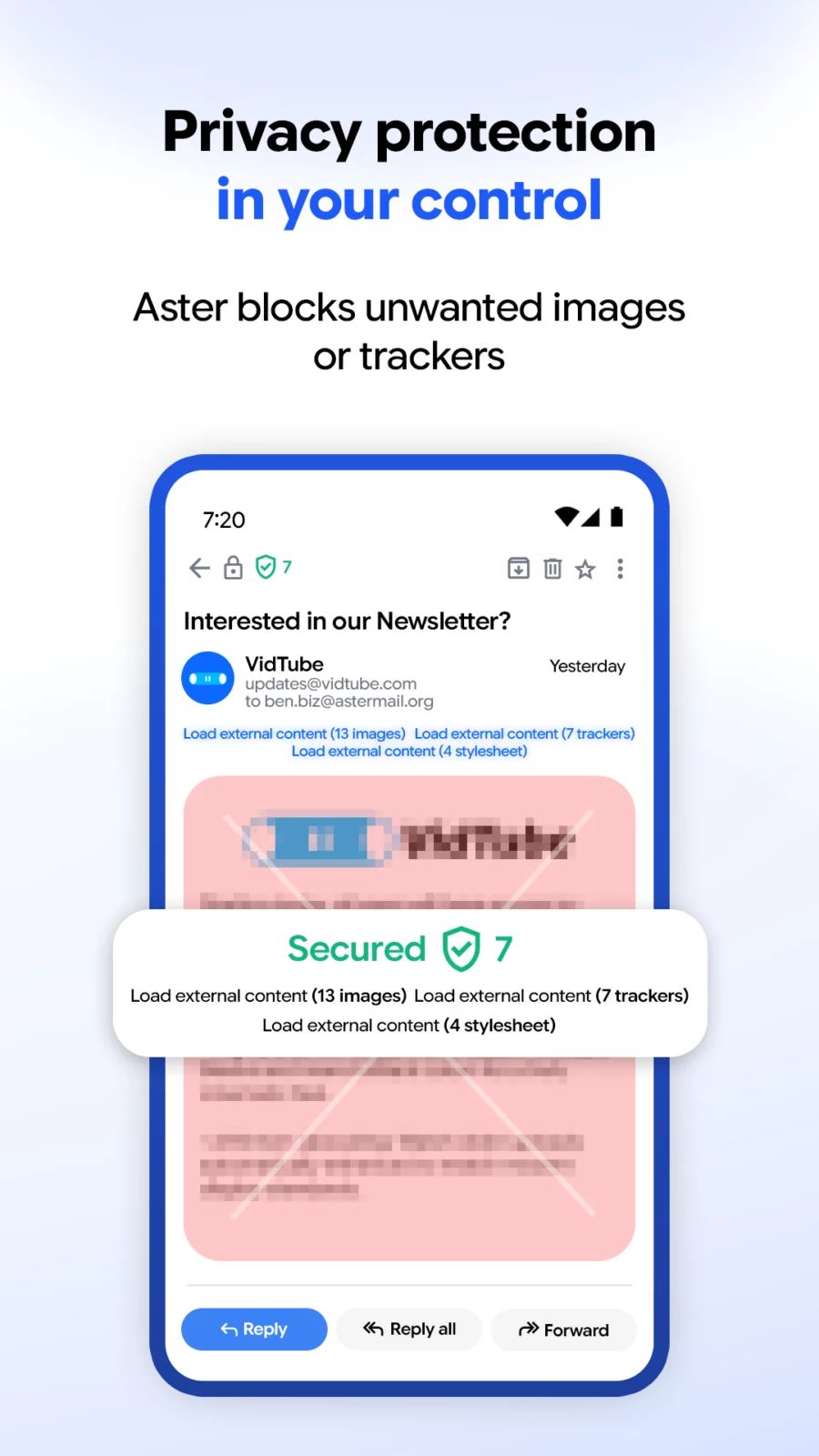
- A message shows how many tracking pixels Aster Mail blocked and which domains they came from.
- A scroll indicator shows your position in a long message.
Fixed:
- The inbox keeps its position when you come back from a message.
- Archived mail stays visible in Sent, and Undo restores it.
- Emails display at their full height.
- Images with no source no longer leave empty frames.
About Aster Mail: Encrypted Email
Aster Mail is a private, encrypted email app for astermail.org accounts.
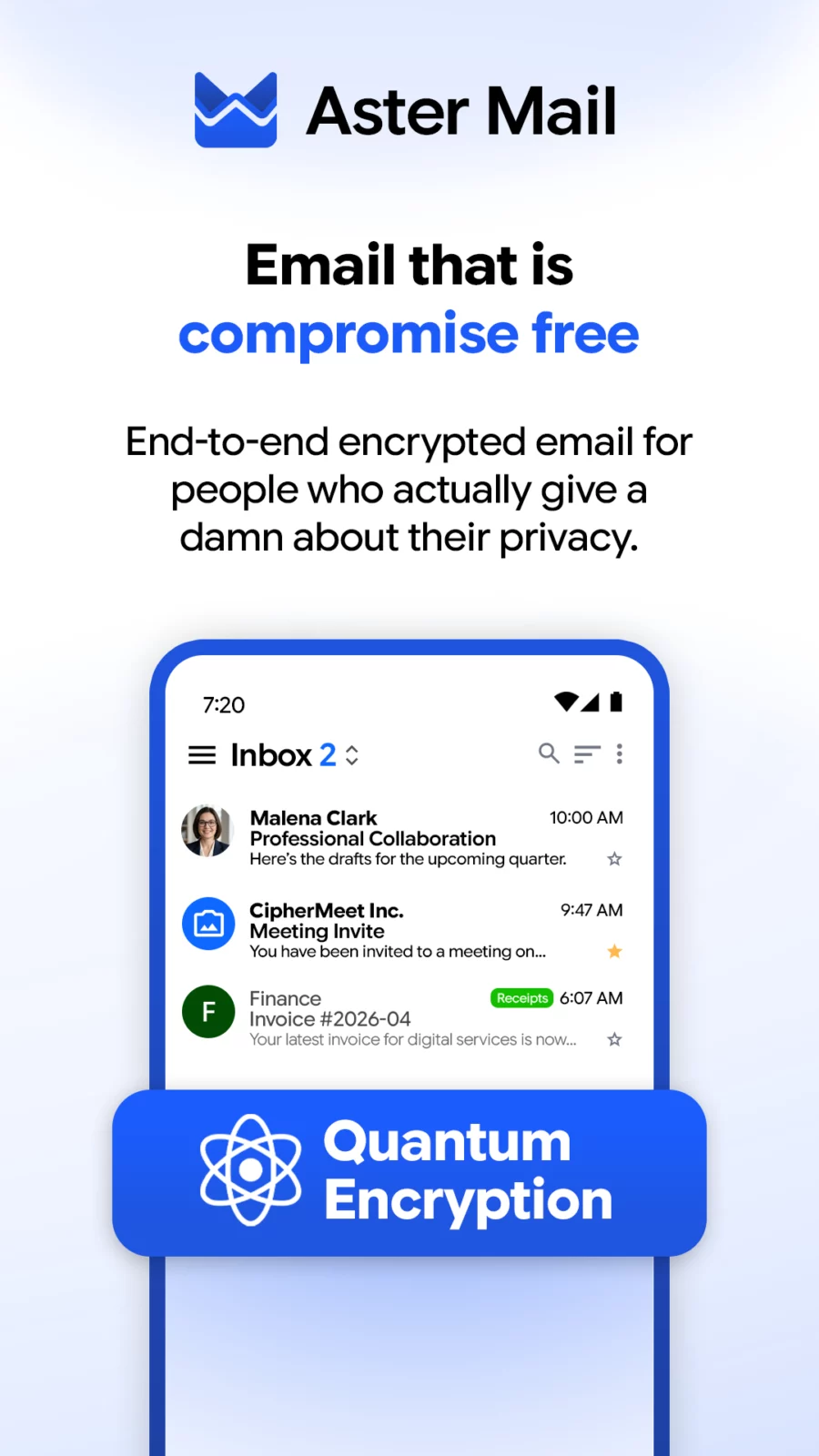
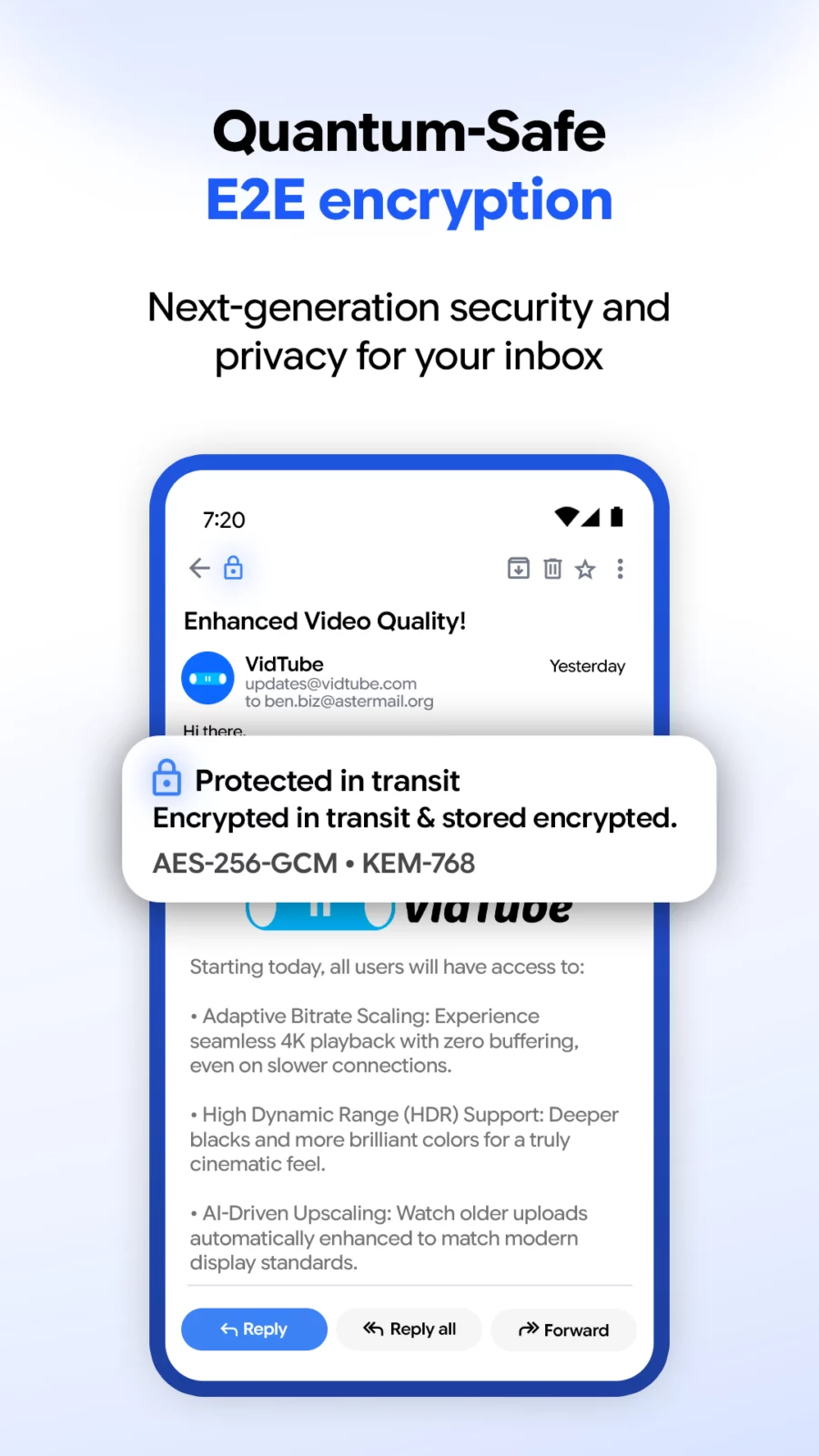
Your messages are encrypted on your device before they leave it. The server stores ciphertext and nothing else, so nobody at Aster can read your mail, scan it, or sell what is in it. There are no ads, no trackers, and no analytics anywhere in the app.
- Private by design
- End-to-end encryption between Aster users, using a post-quantum ratchet protocol
- Zero-access architecture: the server holds only encrypted content
- No ads, no tracking, no telemetry, no profiling
- Open source under AGPL-3.0, so anyone can audit what the app does
- Email aliases
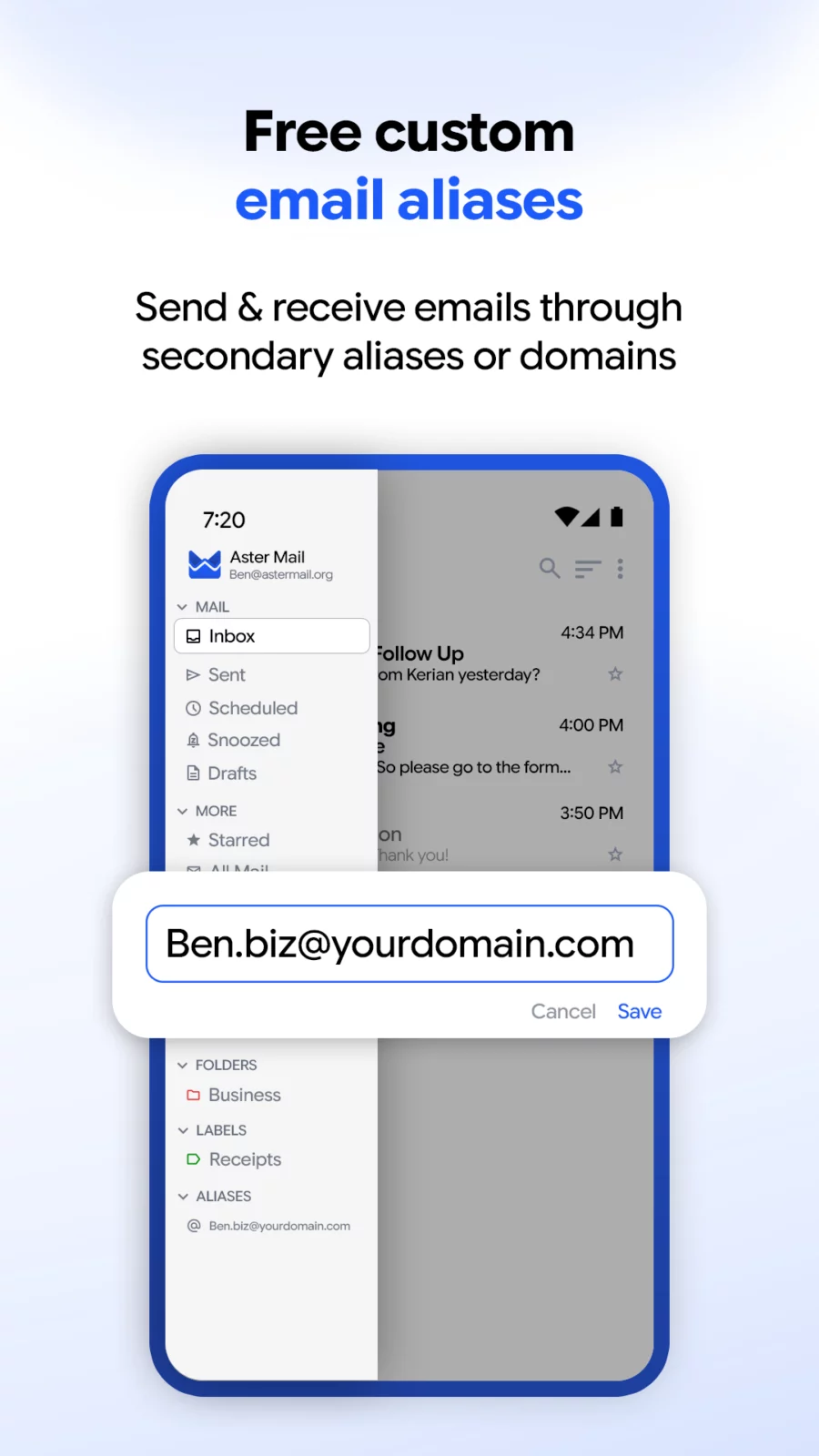
- Create an alias for each site you sign up for, and turn one off when it starts getting spam
- See which alias a message arrived on, right in the message list
- Import and export your aliases
- Your own domain
- Send and receive on a custom domain, with DKIM signing handled for you
- Buy a domain from inside the app
- Everyday mail
- Folders, labels, categories, and search across your whole mailbox
- Swipe actions and a toolbar you can customize
- Templates, signatures, scheduled send, and auto-forwarding
- Blocked senders, sender filters, and an allow list
- Encrypted offline storage, so your mail is there without a connection
- Security
- Biometric lock
- Two-factor authentication and a recovery key
- Active session management, so you can sign out a device you no longer have
- Notifications
- Private mode hides the sender and subject on your lock screen
- Quiet hours schedule when notifications arrive
- Per-folder muting
This F-Droid build contains no Firebase or Google Play Services dependencies. Push notifications are delivered through any UnifiedPush-compatible distributor, such as ntfy. Background polling takes over when no distributor is installed.
Aster Mail is free to use. Paid plans add storage, larger attachments, more aliases, and custom domains.
Source code: https://github.com/Aster-Privacy/Aster-Android
APK file hosted on AABforAndroid (Oct 8, 2026, SHA-256 verified). Free and open-source software (AGPL-3.0-or-later) · Source code.