Duorem App Android Free Download


Duorem App Android Free Download
Duorem
Vadim FrolovRemote Controller
- Android
- Free
- Open source · GPL-3.0-or-later
- Released
- May 28, 2017
- License
- GPL-3.0-or-later
- Package
- com.vadimfrolov.duorem
- SHA-256
fa216a19cd1ddc6f4ceae6d6a4506ce3dfdc37c639c874abf5e5379149bb22e4
Screenshots
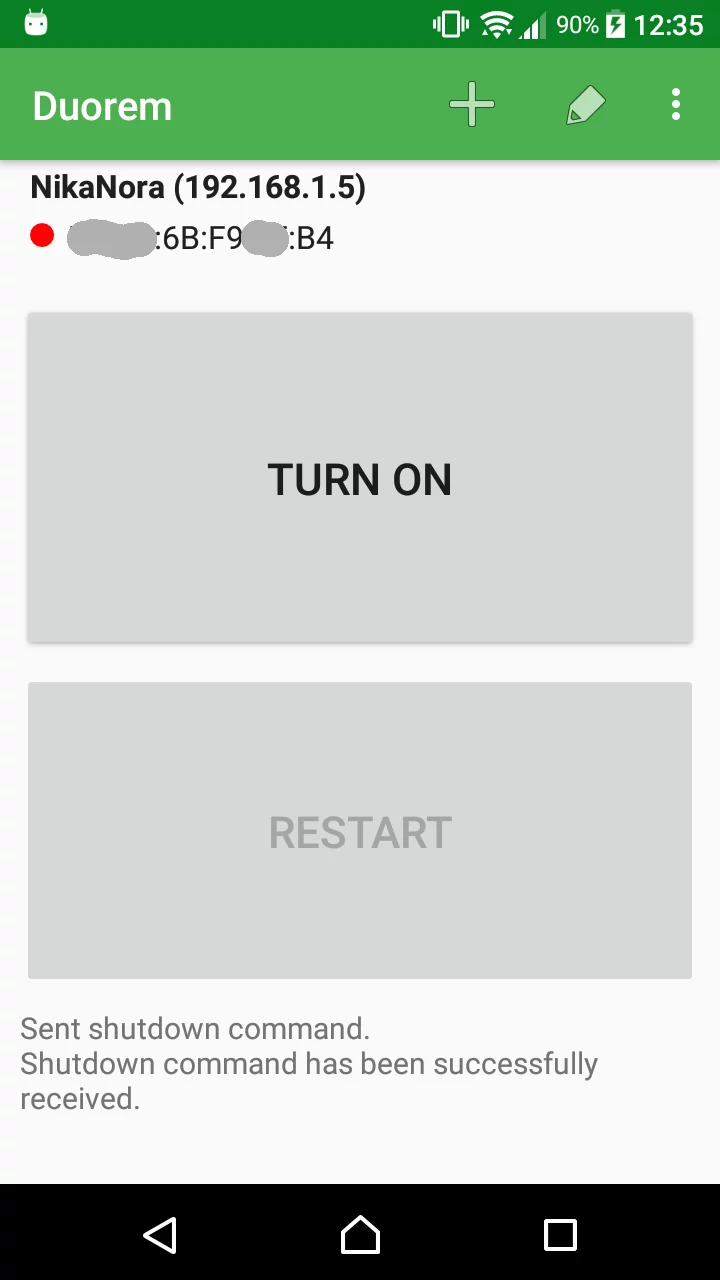
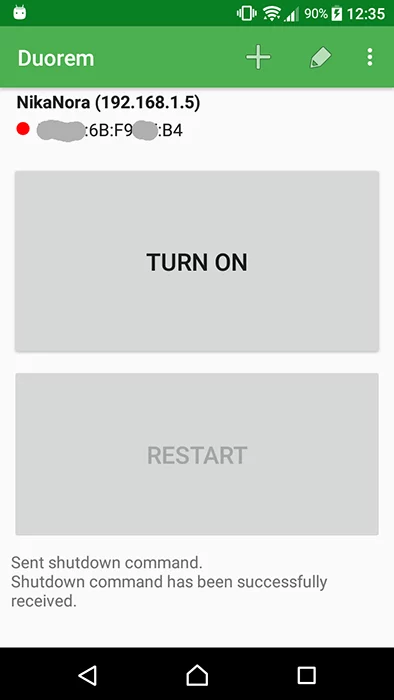
What's new v1.2.0
Duorem has been modernized for Android 10 and newer.
- Added system light/dark theme support and an in-app help section.
- Added configurable home-screen widgets with device status updates.
- Added safer SSH host-key verification and encrypted saved credentials.
- Improved LAN discovery, Wake-on-LAN, SSH reliability, and error reporting.
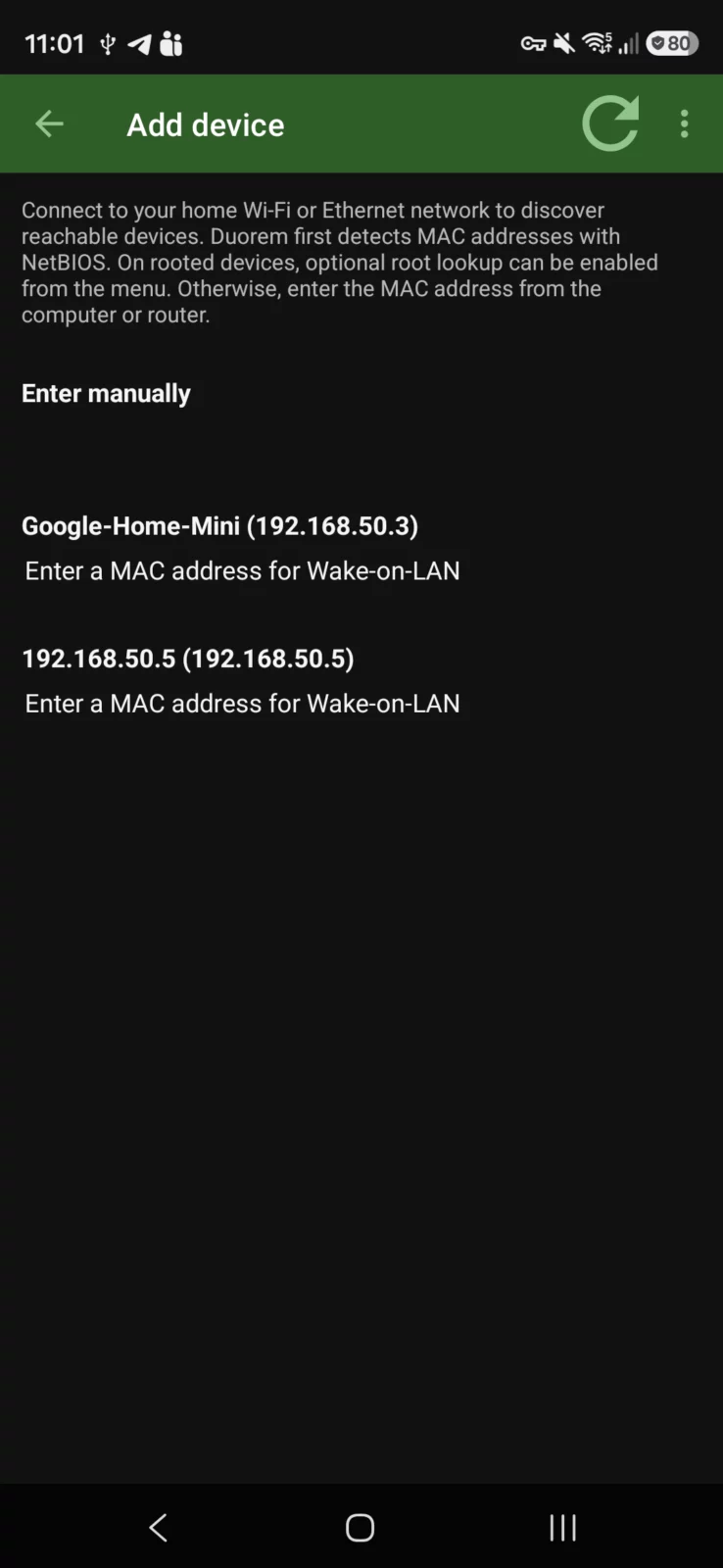
- Added optional NetBIOS and root-assisted MAC address lookup.
About Duorem
The idea behind this app is to provide people who are not very familiar with
computer interfaces a simple and easy way to control a remote computer. Imagine
your grand parent needs a way to power a media server. Quick and efficiently!
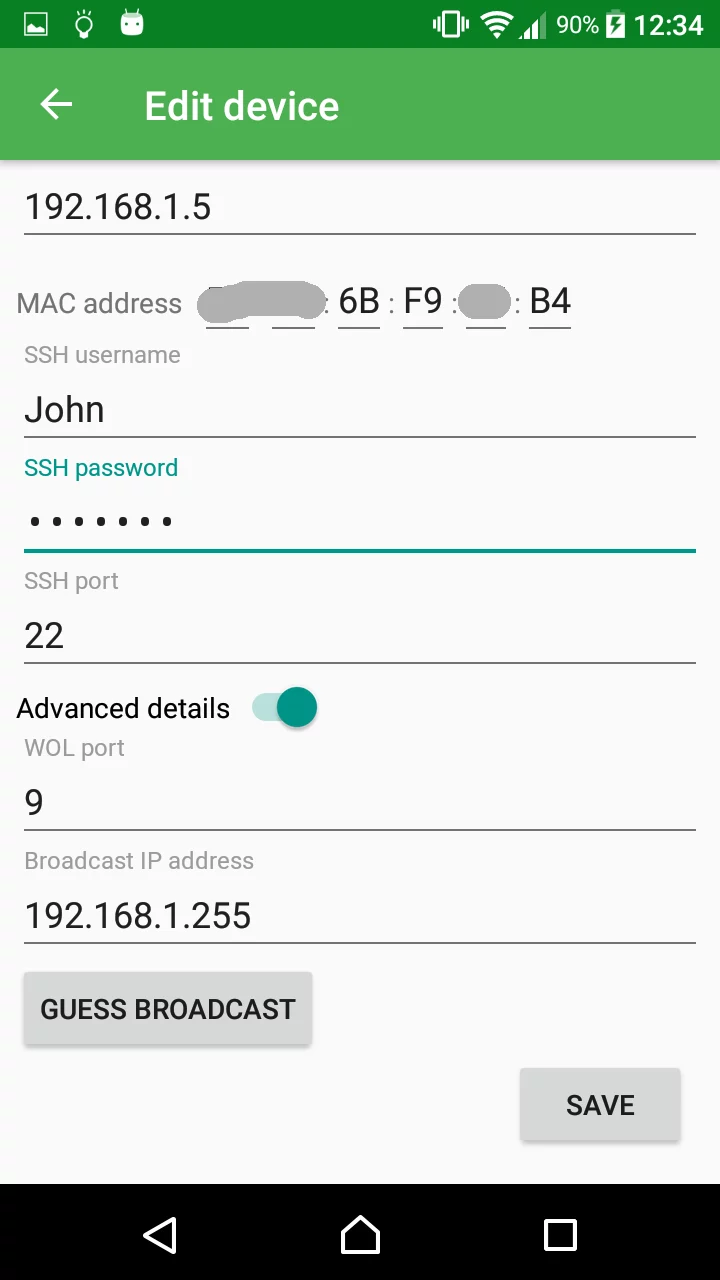
The application uses Wake On LAN (WOL) technique to start a remote computer. You
need to make sure that your computer and network is set up for and support WOL.
The app can only power off or restart a Linux-based computer. It performs these
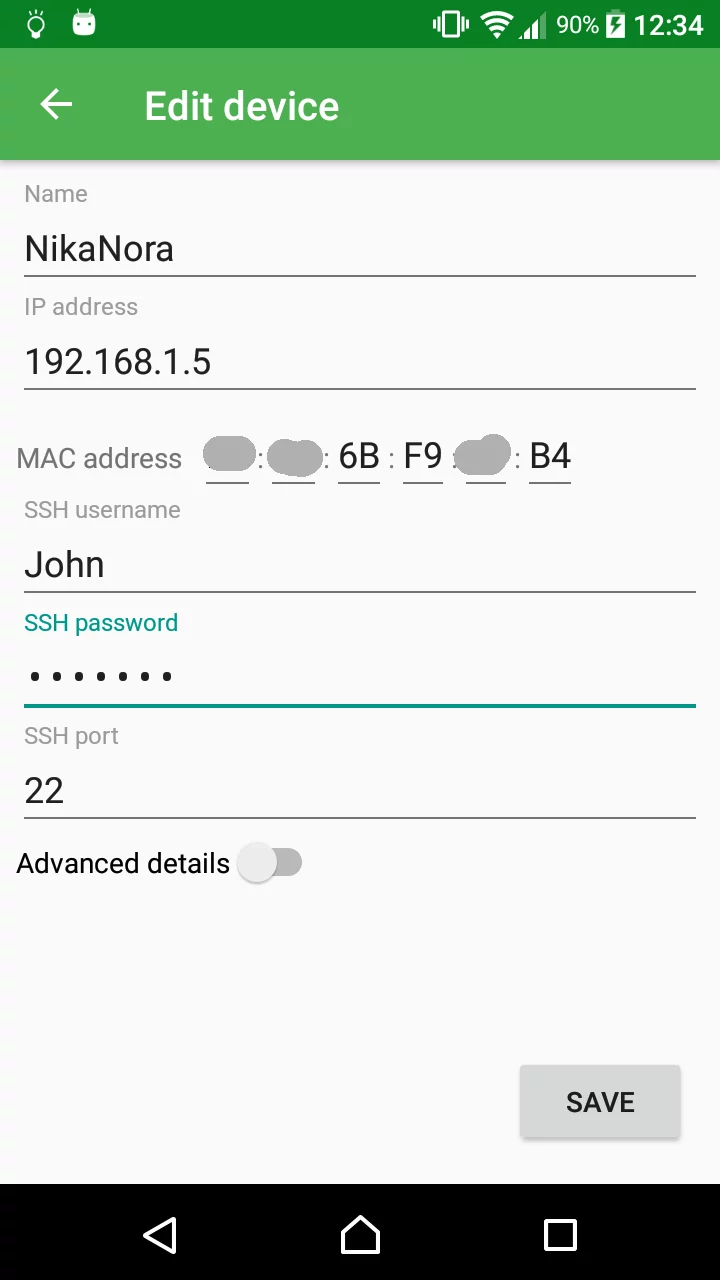
actions using secure shell (SSH). Your remote computer must be configured to
enable SSH connections. Username that is used for SSH must have sudo rights.
Note that SSH credentials are stored in application preferences unencrypted!
Anyone with root access can read it.
Differences from similar apps
- Supports power off and power on signals.
- Controls only a single computer.
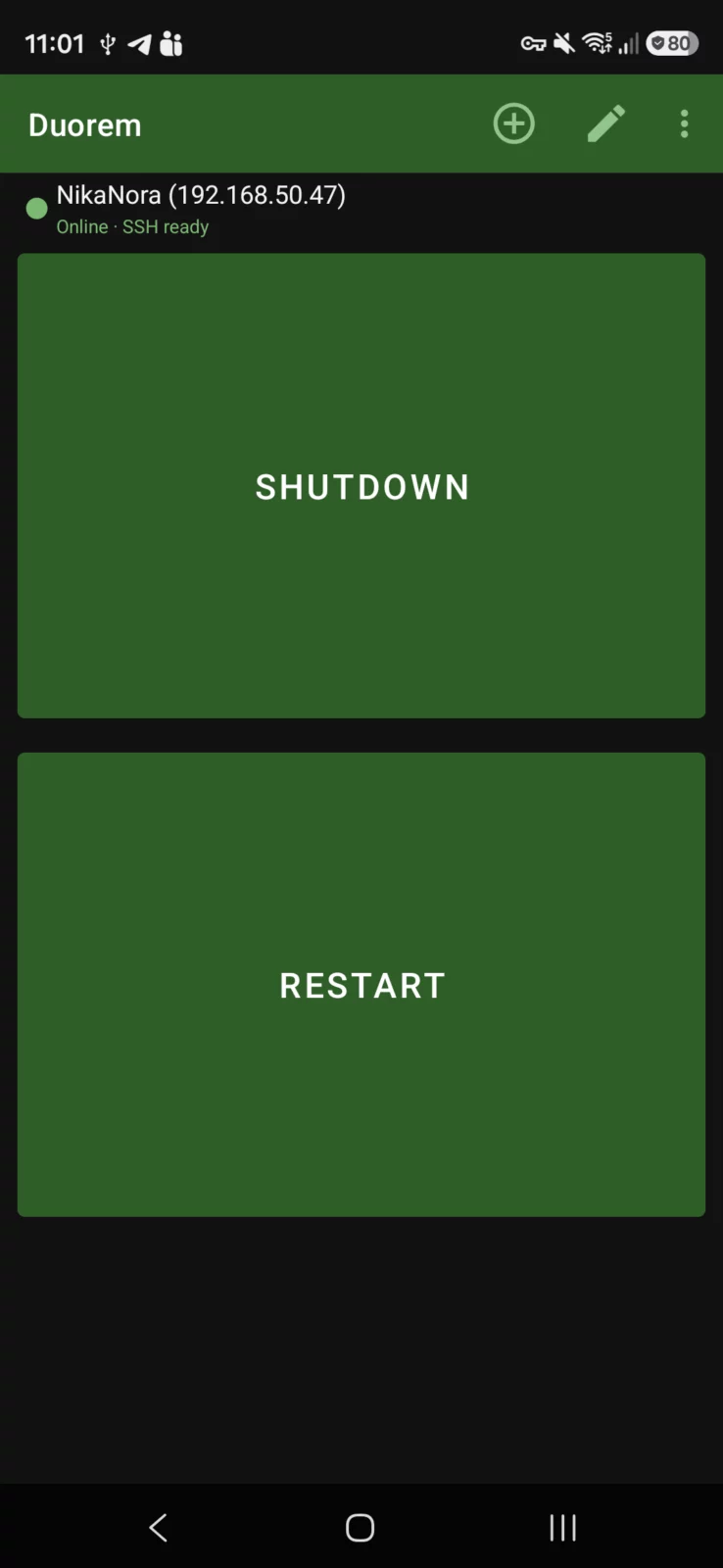
- Big interface controls for people with thick fingers.
- Remote computer status and commands feedback.
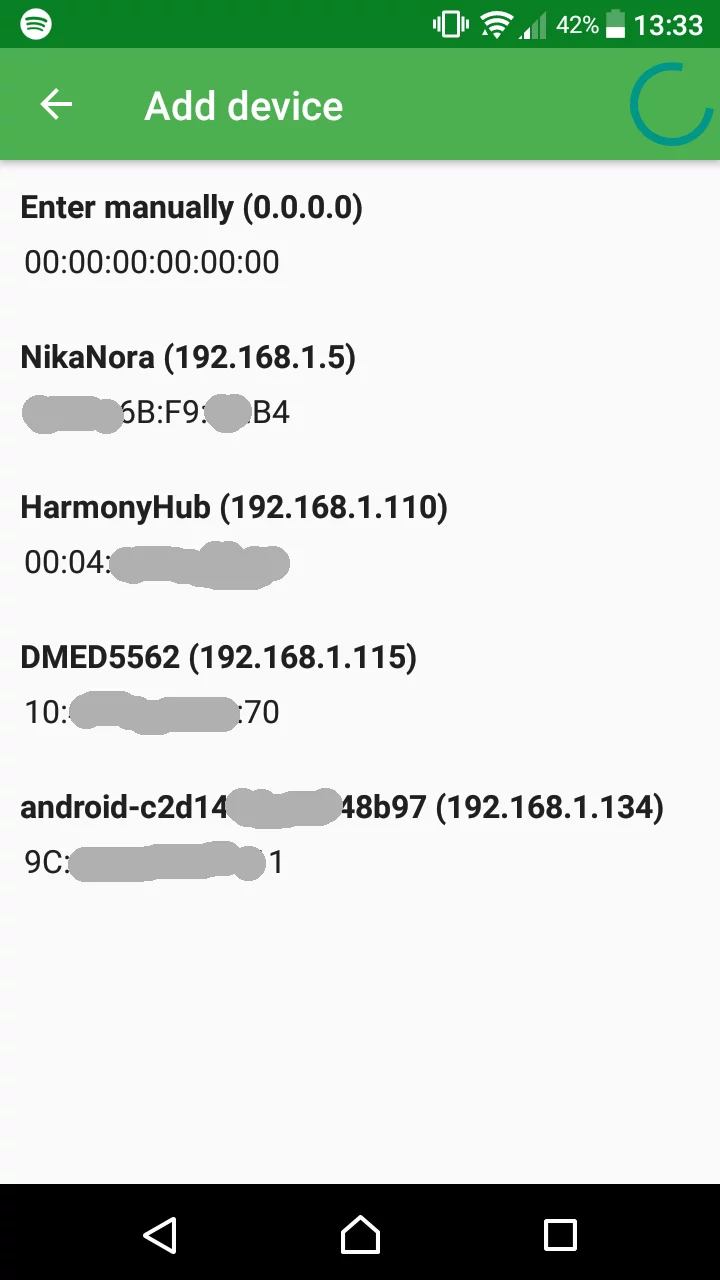
- Host search for easy first-time setup.
- Open source, no ads.
Bug reports and comments are welcomed on app development page.
APK file hosted on AABforAndroid (Sep 27, 2026, SHA-256 verified). Free and open-source software (GPL-3.0-or-later) · Source code.