Encly: Encrypted Offline Notes App Android Free Download

Encly: Encrypted Offline Notes App Android Free Download
Encly: Encrypted Offline Notes
pasichDevNote
- Android
- Free
- Open source · Apache-2.0
2.0.1Version
Sep 29, 2026Updated
10.9 MBSize
Android 8.0+Requires
6Downloads
- Released
- Sep 29, 2026
- License
- Apache-2.0
- Package
- com.pasich.encly
- SHA-256
f0048361014254d7049f6e34ef160949074efd8c88f406fdceccd7e93b4cd27d
Screenshots
What's new v2.0.1
Encly 2.0.1: no changes to the app. The release is now signed so that F-Droid can build Encly from source and ship it with the same signature as GitHub.
About Encly: Encrypted Offline Notes
Encly is an encrypted notes app for private notes and tasks that never leave your phone. Offline notes with a PIN lock: no account, no cloud, no ads, and no internet permission at all.
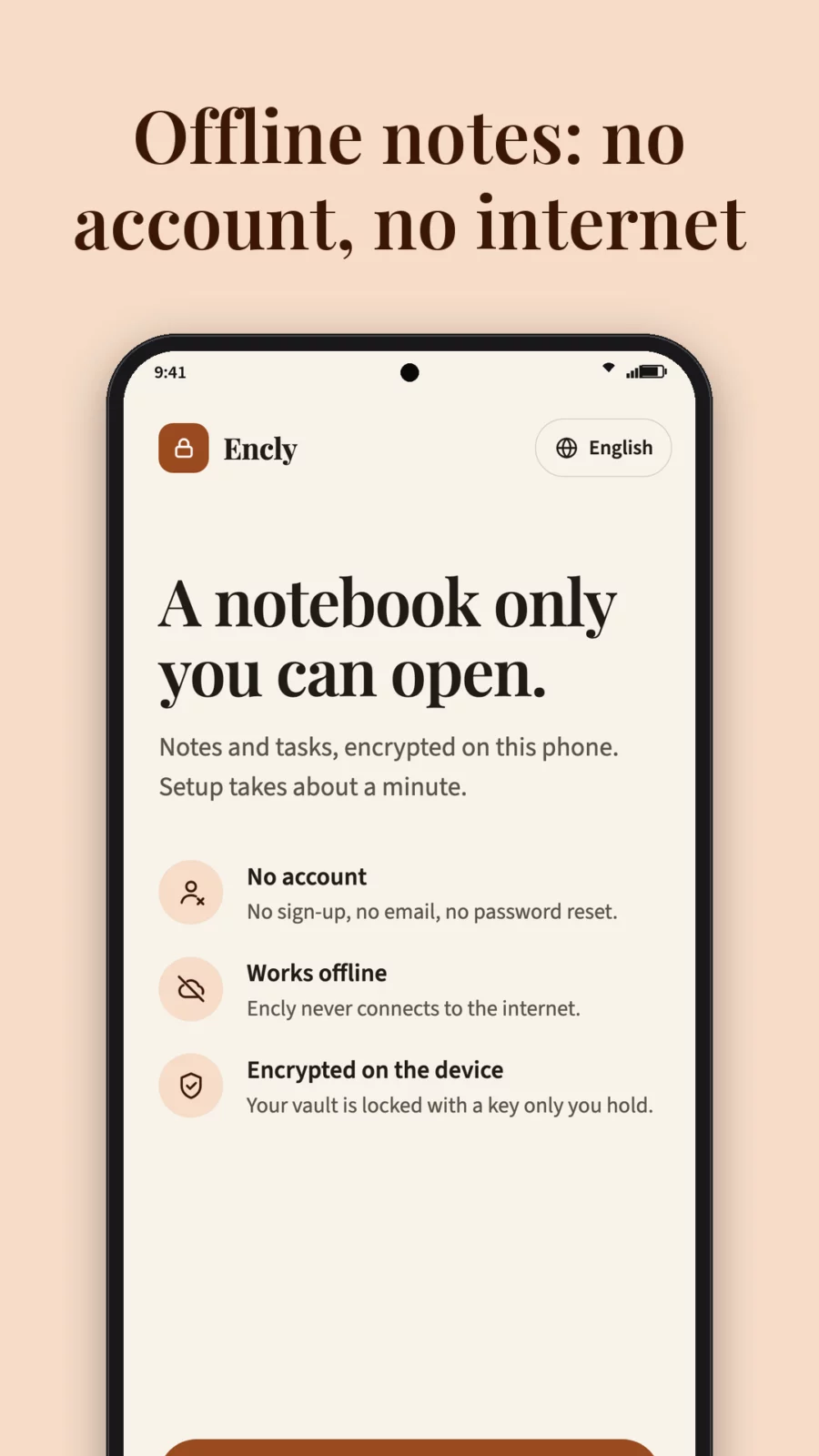
Most note apps want an account and a server. Encly has neither. Your encrypted notes live in one place: your phone.
- PRIVATE BY DESIGN
- No account, no sign-up, no analytics, no ads, no in-app purchases.
- Truly offline: Encly does not request the INTERNET permission, so it cannot send your notes anywhere.
- Encrypted notes at rest: a SQLCipher (AES-256) database under a random 256-bit key.
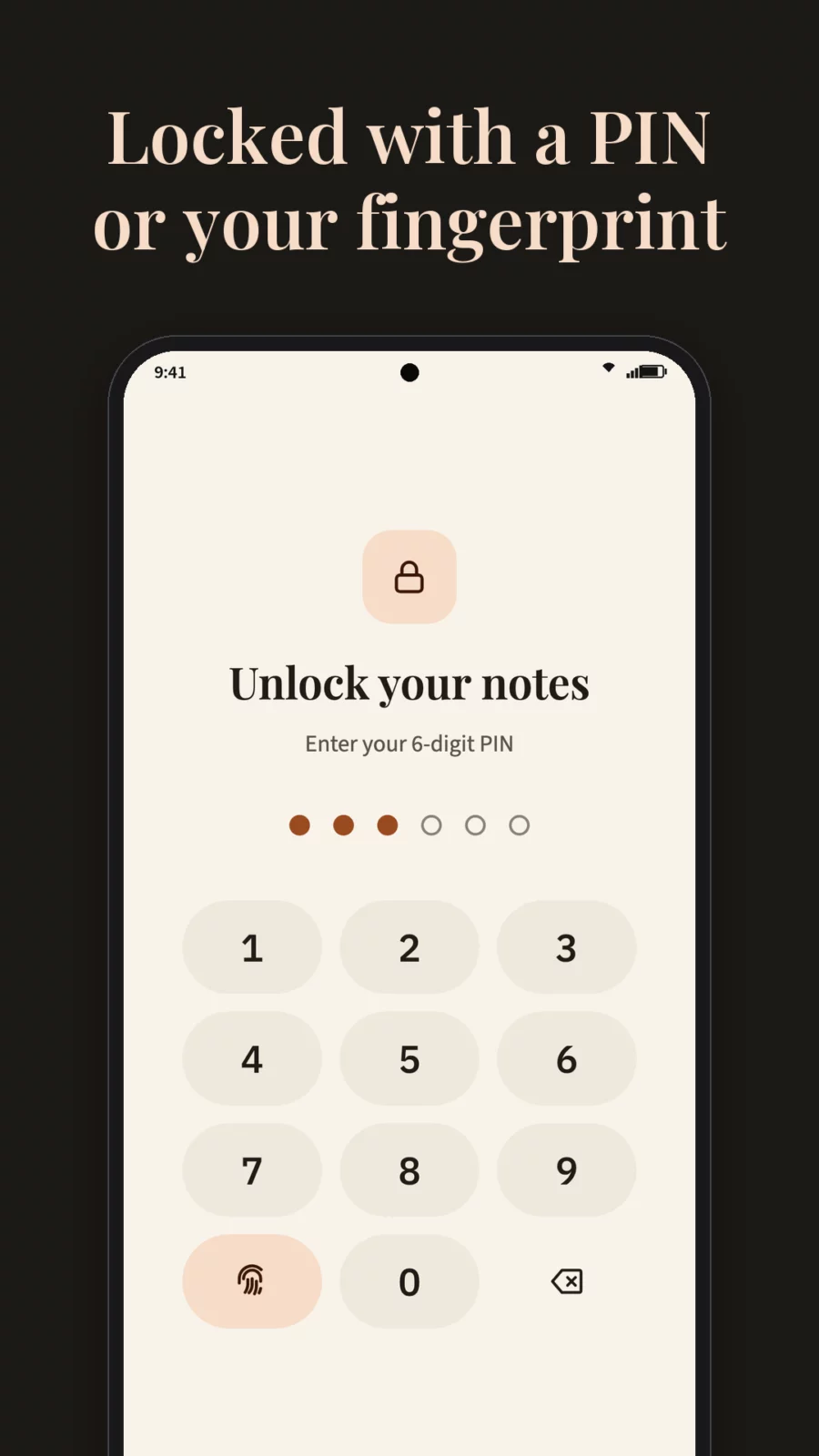
- PIN lock: a 6-digit PIN tied to your phone's secure hardware, plus optional fingerprint or face unlock (strong biometrics only).
- Locks itself: after you leave (15 seconds by default, or immediately) or the moment the screen turns off, the database is closed and the key is wiped from memory.
- Screenshots, screen recording and recent-apps previews are blocked. Android cloud backup is off.
- RECOVERY PHRASE AND ENCRYPTED BACKUPS
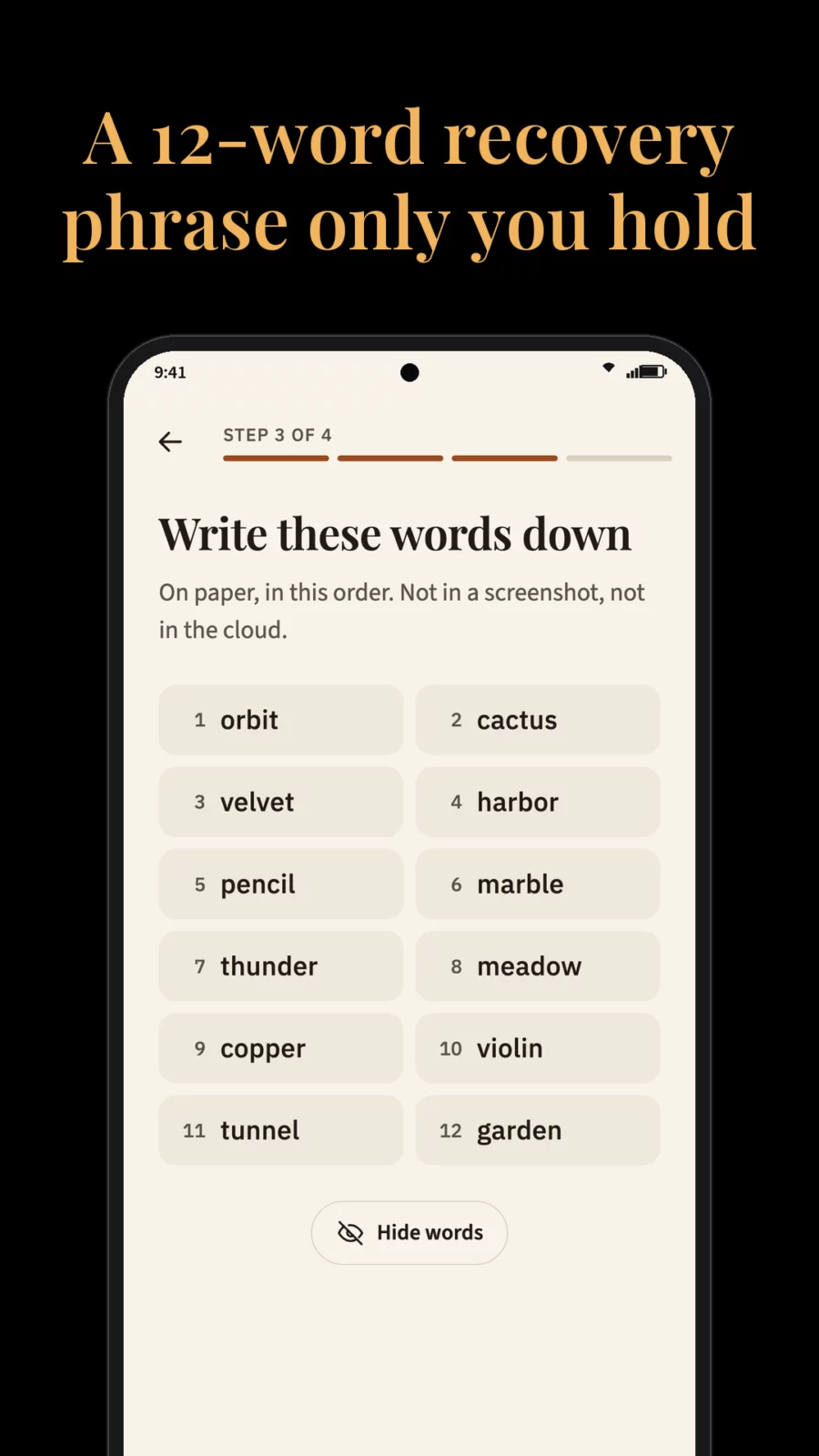
- Optional 12-word recovery phrase: forgot your PIN? The phrase unlocks your vault and lets you set a new one.
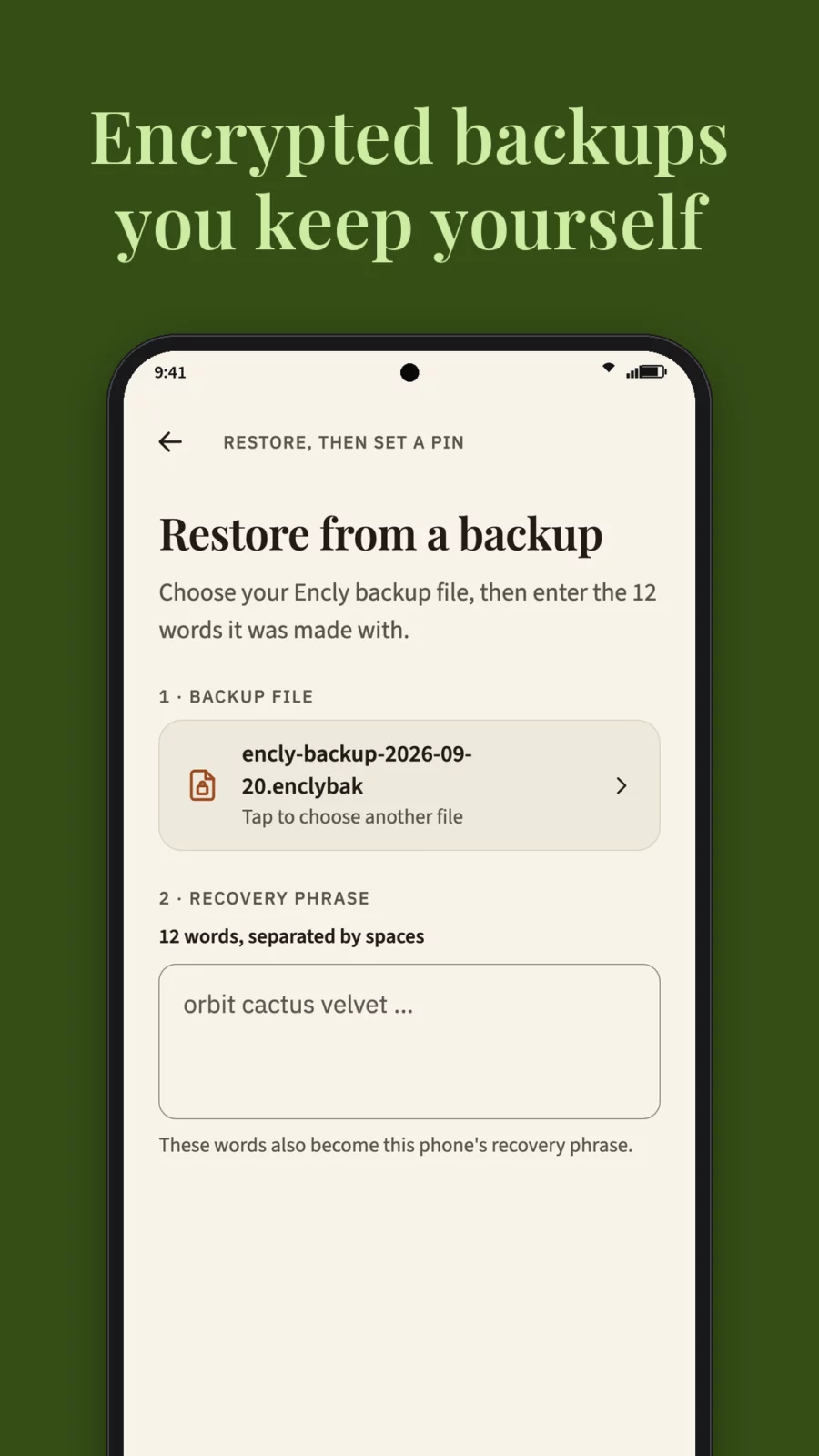
- Export all notes, tasks and tags to one encrypted file (AES-256-GCM) and save it wherever you choose: a folder, a USB stick, your own cloud drive. Encly never uploads it.
- Restore on a new phone with the same 12 words, or merge a backup into an existing vault.
- Nobody can recover your notes for you, not even the developer. Keep the words on paper.
- A SECURE NOTEPAD THAT IS PLEASANT TO WRITE IN
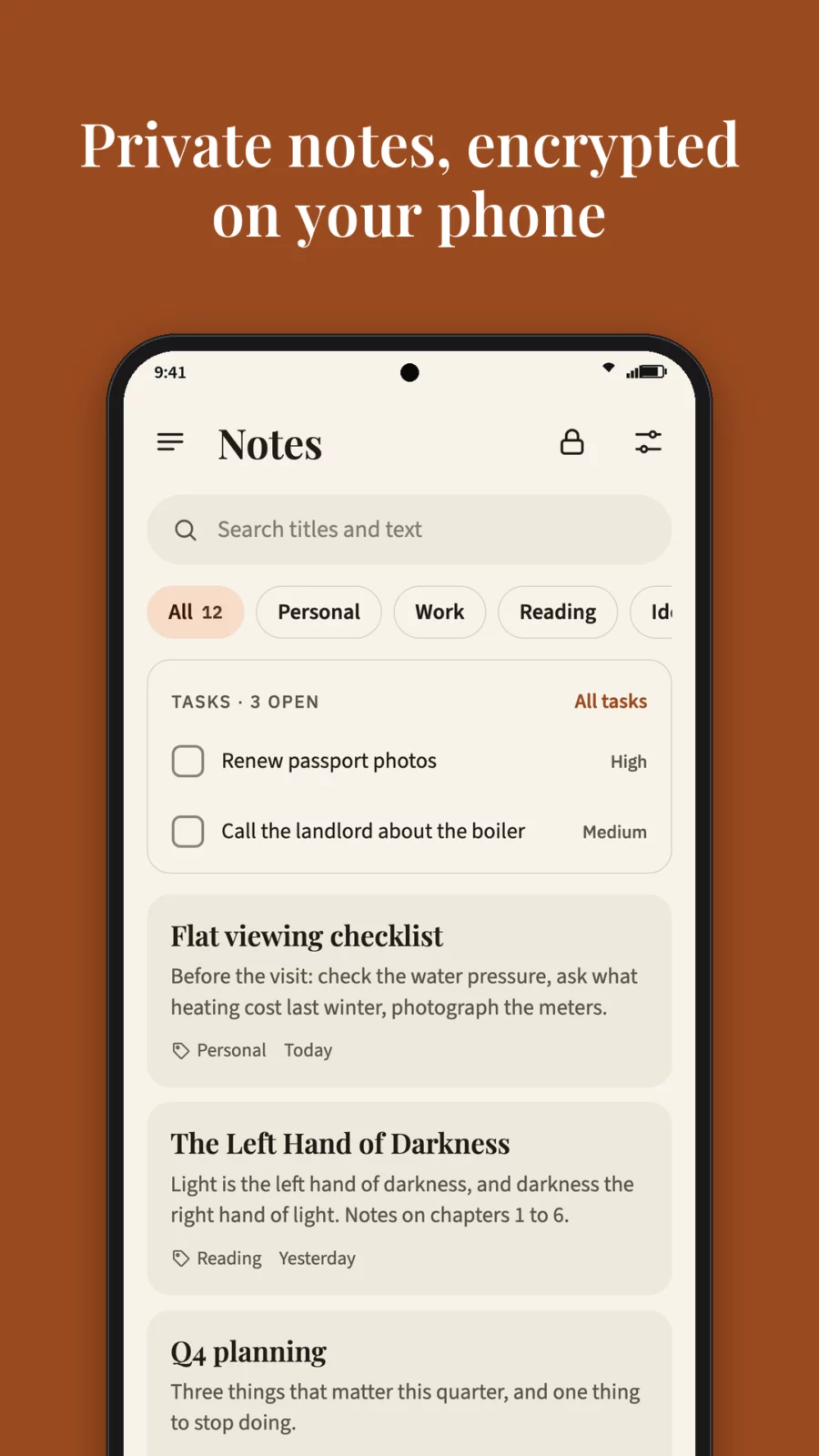
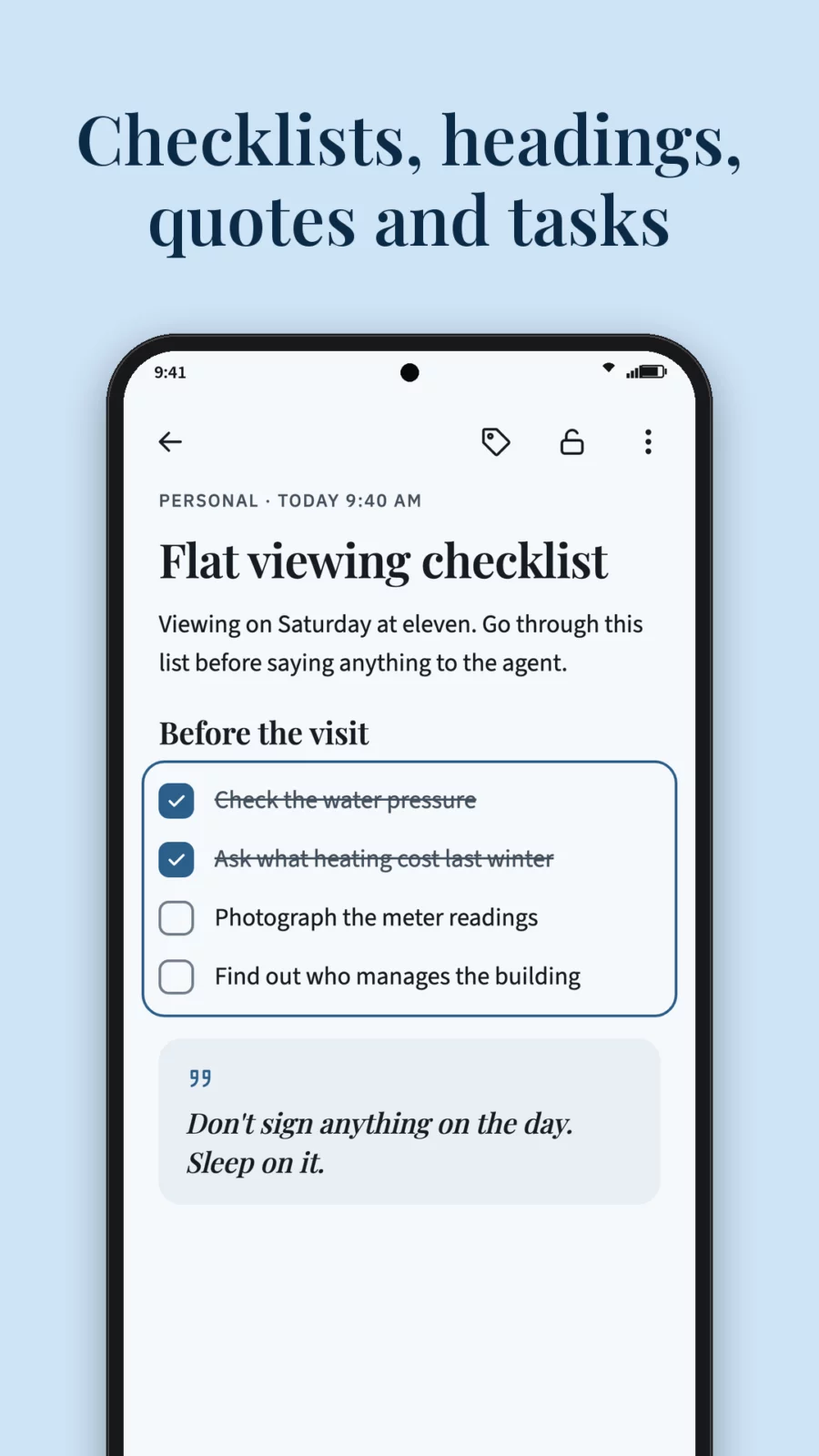
- Block editor: text, headings, quotes, checklists, bulleted and numbered lists, links and separators.
- Tags, search, list or grid view, several sort orders.
- Tasks with priorities, right next to your notes.
- Trash with restore.
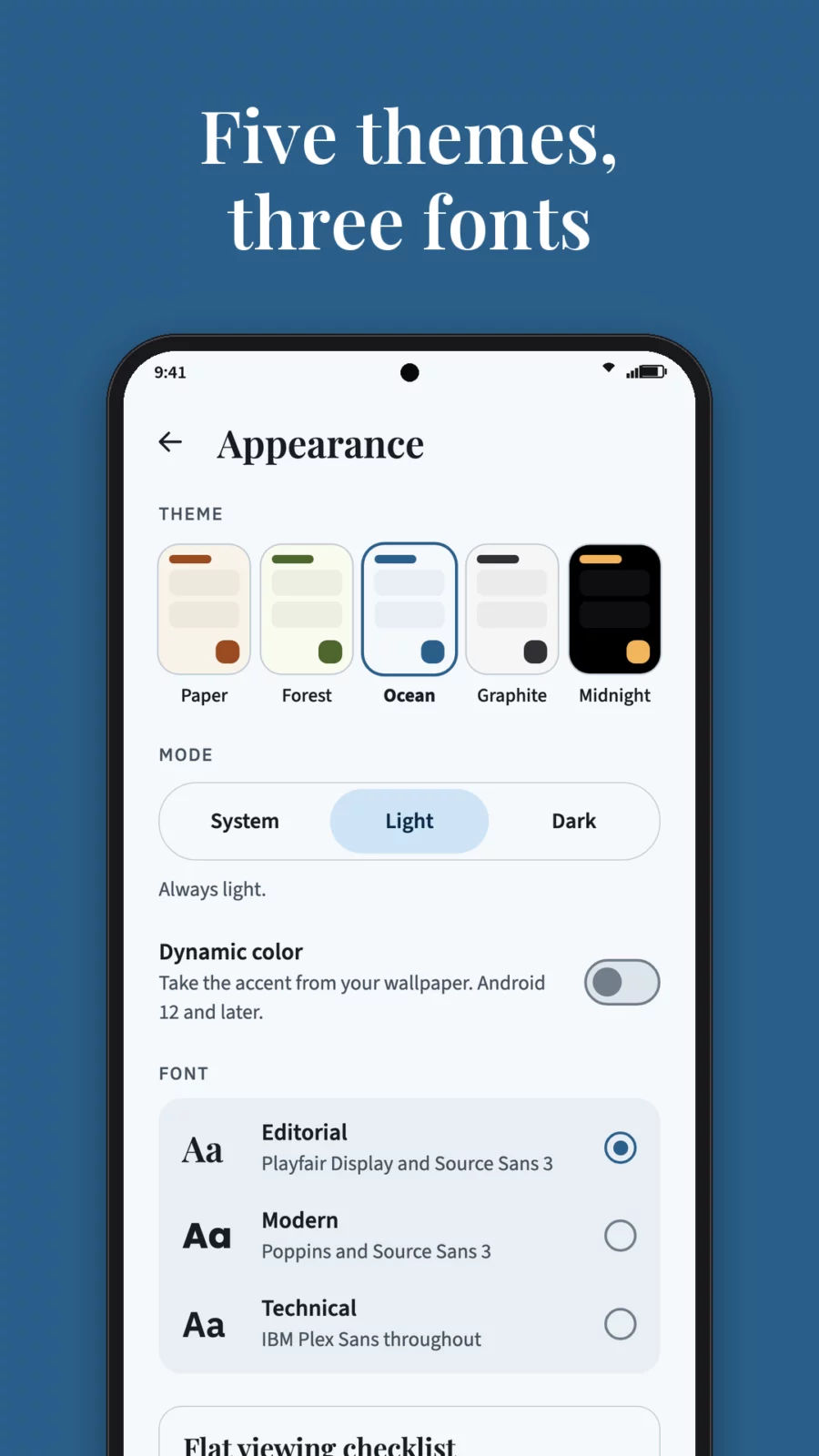
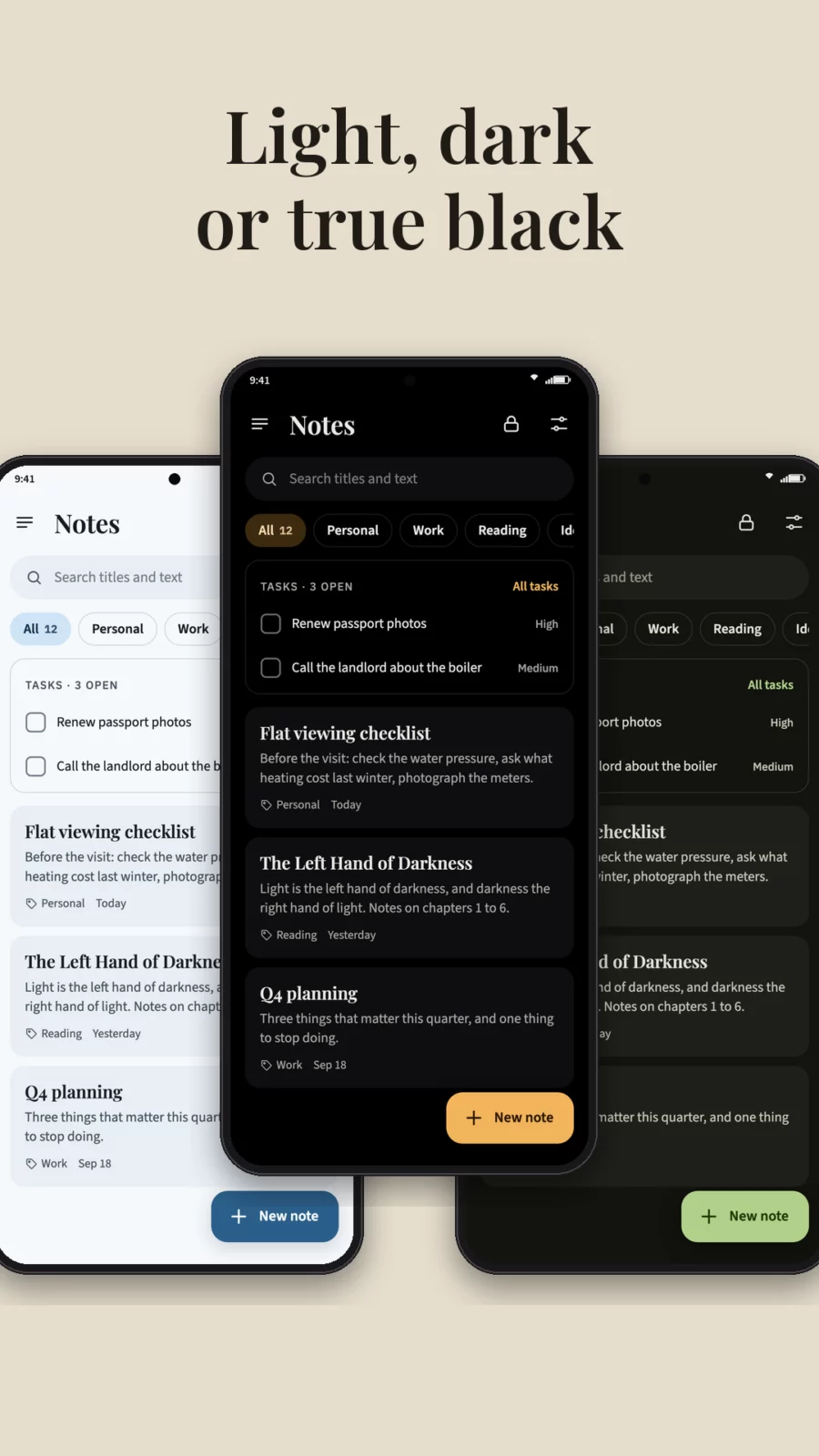
- Five themes (Paper, Forest, Ocean, Graphite, Midnight), light, dark or system mode, dynamic color on Android 12+, and three font sets bundled in the app.
- OPEN SOURCE
- Encly is open source (Apache-2.0): anyone can check what it does.
- Works without Google Play Services. Android 8.0 or newer.
- 9 languages: English, Ukrainian, German, French, Spanish, Italian, Polish, Portuguese and Dutch. Pick one for Encly alone in Settings → Language.
Encly: encrypted notes that stay yours.
Privacy policy: https://pasichdev.xyz/apps/encly/privacy-policy/
Encly: Encrypted Offline Notesv2.0.1 · 10.9 MB · Android 8.0+
Download APKAPK file hosted on AABforAndroid (Oct 1, 2026, SHA-256 verified). Free and open-source software (Apache-2.0) · Source code.