How to find out your Android version
Oct 3, 2016Updated
Screenshots
About How to find out your
Here’s what you need to do to find out your Android version:
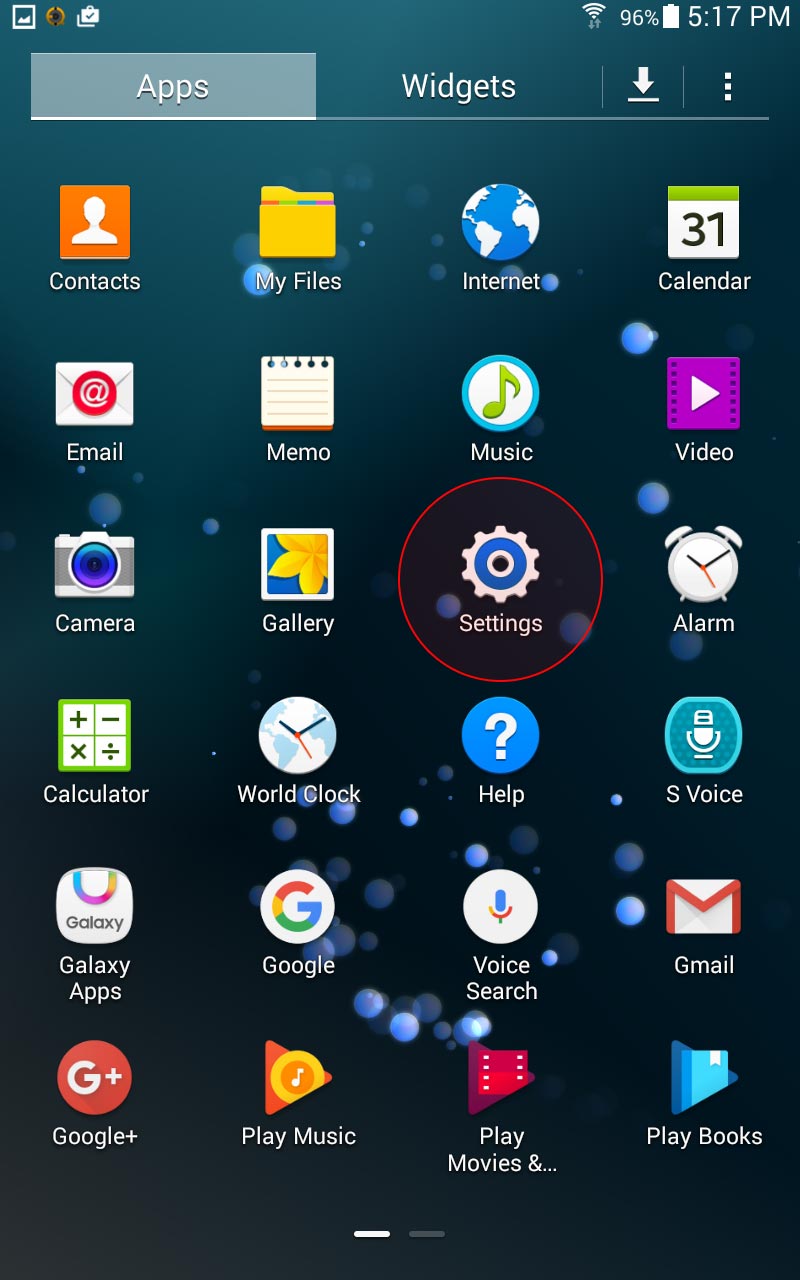
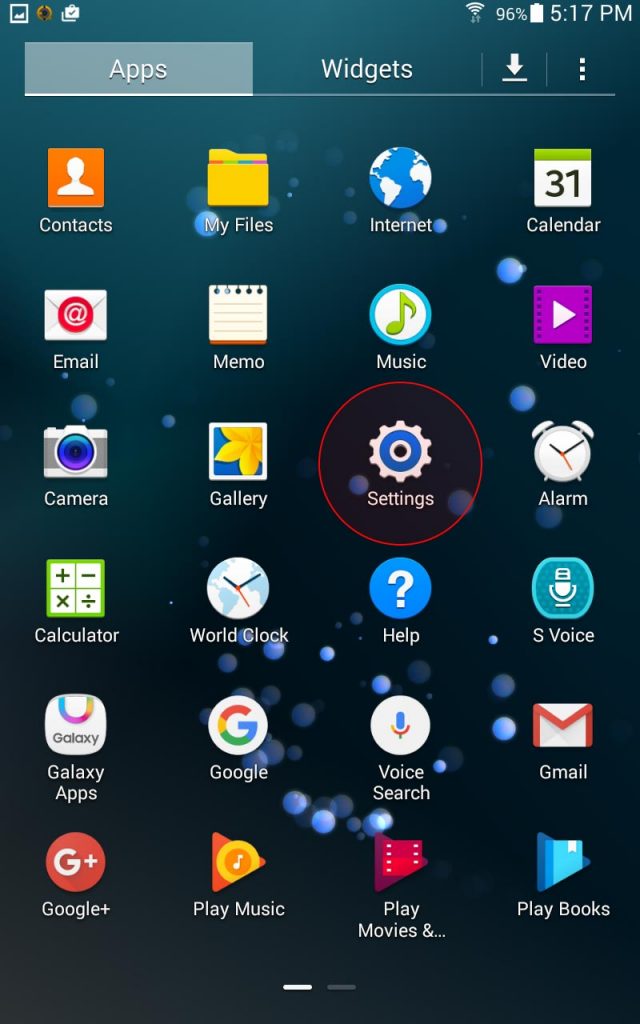
Go to Settings > About device > Android version
or
There is a quicker way for Android devices: go to your dial pad and dial #1234#
Detailed instructions:
1. Go to your device menu, select Settings
2. Find a menu called About tablet or About phone
3. Select Software Information
4. Look for Android version and you’ll see numbers that indicate your android version
Menu options for some devices:
HTC Menu – Settings – About phone – Software Information
Samsung Menu – Settings – About phone (device)
Sony tap Apps on the main screen, then Settings – About phone – Android version
Page updated Oct 3, 2016.