Haven SSH Client App Android Free Download

Haven SSH Client App Android Free Download
Haven SSH Client
GlassOnTinCast
- Android
- Free
- Open source · GPL-3.0-only
5.89.18Version
Oct 5, 2026Updated
226.9 MBSize
Android 8.0+Requires
- Released
- Mar 16, 2026
- License
- GPL-3.0-only
- Package
- sh.haven.app
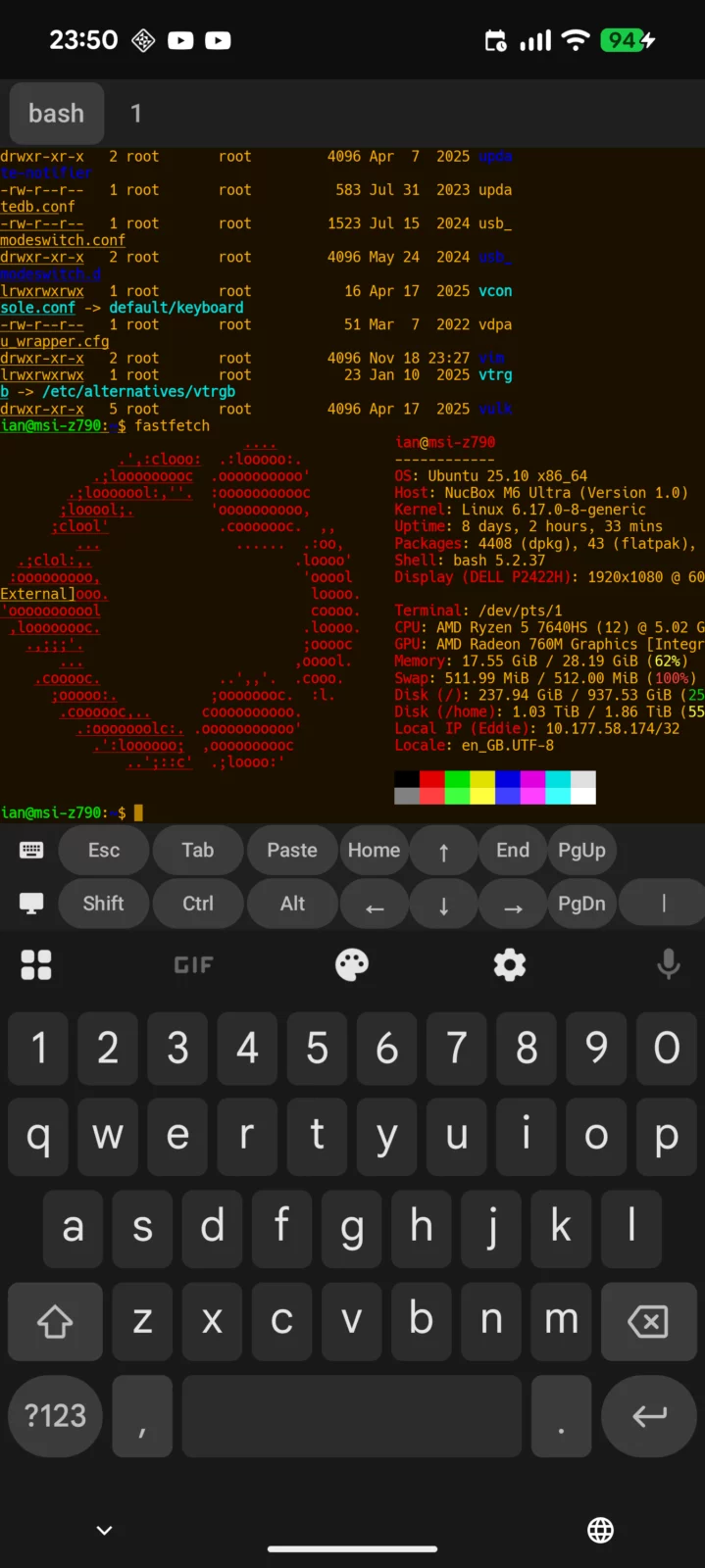
Screenshots
What's new v5.89.18
- **A setting to keep the soft keyboard down when a terminal opens.** By default a terminal still raises the keyboard as soon as it opens; turning the new setting off leaves it hidden until you tap the input area or the keyboard key. (#675)
About Haven SSH Client
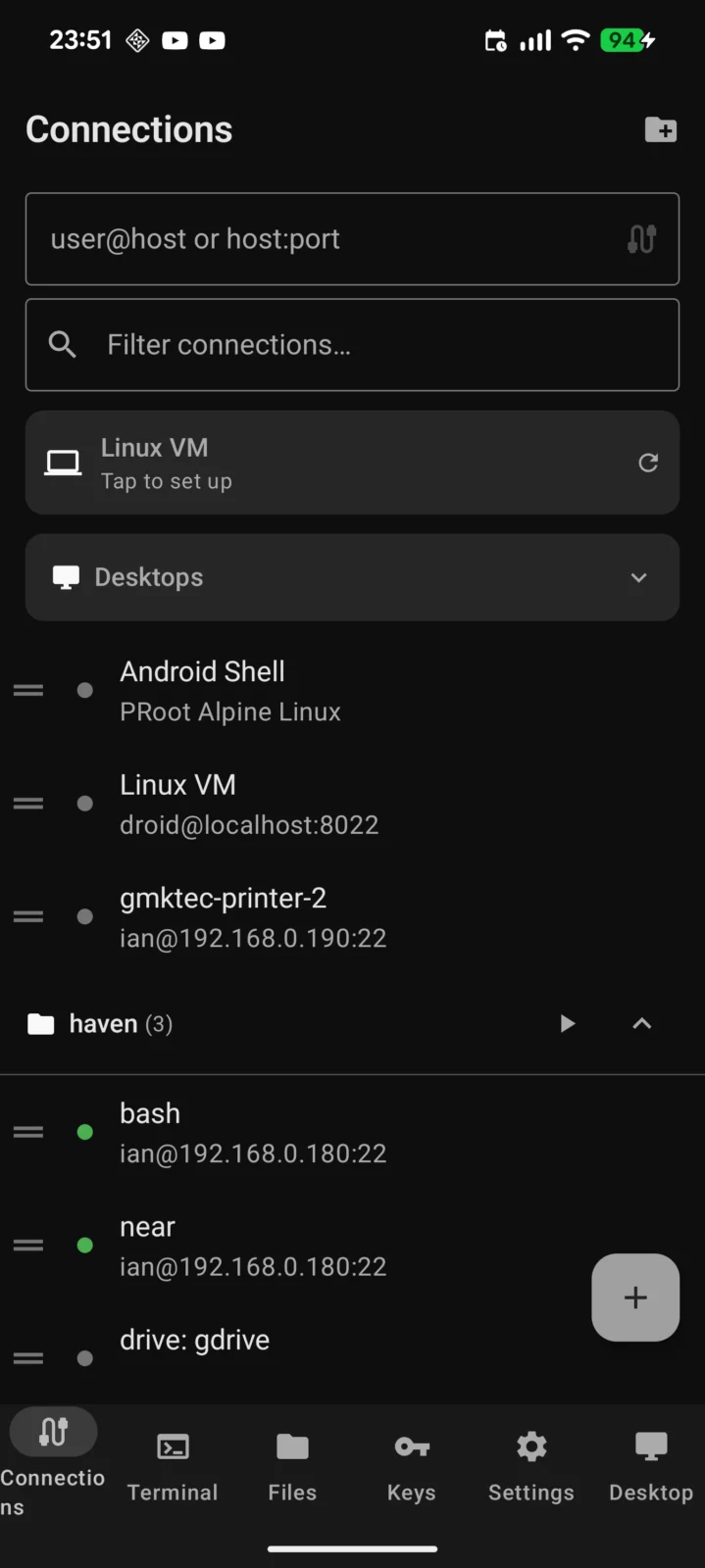
Haven is an open-source SSH, VNC, RDP, and SFTP client for Android with a native Wayland desktop and cloud storage.
- Terminal:
- Full VT100/xterm emulator with Unicode, multiple tabs, and 6 color schemes
- Session persistence via tmux, zellij, screen, or byobu
- Mouse mode for TUI apps (vim, htop, mc)
- Configurable keyboard toolbar with Esc, Ctrl, Alt, arrows, function keys, and custom macros
- Text selection with word expansion, copy, and clickable URL detection
- Voice input and autocomplete mode
- Mosh and Eternal Terminal for roaming and persistent connections
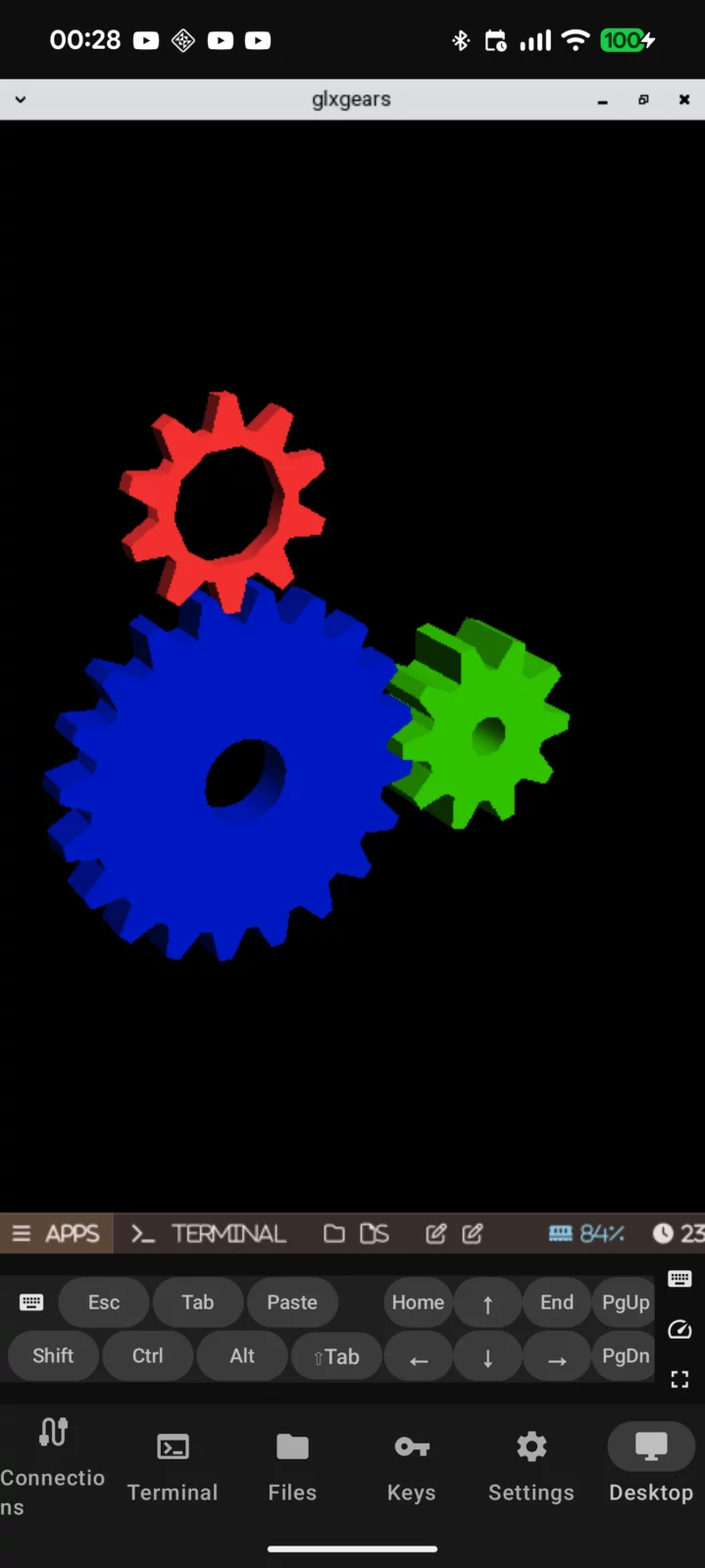
- Native Wayland Desktop:
- GPU-accelerated labwc compositor running directly on your device
- Waybar panel, fuzzel app launcher, thunar file manager, mousepad editor
- Starter Pack addon with Firefox, calculator, image viewer
- XWayland for X11 app compatibility
- Multi-desktop management — run multiple desktops simultaneously
- No root required (PRoot with Alpine Linux)
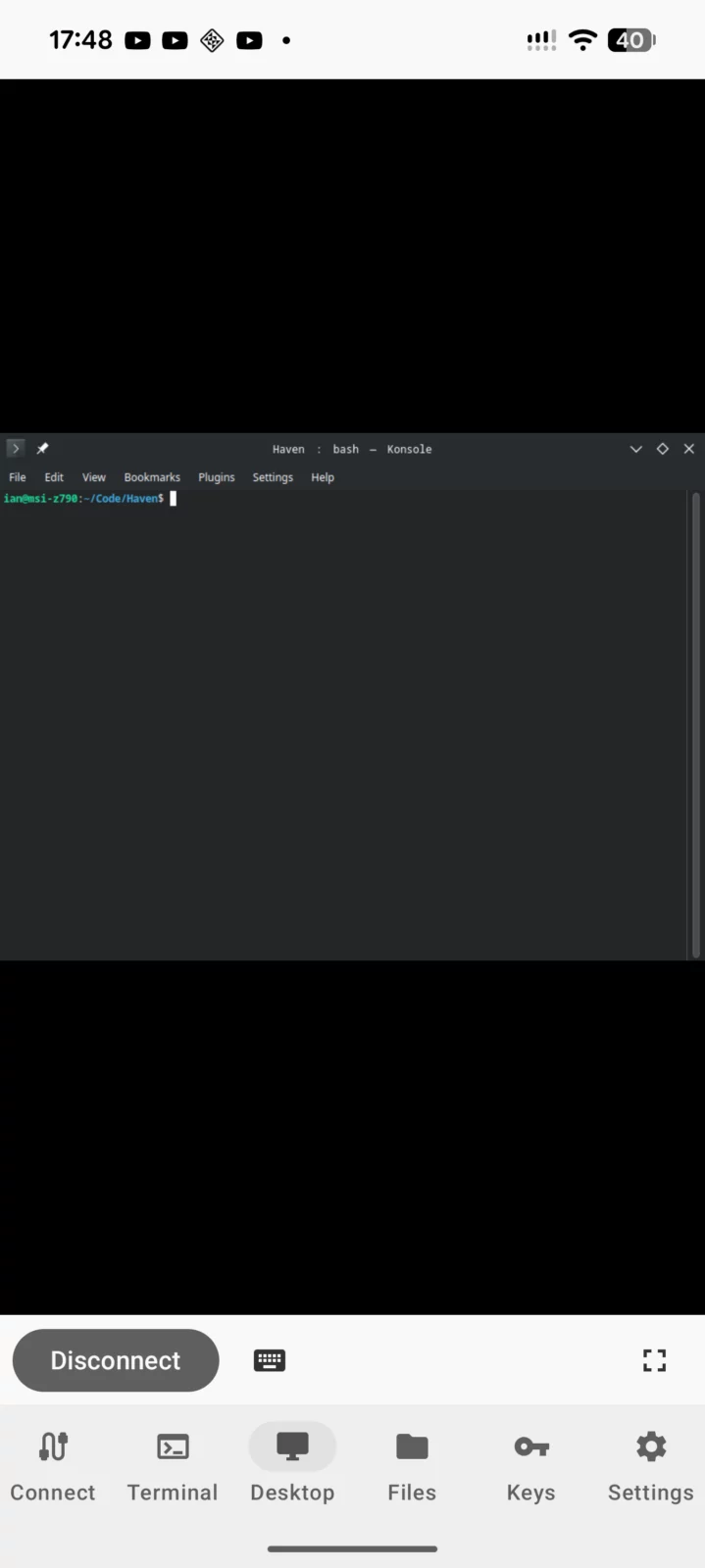
- VNC Remote Desktop:
- VNC viewer with pinch-to-zoom, pan, and fullscreen mode
- SSH tunnel support for encrypted connections
- Touch-to-click with drag gesture support
- RDP Remote Desktop:
- Connect to Windows Remote Desktop, xrdp, and GNOME Remote Desktop
- Pinch-to-zoom, keyboard with scancode mapping
- SSH tunnel with auto-connect through saved profiles
- Cloud Storage:
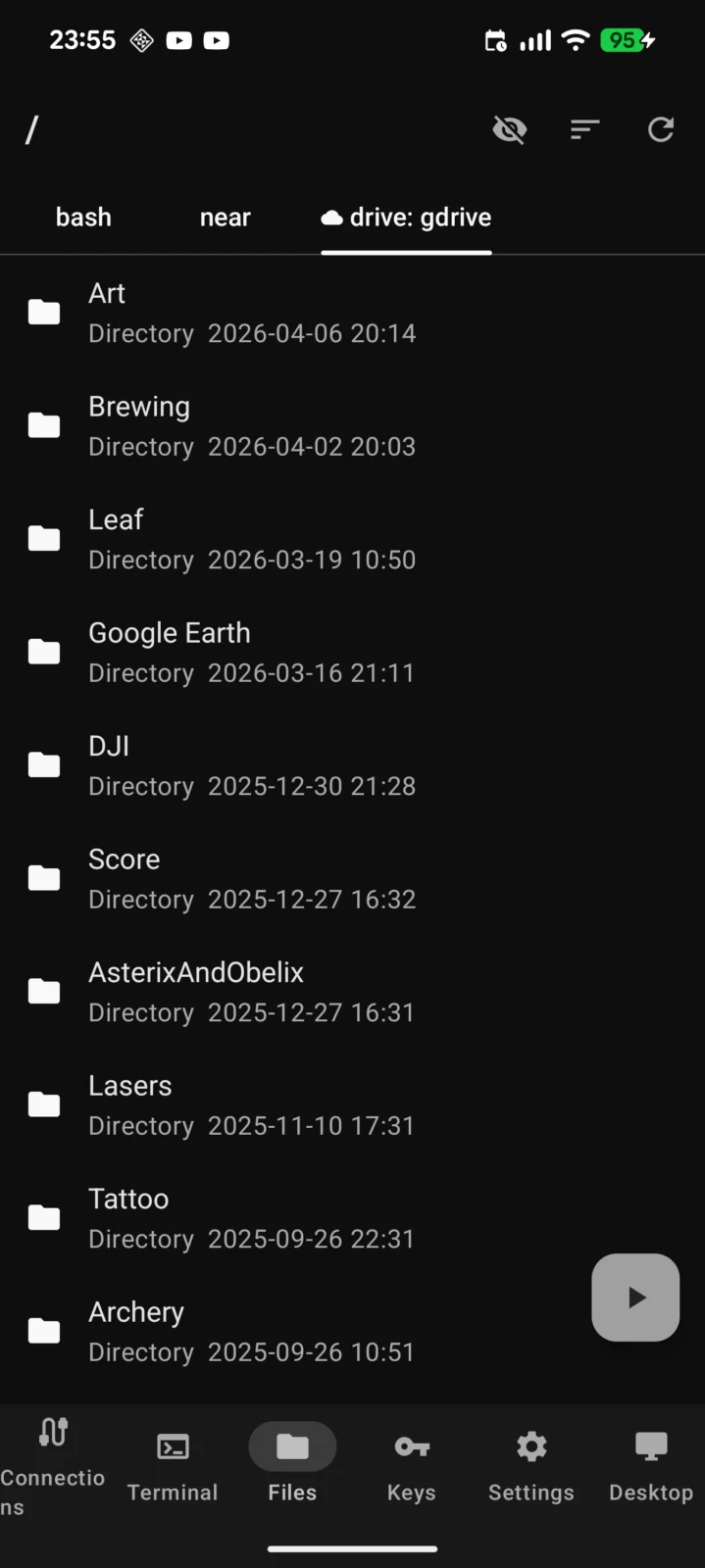
- 60+ providers via rclone — Google Drive, Dropbox, OneDrive, S3, and more
- OAuth authentication with browser flow
- Folder sync with filters, bandwidth limits, and dry-run preview
- Media streaming to VLC via local HTTP server
- DLNA server for smart TVs and Chromecast
- File Transfer:
- SFTP browser with upload, download, rename, delete, and folder transfer
- SMB/Windows file share browsing with optional SSH tunnel
- Cross-filesystem copy between any backends
- Networking:
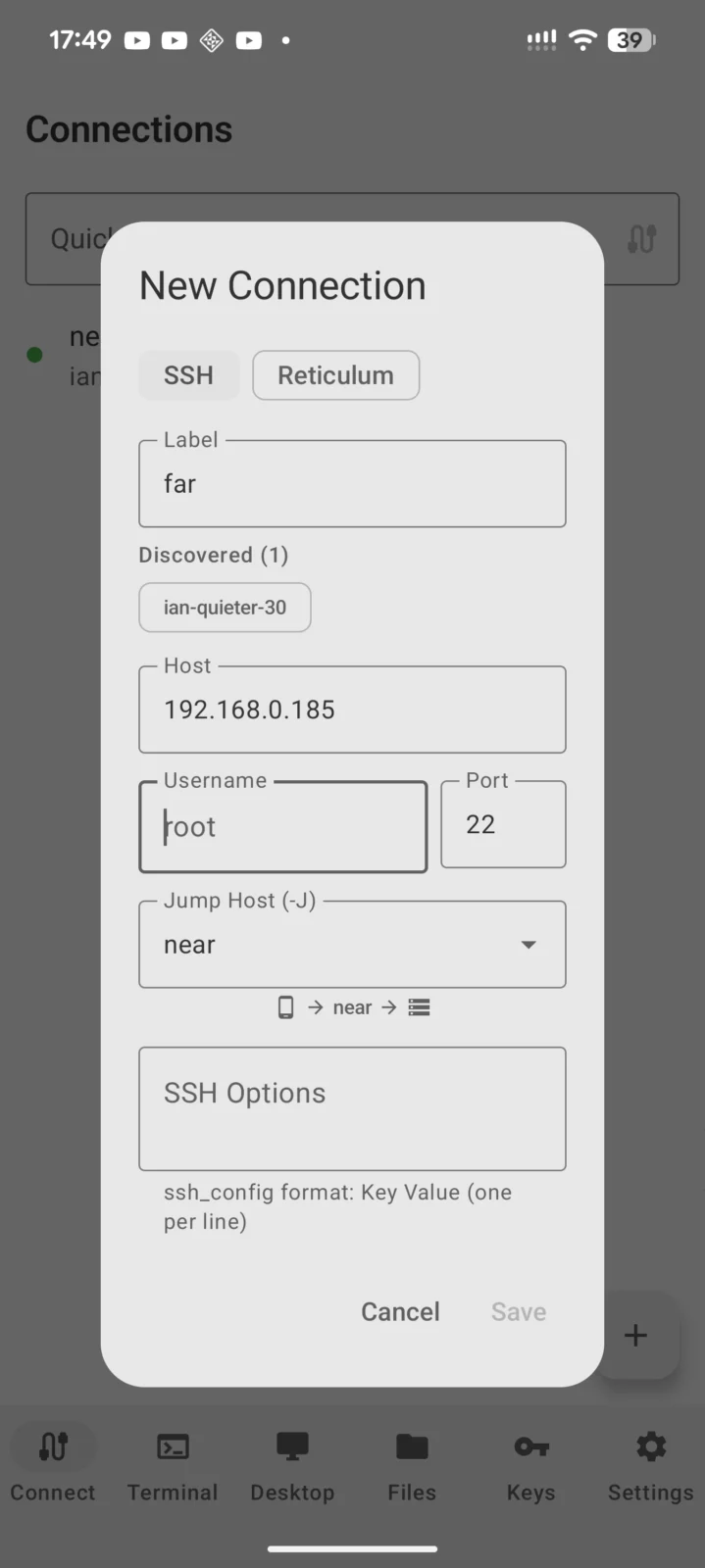
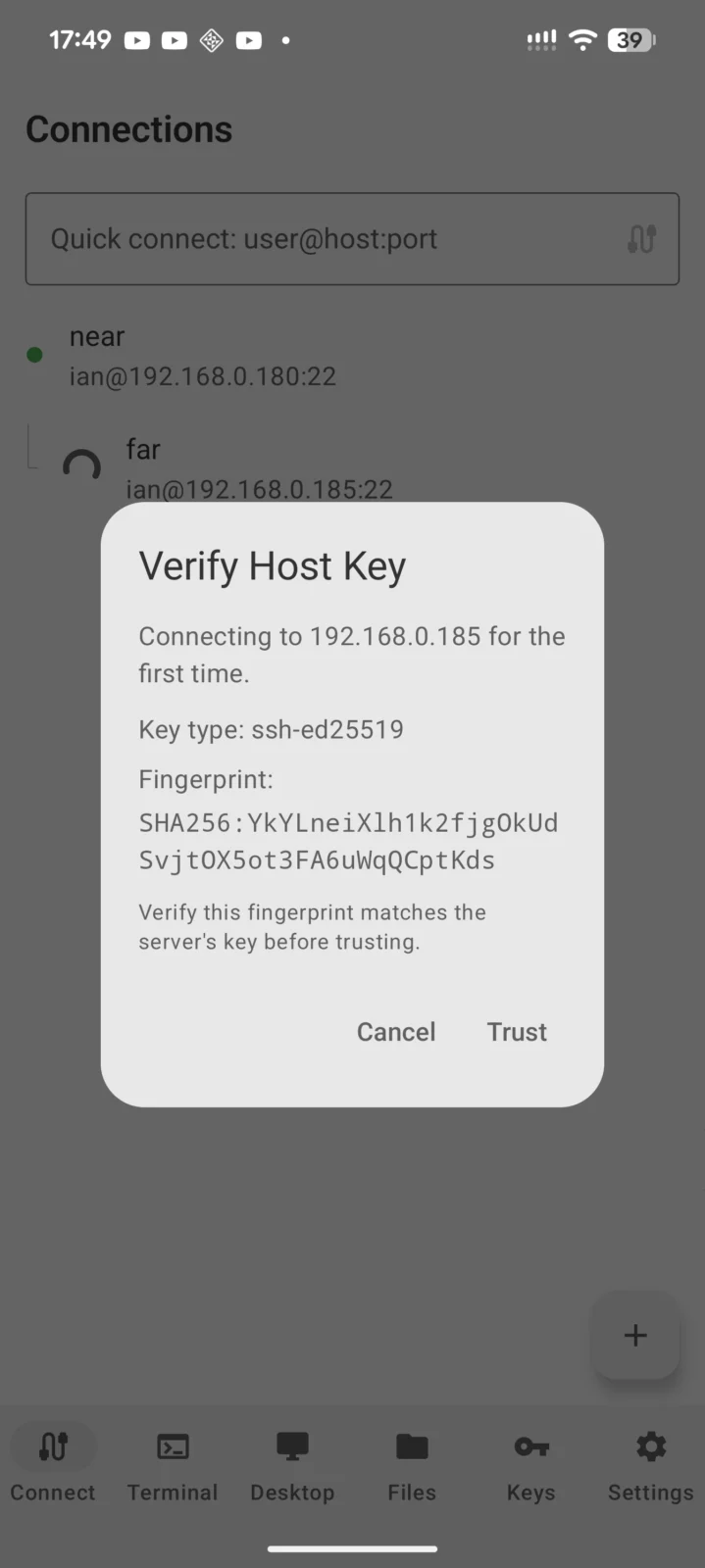
- SSH with auto-reconnect, port forwarding, and ProxyJump multi-hop
- Tailscale peer auto-discovery
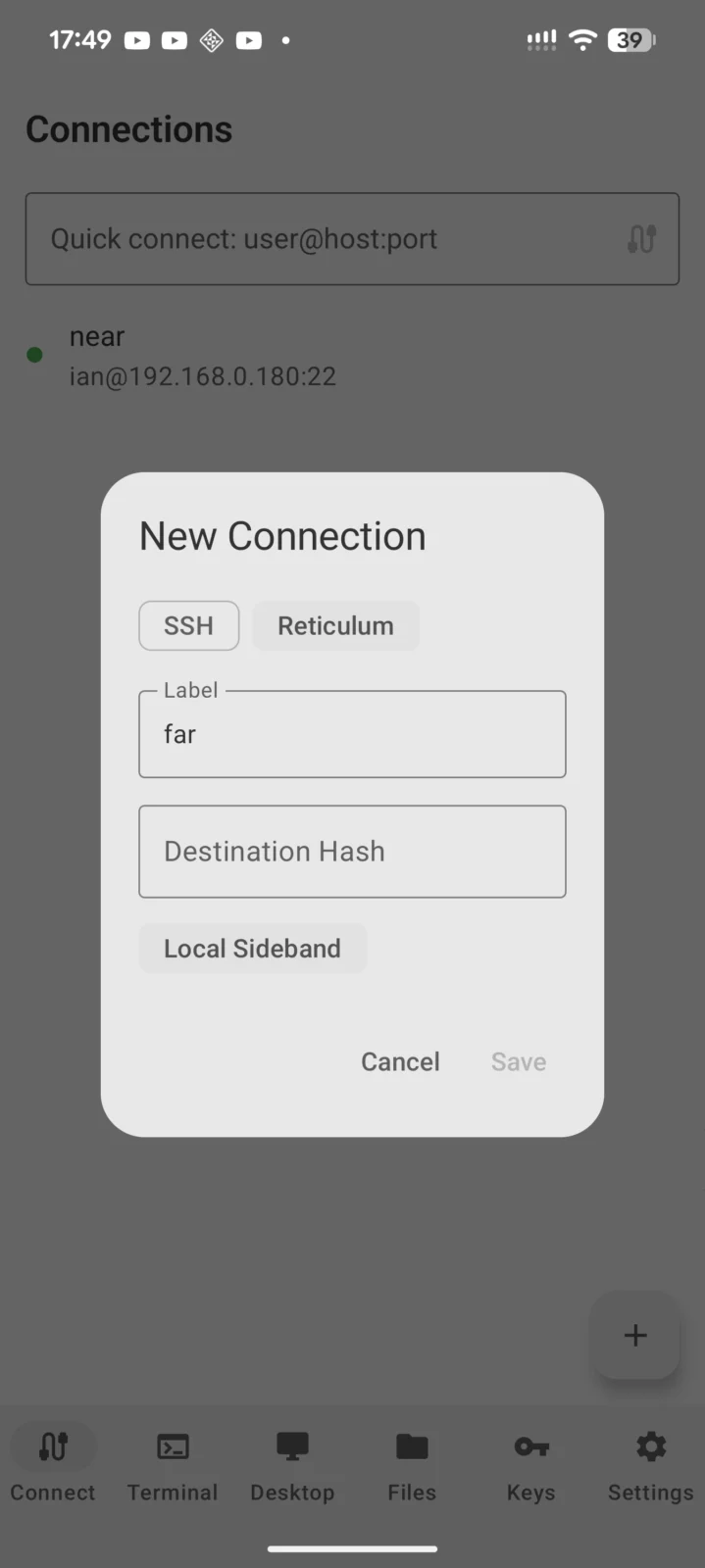
- Reticulum mesh network support via rnsh
- Network discovery for SSH hosts on local network
- Security:
- SSH key generation (Ed25519, RSA, ECDSA) with encrypted storage
- FIDO2 hardware key support (ed25519-sk, ecdsa-sk) via NFC or USB
- Biometric app lock with configurable timeout
- Connection audit log
- No ads, no tracking, no data collection
Haven is free and open source (AGPLv3).
Haven SSH Clientv5.89.18 · 226.9 MB · Android 8.0+
Download APKFree and open-source software (GPL-3.0-only) · Source code.