How to install a game to Android phone/tablet
Screenshots
About How to install a to phone/tablet
1. Installing Android game to your phone/tablet
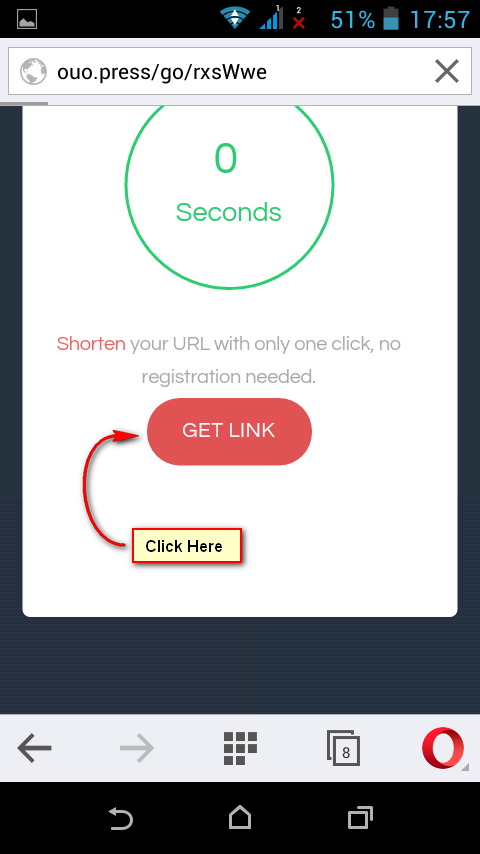
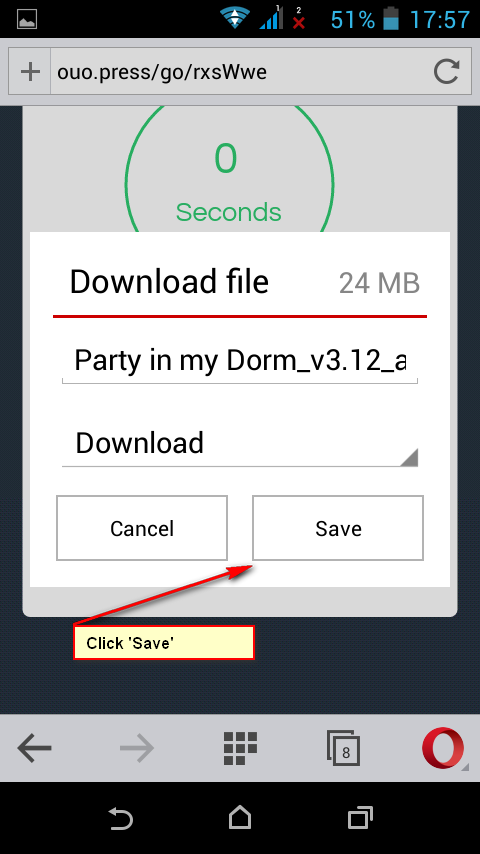
1.Go to the game page and tap Download, then select the suitable apk file and tap OK in the pop-up window to download the file.
2.You should get a notification that you successfully downloaded the file.
If there’s no notification, you can always find the file you’ve downloaded in your Download folder on your device
Tap the game file.
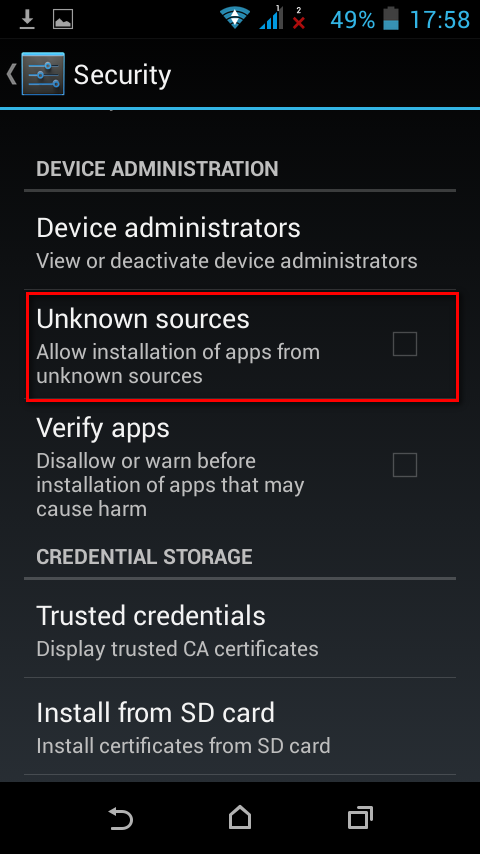
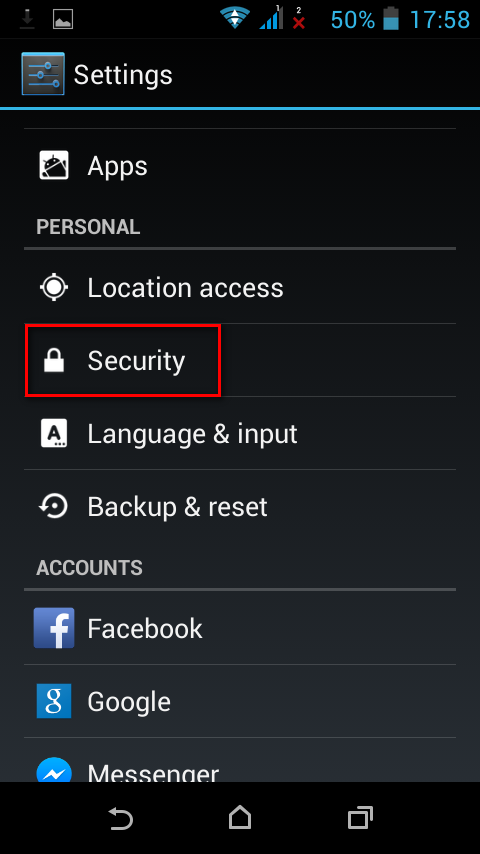
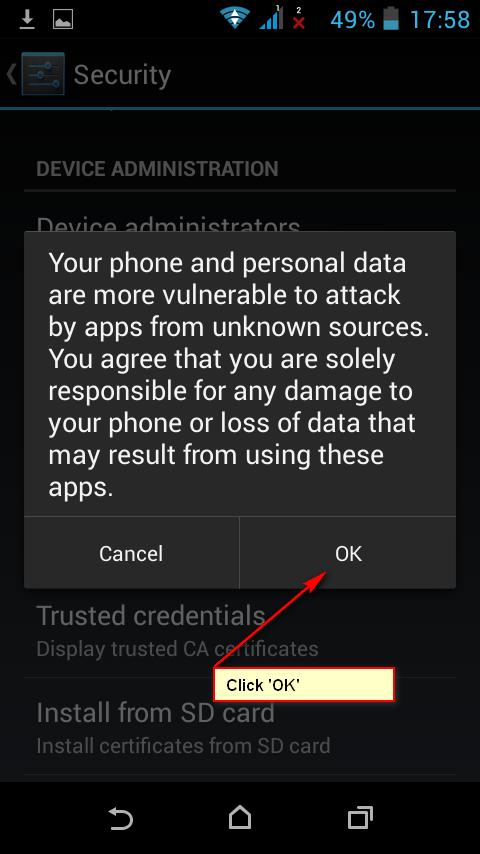
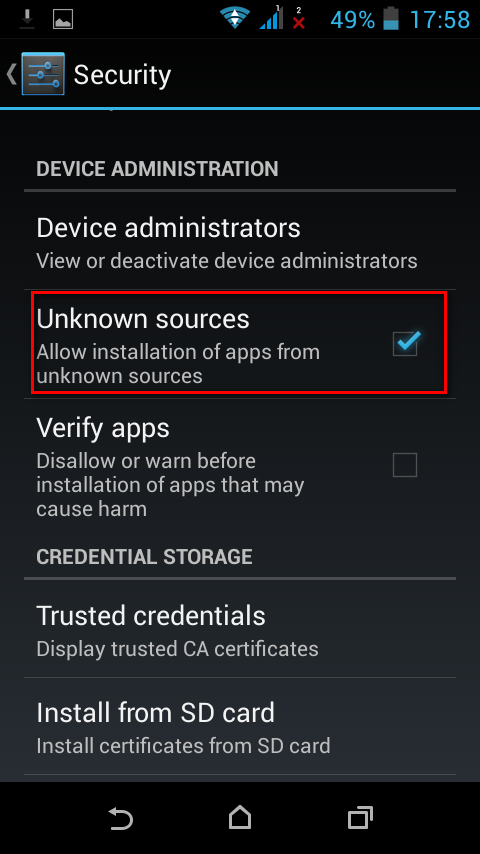
If it’s your first time installing Android game you can get a pop-up that blocks installations from unknown sources. Tofix it and allow your device to install the game tap Settings>Security>Unknown sources (check it if there’s no mark) >ОK
Then you go back to installing the game.
2. Installing Android games with cache to your phone/tablet
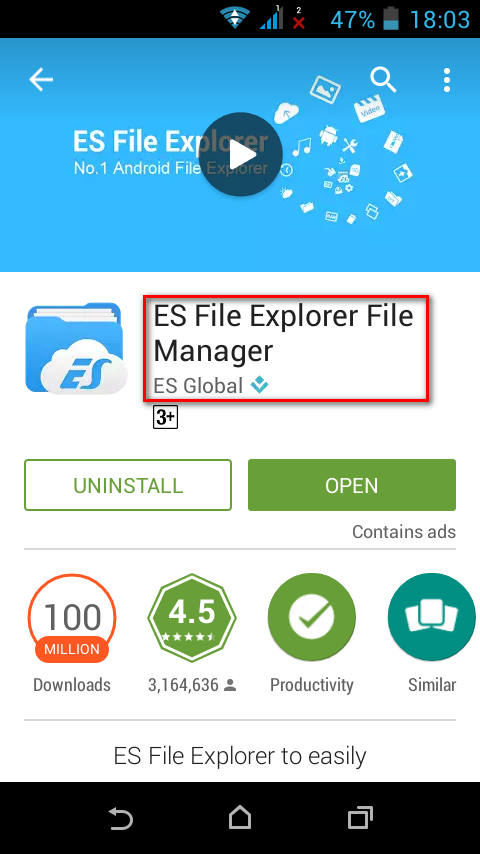
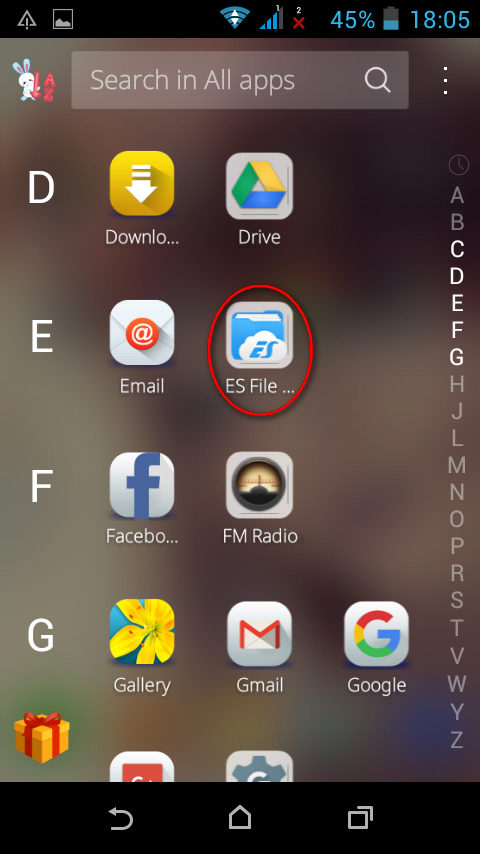
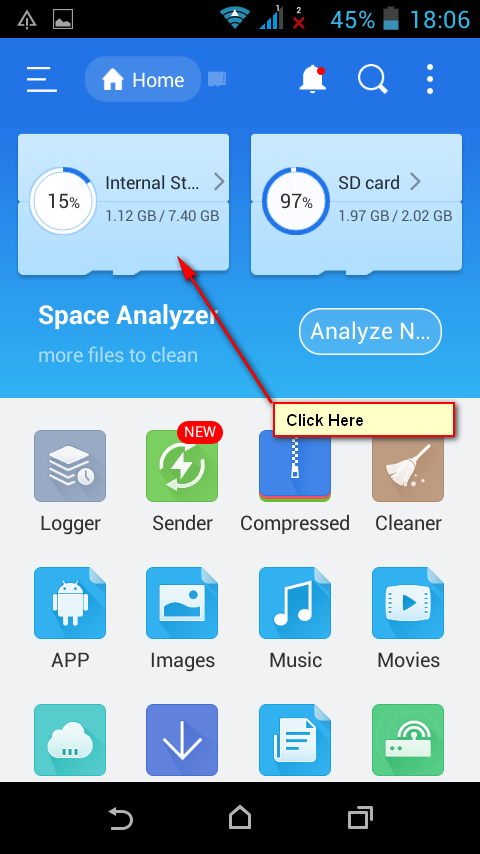
1.Install ES File Explorer to your device. Tap Install and after you finish downloading the files it’ll automatically be installed to your device. To open the app tap Open.
2.Enable Trust unknown sources option
Menu > Settings > Security >Unknown sources (check it if there’s no mark)
Note: Different devices may have different paths to Trust unknown sources and USB debugging options and it may differ from the path we show here.
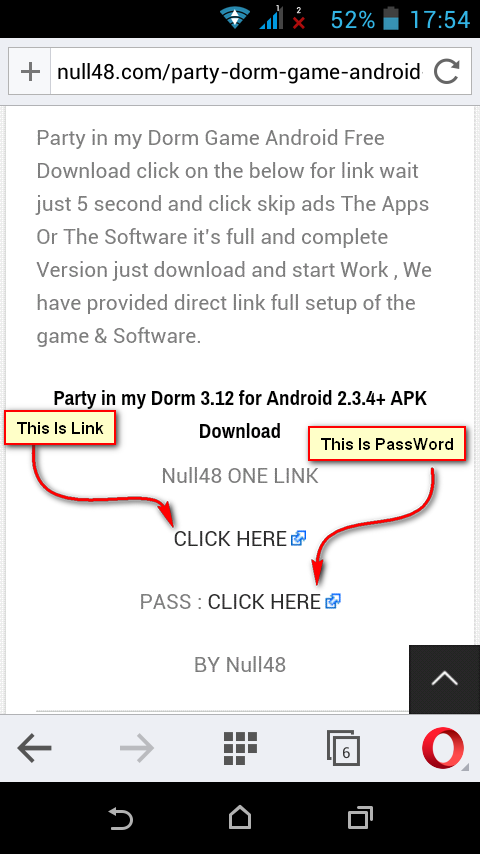
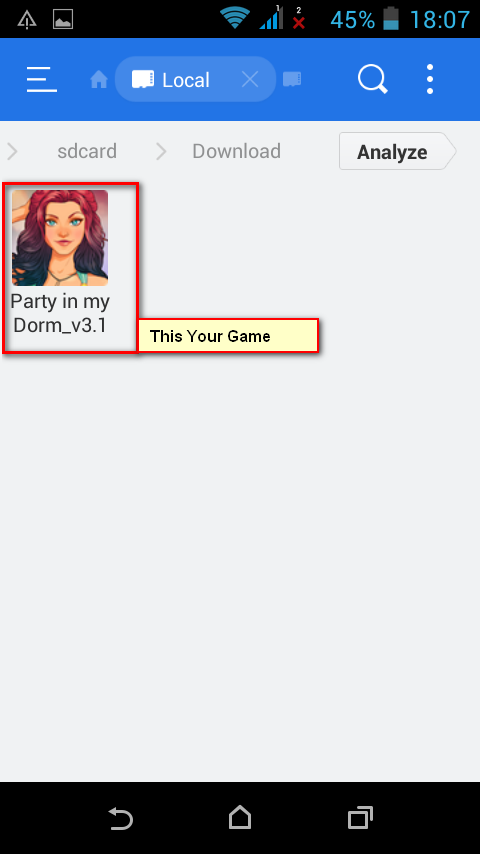
For example we took Party In My Dorm
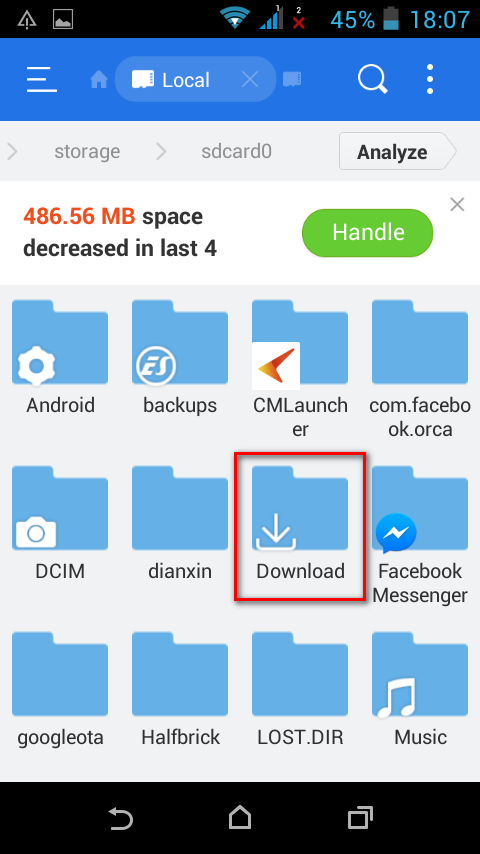
4.The apk file is in Download folder that’s in your root directory on your device.
Open the folder on your phone/tablet with ES File Explorer.
On your device it should look like this:
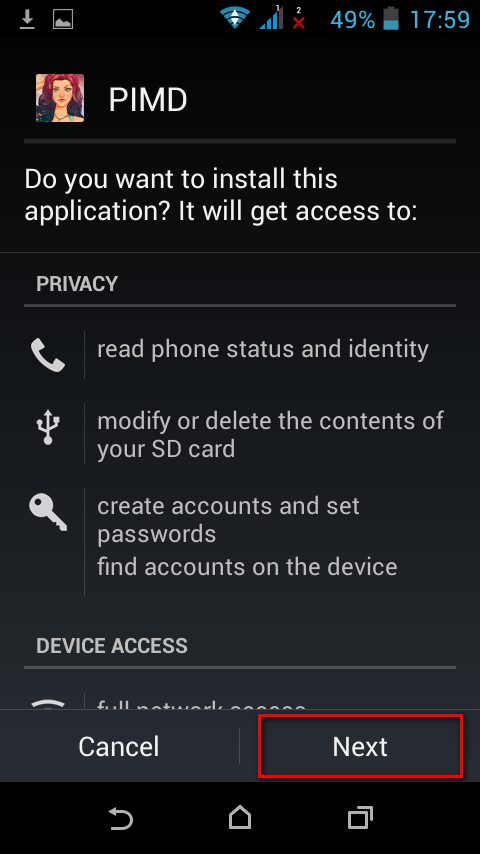
5.Tapthe *.apkfile and select Install.
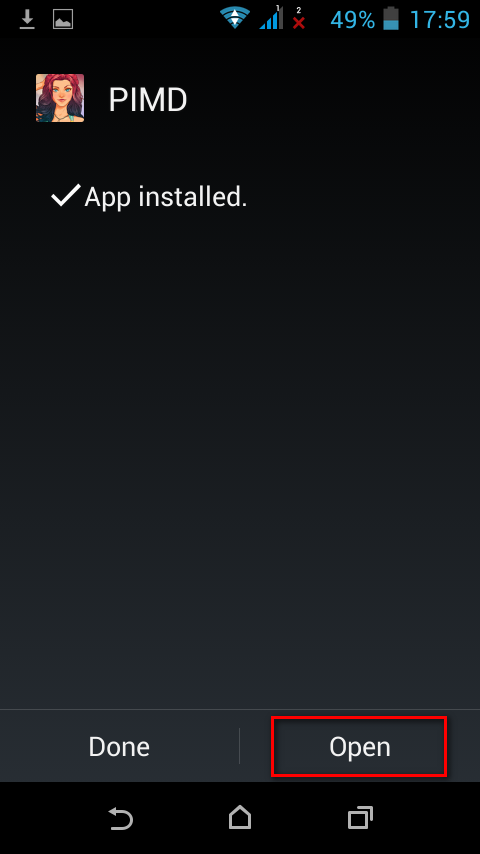
6.After the installation is complete tap Open and if the game needs cache let it download it from game server.
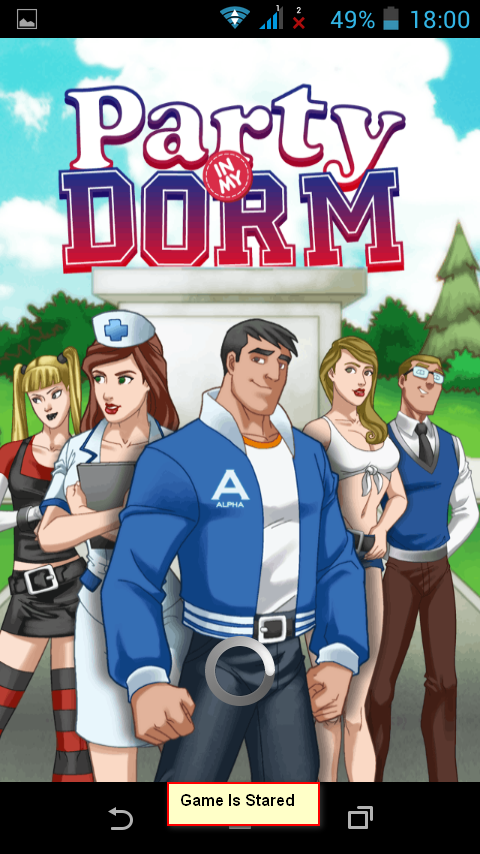
After downloaded the game will automatically open
Note: What’s cache?
Cache is just a folder with files you need to run a game or an app.
Virtually all games with cache on aabforandroid have their cache path on the game page showing you where you need to copy the files. Game cache is in a zip file and you need to copy not the zip file itself, but its contents to the indicated folder (read about how to do that in the instruction above)
If there’s no cache path on the page you can create in automatically:
1.Download the game (*.apk file)
2.Install it
3.After the installation run the game and allow it to start downloading cache, but cancel it in 10-15 seconds. The game created the folder and now you know where to place the cache.
Cache paths for games by popular developers:
Gameloft games – sdcard/gameloft/games/(game name*). If the game is from market the path will be different – sdcard/Android/data/(game name*)
Electronic Arts (EA) games – sdcard/Android/data/(game name*)
Glu games – sdcard/glu/(game name*)
Games by other developers – sdcard/data/data/(game name *) or sdcard/(game name *)
By (game name *) we mean extracted game cache!
Page updated Oct 3, 2016.