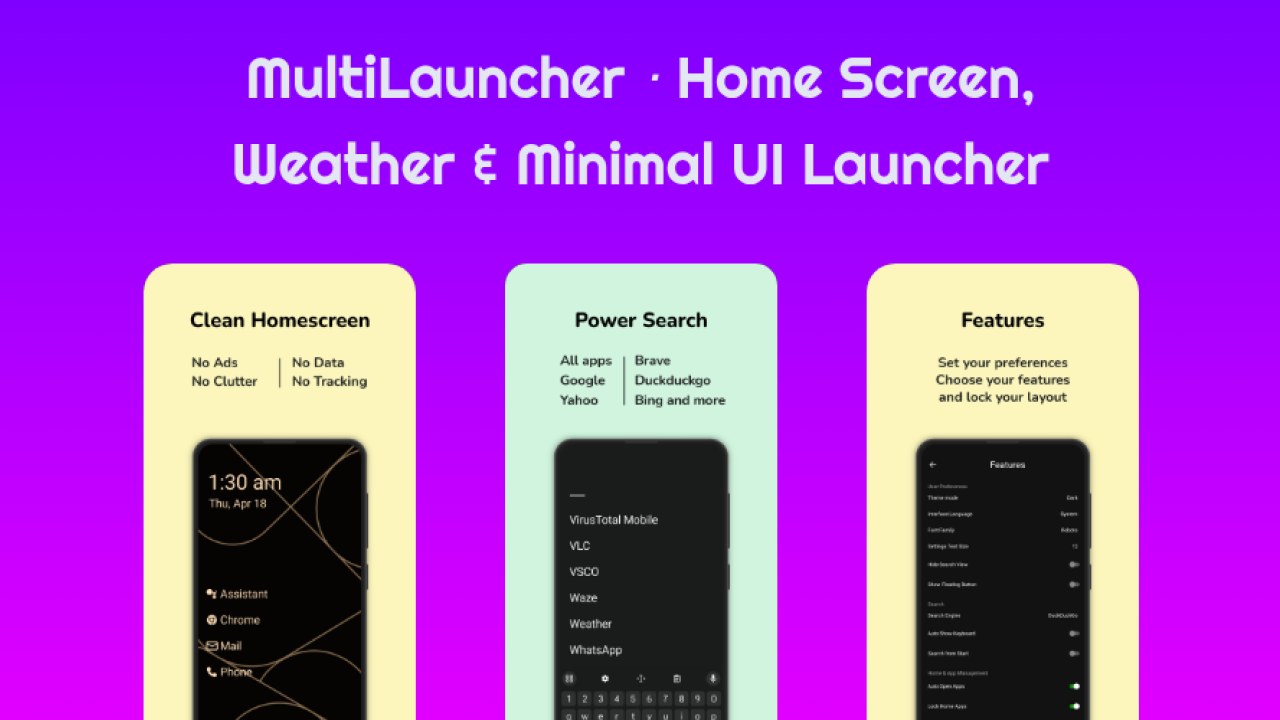
Multi Launcher ‧ Home Screen App Android Free Download

Multi Launcher ‧ Home Screen App Android Free Download
Multi Launcher ‧ Home Screen
DroidWorksStudioLauncher
- Android
- Free
- Open source · GPL-3.0-only
- Released
- Jul 31, 2026
- License
- GPL-3.0-only
- Package
- app.mlauncher
- SHA-256
437740f419b6565e88f3947ad5c62bfe25d2396341b1517507d45ef11d8e8356
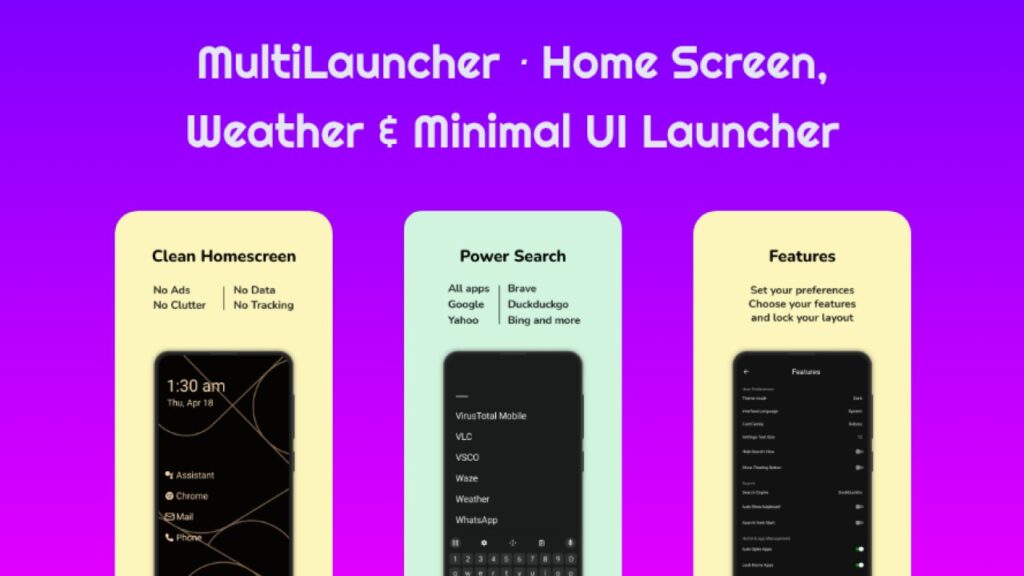
Screenshots
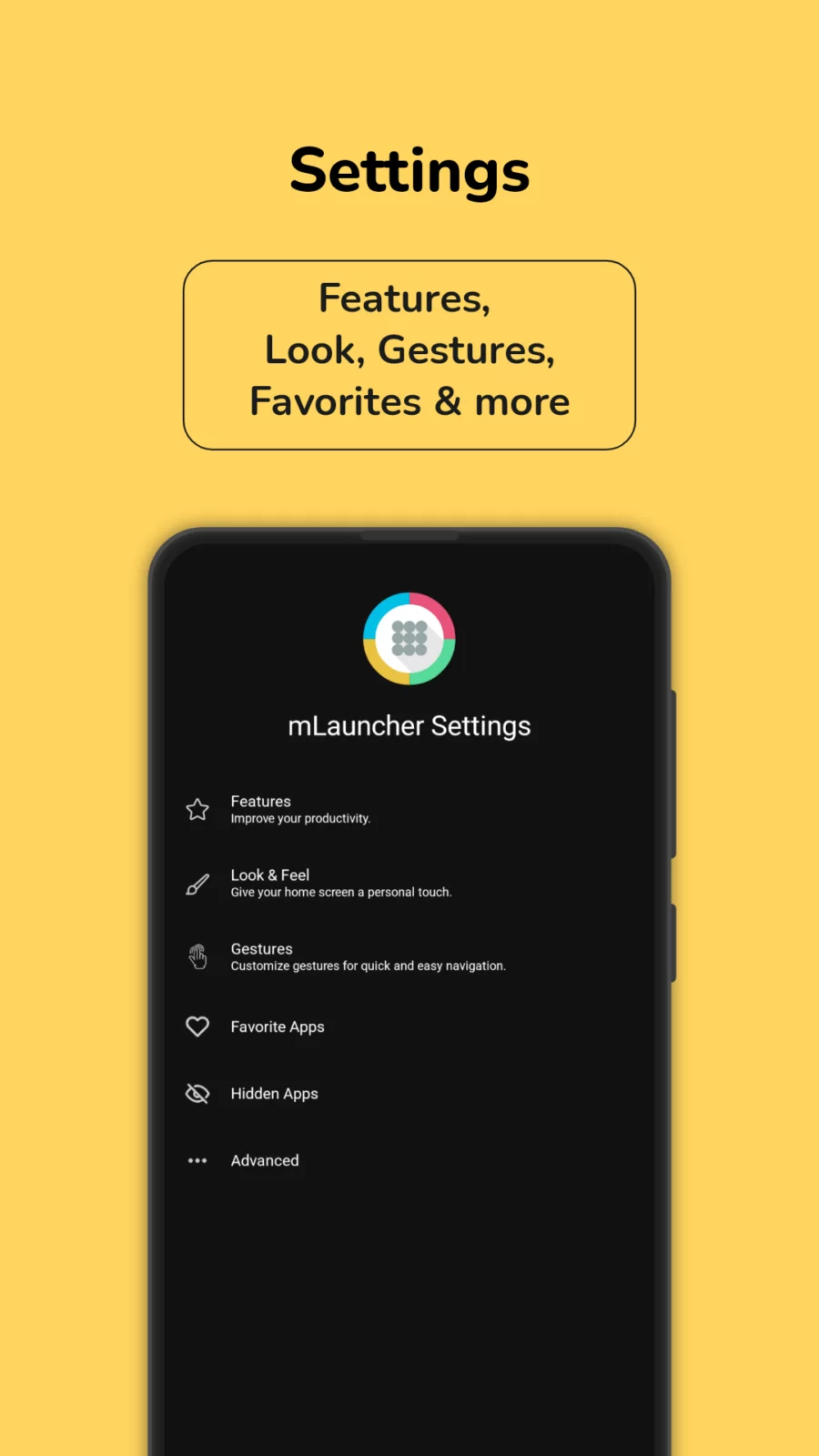
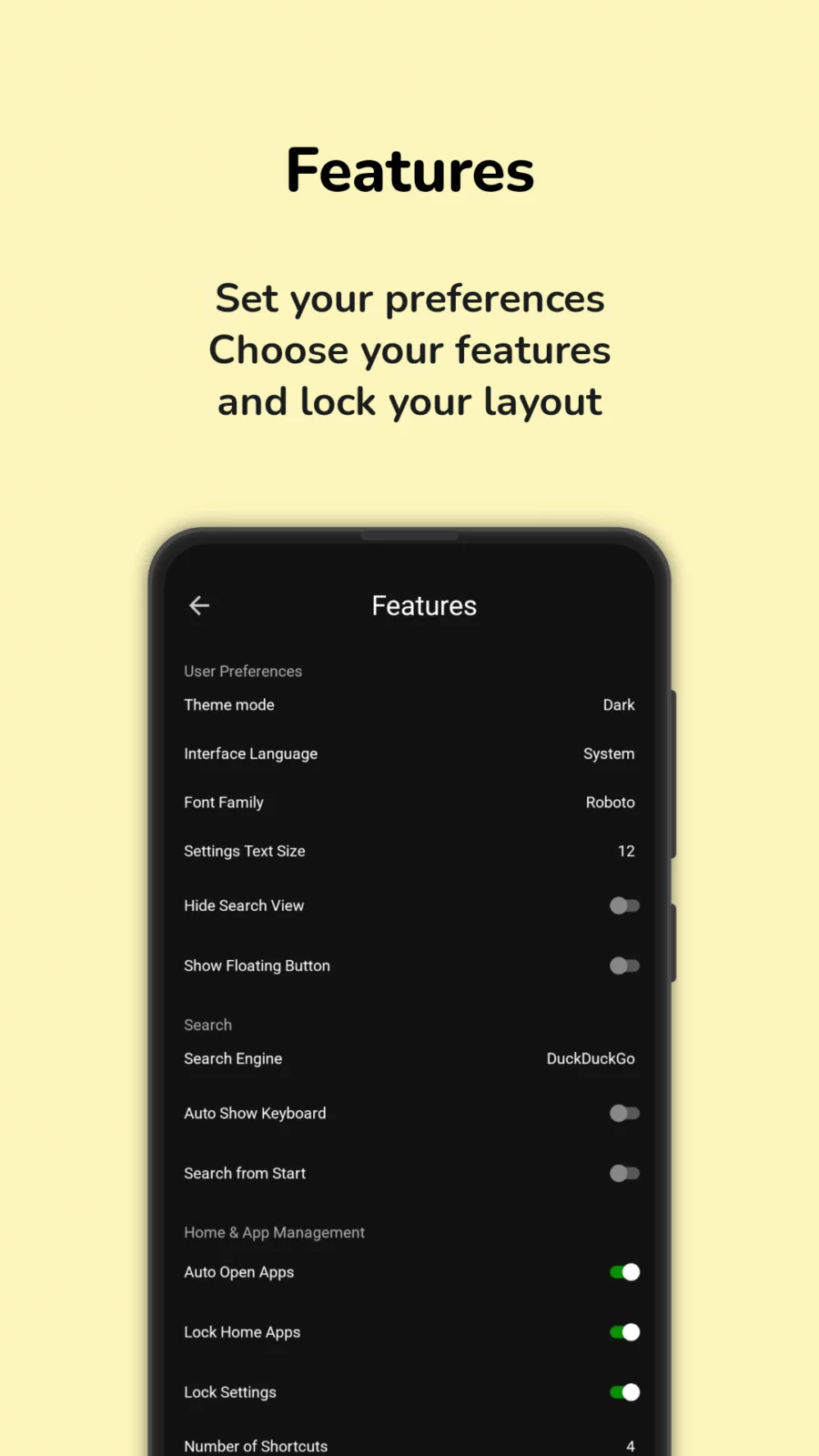
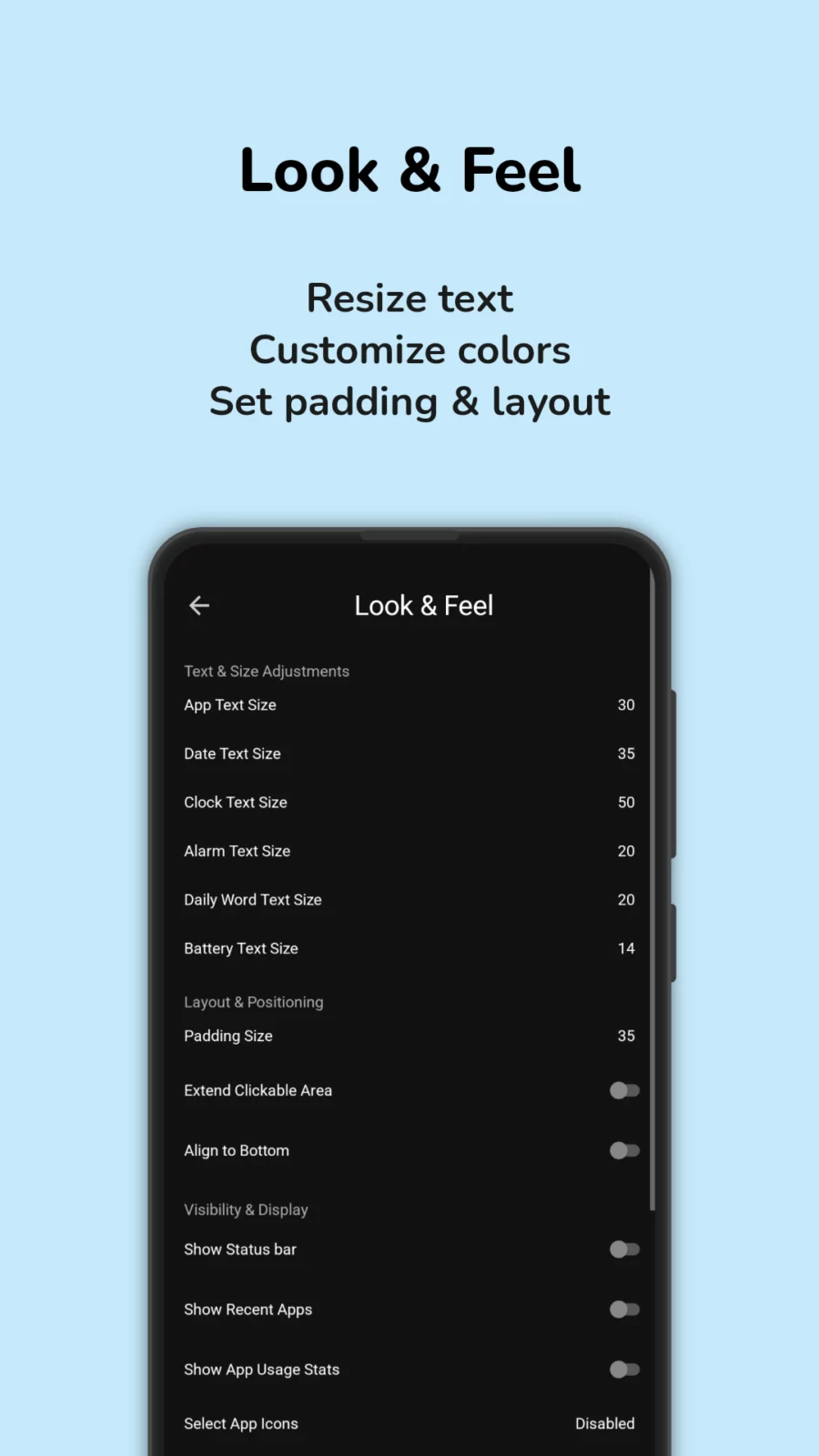
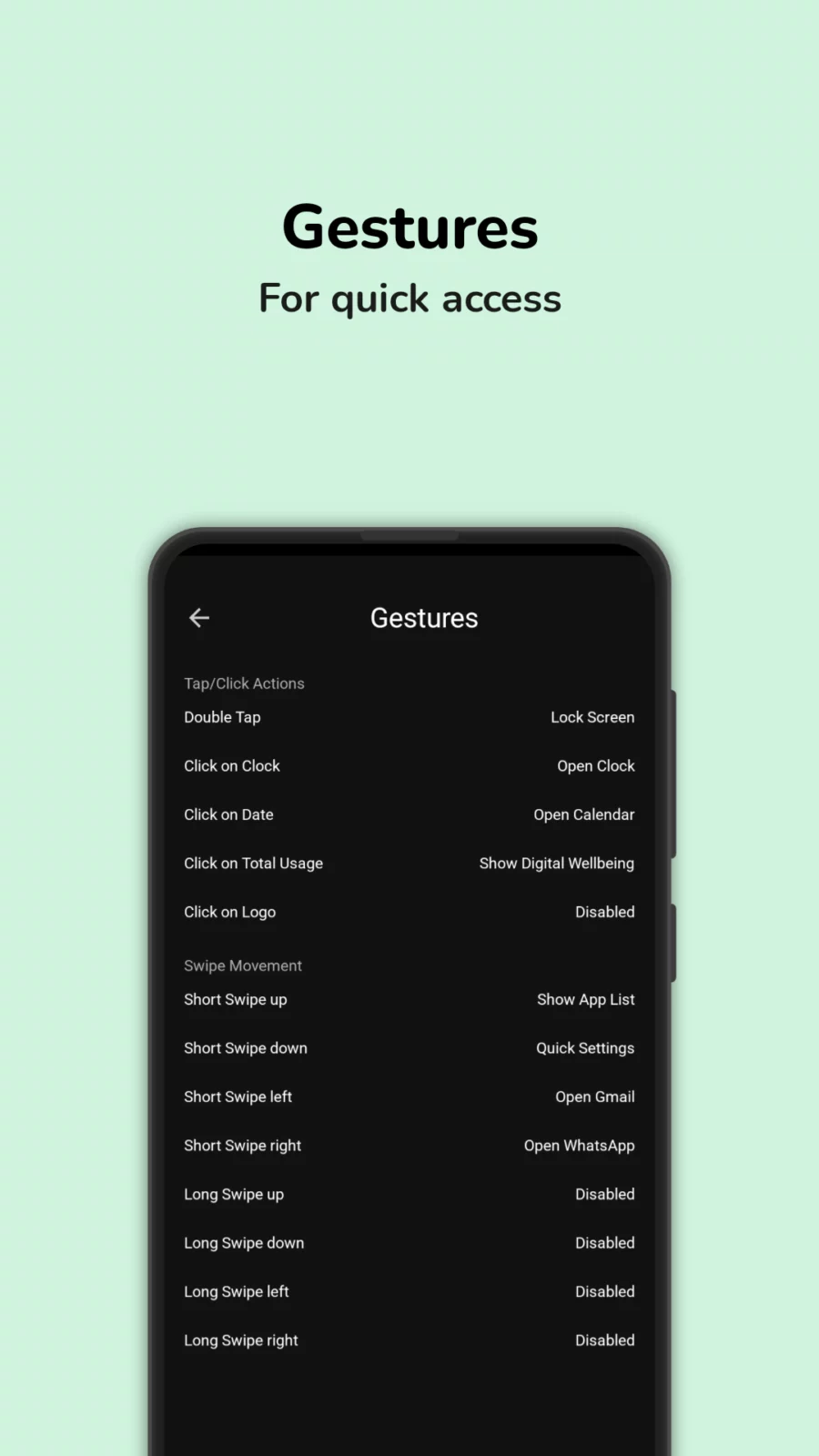
About Multi Launcher ‧ Home Screen
Multi Launcher: A Clean, Simple Android Launcher Built for Readability and Control
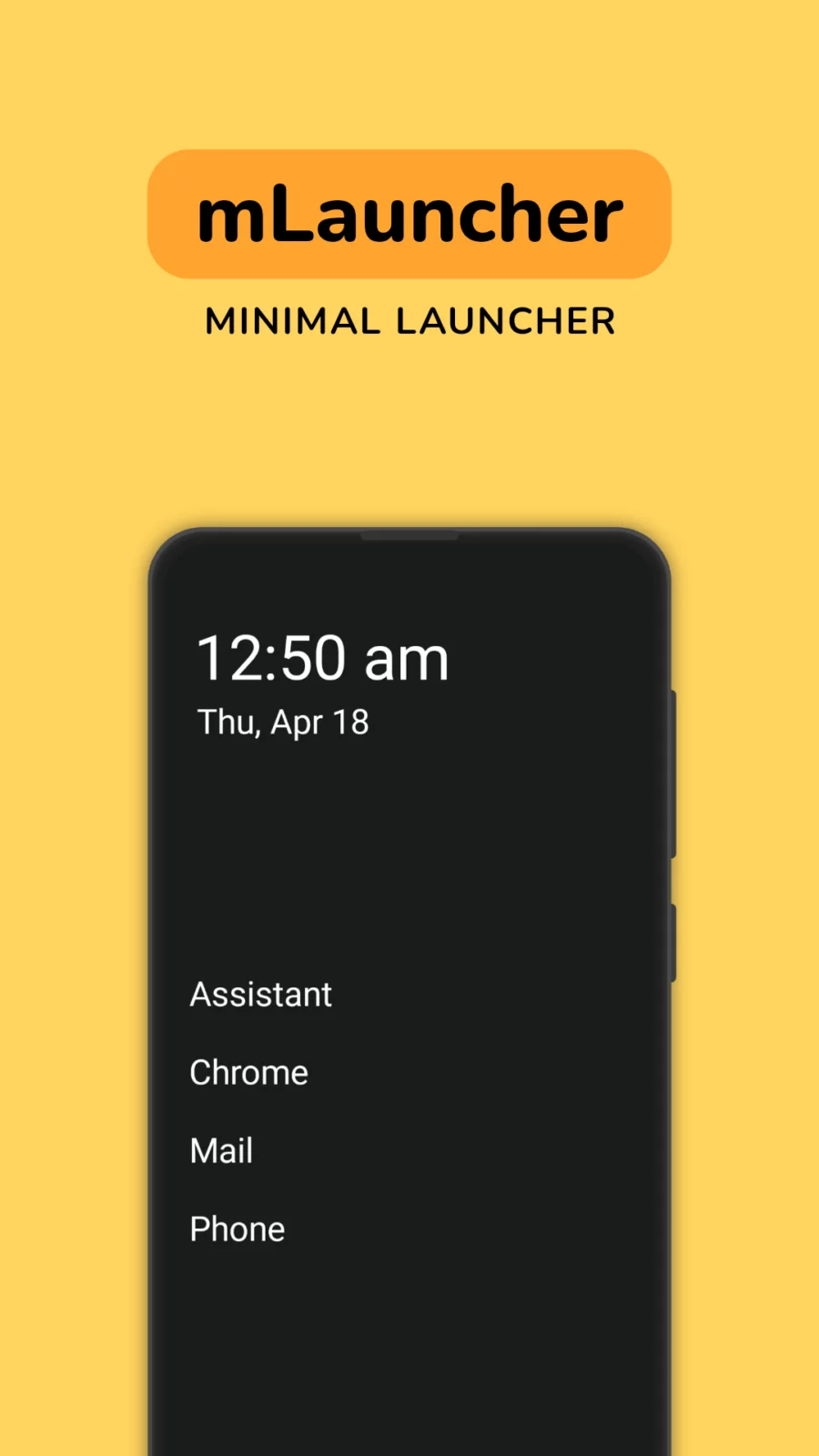
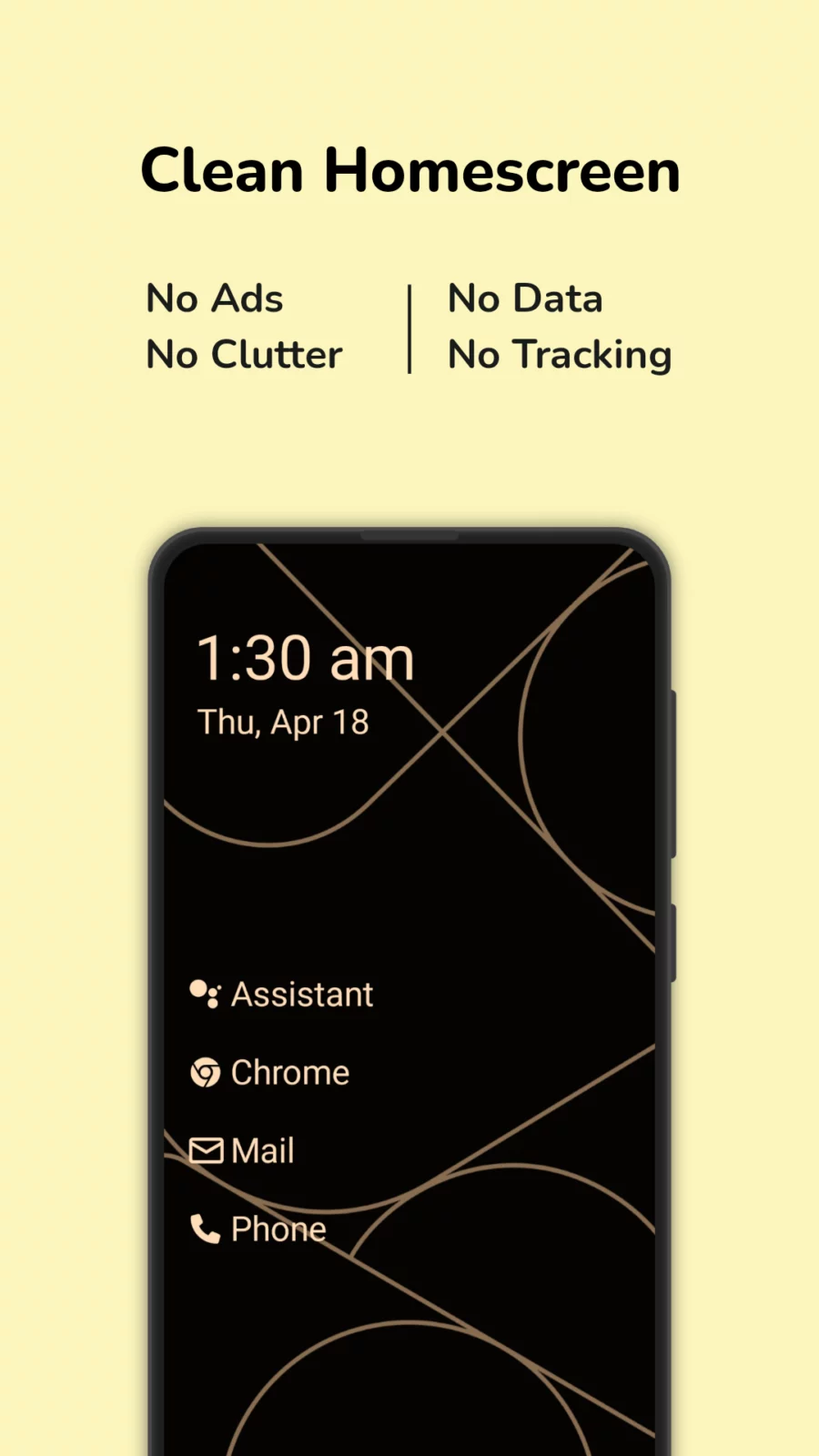
Looking for a launcher that ditches the clutter and keeps things easy? Multi Launcher is a powerful yet minimalist Android launcher that replaces tiny icons with clear, readable text buttons, making your phone easier to navigate.
Whether you want a simple home screen, need large text for visibility, or prefer quick gesture-based actions, Multi Launcher gives you full control without overwhelming you with options.
Why Choose Multi Launcher?
- Text-Based Launcher: No confusing icons — just labeled text buttons for your apps.
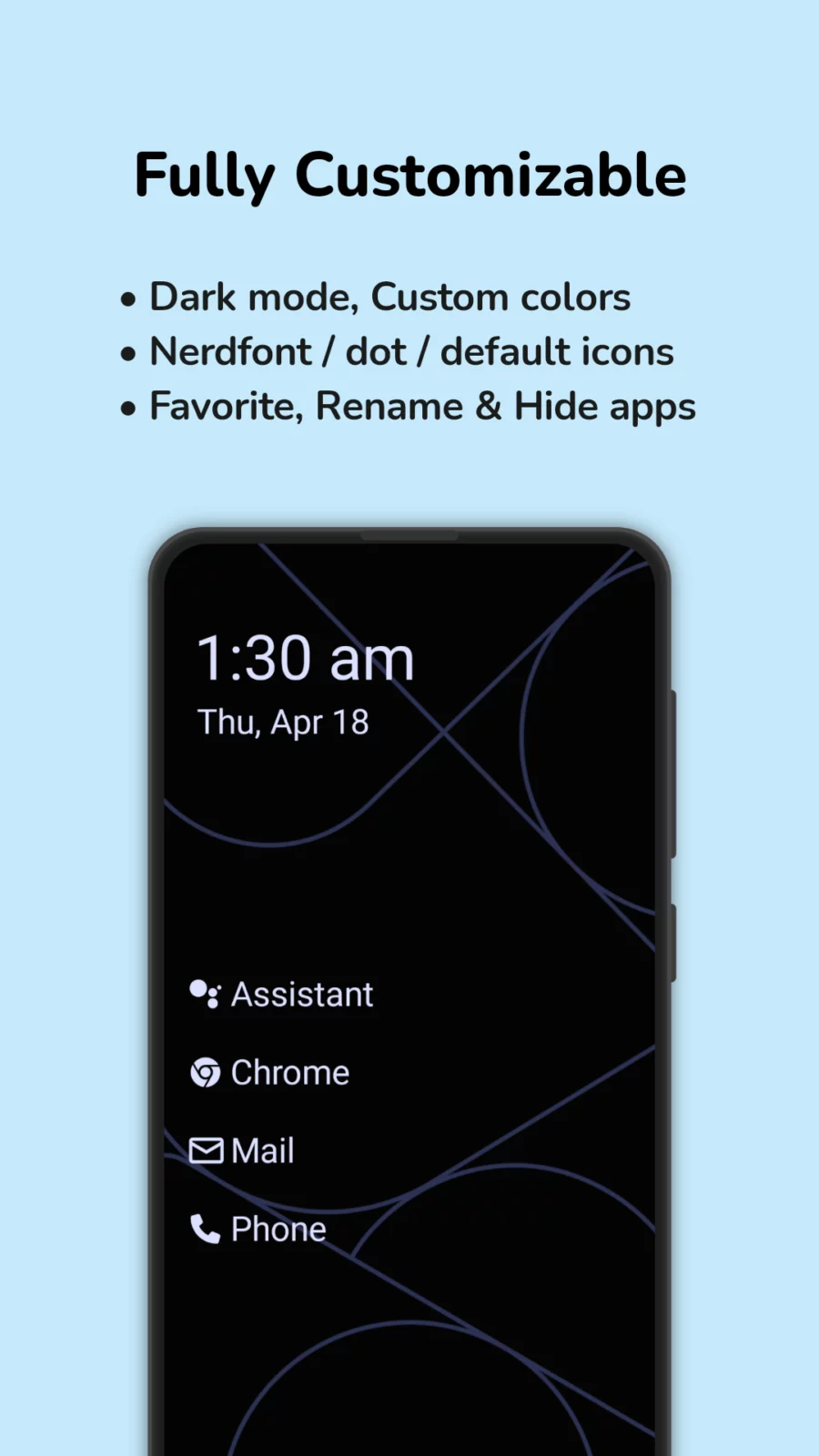
- Highly Customizable: Adjust layout, font sizes, clock position, and more.
- Quick Gestures: Use taps, swipes, and long swipes to open apps, lock the screen, and access notifications.
- Secure: Biometric lock for settings and privacy.
- Great for Seniors or Simplicity-Lovers: Easy to read, use, and customize.
Key Features:
- Custom App Names: Rename apps to match how you think of them.
- Flexible Layouts: Organize apps in the way that makes sense for you.
- Clock & Date Customization: Place widgets wherever you want.
- App Usage Insights: See how much time you spend in each app.
- Gesture Shortcuts: Set custom actions for double taps, swipes, and more.
Accessibility Features:
This app uses the AccessibilityService API to:
- Lock the screen with a gesture
- Open the power menu
- Pull down the notification drawer
Multi Launcher respects your privacy. These features do not collect or share personal data.
If you’re tired of flashy, cluttered launchers and want something straightforward, stylish, and empowering, Multi Launcher is your perfect home screen solution.
APK file hosted on AABforAndroid (Oct 6, 2026, SHA-256 verified). Free and open-source software (GPL-3.0-only) · Source code.