Pinball HD Game Android free Download
Pinball HD Game Android free Download
Pinball HD
Brain VaultArcade
- Android
- 3.6 (5.2K)
- 500K+ downloads
- Everyone
- Free
- In-app purchases
- Released
- Nov 2, 2015
- Package
- com.gameprom.software.pinballhd.collection
Screenshots
What's new v1.1.3
Pinball HD is back! Rebuilt for today's Android phones (64-bit, Android 15/16 ready). - All 16 tables playable again on current devices - Previously purchased tables are restored automatically at launch - Updated, more reliable in-app purchasing - Stability and performance fixes
About Pinball HD
This unique table features pinball bumpers and targets, plus a color monitor where you can take on a variety of old-school digital minigame challenges – an endless space scroller, plus car racing, missile defense, a block breaker, and more at incrementing skill levels.
ABOUT THE GAME
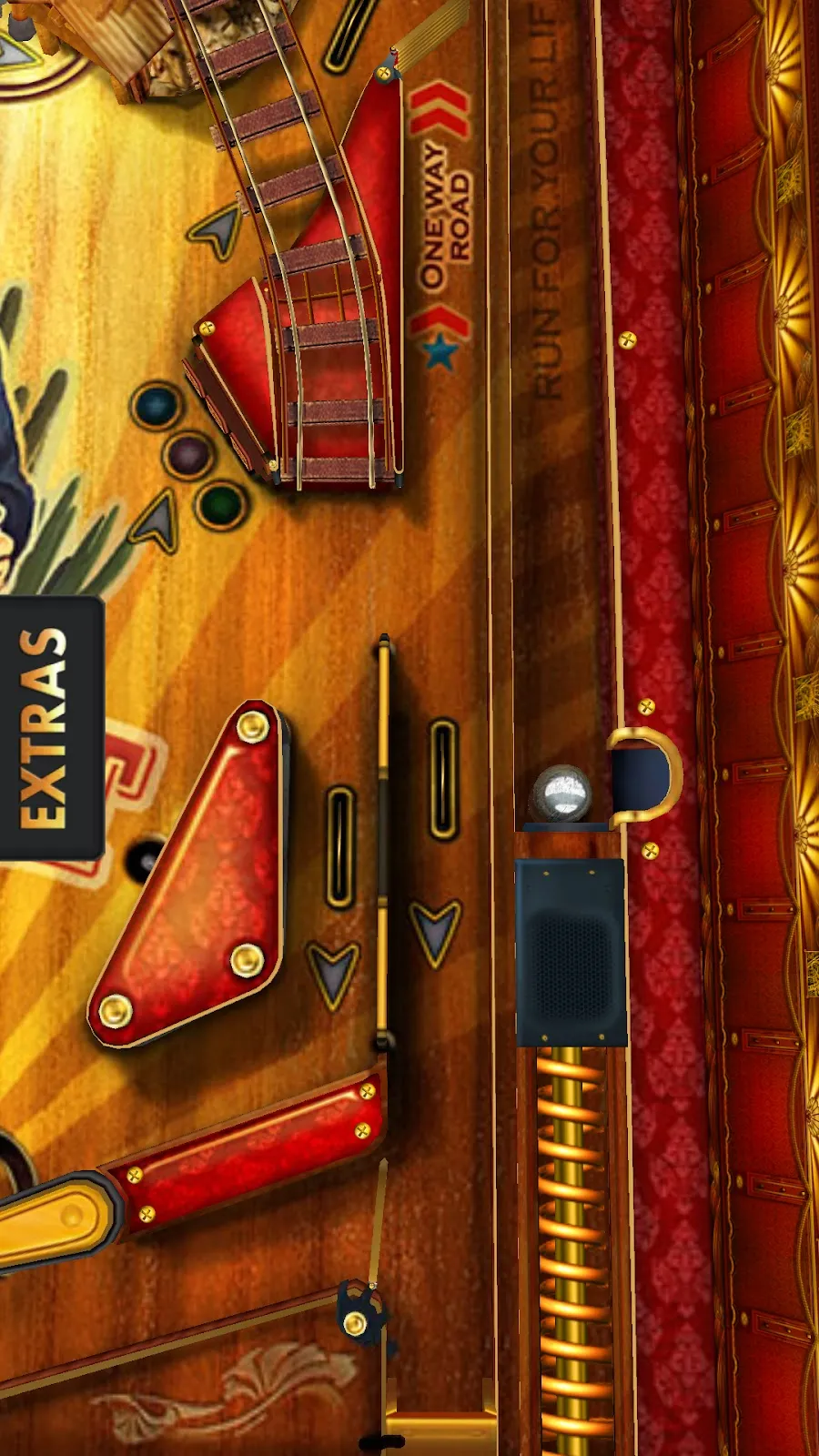
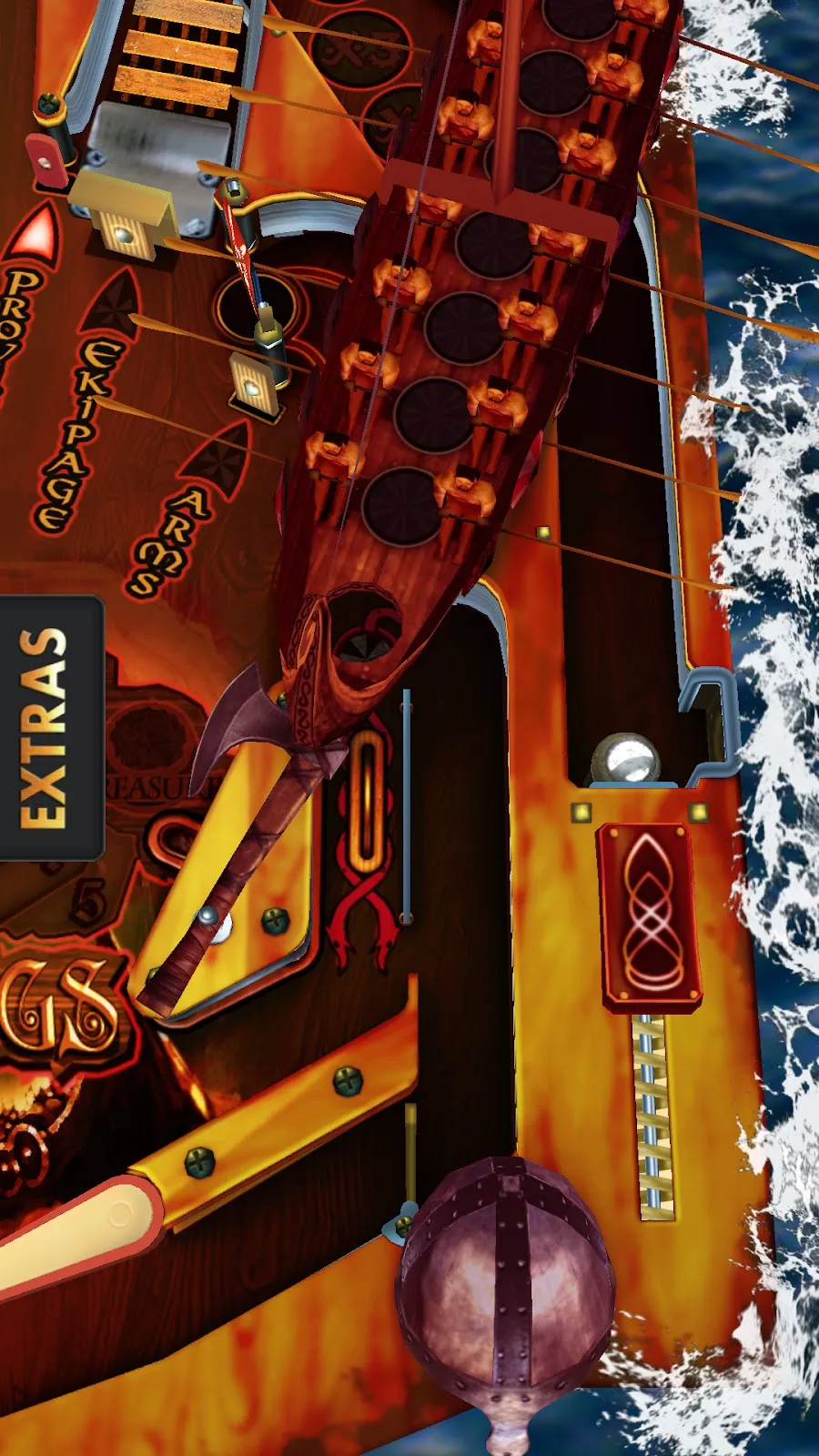
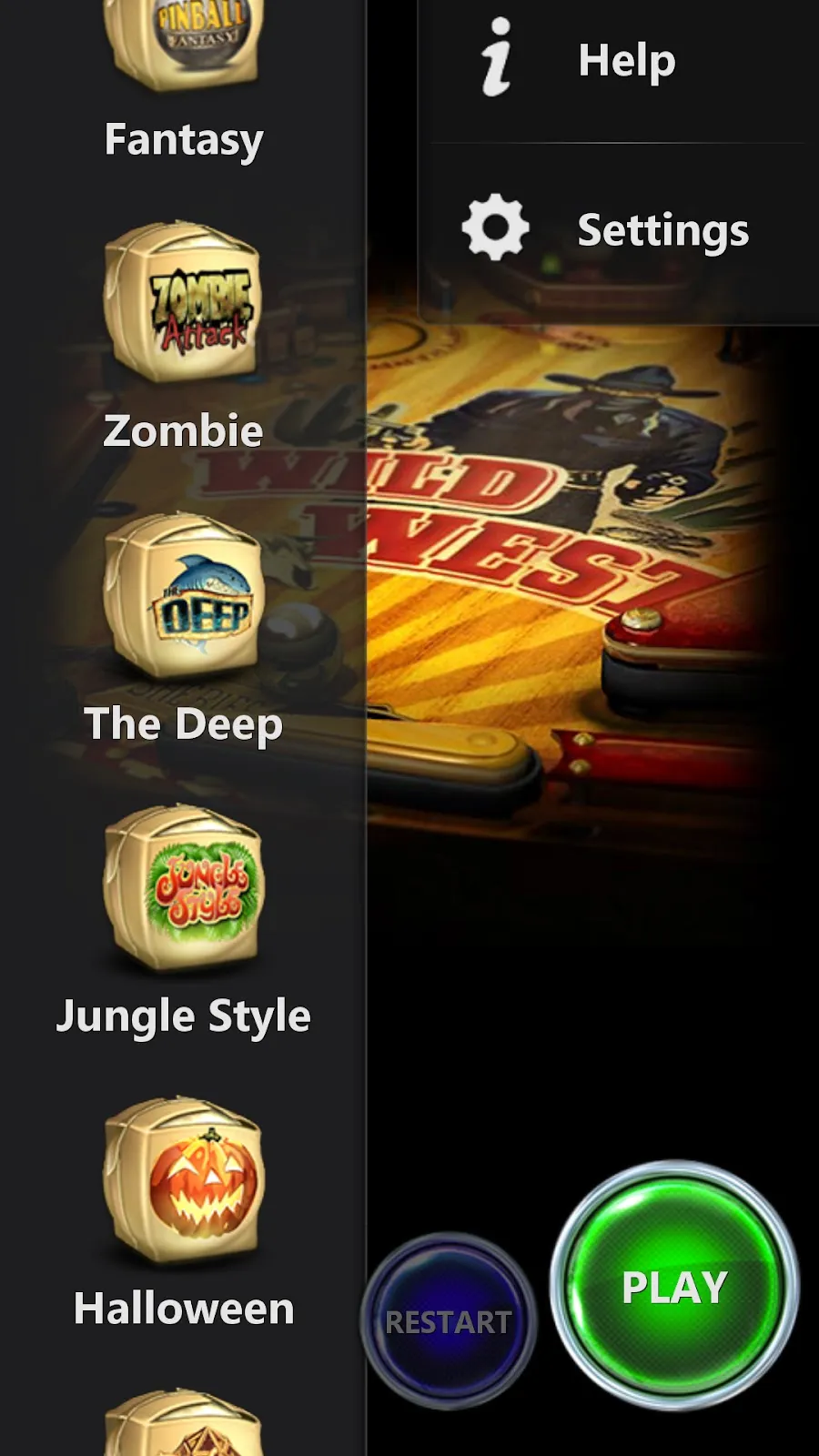
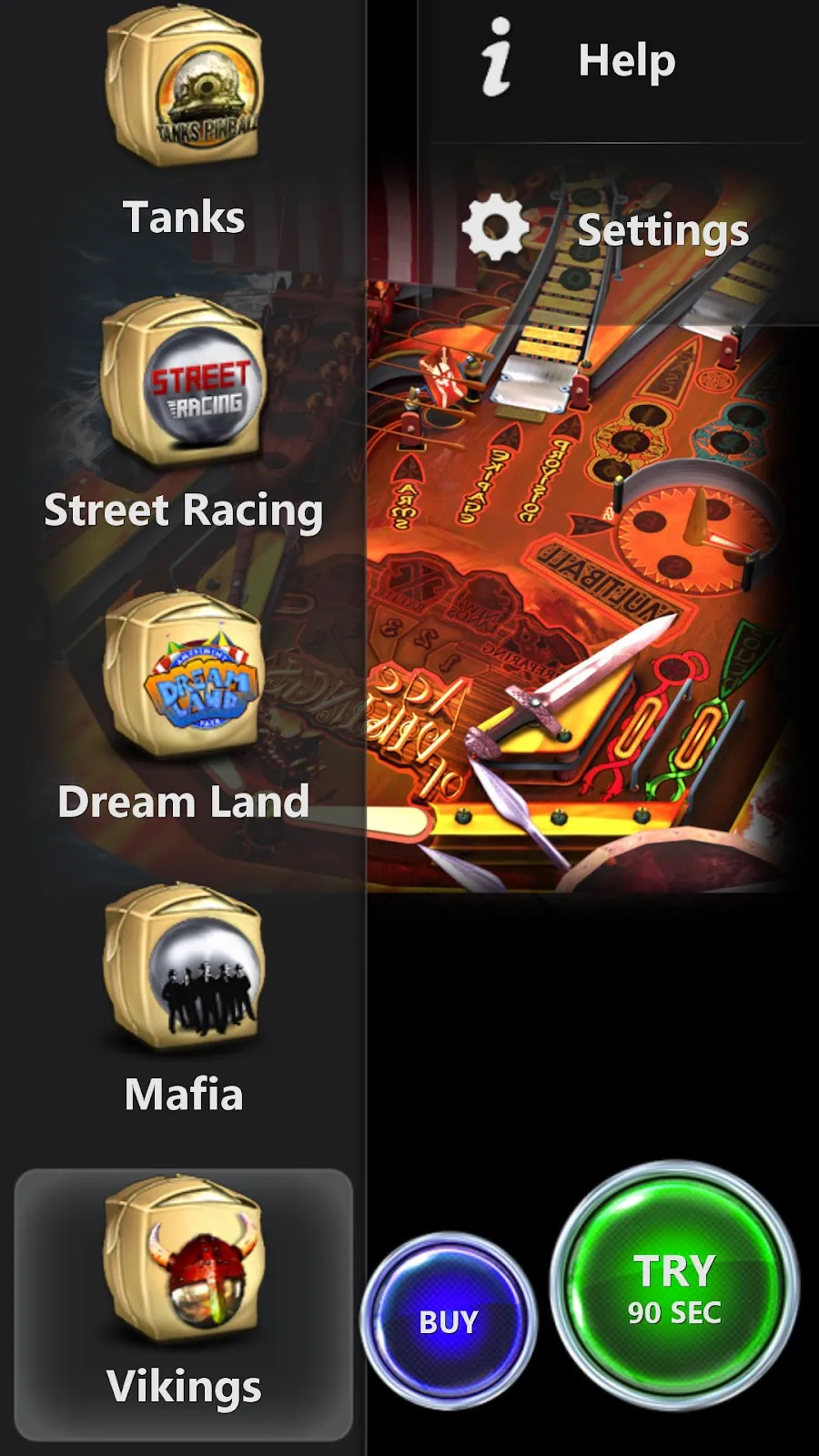
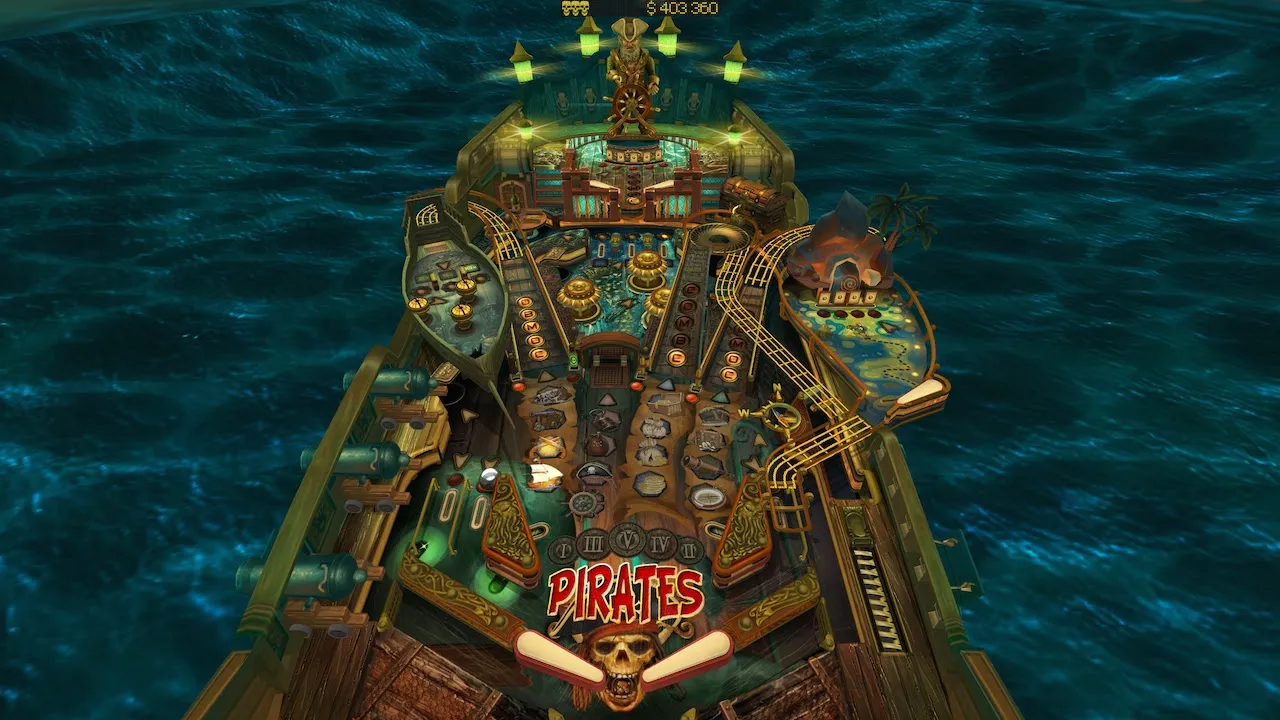
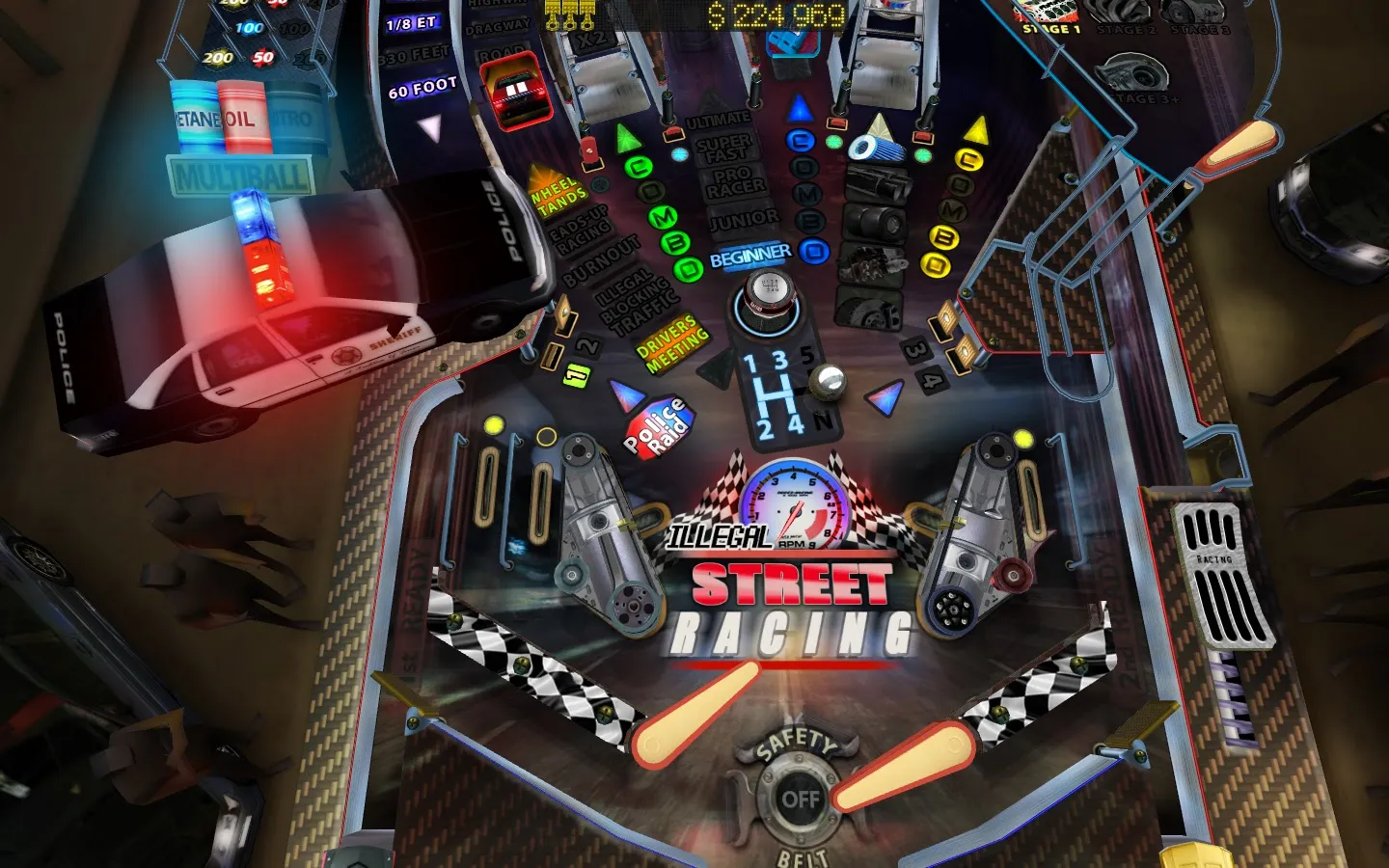
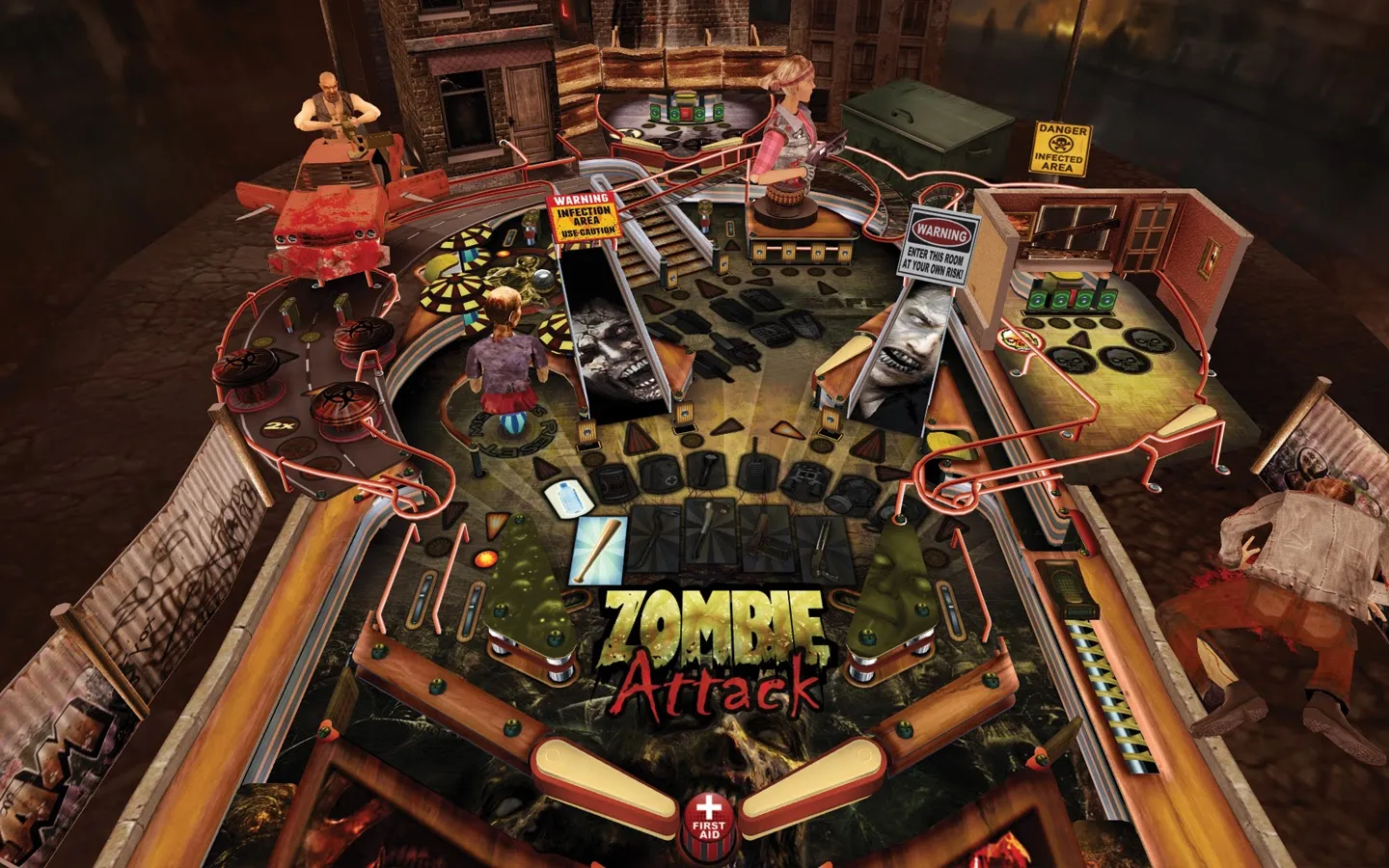
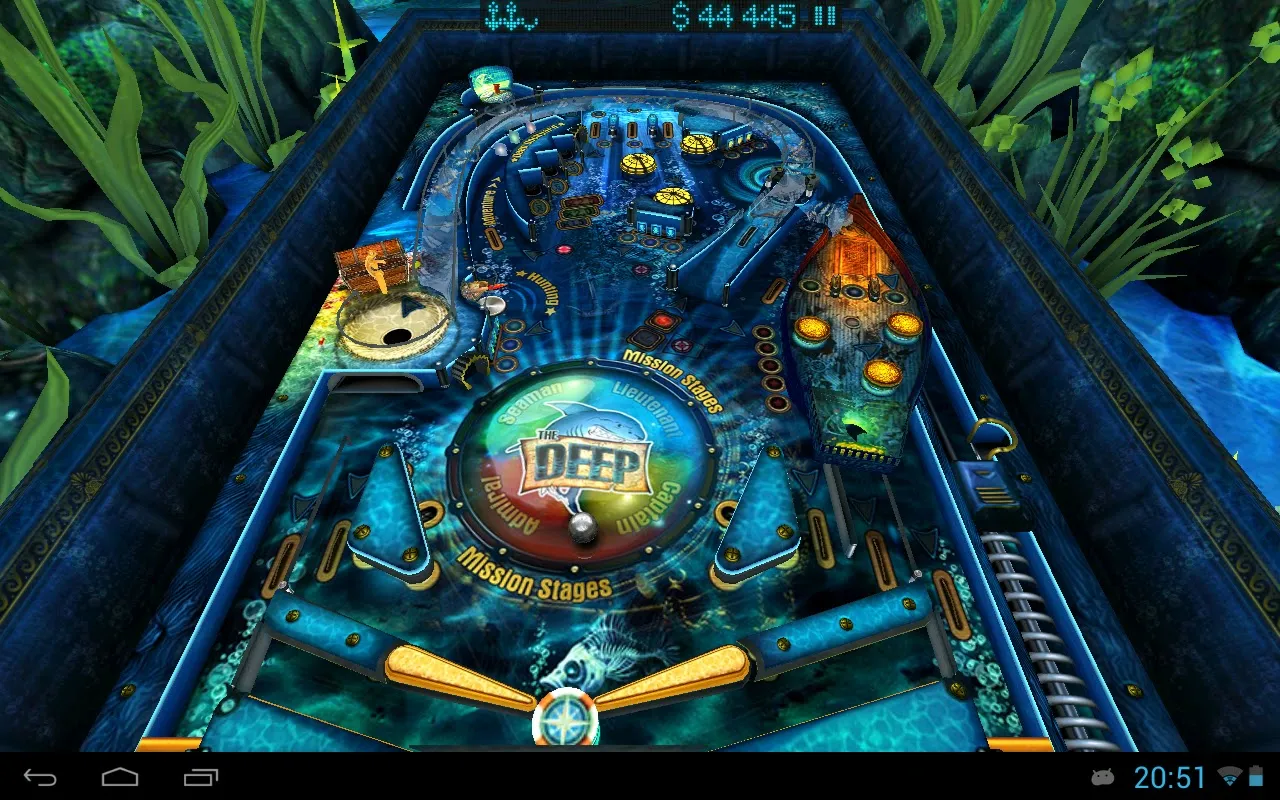
Pinball HD Collection – This game will change your idea of Pinball on the Android. Each table – Wild West, The Deep, Jungle Style, Snow, Da Vinci, Arcade, Fantasy, Zombie Attack, Pirates, Tanks, Street Racing – are masterpieces. You'll be stunned by the level of realism. This is a REAL Pinball simulator with stunning 3D graphics both with or without 3D glasses.
IMPORTANT
• Landscape mode – "full table" view
• Portrait mode – "flying-table" view
• In portrait mode slide up or down your both thumbs to toggle camera view from "flying-table" to "full table".
FEATURES
• 12 pinball tables with unique graphics, instructions, missions system, locations and characters
• Landscape mode shows a full table view. The games can be played in either landscape orientation with the button to the left or right of the screen.
• Portrait mode gives you a flying-table view with the camera panning and zooming over the action.
• A wonderful 3D engine that does true justice to the graphic capabilities of the high-end mobile devices.
• Realistic physics.
• Built in help for each table. Make sure to swipe left and right when viewing since the instructions don't fit on one screen.
• Local and global high scores. Swiping right brings up a table of local high scores and further tapping brings up high scores from copies sold throughout
the world. At the end of each game, you are prompted to enter your name and have your score included.
• Unique soundtrack with atmospheric music, sound effects and voices.
• Camera tilt brings dimensionality to the games offering a simulated 3D effect where the image changes depending upon how you tilt the device. Camera tilt only works in landscape mode.
• Stereoscopic imaging option (requires anaglyph eyeglasses). You can choose between red-cyan, green-magenta or yellow-blue lenses.
HOW TO PLAY
Tapping on a game's fly-over screen shows/hides main menu. Tap on Play button to start the game on the current table.
Controls in game:
• Tap ANYWHERE on the left side of the screen to control the left flipper and ANYWHERE on the right side to control the right flipper.
• Shake your device to realistically nudge the pinball table, but not too much or you'll tilt.
• Tap on the "electronic caption" at the top of the screen to pause or resume your game.
Follow us on:
• Twitter – http://twitter.com/Gameprom
• Facebook – http://www.facebook.com/Gameprom
• YouTube channel – http://www.youtube.com/GamepromCompany
• News blog – http://gameprom.com/blog/
• Company site – http://gameprom.com
Listing details from Google Play, checked Oct 9, 2026.