PlayOnDlna App Android Free Download
PlayOnDlna App Android Free Download
PlayOnDlna
Lukas ScheererCast
- Android
- Free
- Open source · GPL-3.0-only
- Released
- Aug 25, 2025
- License
- GPL-3.0-only
- Package
- io.github.scovillo.playondlna
- SHA-256
126fc1aec4388009f788b790469802251ffa63e6181dc0231b00c9e96d38dc8e
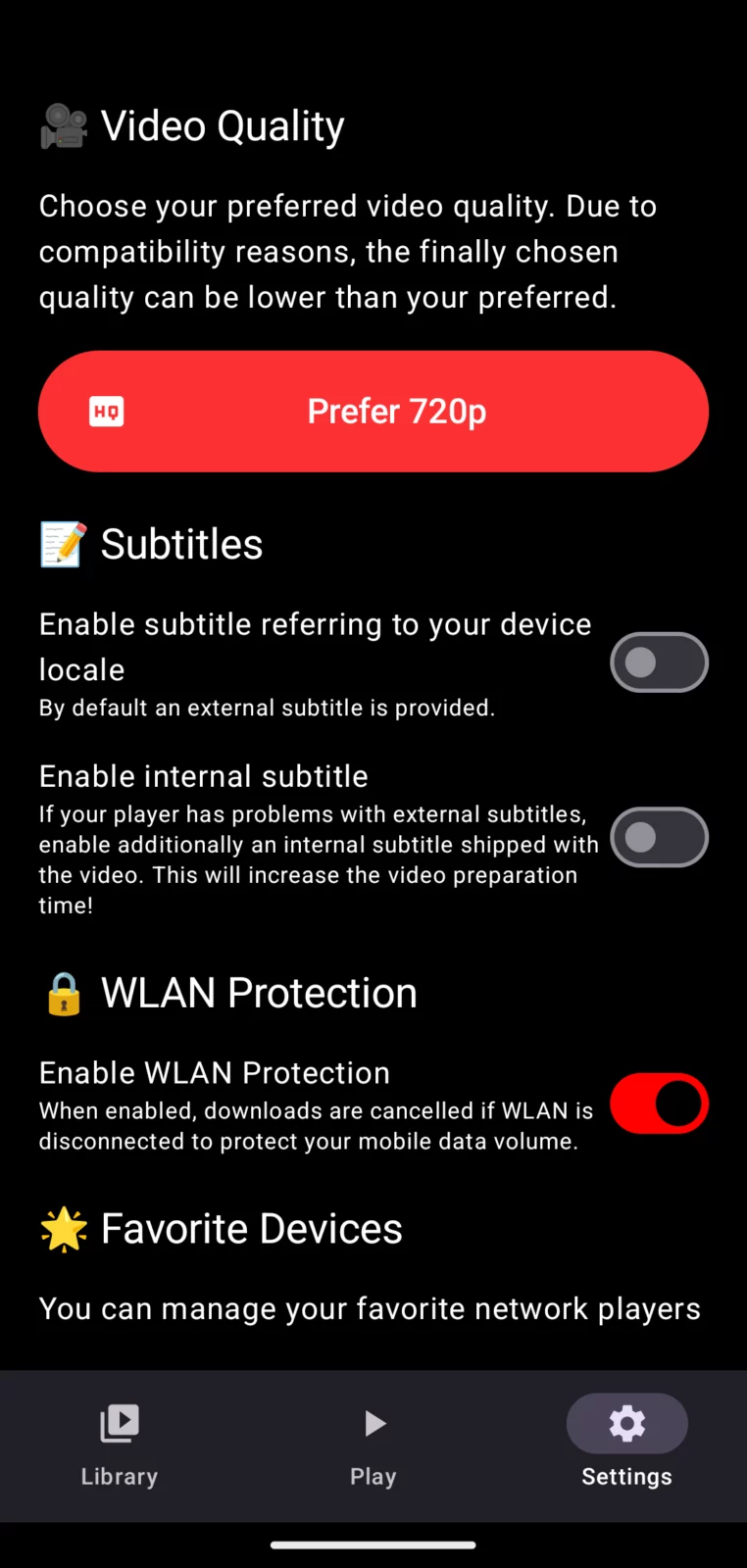
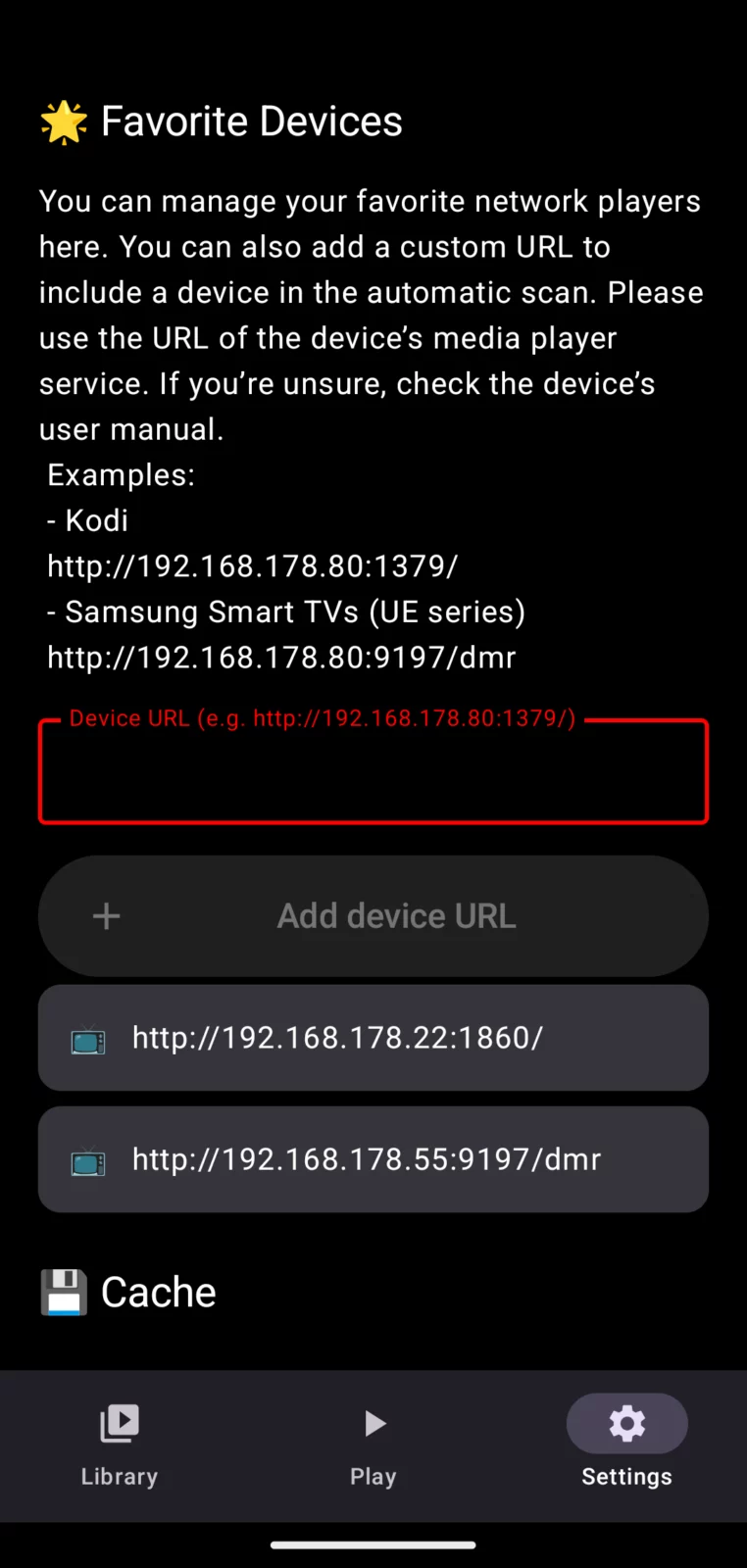
Screenshots
What's new v1.16
New in version 1.16:
- Skip community-reported sponsor segments automatically with SponsorBlock during YouTube playback
- Enjoy more reliable remote control and smoother playlist playback on compatible players
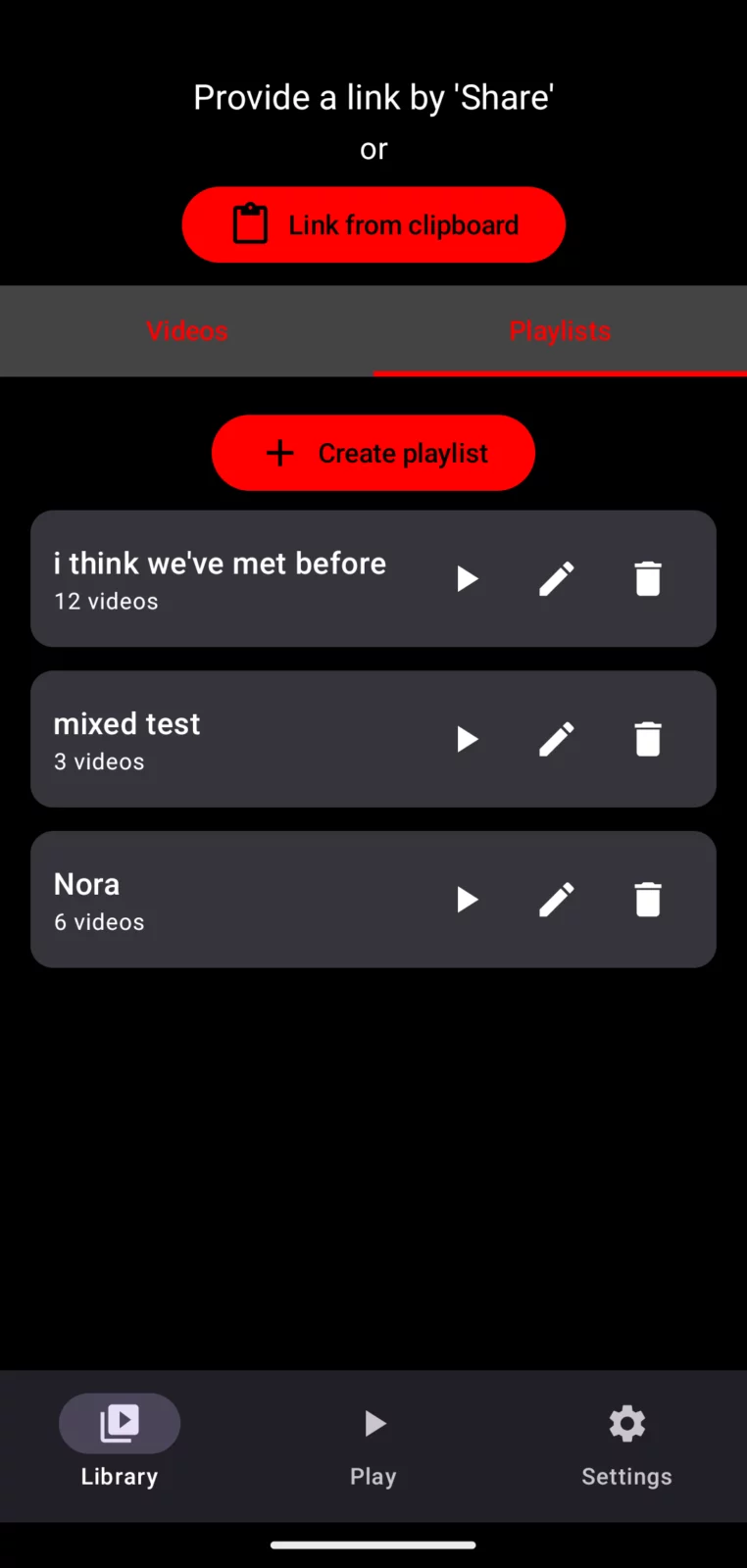
- Reorder videos in your playlists to create the perfect viewing sequence
- Manage storage with a clearer overview of your library, cache, and unused downloads
- Meet PlayOnDlna with a refreshed themed app icon
About PlayOnDlna
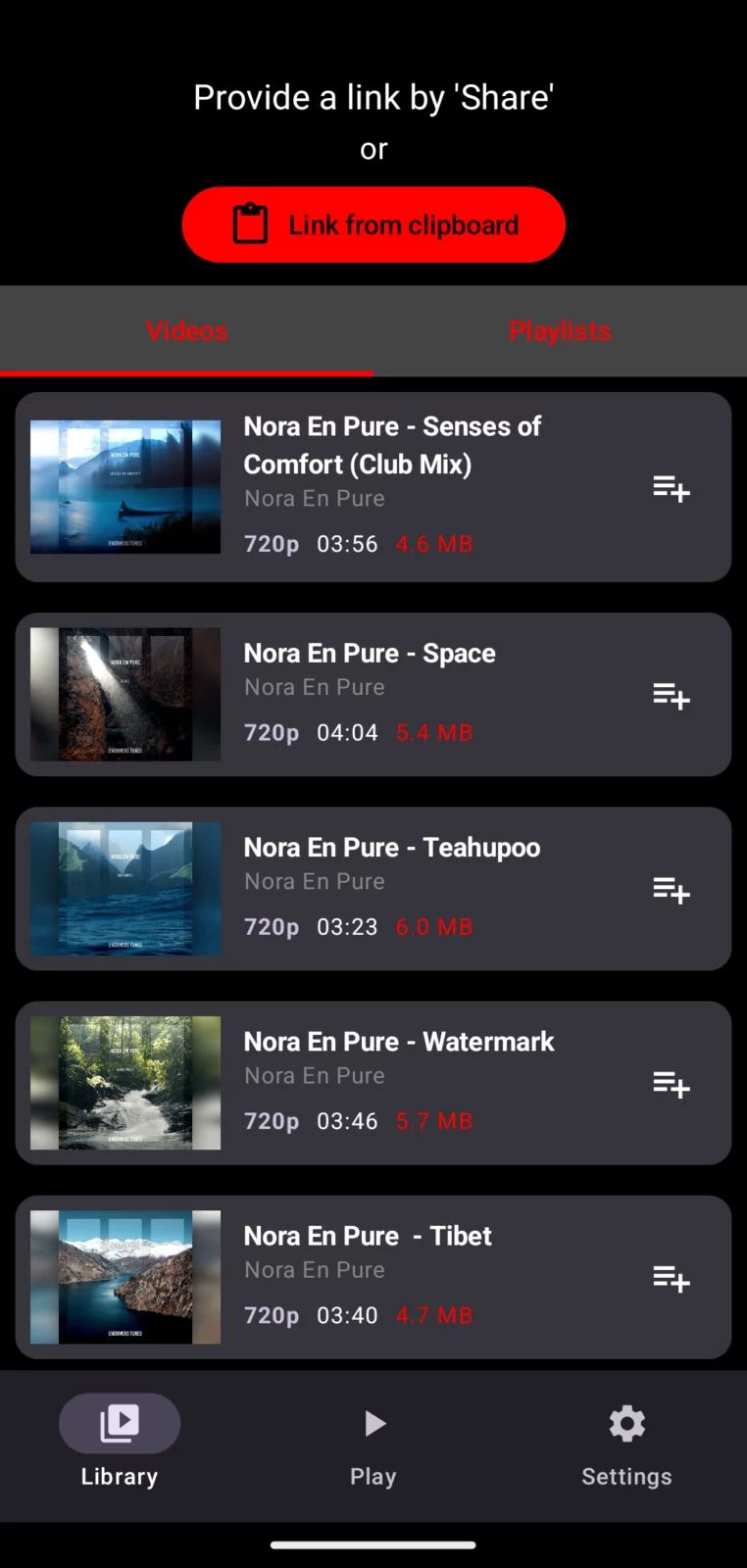
Play your media ad-free on DLNA players such as Kodi and Smart TVs in your local network!
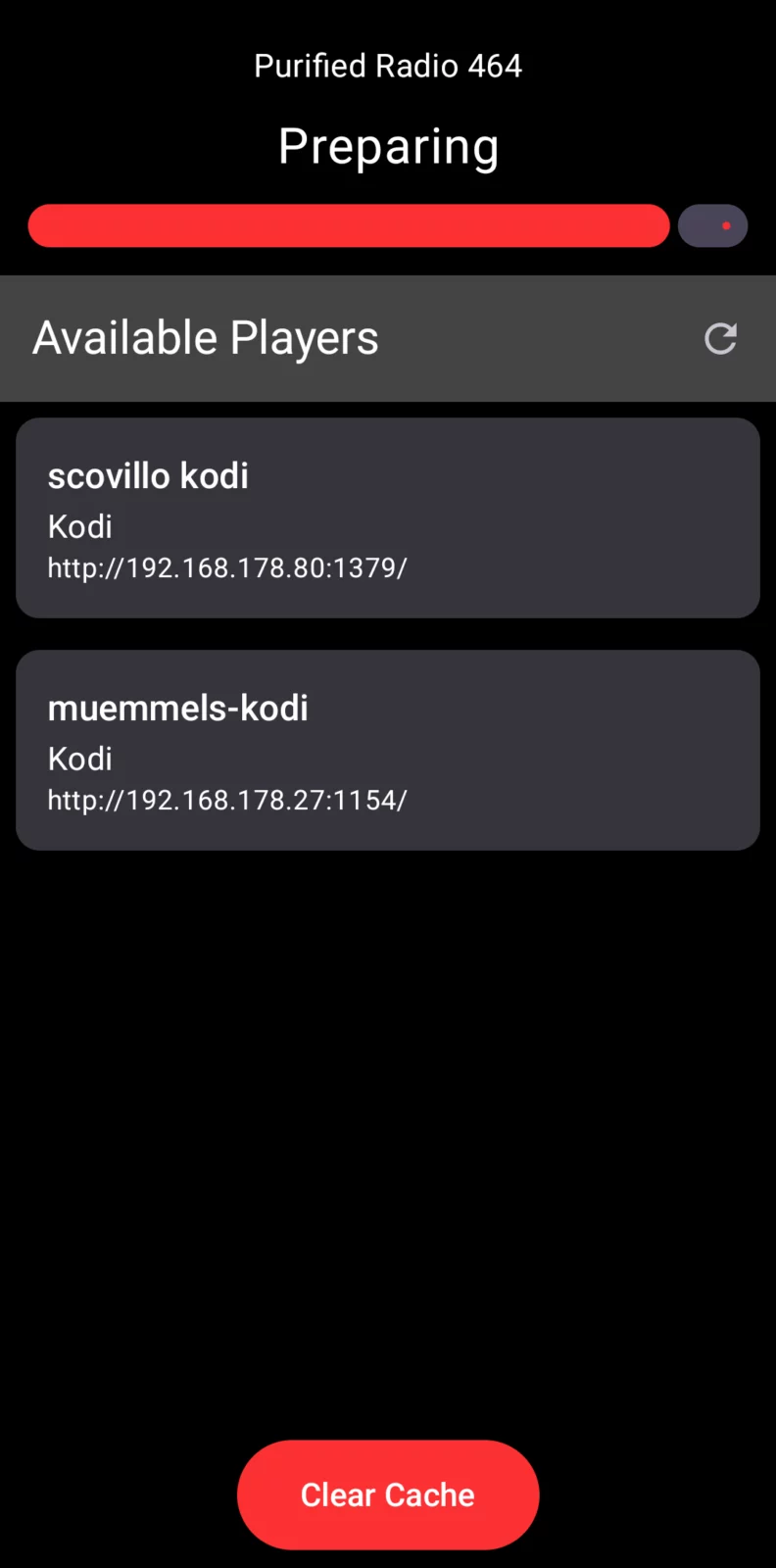
Simply share a supported media link with PlayOnDlna. The app prepares compatible video or audio and streams it directly to your selected player.
Supported sources include YouTube, YMusic, PeerTube, SoundCloud, Bandcamp, and media.ccc.de.
🌍 More Choice
Enjoy media from your favorite platforms in one simple app.
🎧 Video and Audio
PlayOnDlna prepares compatible media, cover artwork, and subtitles for your DLNA player.
🎶 Playlists That Just Work
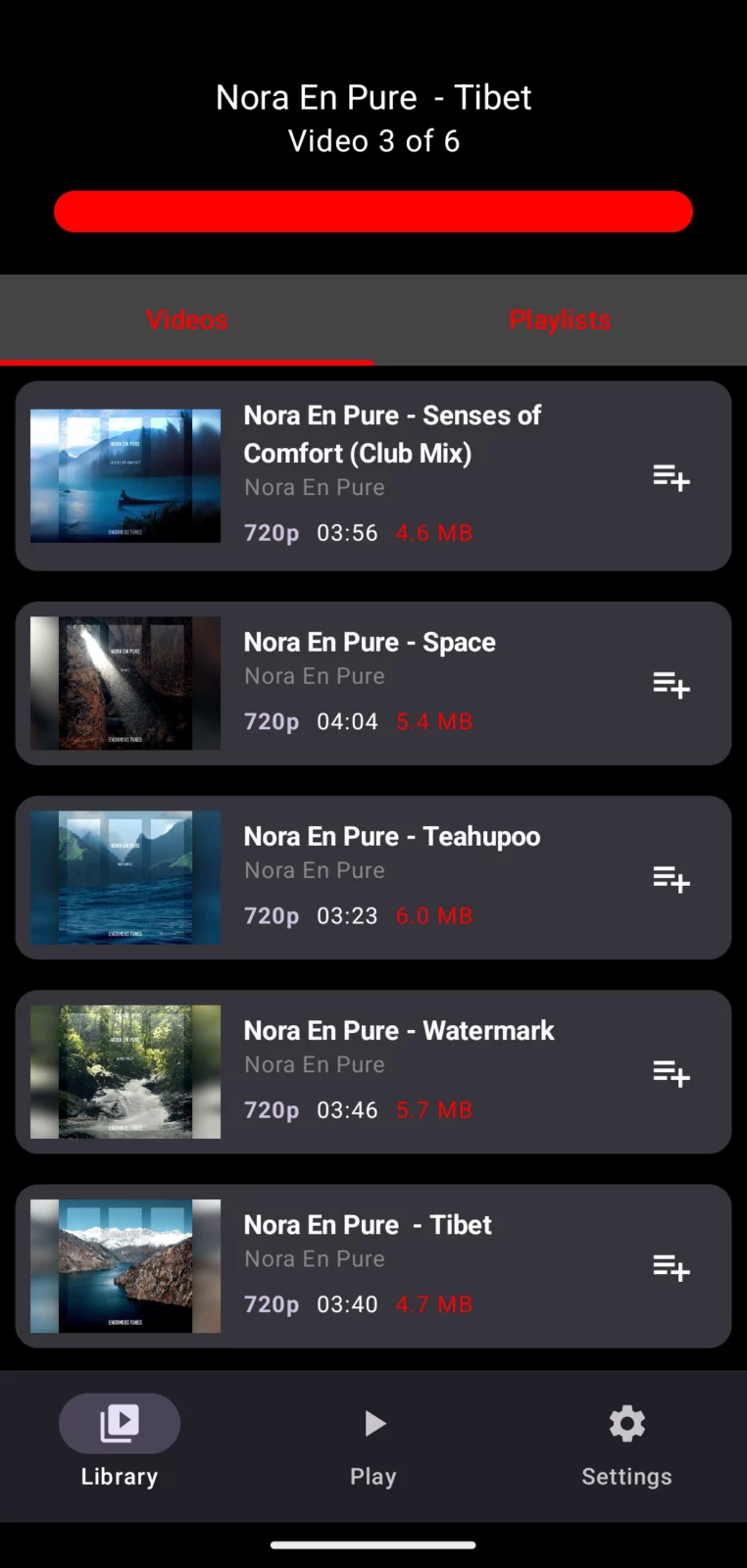
Enjoy continuous playback even when your player has no native playlist support.
📚 Your Media Library
Keep prepared videos and audio ready to play again whenever you like.
📡 Simple
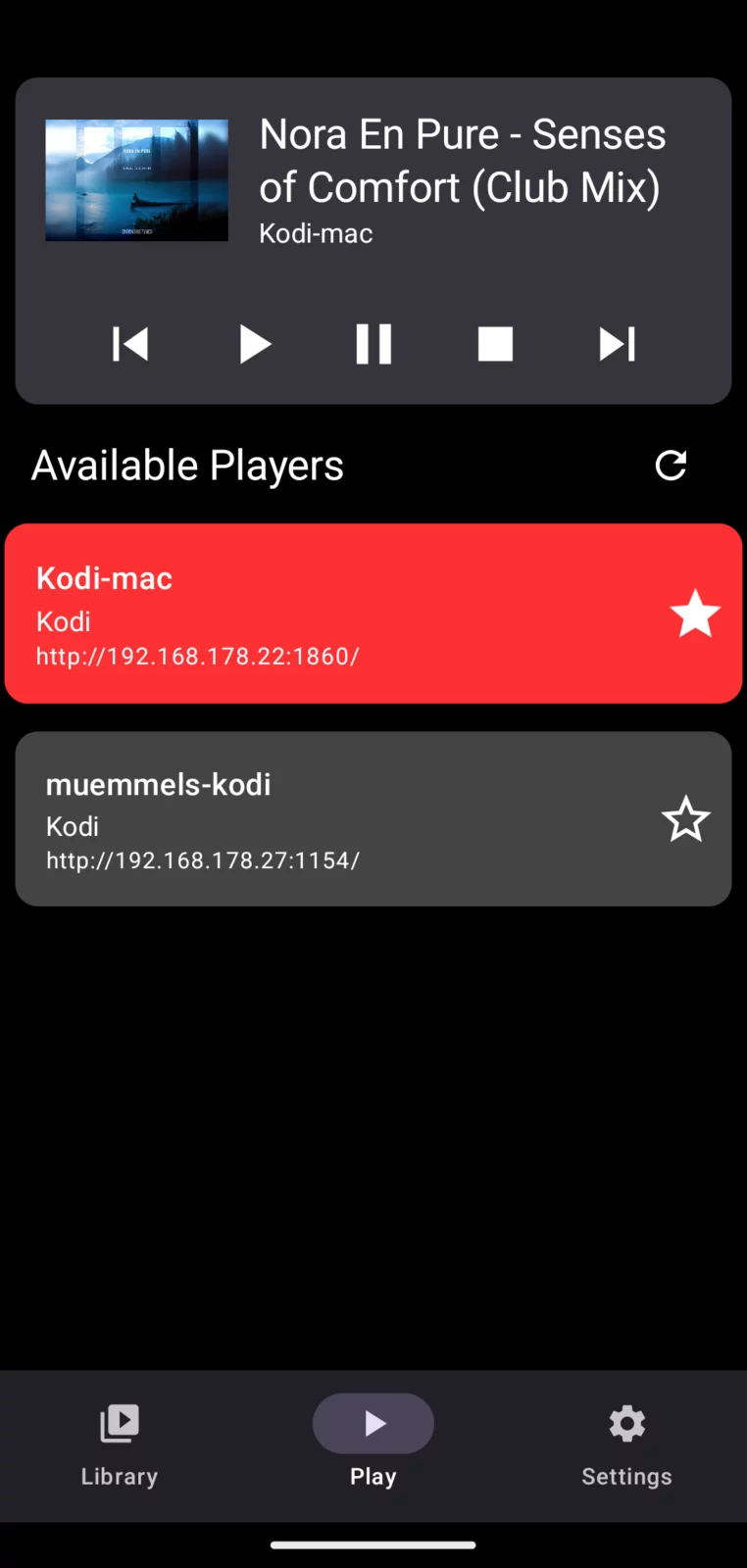
Automatic discovery finds compatible players on your local network. Choose a player and control playback directly from the app.
💝 Ad-Free
Enjoy your media without advertising interruptions.
👐 Transparent and Local
Media is served directly from your Android device over your local network. The publicly available source code lets anyone verify the app’s quality, privacy, and security.
If the app serves you well, consider a 🎁 donation to support continued development.
Kodi Setup
To stream media to Kodi, make sure Kodi can be found as a DLNA player in your local network.
1. Go to ⚙ Settings > Services > UPnP DLNA
2. Enable Enable UPnP support
3. Enable Allow remote control via UPnP
❤️ Happy streaming! ❤️
APK file hosted on AABforAndroid (Sep 28, 2026, SHA-256 verified). Free and open-source software (GPL-3.0-only) · Source code.