Solid Explorer File Manager App Android Free Download
- Released
- Jul 1, 2015
- Package
- pl.solidexplorer2
Screenshots
What's new v3.5.20
v3.5.20
• fixed webfs upload of small files
• fixed cast streaming
• FTP client fixes
• minor improvements
v3.5.19
• fixed OneDrive access & Google Drive upload
• fixed opening files with third party apps
• fixed reading files from archives
v3.5.X
- New system of resumable file operations - great increase in file transfer reliability
About Solid Explorer File Manager
Solid Explorer is a powerful file manager that gives you full control over files on your device, in the cloud, and across your network.
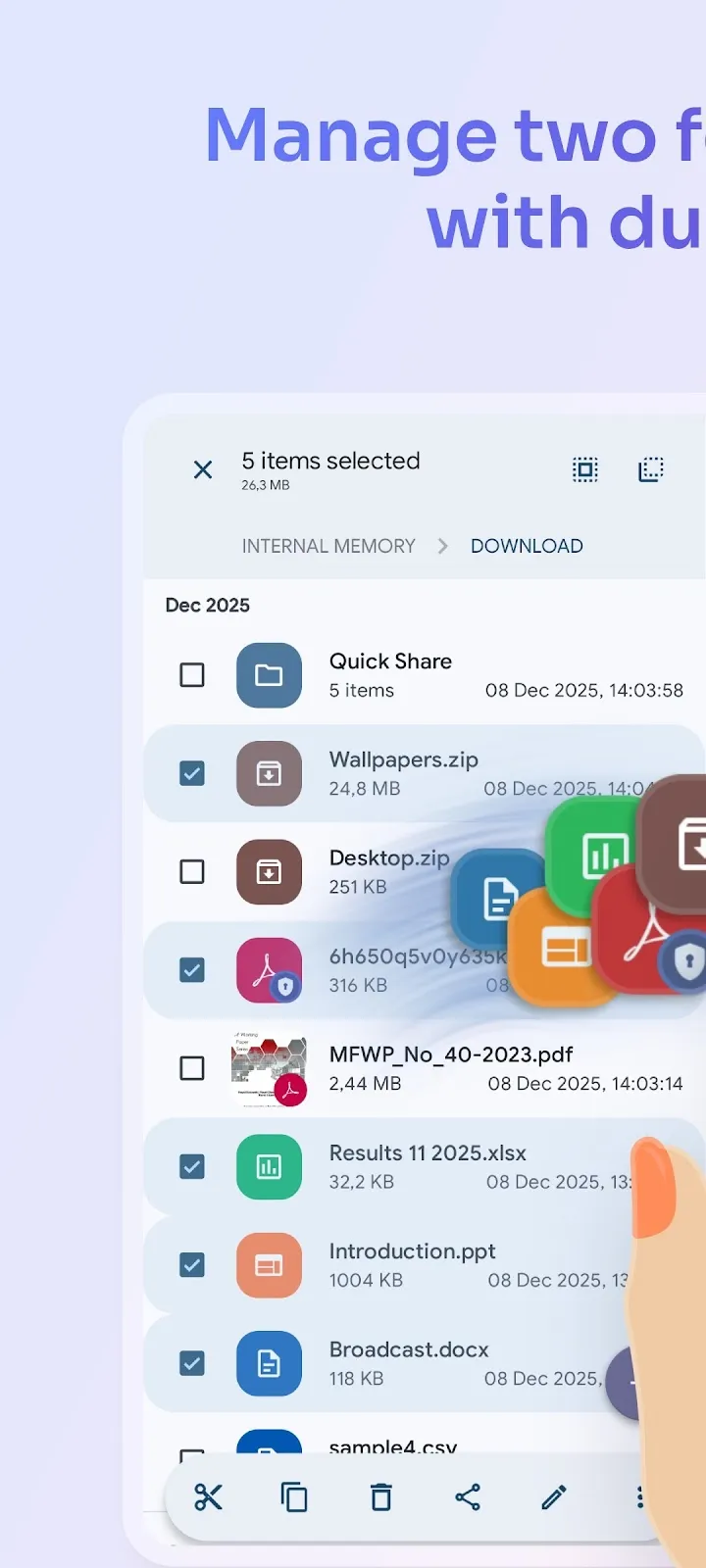
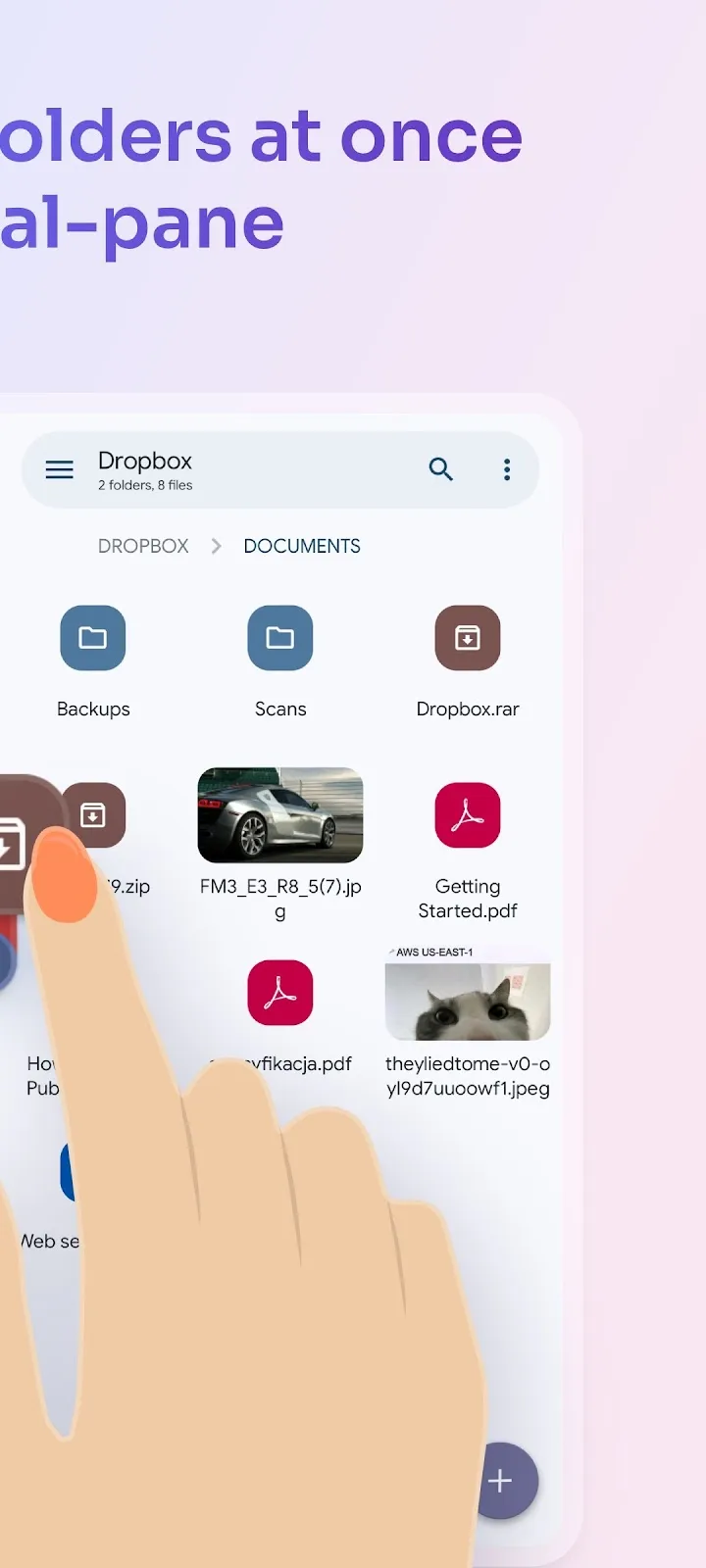
🗄️ Dual-pane layout — drag and drop files between two panels
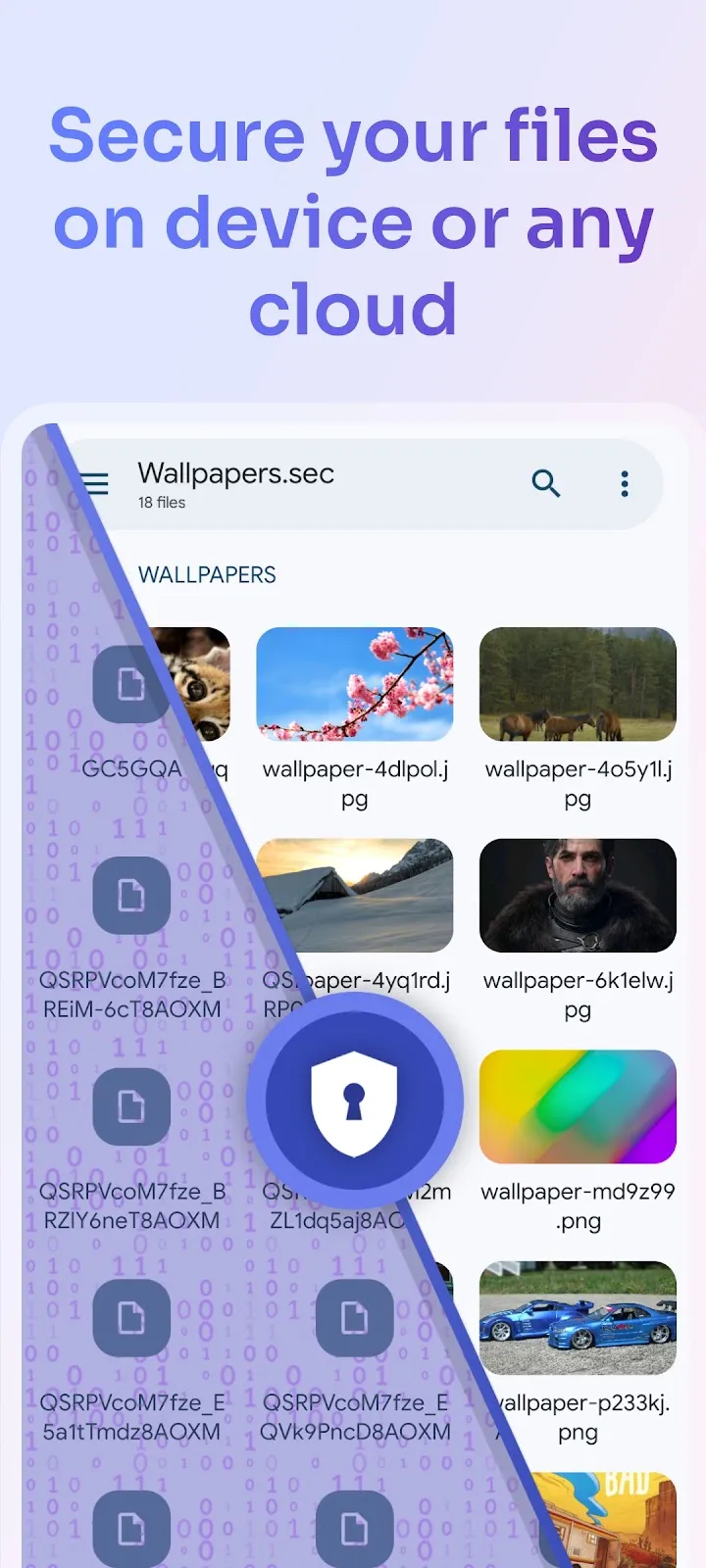
🔐 AES-256 encryption — lock files with password or fingerprint
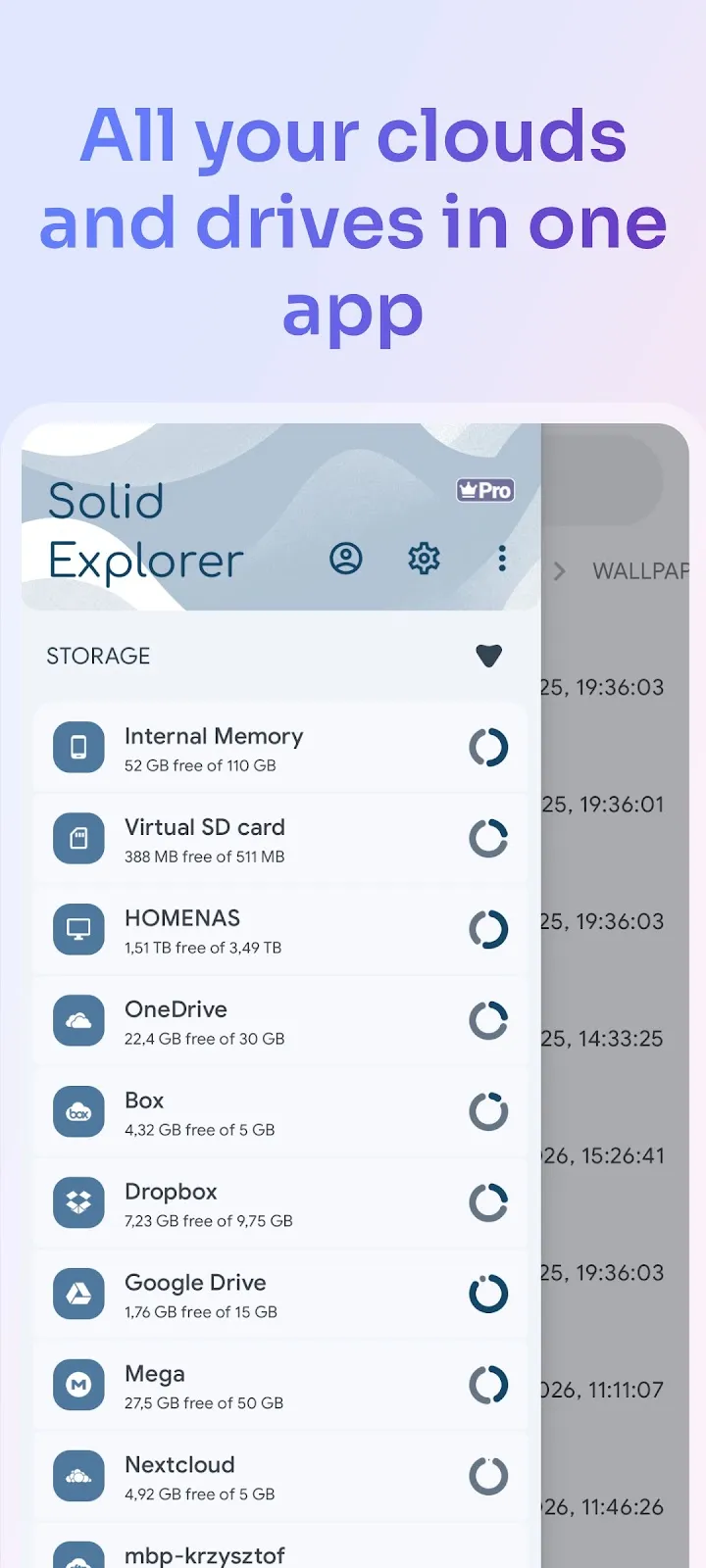
🖥️ Cloud & network access — Google Drive, OneDrive, Dropbox, SMB, SFTP, FTP & more
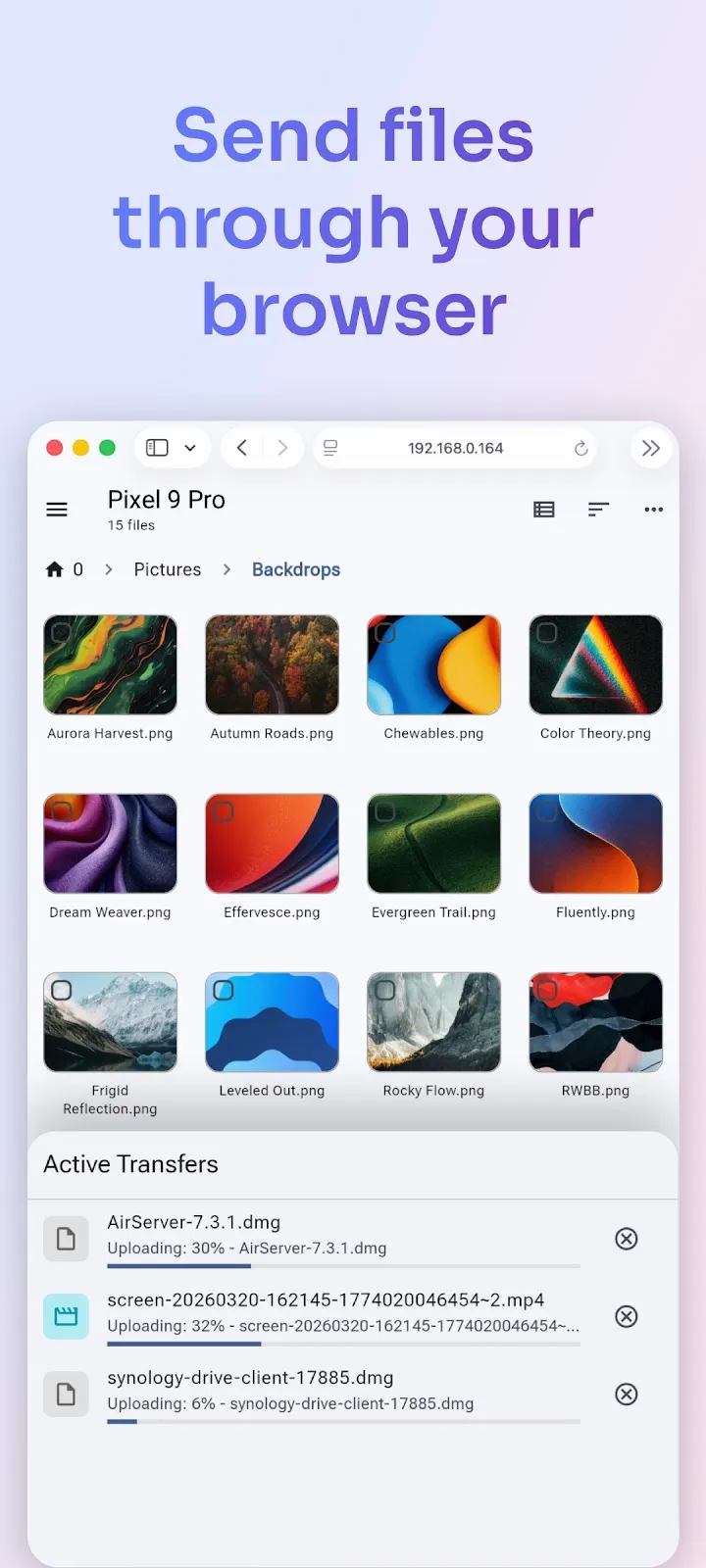
🌐 Web file sharing — send files to any device with a web browser
Manage files your way
Navigate two folders side by side and drag files between panels — the fastest way to organize storage. Use indexed search to find anything instantly, batch rename files with patterns, and browse collections that automatically sort your Downloads, Photos, Videos, Music, Documents, and Apps.
Access all your storage in one app
Connect to Google Drive, OneDrive, Dropbox, Box, Mega*, MediaFire, Yandex, Owncloud and SugarSync. Access NAS drives and servers over SMB/CIFS (Samba), SFTP, FTP, and WebDAV. Transfer files between any two locations — cloud to cloud, server to phone, or SD card to NAS — just drag between panels.
Share files with any device
Start the built-in web server and share files with any phone, tablet, or computer on your network — the other device just needs a web browser. No app install needed on the receiving end.
Keep your files private
Encrypt sensitive files with AES-256 and lock them behind a password or fingerprint. Encrypted files stay protected even if you uninstall the app — no account required.
Clean up and free storage
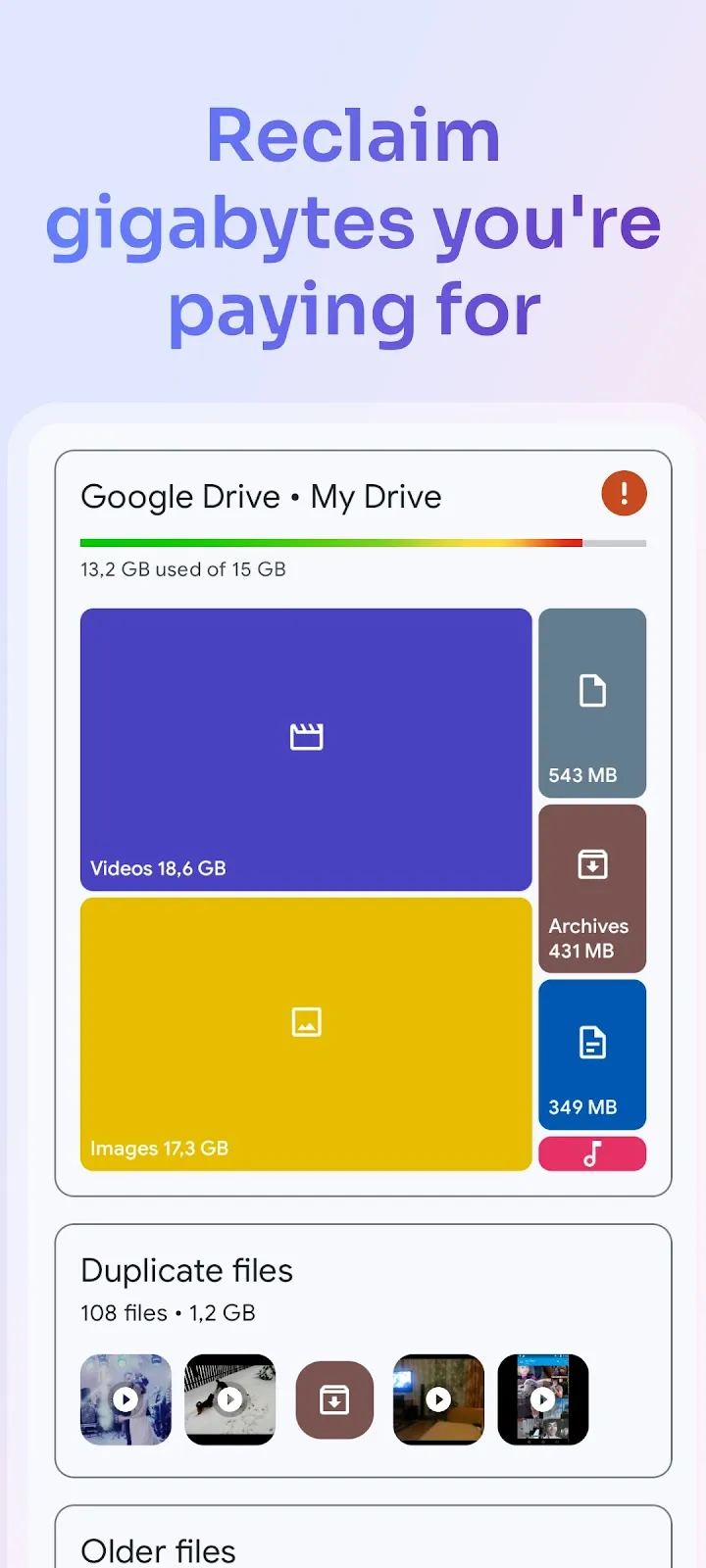
Analyze what takes up space, find duplicate and large files, and clean up junk — similar to dedicated cleaner apps, but built right into your file manager. Works across internal storage, SD cards, USB OTG drives, and even cloud storage like Google Drive, OneDrive, and Dropbox.
Full feature list:
• Dual-pane layout — manage two folders side by side
• Cloud storage — Google Drive, OneDrive, Dropbox, Box, NextCloud, SugarSync, MediaFire, Yandex, Mega*
• Network protocols — FTP, SFTP, SMB/CIFS (Samba), WebDAV
• Web file sharing — share files with any device via browser
• Storage analyzer — find duplicates, large files, and junk to clean up
• File encryption — AES-256 with password and fingerprint
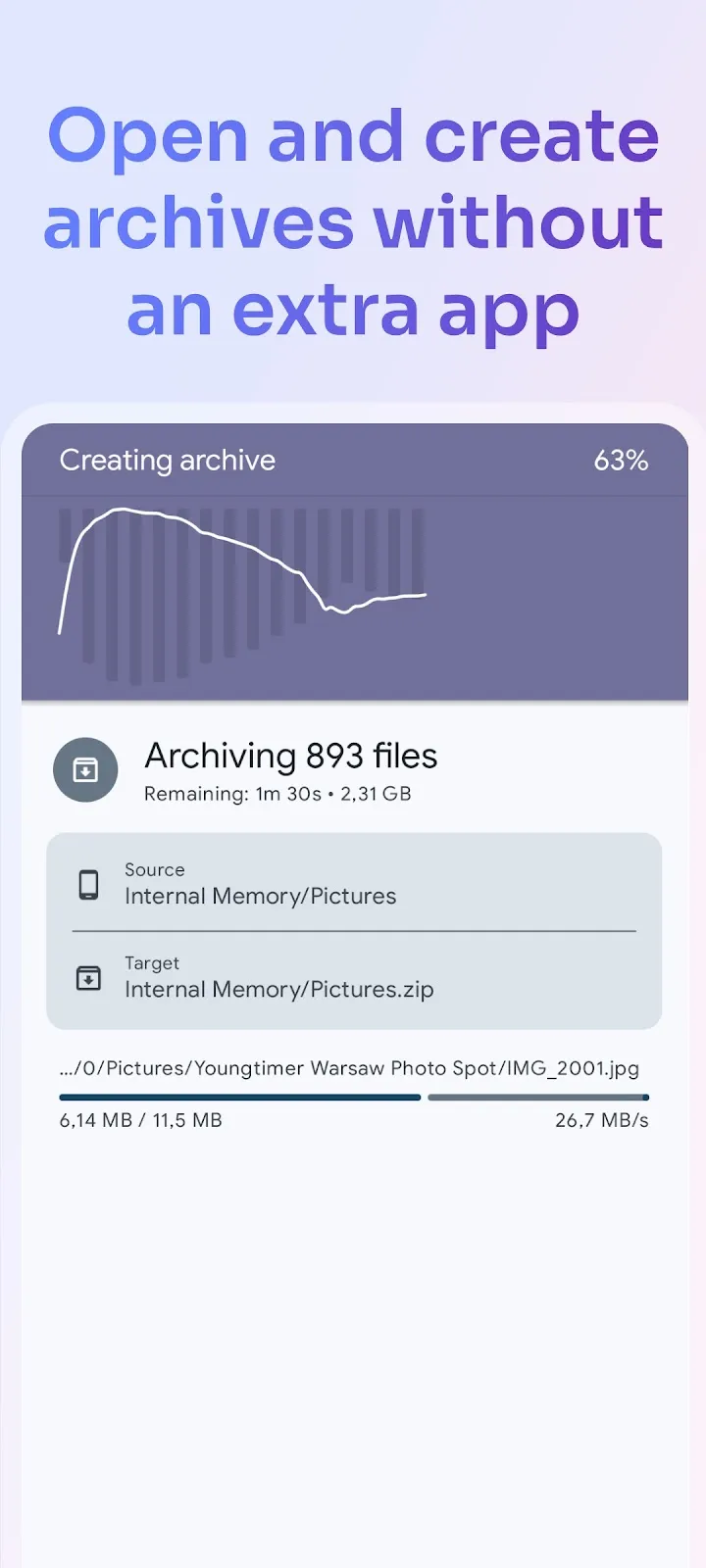
• Archives — create and extract ZIP, 7ZIP, RAR, TAR
• Root explorer — browse system files on rooted devices
• Indexed search — find files instantly with filters
• Collections — Downloads, Recent, Photos, Videos, Music, Documents, Apps
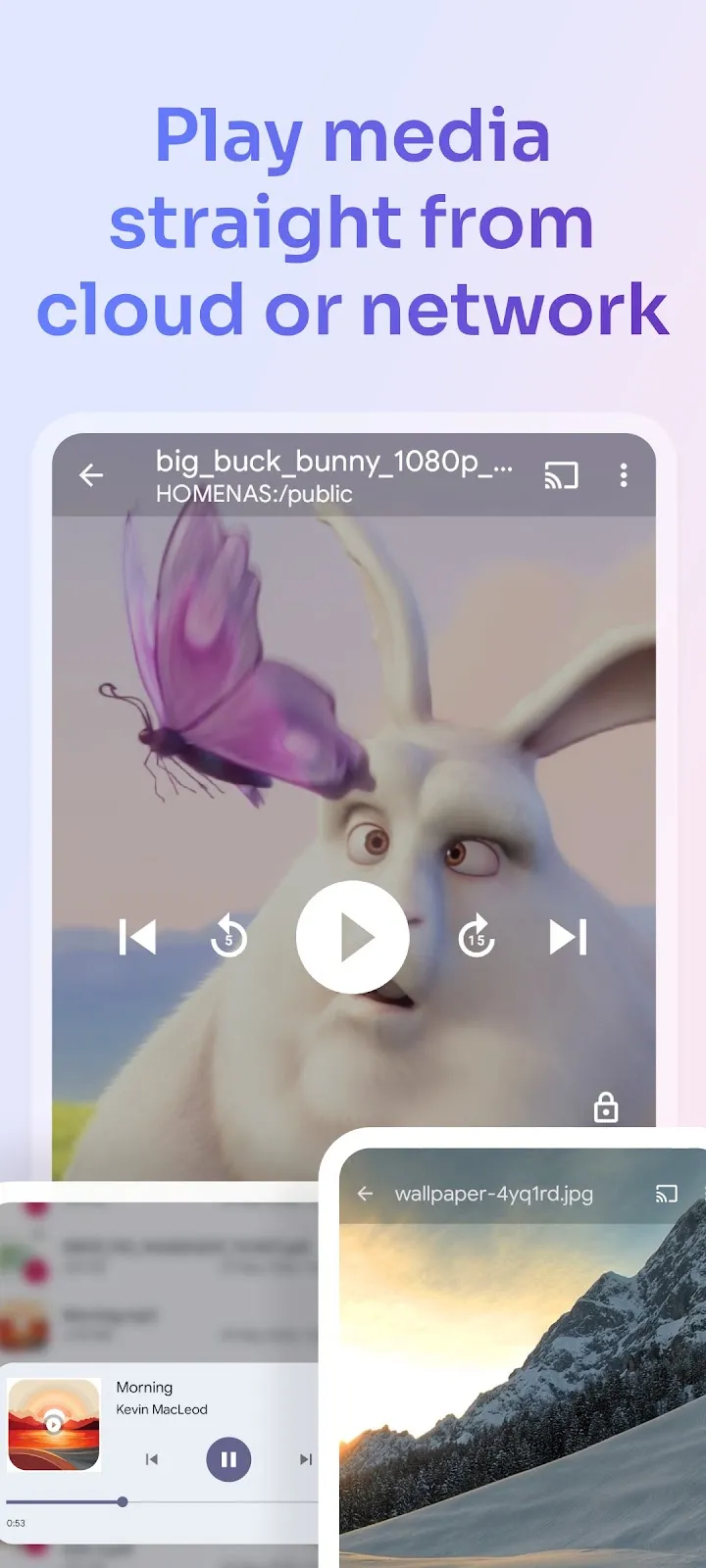
• Built-in media — image viewer, music player, video player, text editor
• Batch rename — rename multiple files with patterns
• FTP Server — access your phone's files from PC
• Themes and icon sets — rich customization
• Chromebook & tablet support — mouse, keyboard and trackpad input
Follow us on Reddit: https://www.reddit.com/r/NeatBytes/
* with paid add-on
Older versions (v2.2.6)
Listing details from Google Play, checked Oct 4, 2026.