Vault Explorer App Android Free Download

Vault Explorer App Android Free Download
Vault Explorer
R0b0ToFile Encryption & Vault
- Android
- Free
- Open source · GPL-3.0-or-later
- Released
- Aug 16, 2026
- License
- GPL-3.0-or-later
- Package
- com.aeidolon.vaultexplorer
- SHA-256
8f09bf38646f465b86cf72c0c3eaa8c0e4c579d228a20646a02a9810bed3be54
Screenshots
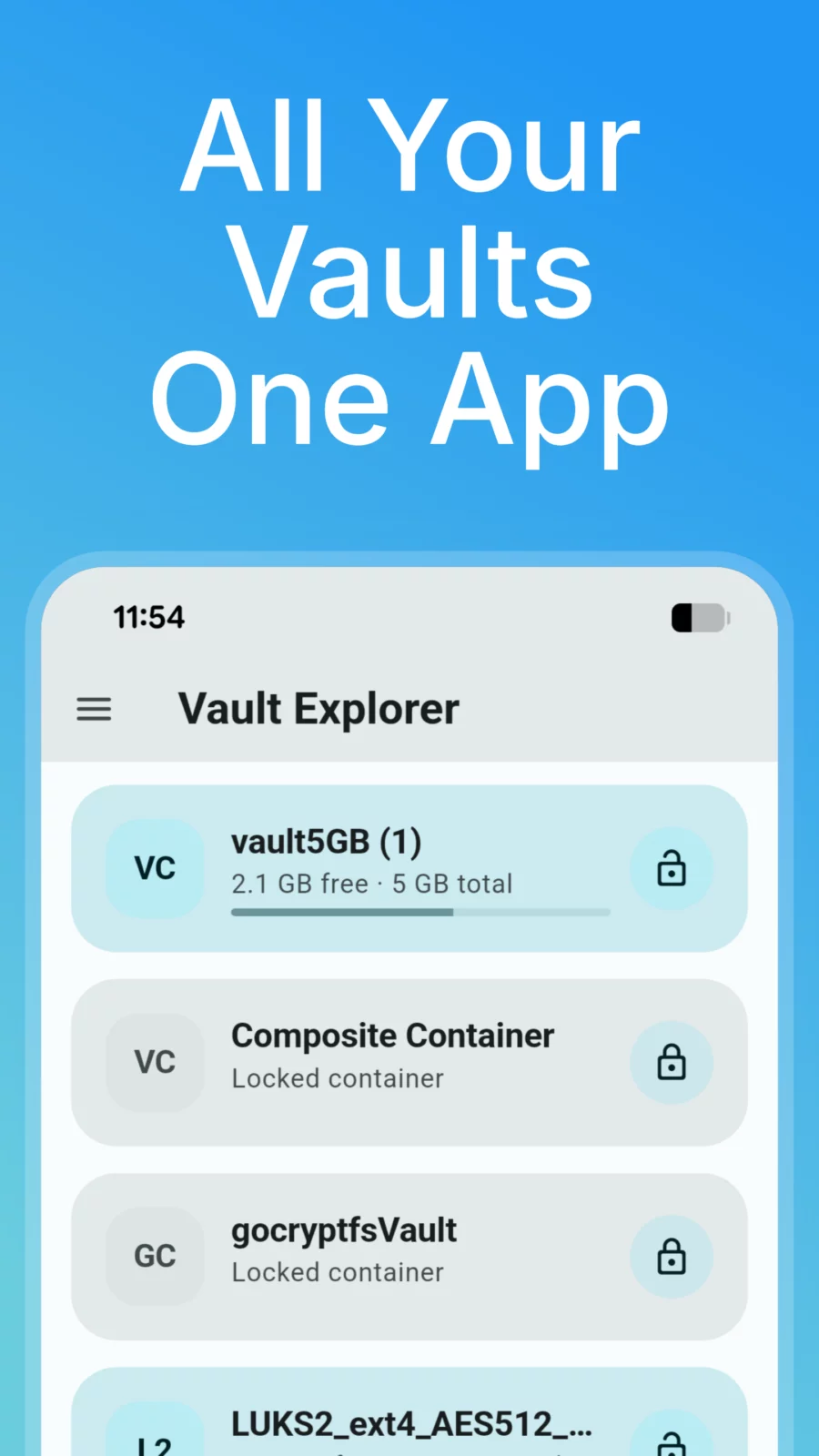
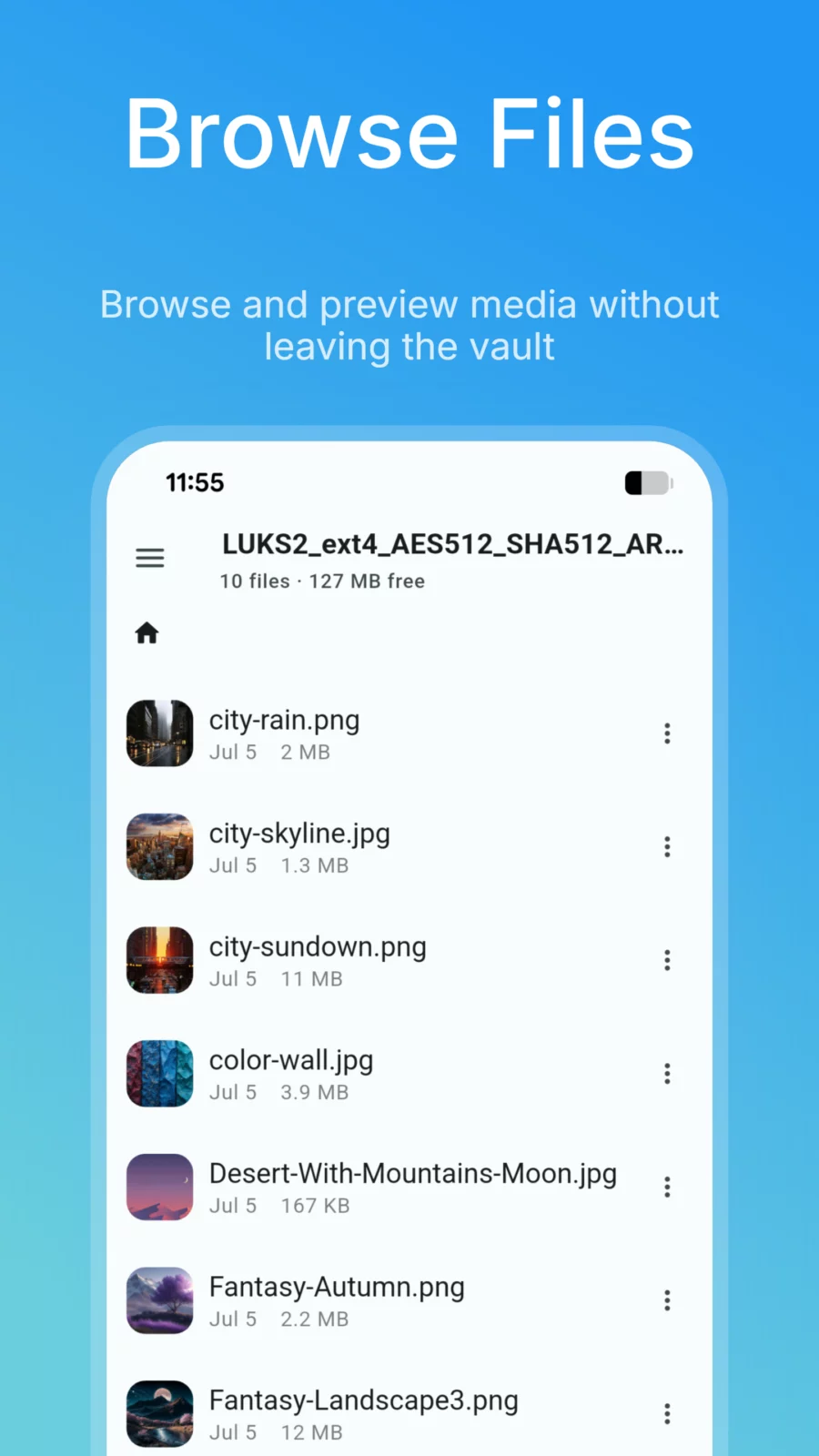
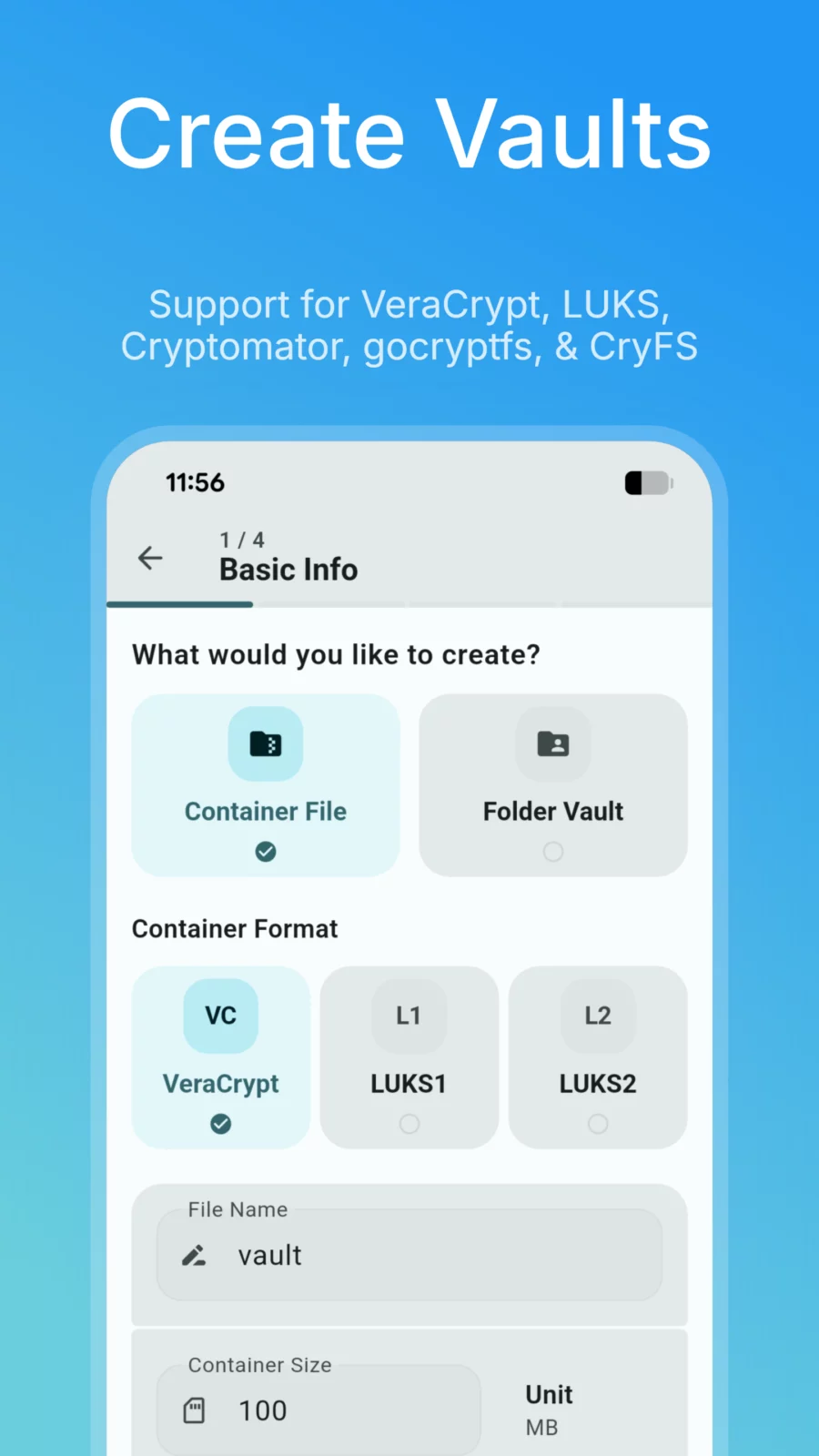
What's new v1.30.2
- Improved SAF & cloud storage reliability with upload retries and size checks.
- Safe locking: active transfers complete before vaults lock to prevent corruption, with clear alerts.
- Thumbnails are now bundled into pack files for faster sync and stored in app-private storage to prevent cleaner wipes (clearable in vault settings).
About Vault Explorer
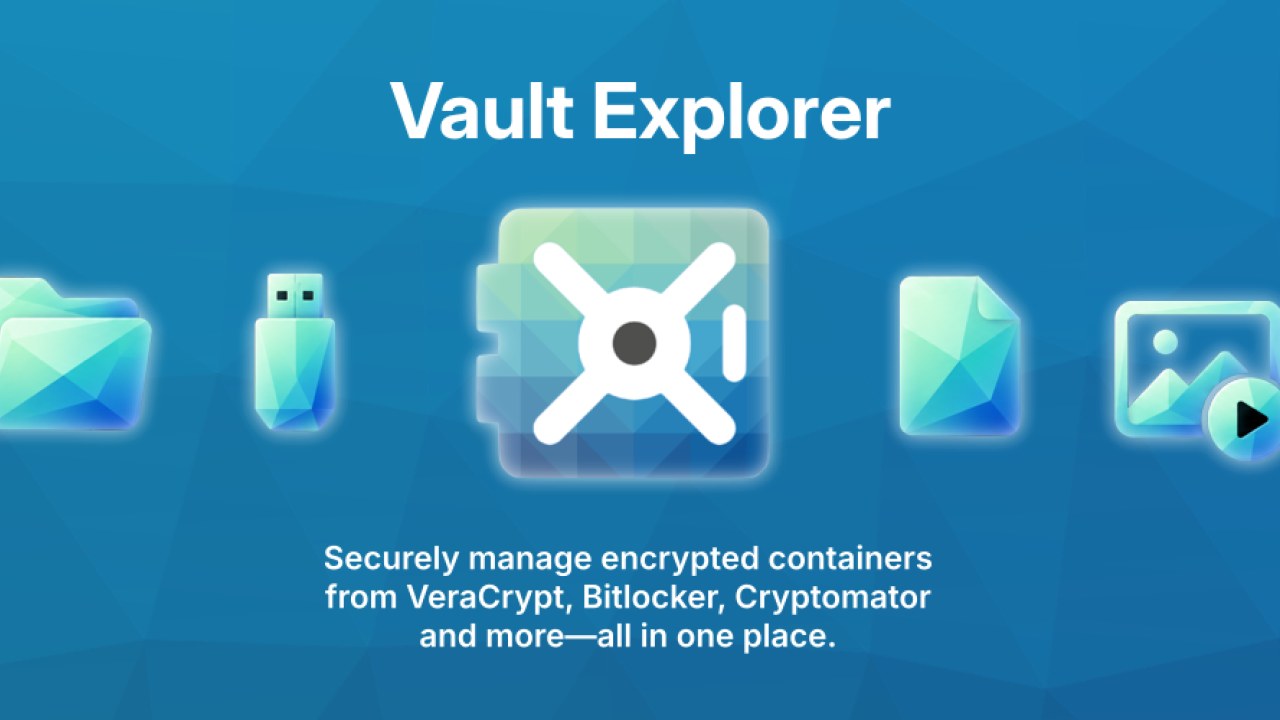
Vault Explorer opens and browses encrypted containers and vaults directly
on your device — VeraCrypt/TrueCrypt, LUKS, BitLocker, Cryptomator,
gocryptfs, and CryFS, plus VHD/VHDX images — without exporting your
files unencrypted to shared storage.
Features:
* Read/write NTFS, FAT/exFAT, and ext2/3/4 filesystems inside a container
* VeraCrypt/LUKS/BitLocker unlock, including cascaded ciphers and hidden volumes
* Cryptomator, gocryptfs, and CryFS directory-vault support
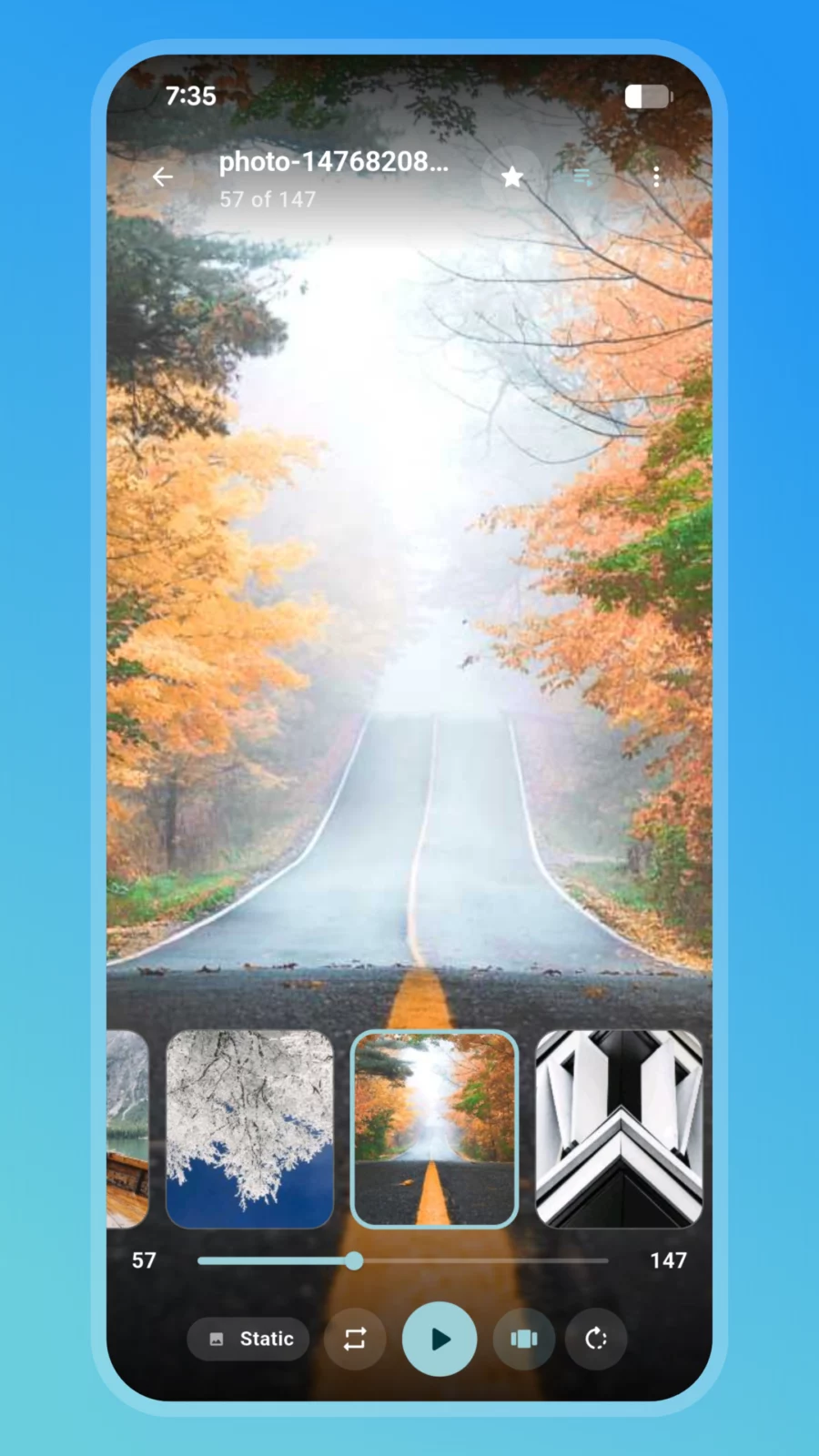
* Built-in viewers and editors for photos, video/audio, PDF, HTML, Markdown, and text/code, plus an image editor and archive browser (ZIP, 7-Zip, RAR, TAR and more)
* Vault camera — shoot photos and video straight into a container, with background recording and a Quick Settings tile/shortcut
* Item Vault — an encrypted password manager built into your container
* Create new encrypted containers and USB volumes, up to 8 mounted at once
* Password, PIN, pattern, or biometric unlock
* Storage locations for device storage, SD cards, and cloud document providers, plus auto-sync between a vault and a folder
* Emergency panic and duress unlock — lock vaults, wipe credentials, or wipe the app's own data
* Mask Mode — optionally disguise the app as a real, working local file manager on the home screen; hold the title for 2 seconds to reach your real vault
* Optional local automation for Tasker/MacroDroid (Beta) — no network involved
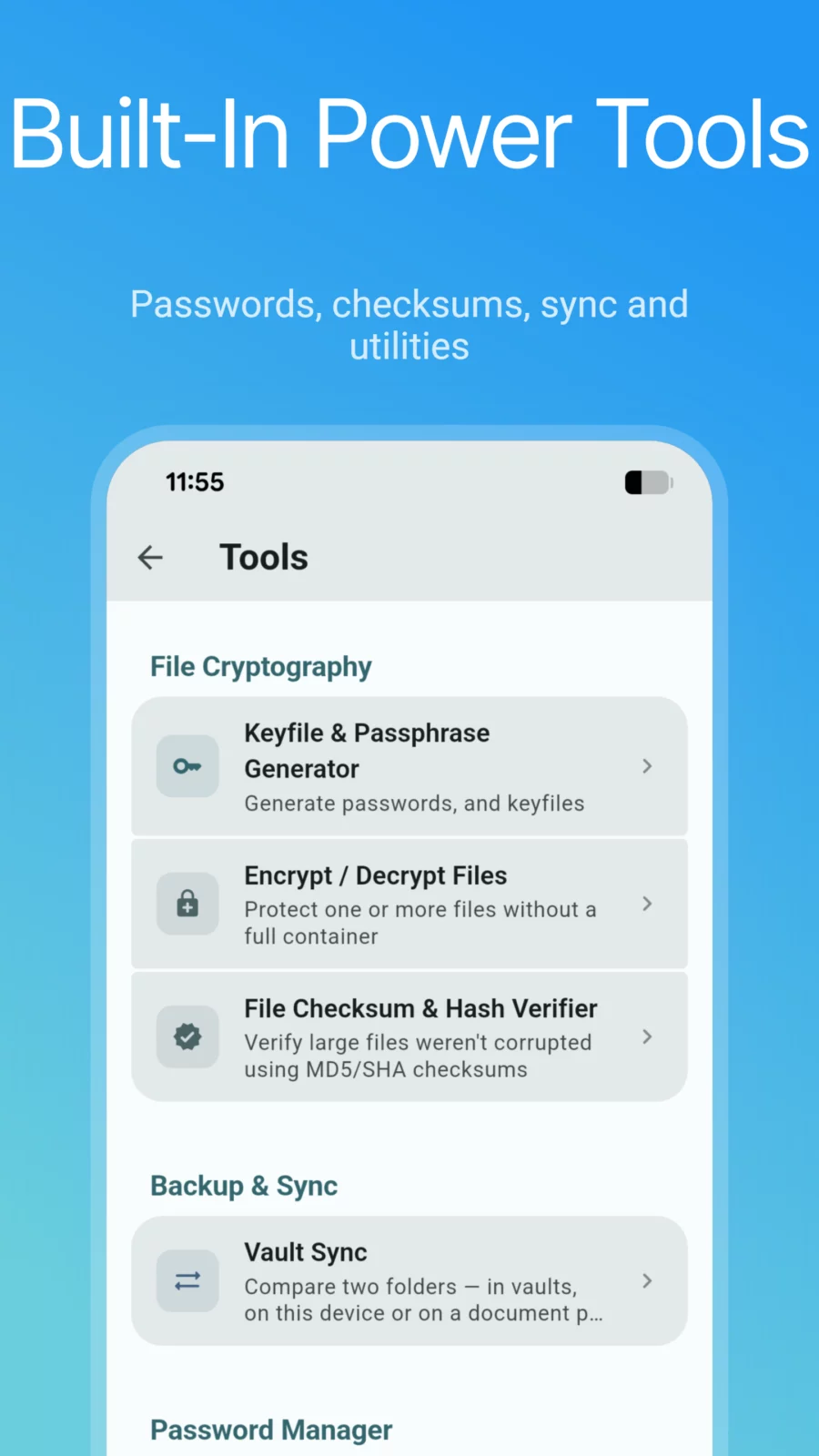
* Tools: keyfile/passphrase generator, file encryptor, hash verifier, vault sync, storage analyzer, duplicate finder, split & join, header backup, and container repair
Vault Explorer does not collect or transmit any data — it has no INTERNET
permission at all. All decryption happens locally on your device, in
memory wherever possible. The few operations that need a scratch file keep it
in private app storage and wipe it afterwards. Files only leave a vault when
you (or an automation you enabled) export, share, or sync them.
Mask Mode only changes the app's home-screen name, icon, and front screen for
situations where someone else may pick up your device. The disguised file
manager is a genuine, working browser for your device's own storage, not a
way to hide activity from other people.
APK file hosted on AABforAndroid (Oct 8, 2026, SHA-256 verified). Free and open-source software (GPL-3.0-or-later) · Source code.