VivaVideo Free Video Editor App Android Free Download

VivaVideo Free Video Editor App Android Free Download
VivaVideo - Video Cut & Editor
QuVideo Inc. Video Editor & Video Maker AppVideo Players & Editors
- Android
- 4.3 (12.3M)
- 500M+ downloads
- Everyone
- Free
- Contains ads
- In-app purchases
- Released
- Mar 21, 2013
- Package
- com.quvideo.xiaoying
Screenshots
What's new v9.38.5
Experience optimization.
About VivaVideo - Video Cut & Editor
VivaVideo: Your free AI creative partner to turn imagination into influence. More intuitive for beginners, more powerful for pros.
Generate AI videos, create one-tap Reels, and edit like a pro — all in one app. Share stories that grow your audience across TikTok, Instagram, YouTube, and beyond.
FREE & No Ads!
Powerful AI Video Tools
– Track moving objects with Smart Tracking to create dynamic, professional shots.
– Sync video highlights with AI Beat for perfectly timed edits.
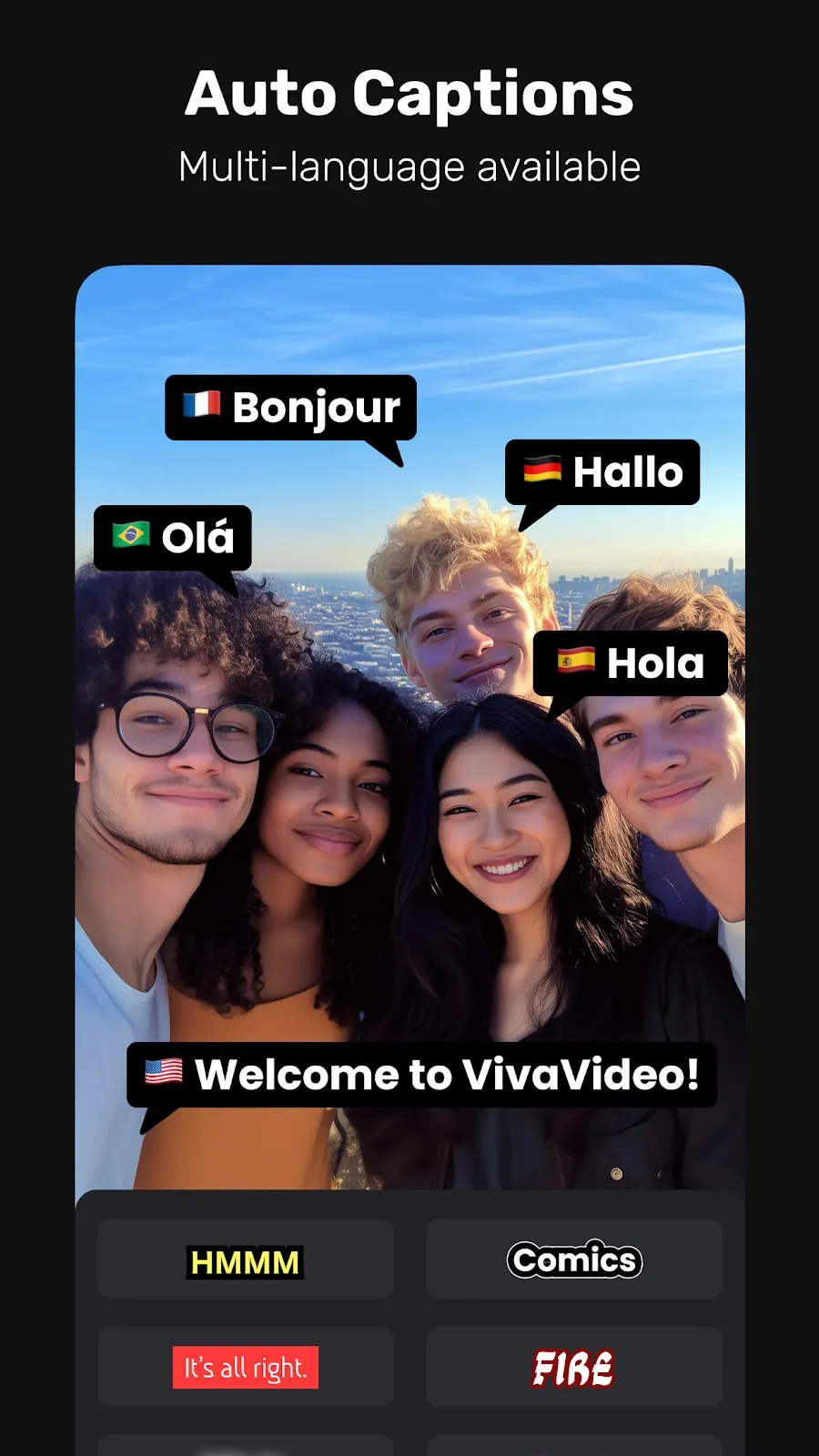
– Generate AI Auto Captions — speech-to-text & translation in one tap.
– Create AI Avatars: turn text into talking clips with voice customization. Powered by Veo 3 AI.
– Generate custom AI Music based on your ideas or lyrics.
– Clone your voice with AI Voice Clone — add customized emotions in any language.
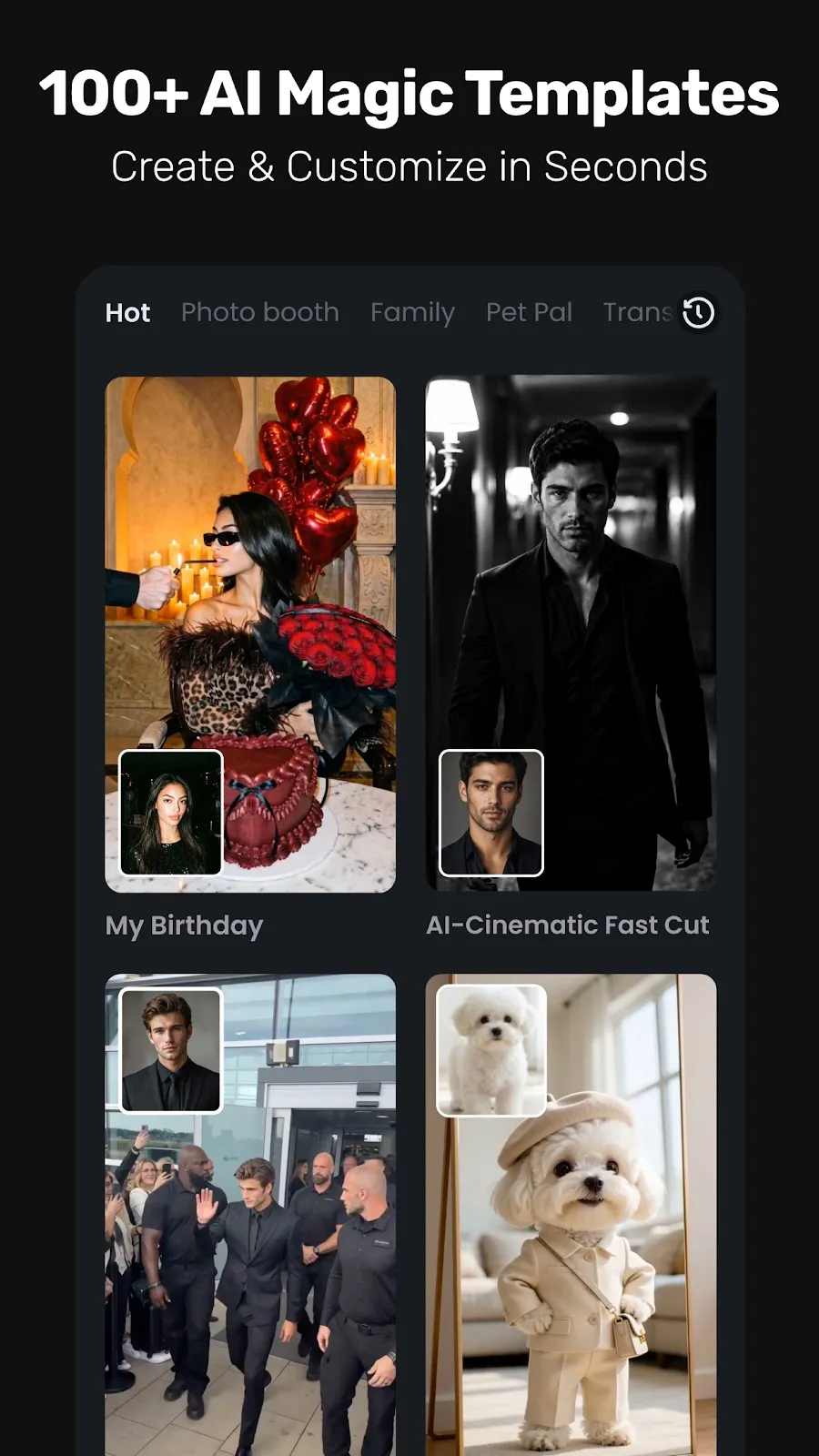
– Animate your photos with AI hug, AI kiss, and AI muscle effects (Image to Video).
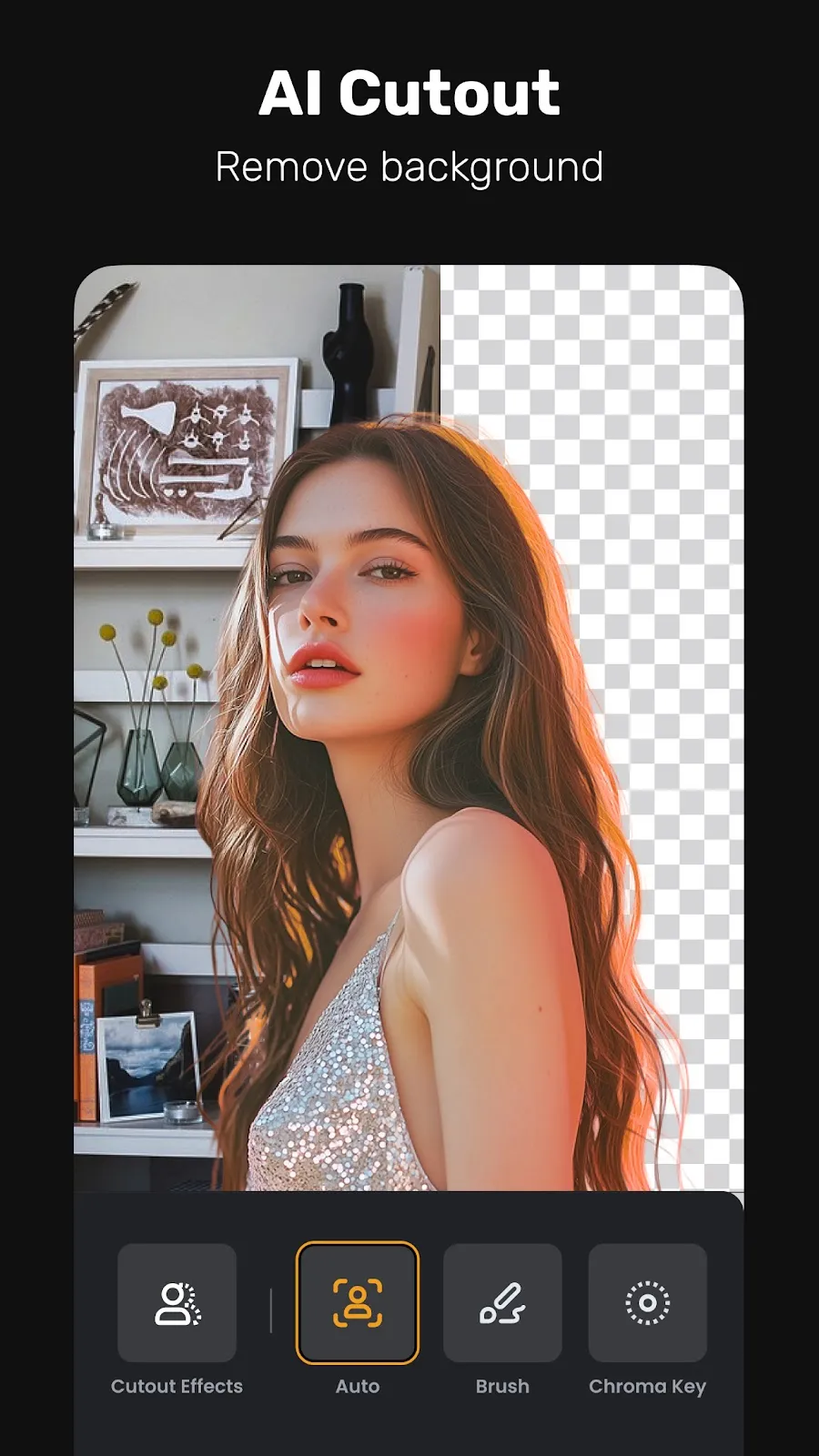
– Remove backgrounds or isolate objects with AI Cutout — smart strokes, instant results.
– Enhance videos with advanced Slow-Motion for cinematic smoothness.
User-friendly Video Editing for Beginners
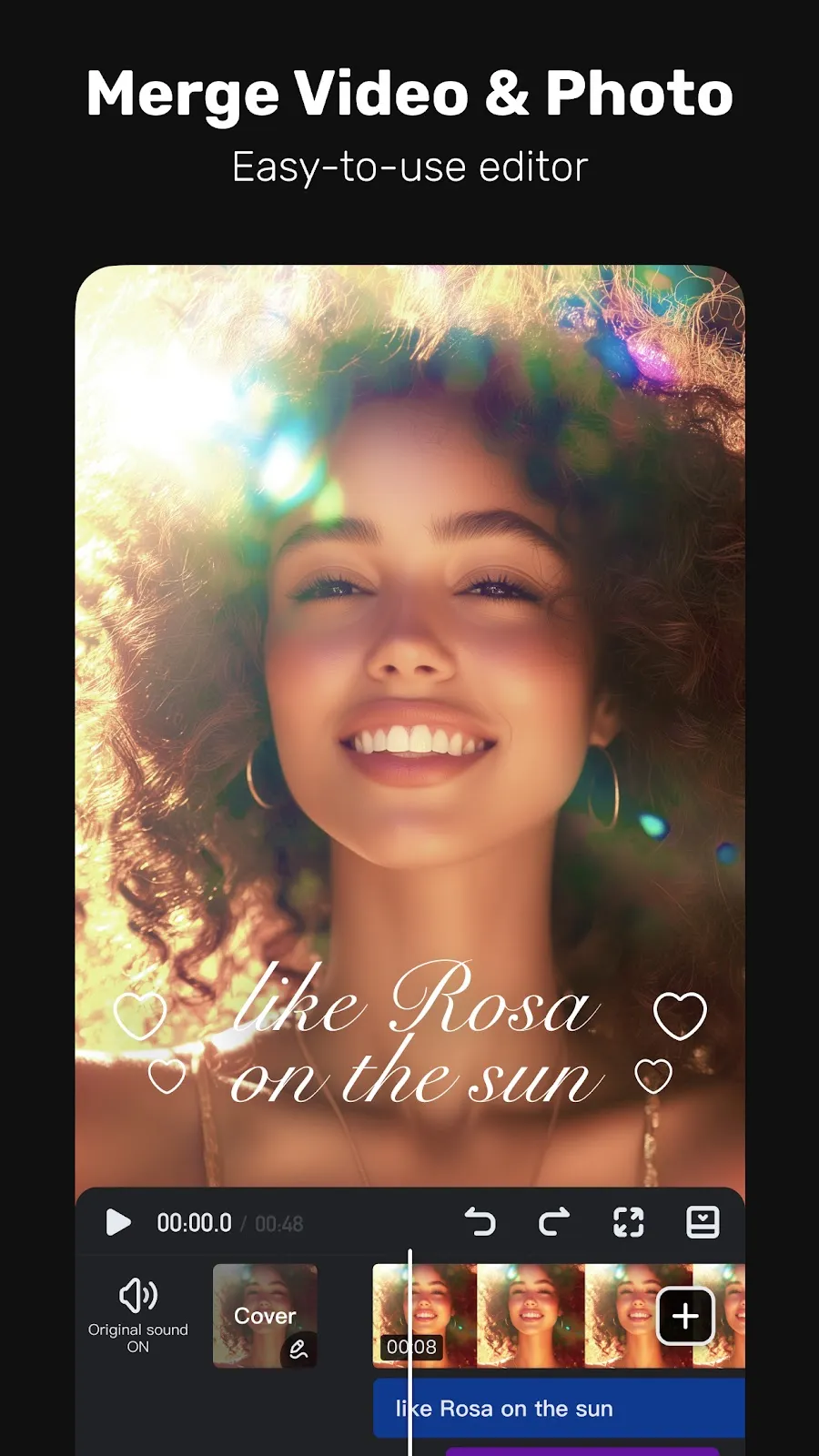
– Trim, cut, split, or merge video clips without losing quality.
– Control speed with customizable & pre-set speed curves.
– Add smooth transitions and visual effects.
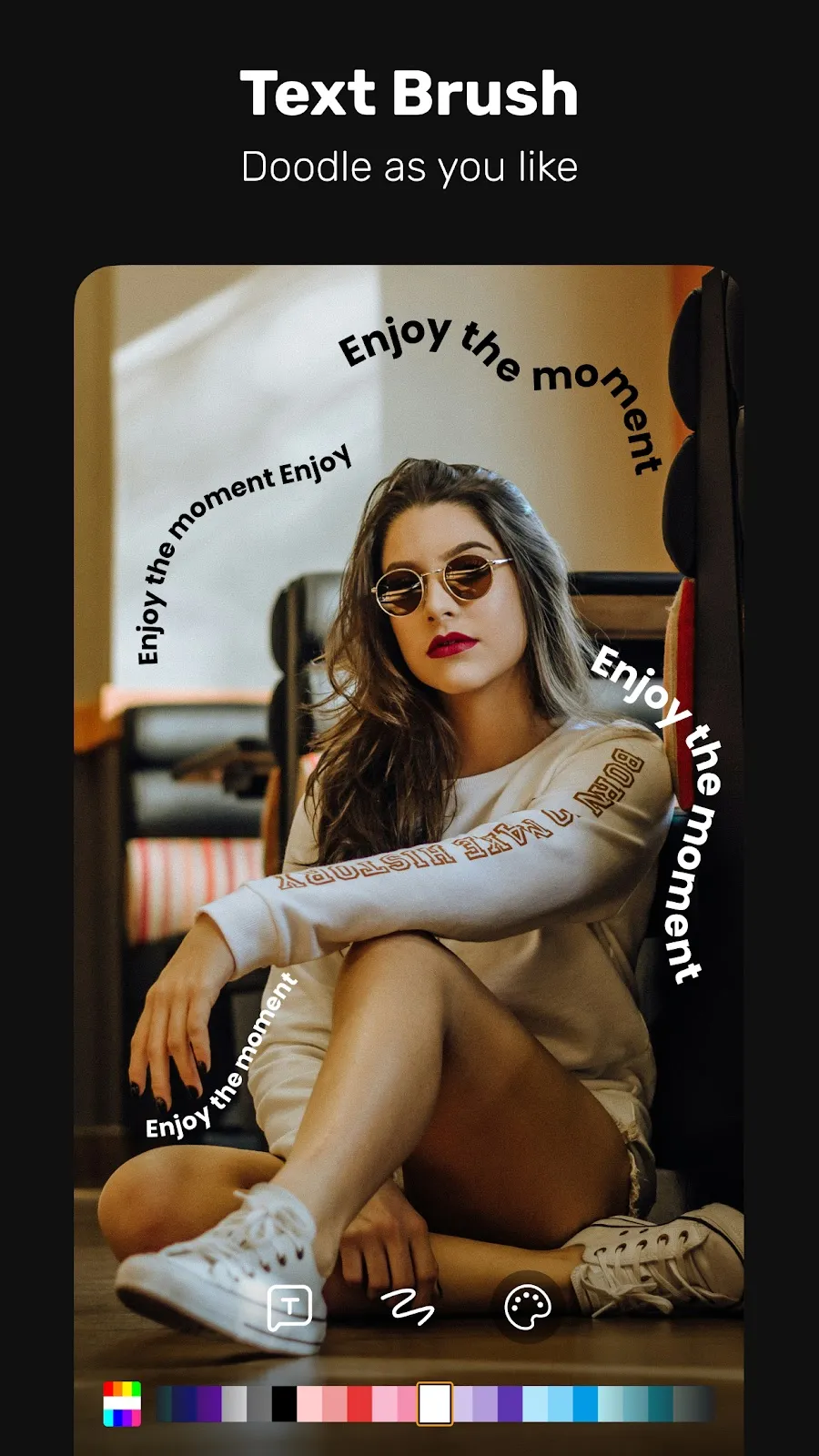
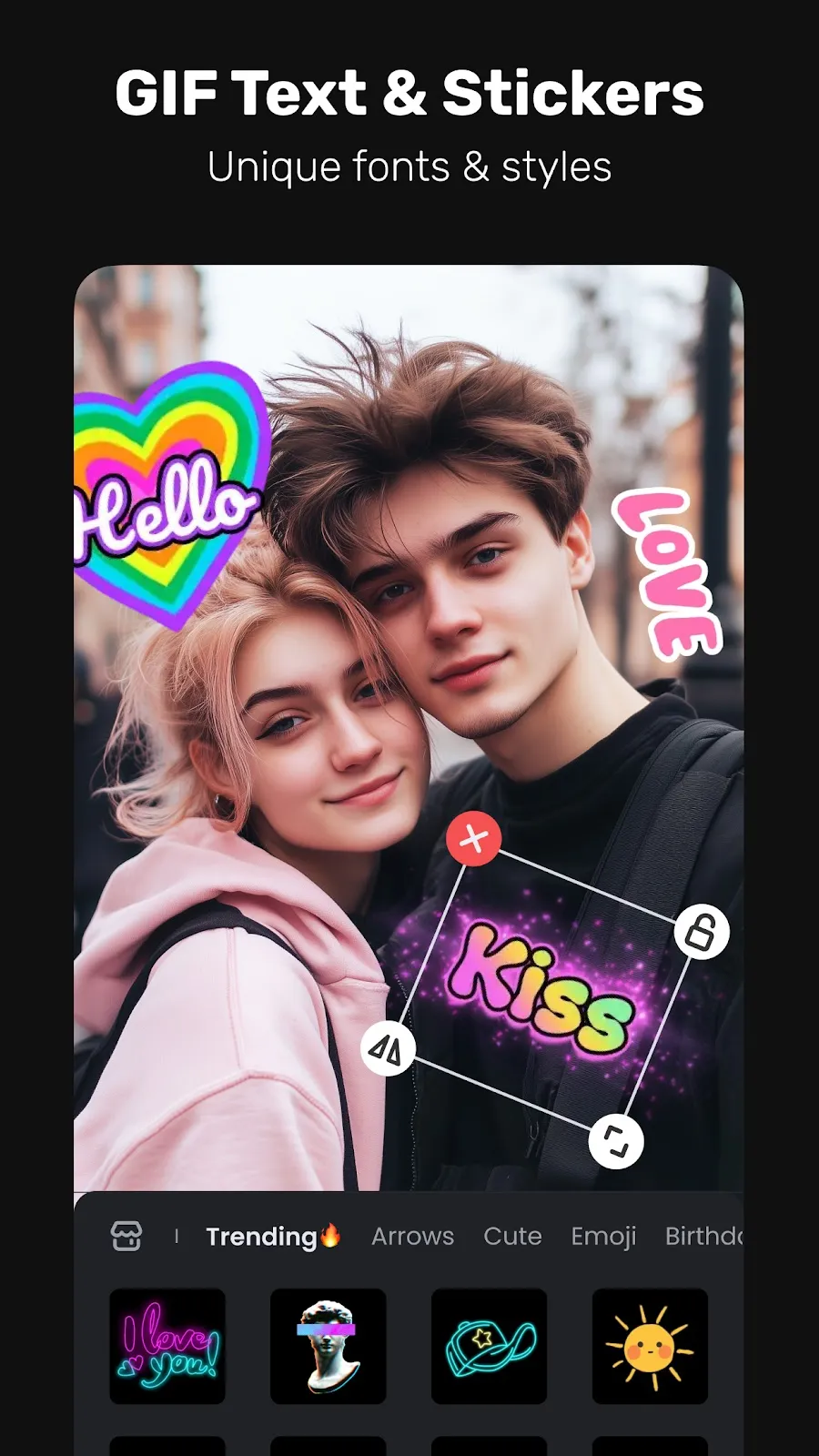
– Customize text styles & fonts for titles and captions.
– Add fun stickers & emojis to bring personality.
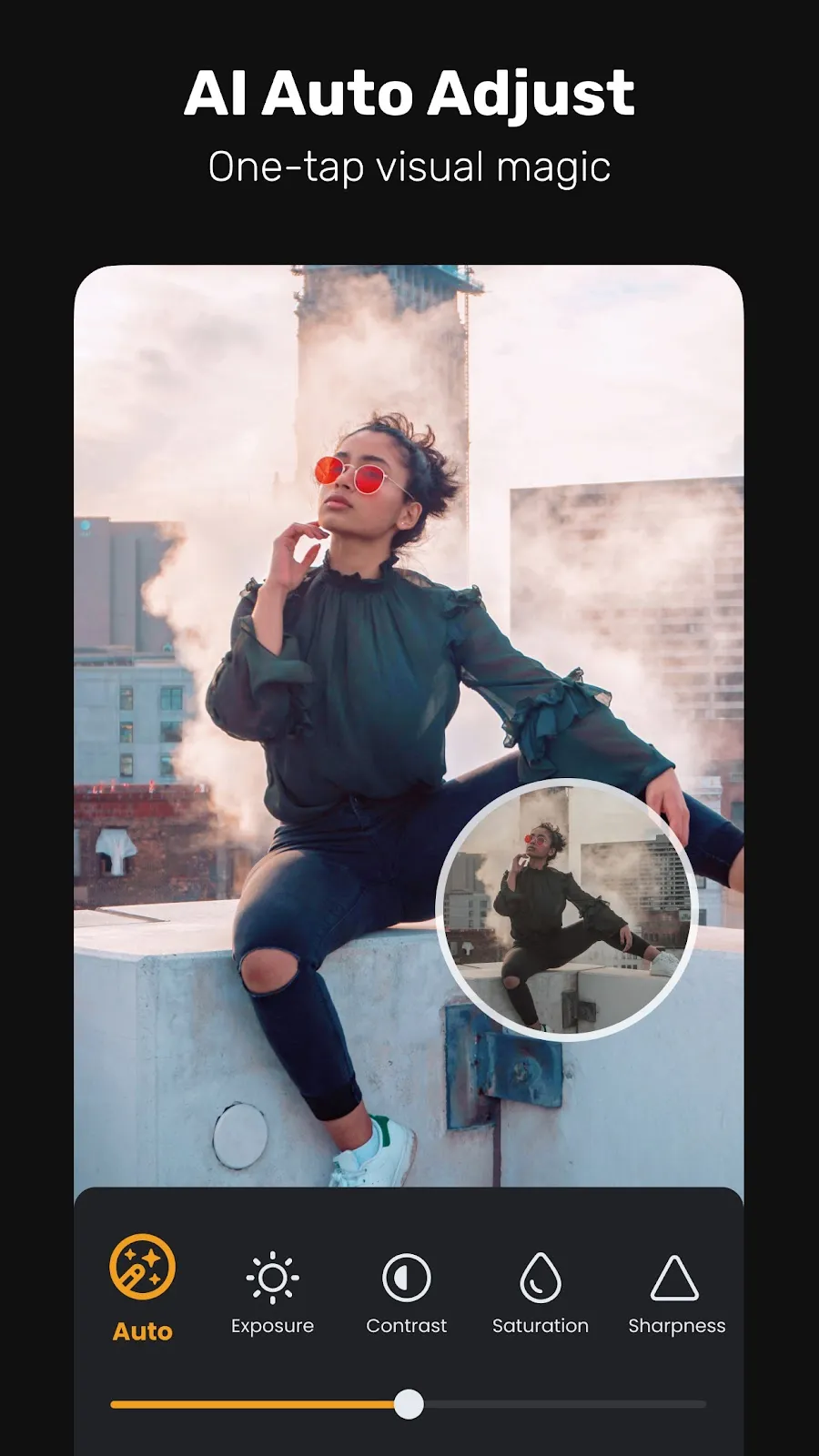
– Adjust brightness, contrast & saturation for better visuals.
Full-featured Video Editing for Professionals
– Create smooth animations with Keyframe editing.
– Apply slow-motion effects to specific video parts.
– Eliminate colors with Chromakey effects for immersive scenes.
– Add multiple layers with Picture-in-Picture (PIP): video, images, stickers, effects, text.
– Cover and mix video clips with Masking for unique effects.
– Blur or pixelate sensitive areas with Mosaic.
– Track moving objects for precise effects, text, or animations to follow their motion.
Special Features
– Generate Auto Captions & Caption Translation — AI speech-to-text and one-tap subtitle translation.
– Remove backgrounds and change video background instantly.
Trending Effects & Filters
– Apply various effects: Glitch, Fade, Weather, Retro DV, Blur, 3D.
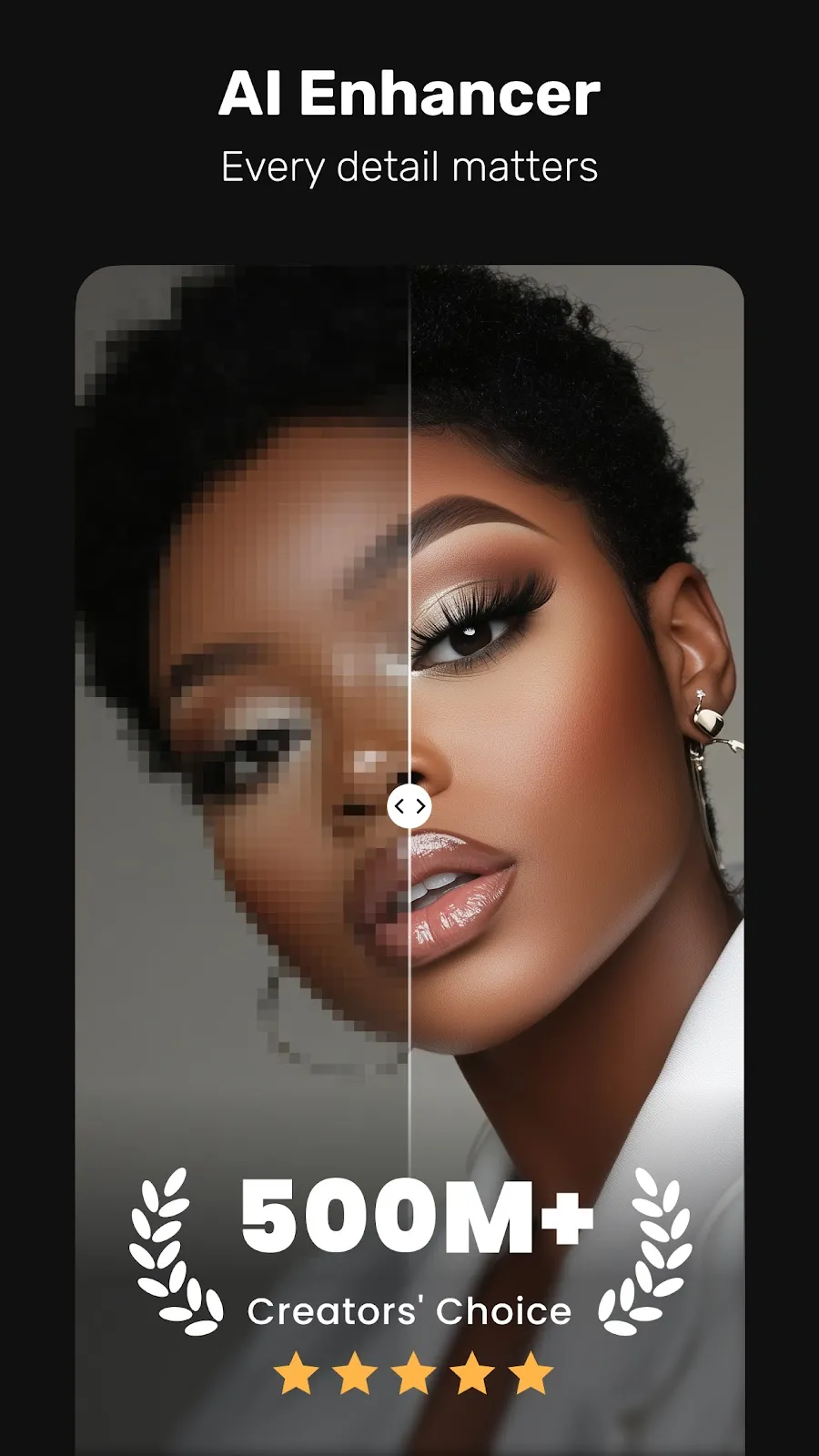
– Enhance videos with cinematic filters & color adjustments.
Music & Sound Effects
– Elevate videos with a vast library of music clips and sound effects.
– Extract audio from video clips and recordings.
With VivaVideo — your all-in-one AI video editor & video maker with music — you can easily craft eye-catching content. Whether you're a beginner or pro, generate, edit, and share high-quality videos in minutes!
Listing details from Google Play, checked Oct 9, 2026.