Volume Control: Quiet Dial App Android Free Download
Volume Control: Quiet Dial App Android Free Download
Volume Control: Quiet Dial
RotemVolume
- Android
- Free
- Open source · GPL-3.0-only
- Released
- Jul 3, 2026
- License
- GPL-3.0-only
- Package
- granularvolume.com
- SHA-256
504a0bb40efa6447c25aca341a34d7babf83fb1c52c7f36339cda125c1521f2e
Screenshots
What's new v1.7.0
The dial and the edge tab keep their place when the screen rotates, and on a phone held sideways the whole dial now fits on screen. While the control is running, the app icon and the notification open "Your access", which gained a Help link. The Quick Settings tile always shows whether the control is really on, the tour waits for the "Add tile" question, and the app says so when a device does not let it attach the quiet steps. This F-Droid build stays free and complete.
About Volume Control: Quiet Dial
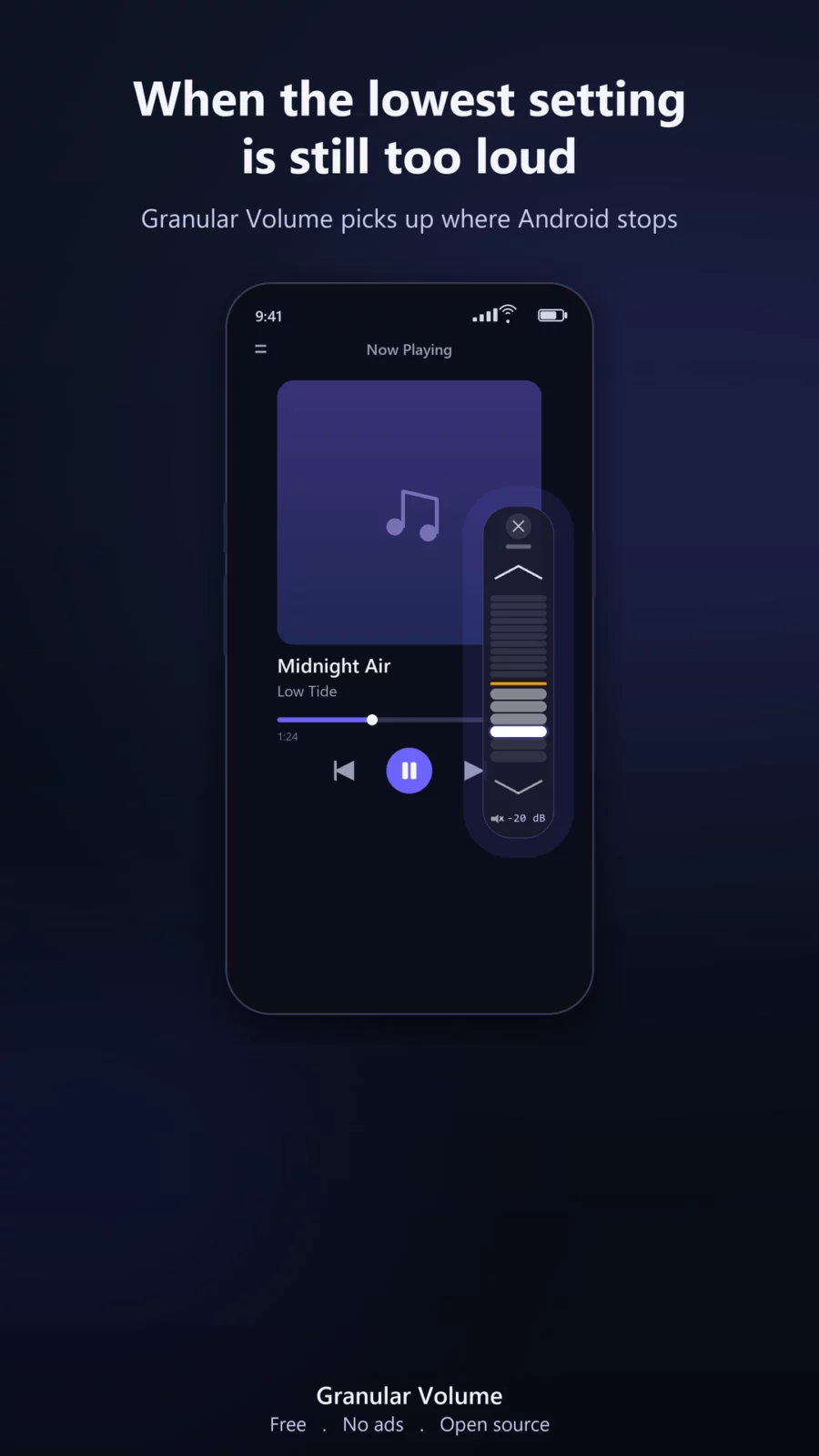
Is your Android volume still too loud even at the lowest setting, in media, ringtones, or notifications? Your phone or tablet stops at its hardware minimum. Granular Volume goes below it.
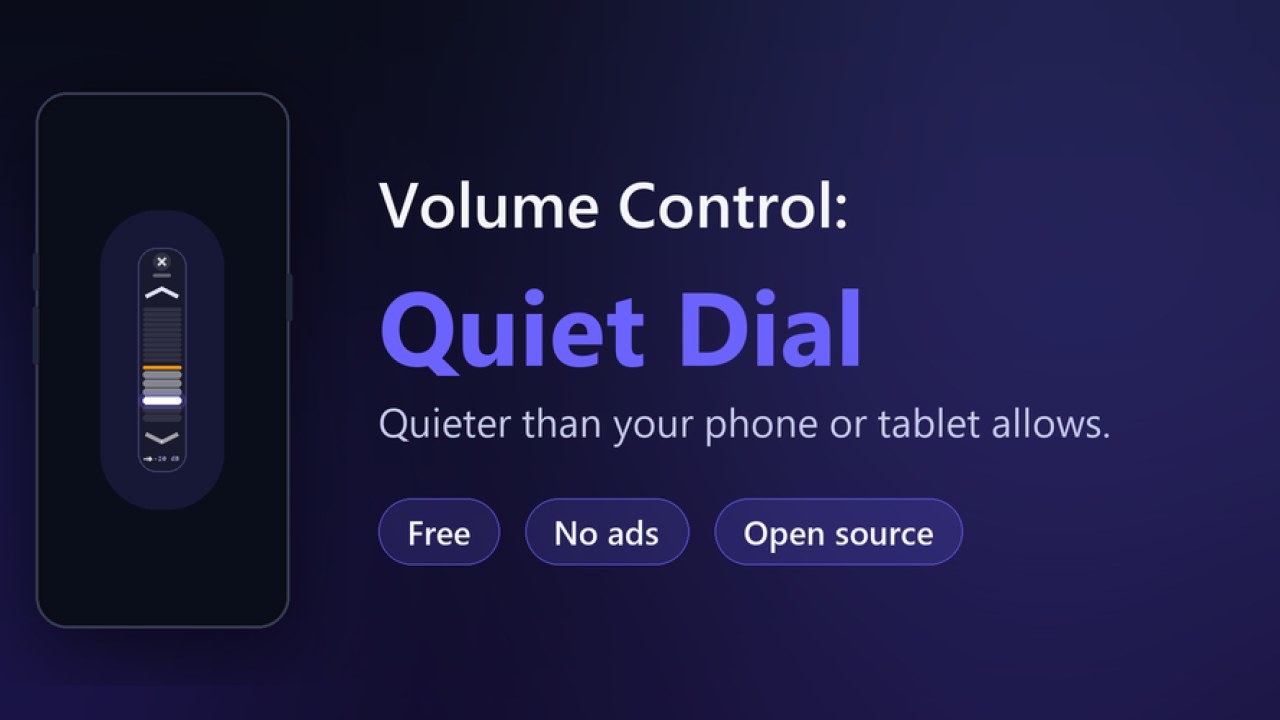
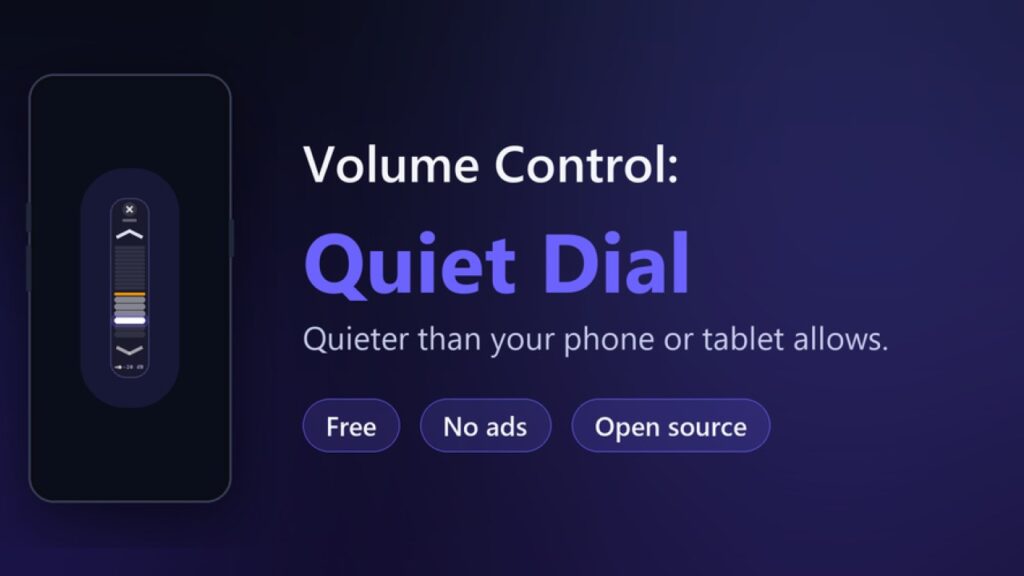
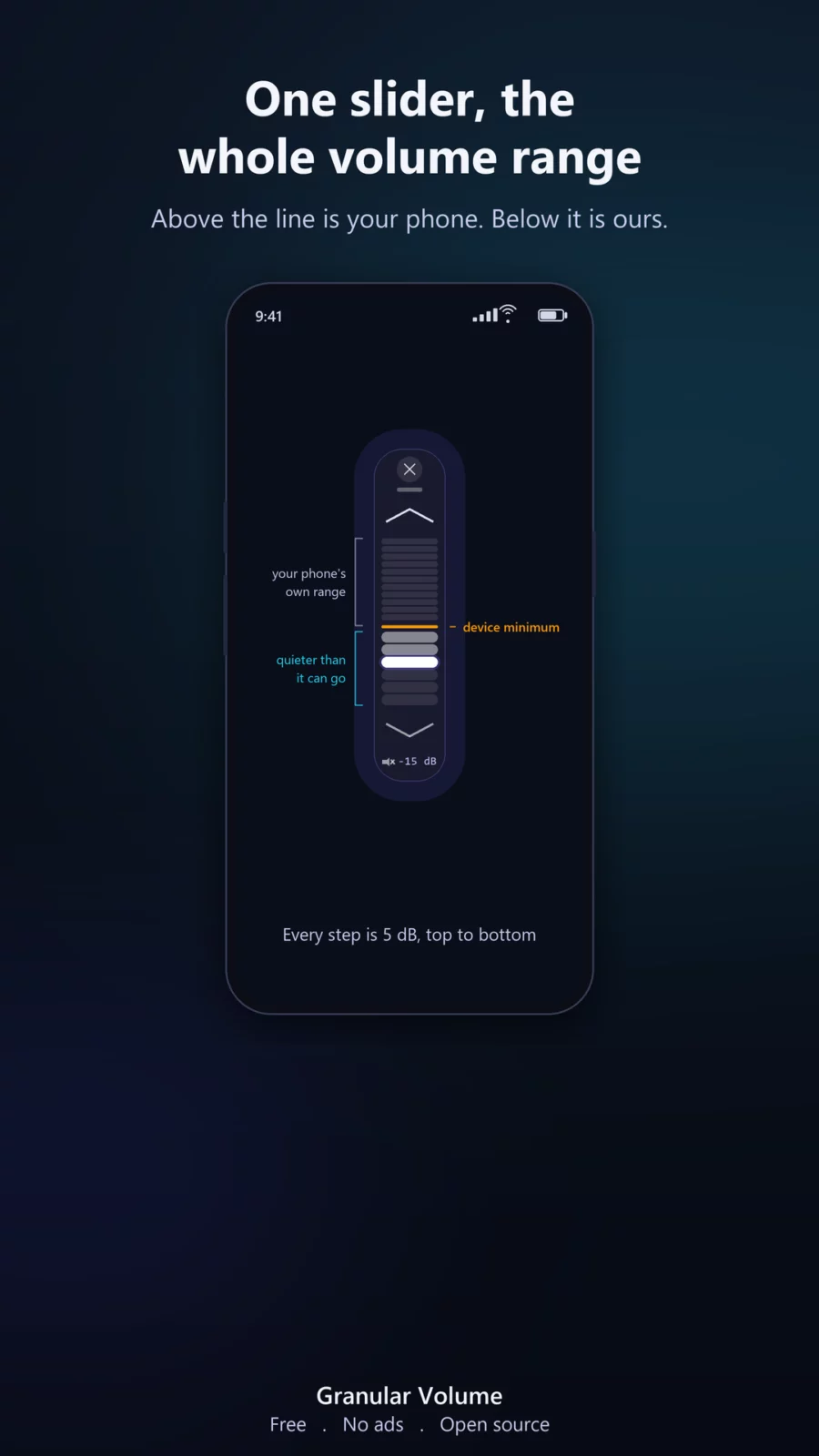
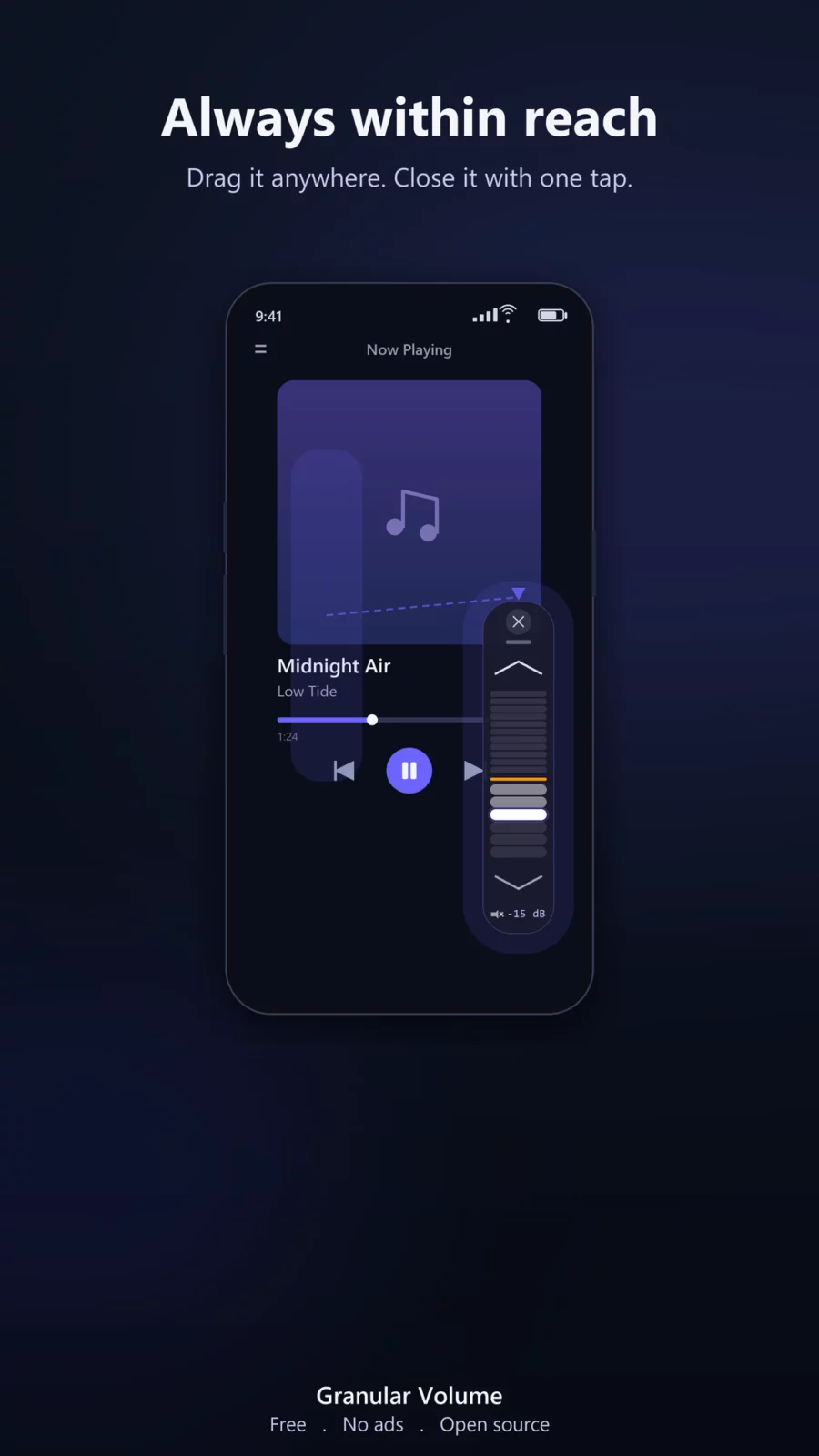
A small floating control appears above any app, with your whole volume range on one slider: normal system volume above your device's minimum line, and a quiet zone below it, six steps of 5 dB down to a full 30 dB under the hardware minimum. Drag it anywhere, tuck it to an edge, close it when done. Your position is saved.
This is a convenience utility, not hearing protection equipment. Actual loudness depends on your device and headphones, so use good judgment with volume changes.
LOWER THAN YOUR PHONE OR TABLET ALLOWS
Most volume apps are built to go louder. Granular Volume is built for the other end: it reduces volume below the lowest step your device's hardware allows, using Android's audio engine, on phones and tablets alike. No root required. No system volume panel replacement. No ads, no account, no internet permission at all. The quiet zone is the heart of the app, and the same slider covers your normal range too.
WHEN YOUR VOLUME BUTTONS DO NOT WORK
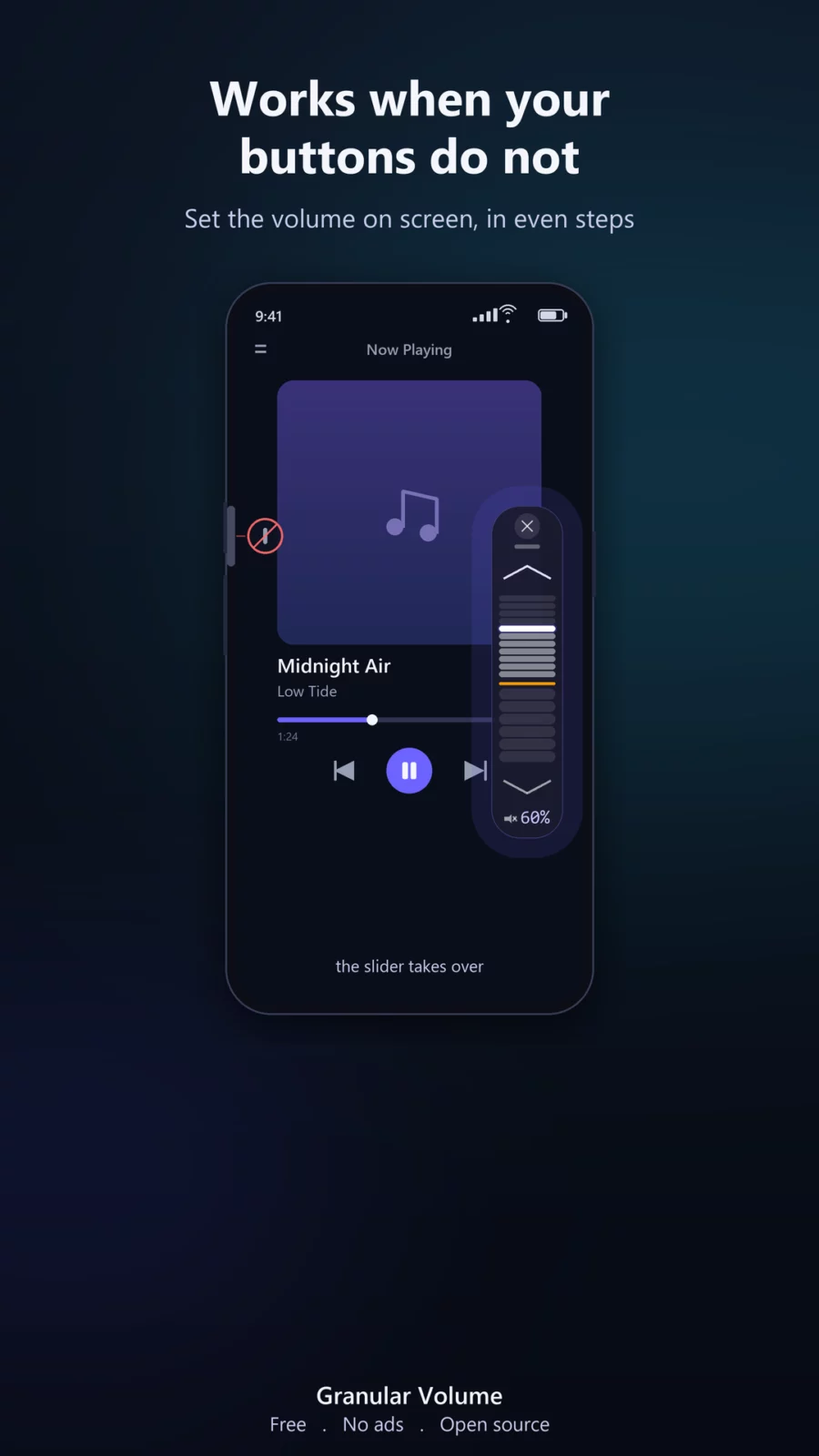
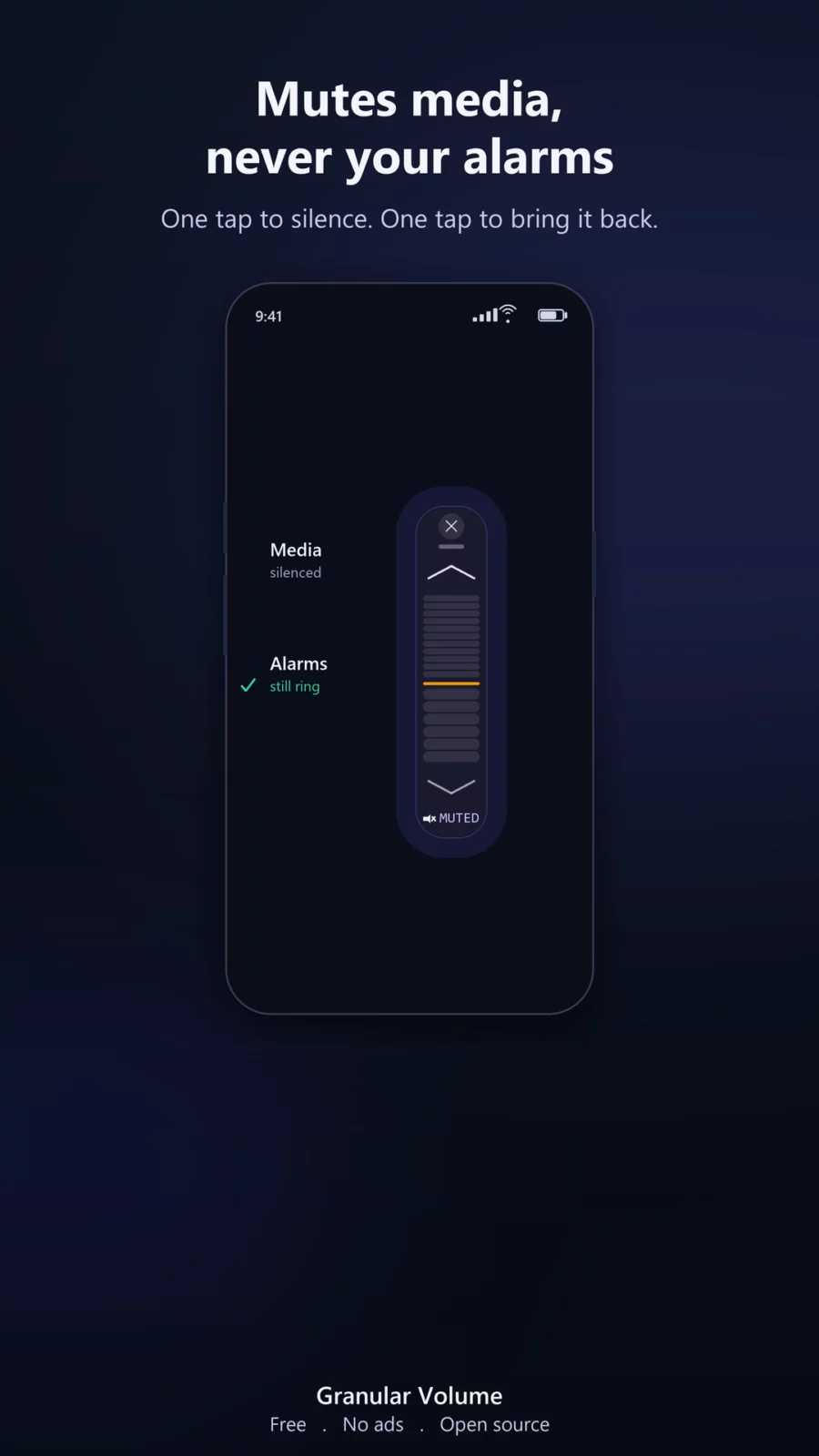
Volume keys wear out, stiffen, or get held down by a case. Above the line marking your device's minimum, the dial sets normal system volume, so it stands in for the buttons: drag up for louder, drag down for quieter, in even 5 dB steps built from your own device's volume curve. Below the line it keeps going, quieter than the phone allows. Mute leaves alarms alone, but the quiet steps lower alarms and ringtones too.
BUILT FOR TABLETS TOO
On some tablets the lowest volume is even louder than on a phone, depending on the model. Granular Volume works the same way on Android tablets, so tablet users get the same quiet floor.
A FLOATING VOLUME CONTROL, ALWAYS IN REACH
The control lives above whatever you are doing. Open any app, start any audio, and it is there when you need it. Drag it anywhere, or tuck it to an edge between uses. One tap closes it. Your last position is remembered next time.
QUICK SETTINGS TILE
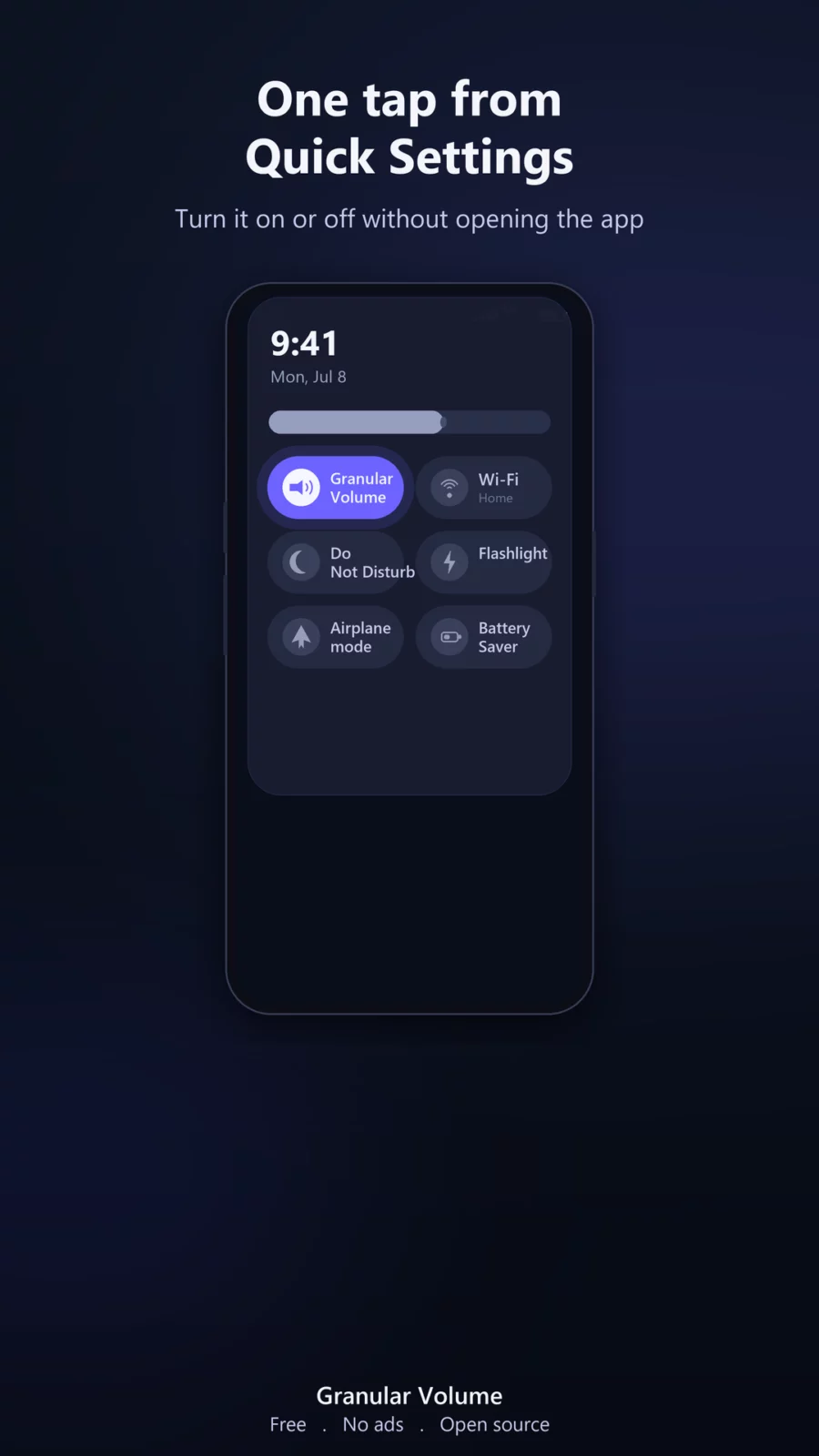
Swipe down, tap once. Add Granular Volume to your Quick Settings panel and toggle the overlay on or off without ever opening the app. No shortcuts to set up, no widgets to place.
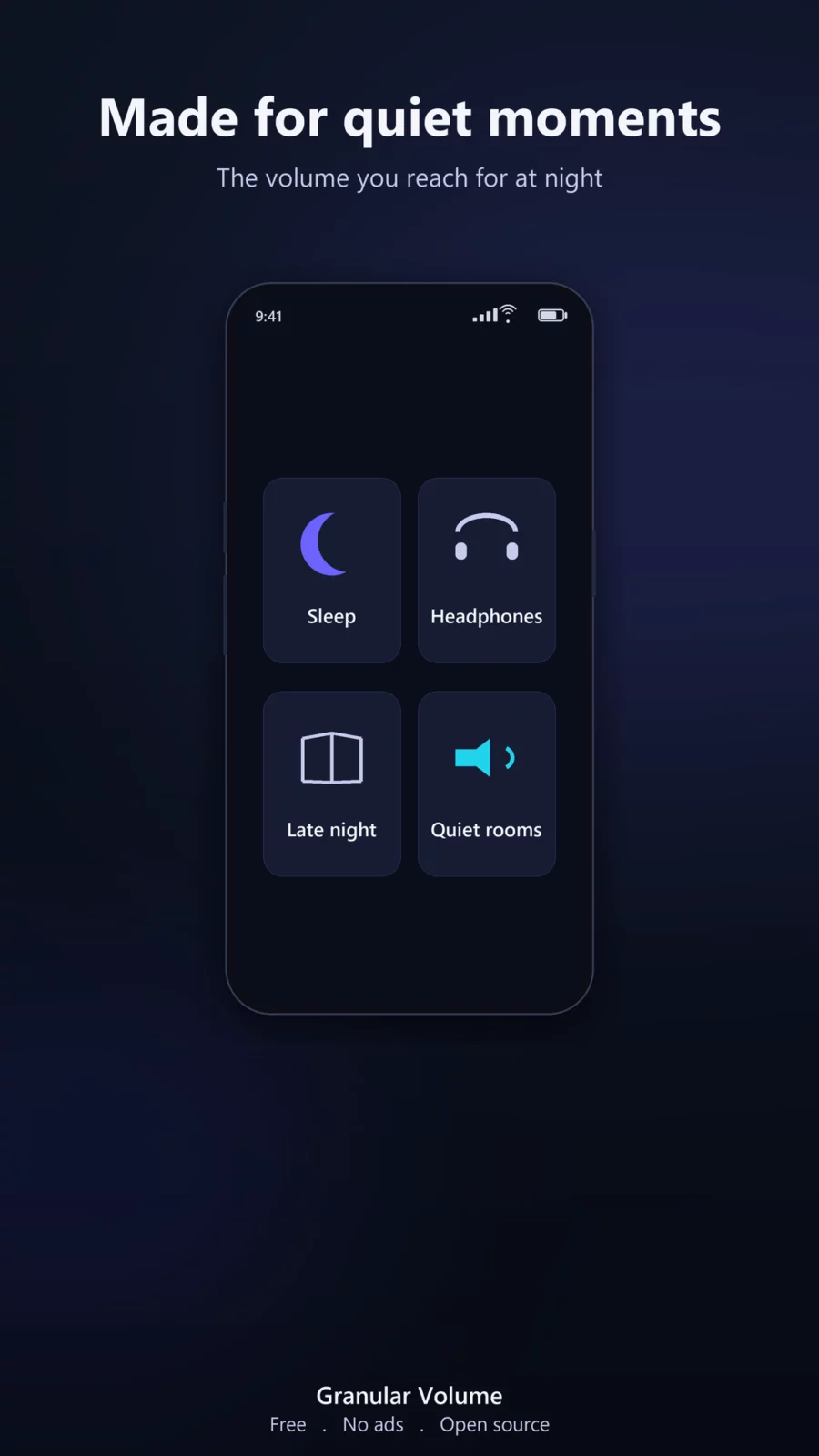
- MADE FOR QUIET MOMENTS
- App calls such as WhatsApp, on phones that play them through the media output, which varies by phone. Regular phone calls never do: Android carries those on a separate path that no app can lower further, so there the control gives you your phone's own steps and the quiet steps are shown dimmed
- Sensitive IEMs and high-sensitivity headphones, where even step 1 is too loud
- Tablet speakers and headphones, where on some models the minimum step is even louder than on a phone
- White noise or lullabies for a sleeping baby, kept barely audible
- Late-night listening next to a sleeping partner
- Quiet rooms, libraries, open offices, and meditation
- ASMR and relaxation audio at a comfortable level
- Hearing aids and amplified devices where minimum system volume is too strong
DESIGNED TO STAY OUT OF THE WAY
Granular Volume does not take over your volume keys: they keep working, and inside the quiet zone the dial folds their presses into its own finer scale. It does not replace your system volume panel and it does not add an equalizer suite you did not ask for. It sits quietly on top as an overlay and changes one thing: the level, from normal volume all the way below your hardware minimum.
PRIVATE, OPEN SOURCE
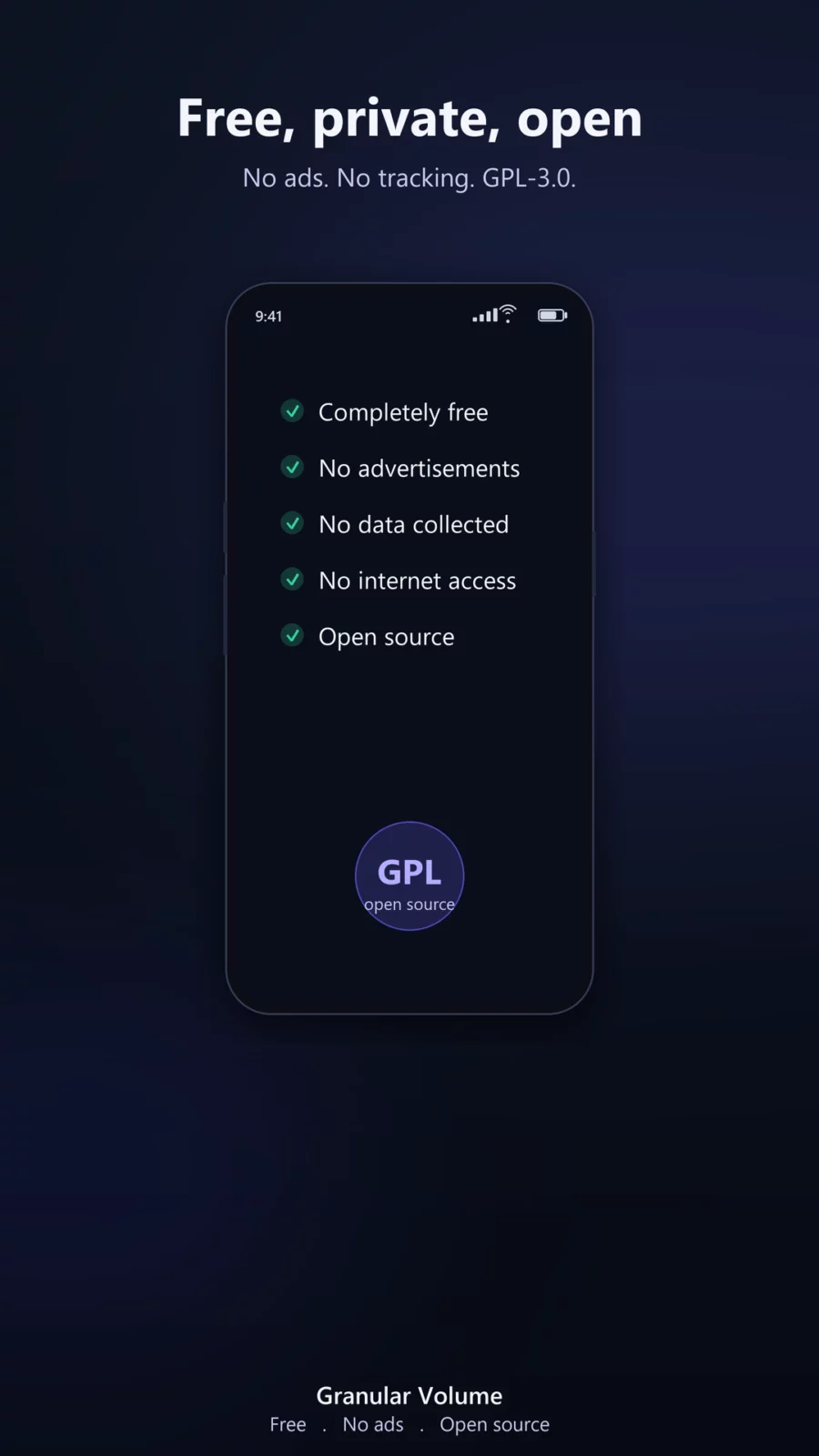
This F-Droid build is free and complete: every step is included, permanently, with nothing withheld and nothing to buy. On Google Play the app comes with a seven-day trial of everything, after which the control needs a one-time purchase. No ads. No tracking. No internet permission, so the app cannot connect to anything. No account, no sign in, no analytics. Open source under the GPL-3.0 license.
- PERMISSIONS, EXPLAINED
- Display over other apps: required to show the floating vol
APK file hosted on AABforAndroid (Oct 8, 2026, SHA-256 verified). Free and open-source software (GPL-3.0-only) · Source code.