Webview Kiosk App Android Free Download

Webview Kiosk App Android Free Download
Webview Kiosk
Khiet Tam NguyenBrowser
- Android
- Free
- Open source · AGPL-3.0-or-later
- Released
- Sep 23, 2025
- License
- AGPL-3.0-or-later
- Package
- uk.nktnet.webviewkiosk
- SHA-256
d7d584c7da5857a7fbccc102c5e9c71a2155d4cb8f0563eaeba3668af3a6160a
Screenshots
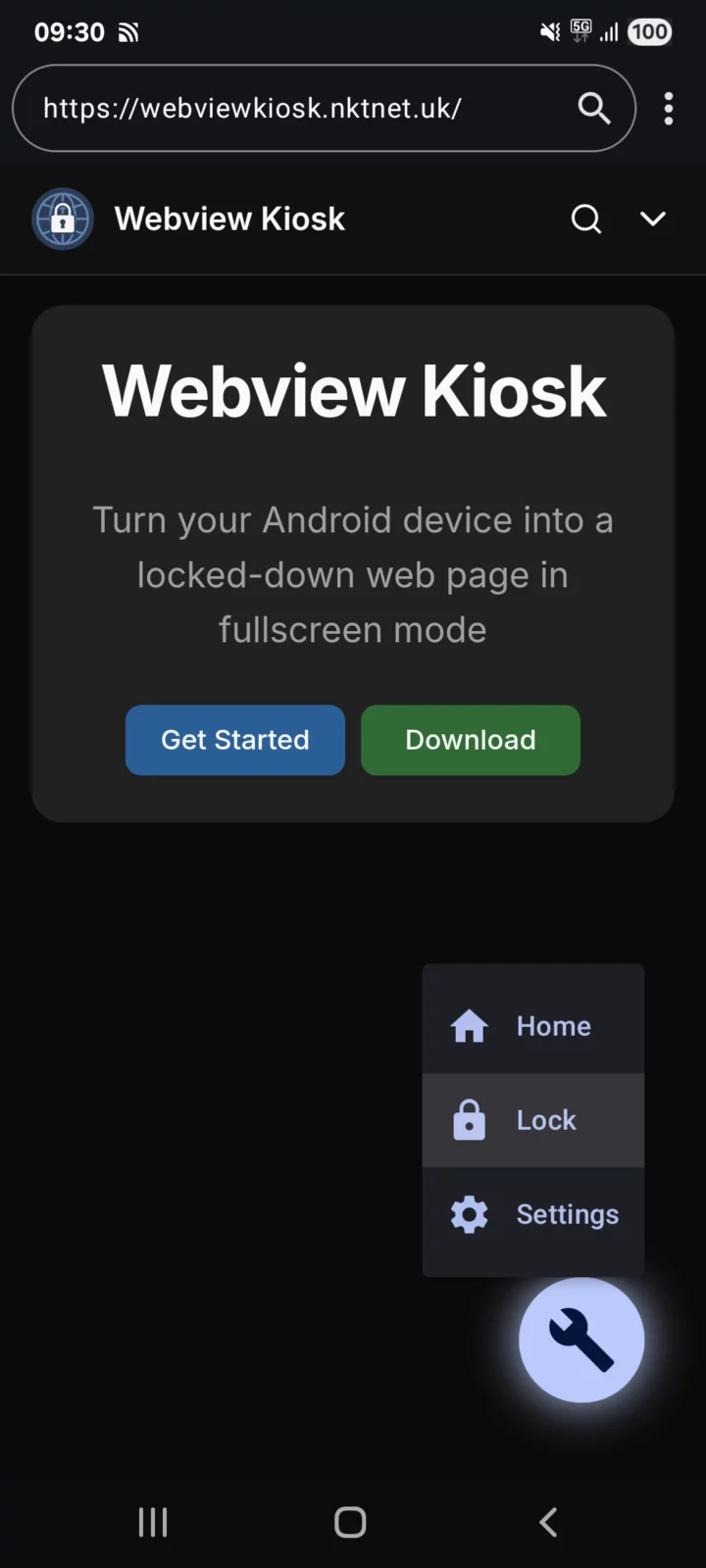
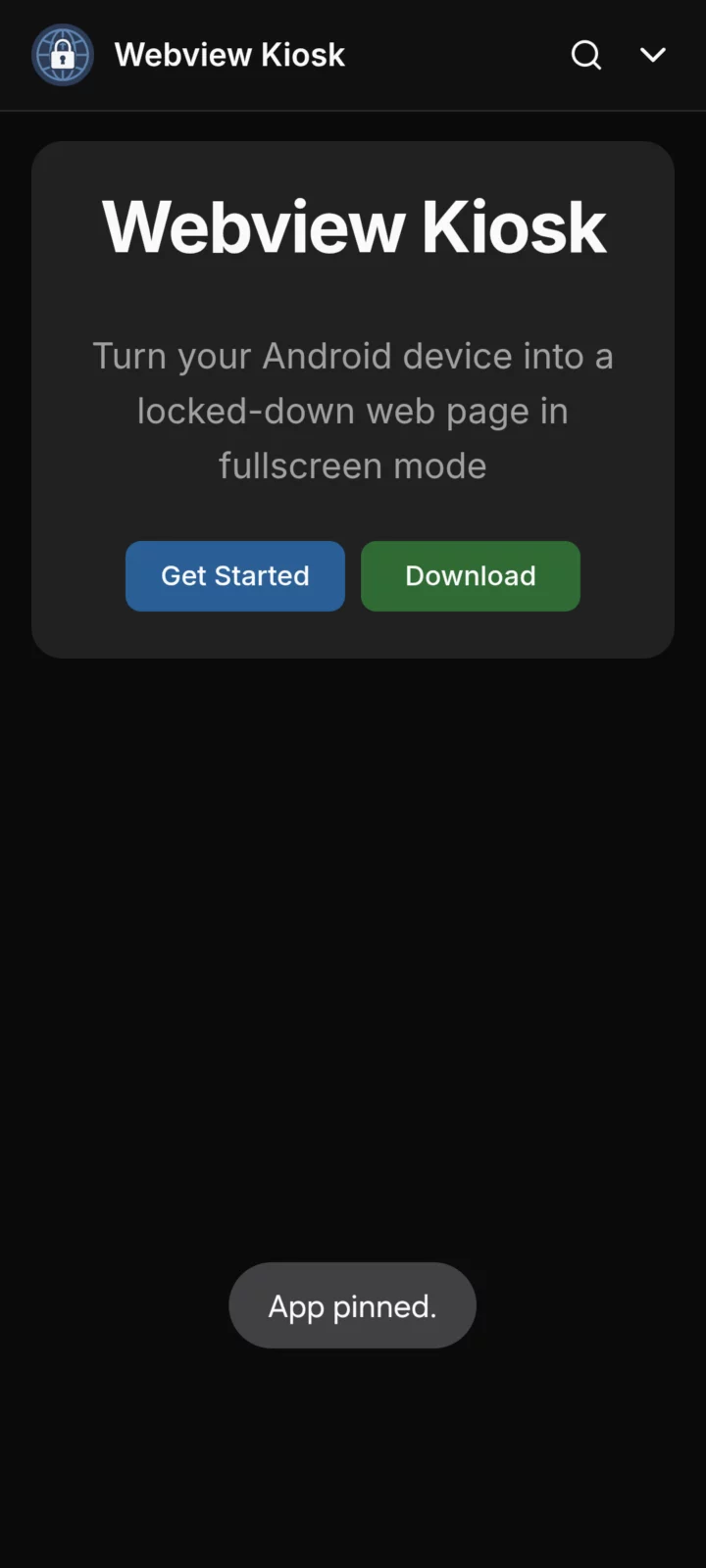
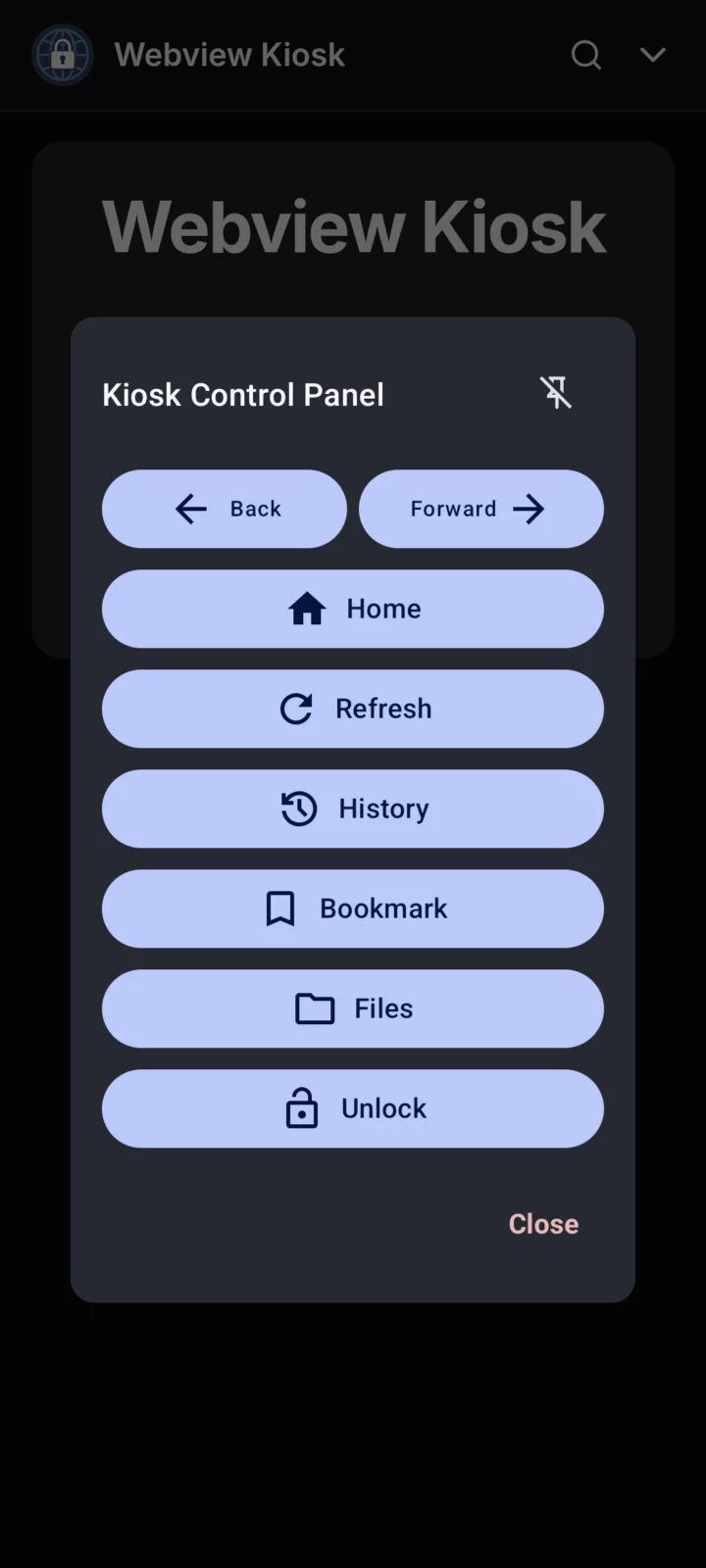
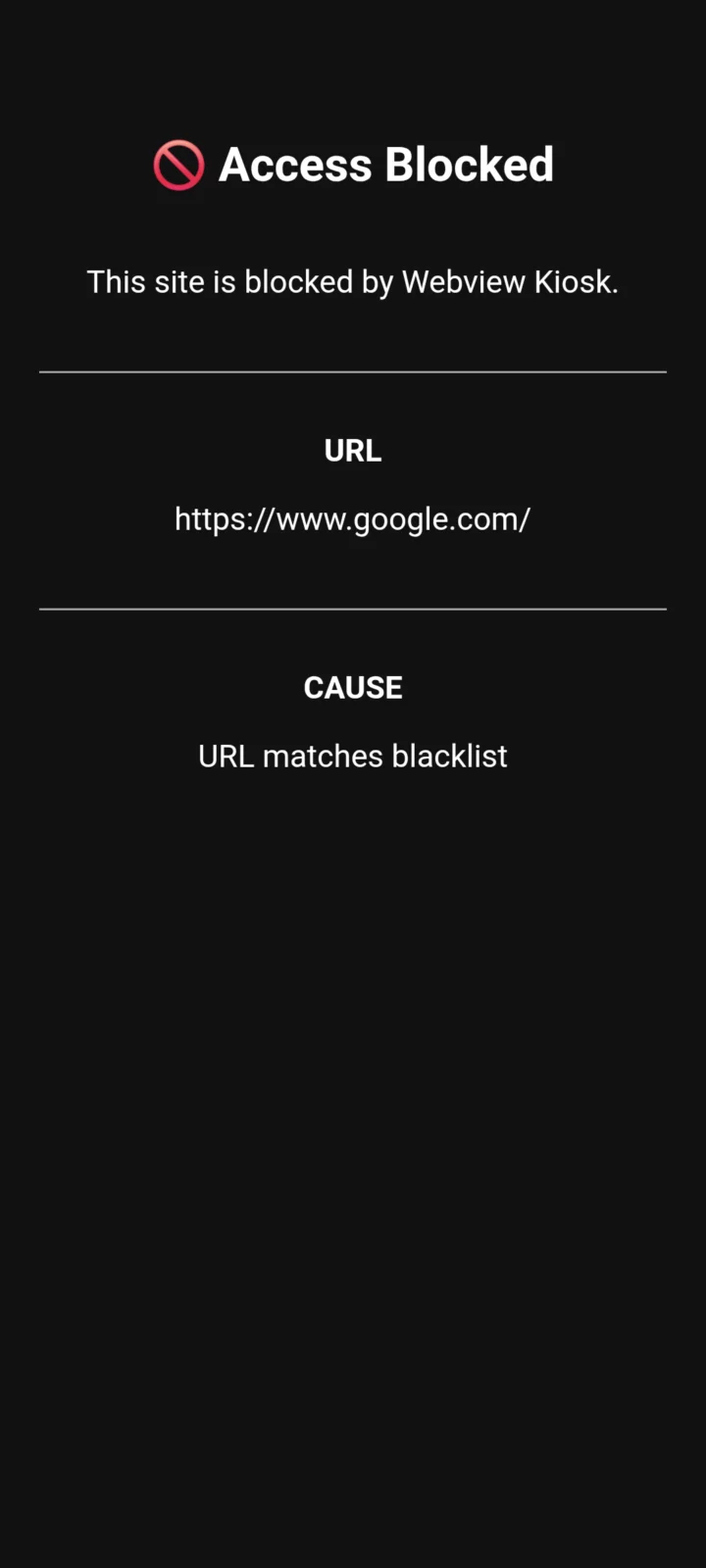
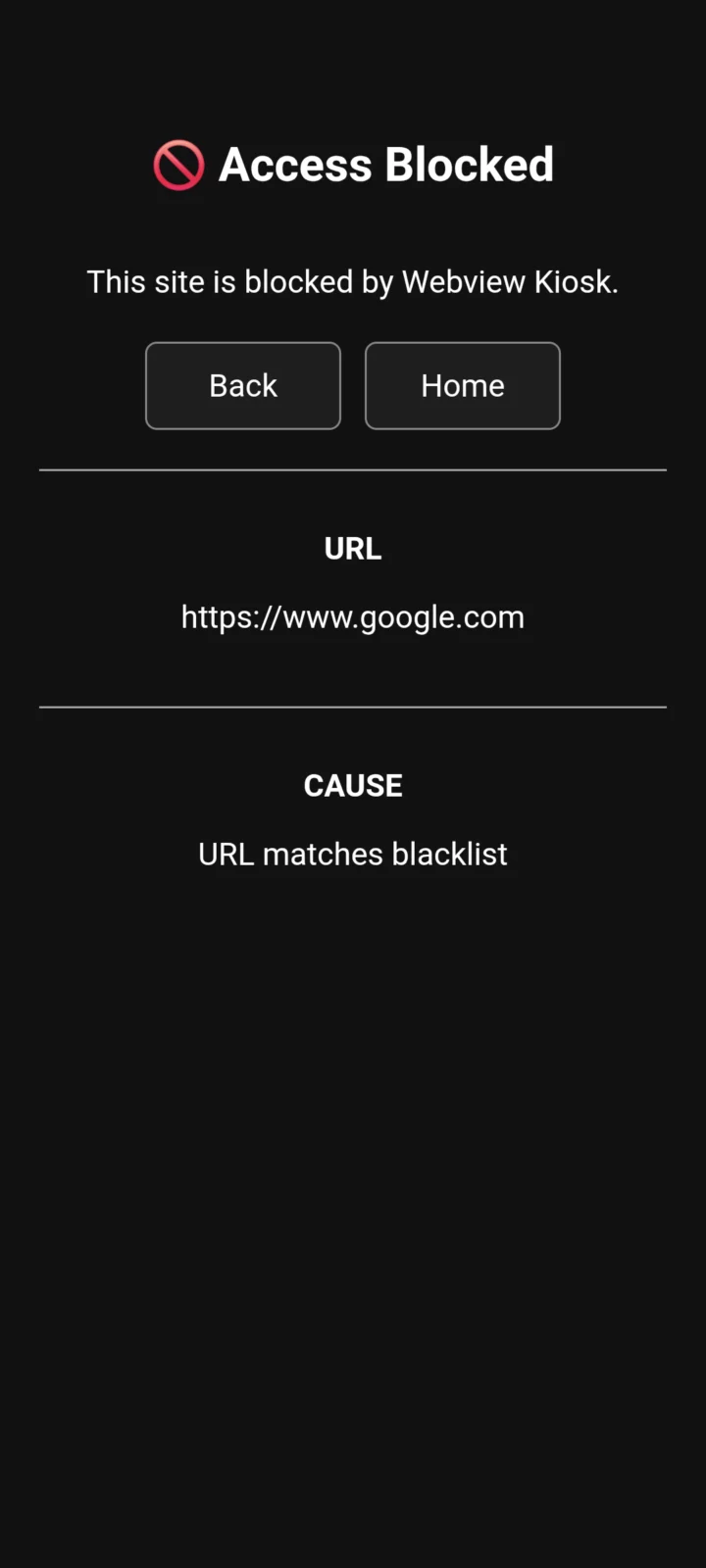
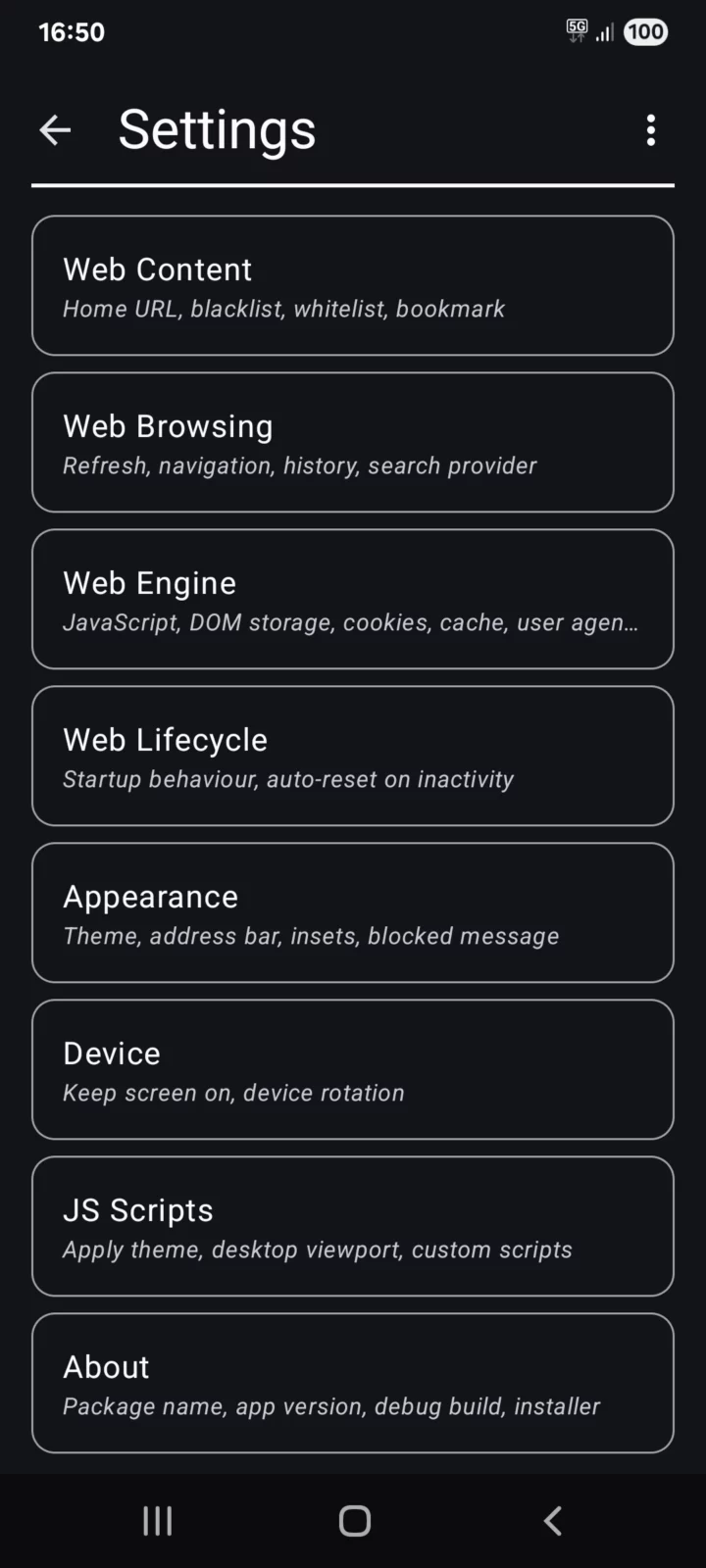
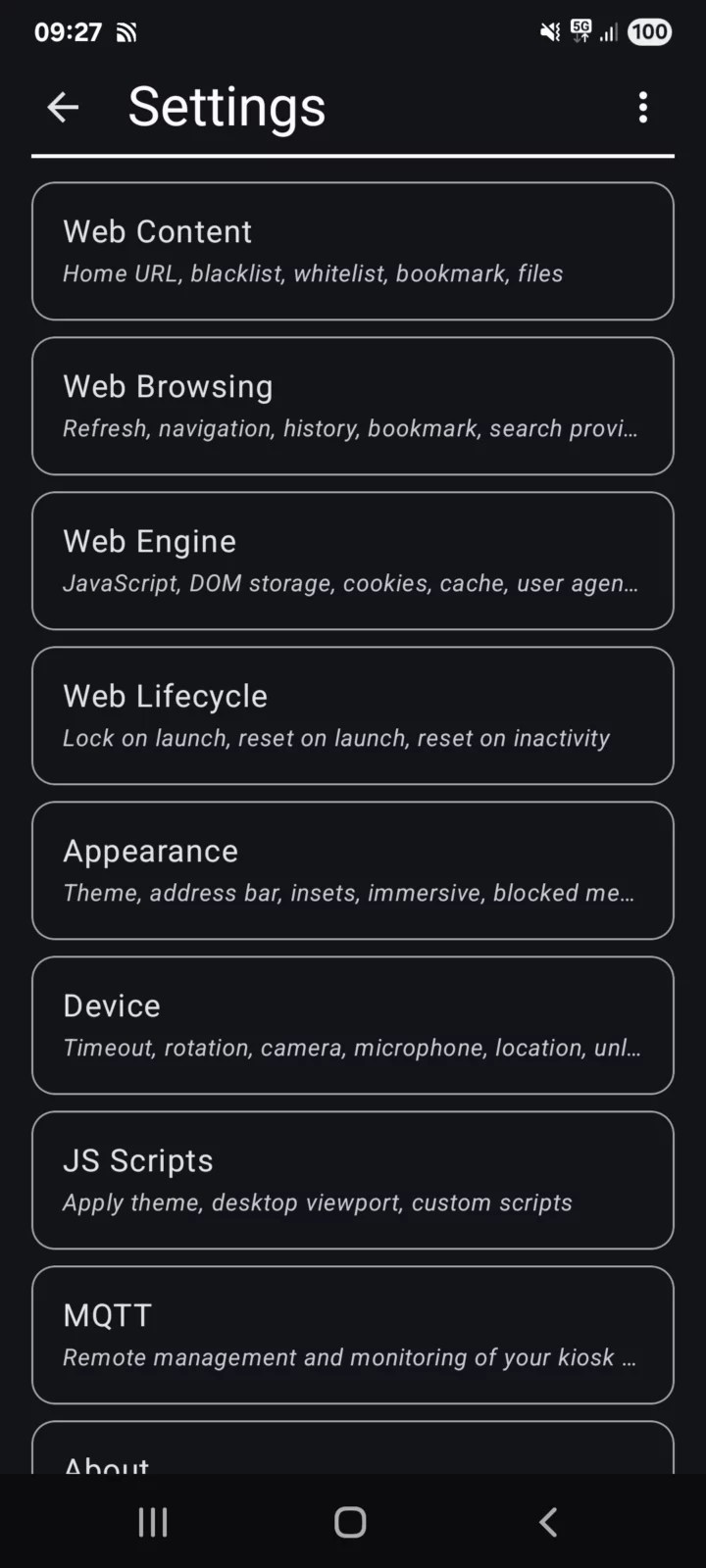
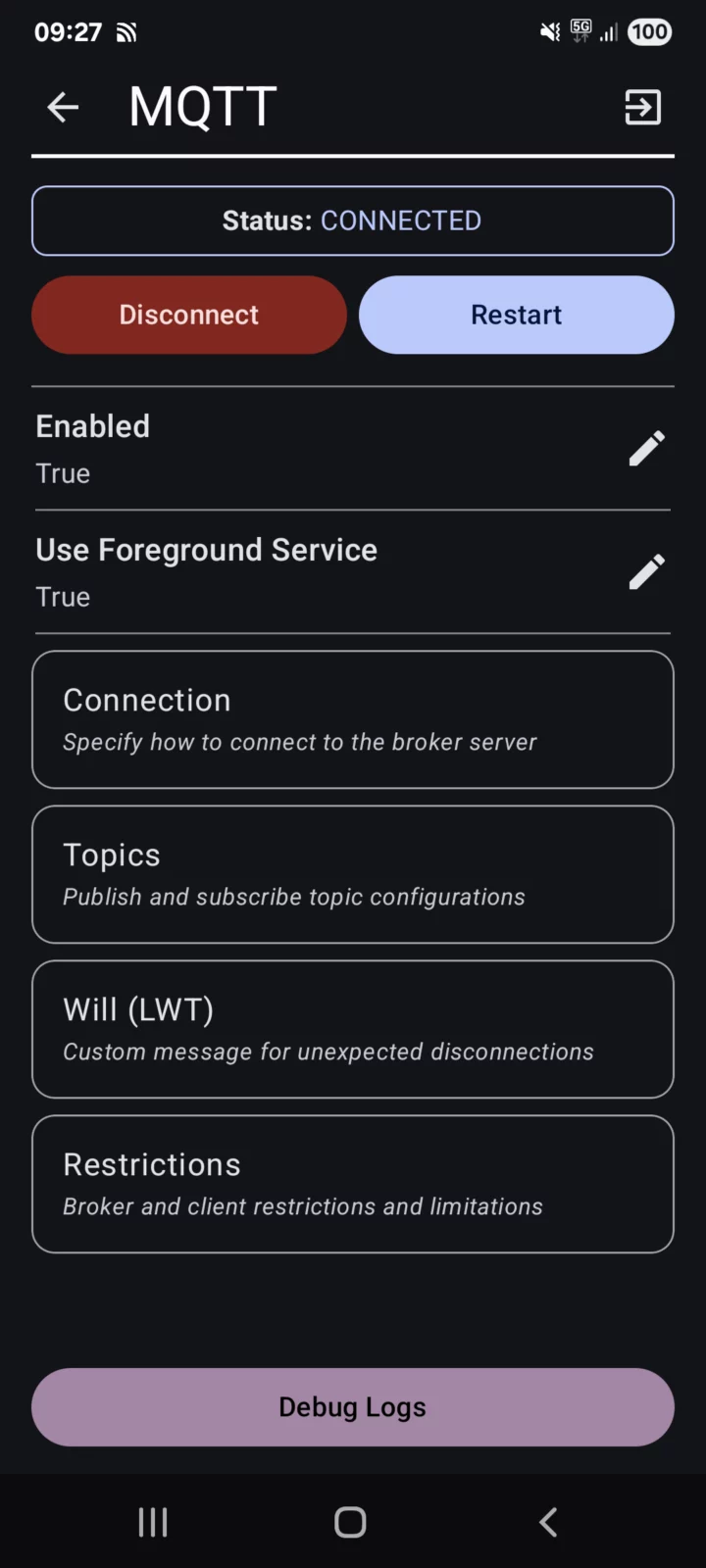
What's new v0.26.21
## Changes
- feat: allow local network access setting for android 17 (API 37+)
- fix: remove icon compat deprecation
- fix: improve app shortcut bitmap handling
- refactor: search engine, use okhttp for suggestion api
About Webview Kiosk
Webview Kiosk is a free and open-source Android application for secure, kiosk-style web browsing.
It can function as digital signage, a kid-friendly restricted browser, an immersive web reader, an interactive sign-up form, a home assistant dashboard, or simply a wall clock.
Designed for small businesses and device owners who are looking for a simple and standalone Kiosk solution.
Key Features
Core / Standalone
– Lock Task Mode (Pin): prevent access to your device’s home screen, apps and status bar
– Secure Settings: configurations are protected by biometrics, device credentials or custom password
– URL Filtering: use regular expressions to control web access through a URL blacklist and whitelist
– Export/Import: backup and restore user settings in Base64 or JSON format
– Local files: display images, audio, video, HTML or PDF (using Mozilla’s PDF.js) in kiosk mode
– Default Launcher: use as the home app and launch other apps in lock task mode (kiosk)
– JS Scripts: supports NFC (Near Field Communication), Eruda console, Dark Reader and custom scripts
Remote Management / Enterprise
1. MQTT (Message Queuing Telemetry Transport)
– Monitor events, update settings, execute commands and build custom automations using the API
– Requires an MQTT broker (e.g. Mosquitto, EMQX, HiveMQ, or their HomeAssistant integrations)
2. UnifiedPush
– Send commands and update settings via a decentralised push notification system
– Requires a distributor application (e.g. sunup, ntfy, gCompat-UP)
3. Managed Configurations (App Restrictions)
– For fully-managed (company-owned) devices, settings can be remotely configured via an MDM/EMM provider
– Advanced users using a device policy controller (e.g. Test DPC or OwnDroid) can also enforce configurations locally
For more details, visit https://webviewkiosk.nktnet.uk
Permissions
– INTERNET: for general web browsing
– ACCESS_NETWORK_STATE: to refresh web pages when network connectivity is restored
– CAMERA: (optional) for use with web apps that requires photo/video capture
– RECORD_AUDIO: (optional) for use with web apps that requires audio capture
– MODIFY_AUDIO_SETTINGS: for routing audio (microphone will not work without this)
– ACCESS_FINE_LOCATION: (optional) for web apps that needs precise geolocation
– ACCESS_COARSE_LOCATION: (optional) for web apps that needs approximate geolocation
– NFC: for reading and writing NFC tags using the device’s NFC hardware
– INSTALL_SHORTCUT: for adding home screen launcher shortcuts on Android 7.1 and below
– QUERY_ALL_PACKAGES: to find launchable apps, device owners and lock task packages
– POST_NOTIFICATIONS: (optional) for lock task mode (kiosk) launches and MQTT
– FOREGROUND_SERVICE: for persistent notification and management with lock task and MQTT
– FOREGROUND_SERVICE_SPECIAL_USE: provides a return mechanism for opening apps in kiosk
– USE_BIOMETRIC: replaces USE_FINGERPRINT from Android 9.0 onwards
– USE_FINGERPRINT: use fingerprint hardware when accessing settings or unlocking kiosk
– WAKE_LOCK: to optionally wake the screen when receiving MQTT commands
– WRITE_EXTERNAL_STORAGE: for downloading files in Android 9.0 and below
– API (Dhizuku): to request shared device owner privileges
Contact
Questions/Feature Requests
– https://github.com/nktnet1/webview-kiosk/discussions
Bugs/Issues
– https://github.com/nktnet1/webview-kiosk/issues
Other
Alternatives
– Fully Kiosk Browser Lockdown (feature-rich, but not a free kiosk solution)
– Web Kiosk (developed by Screenlite)
– FreeKiosk (developed by Rushb-fr)
– Kite AOS (developed by andrew-malitchuk)
APK file hosted on AABforAndroid (Sep 24, 2026, SHA-256 verified). Free and open-source software (AGPL-3.0-or-later) · Source code.