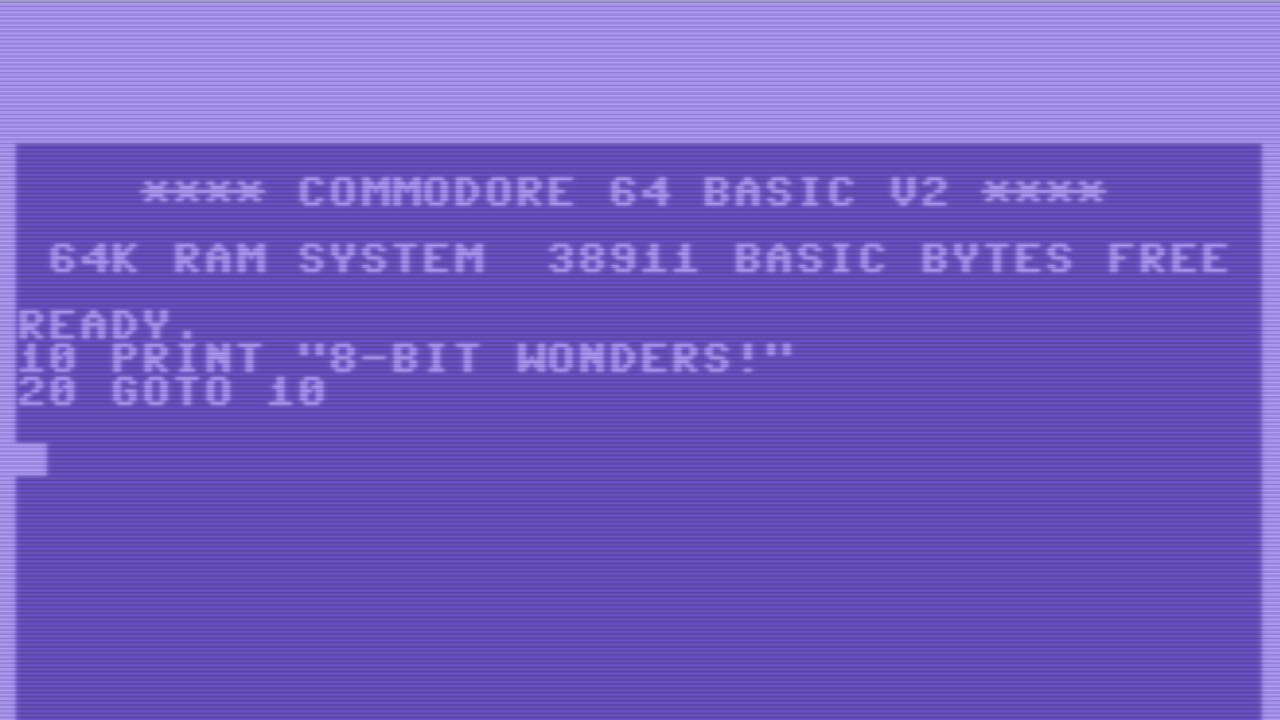
8-Bit Wonders App Android Free Download
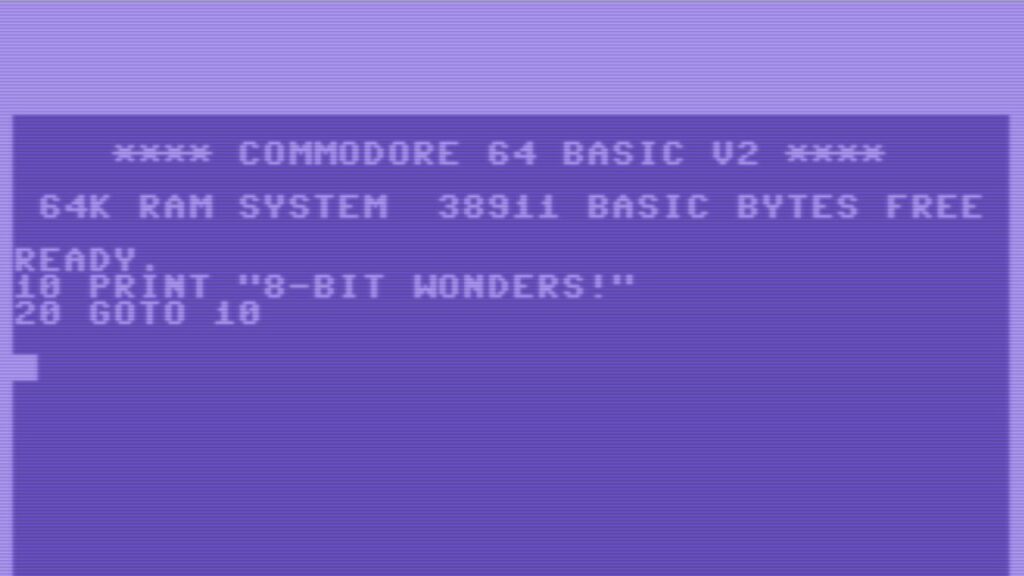

8-Bit Wonders App Android Free Download
8-Bit Wonders
Rainer HockEmulator
- Android
- Free
- Open source · GPL-2.0-or-later
- Released
- Oct 16, 2023
- License
- GPL-2.0-or-later
- Package
- de.rainerhock.eightbitwonders
- SHA-256
4a3b1eed59f49cc8df43f995143afeafd4586c39f1fdfea6f853007899700987
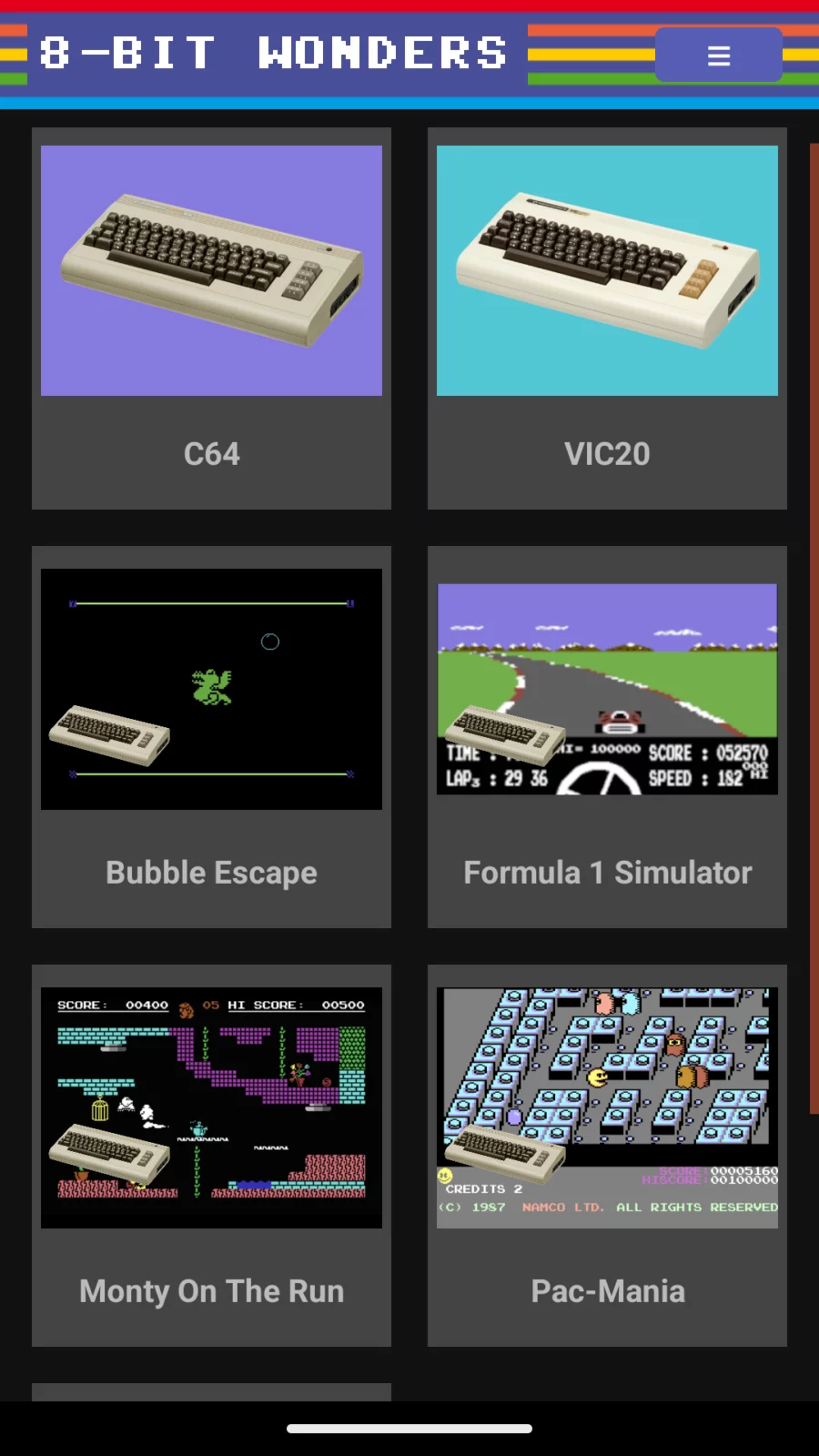
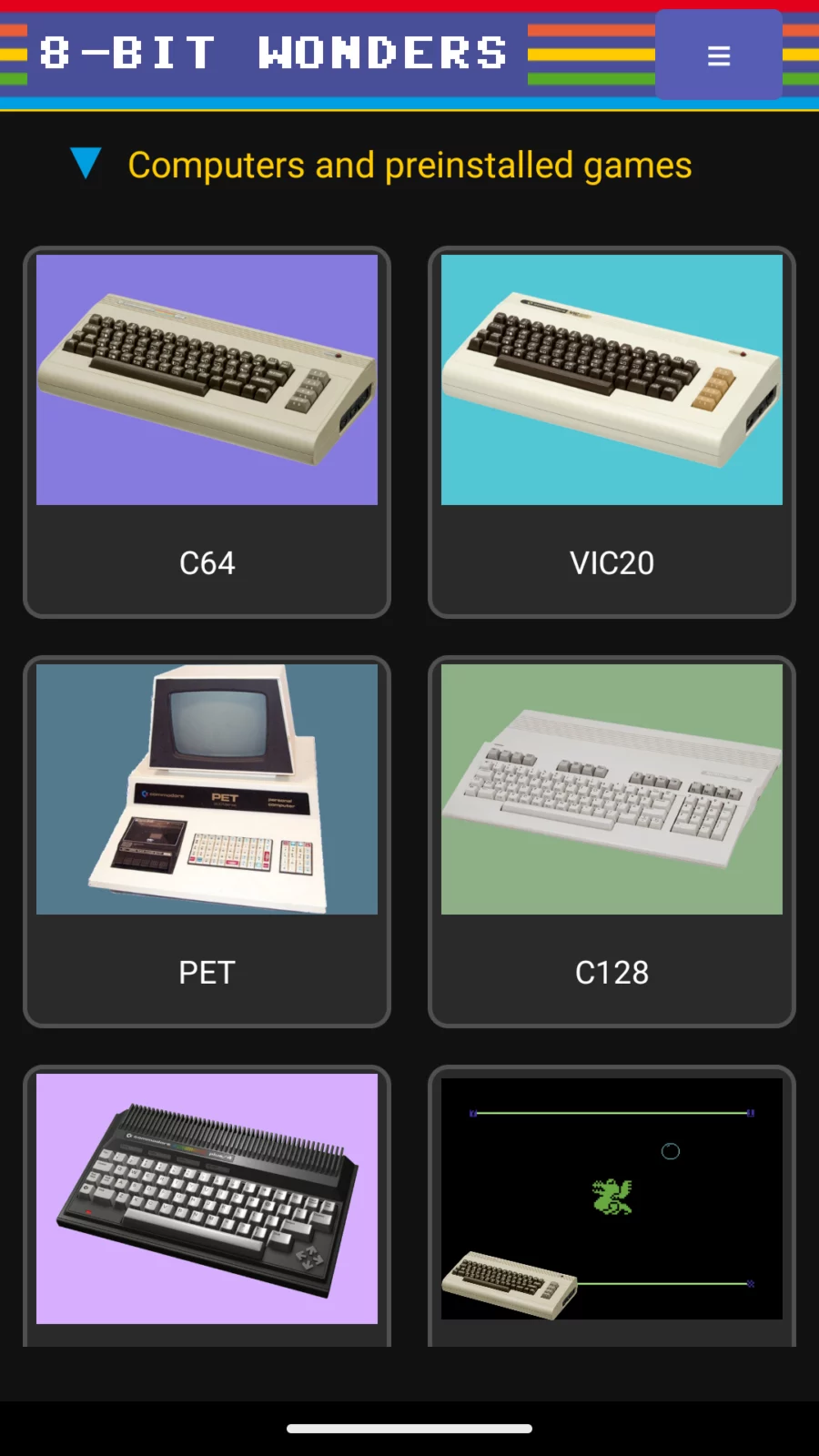
Screenshots
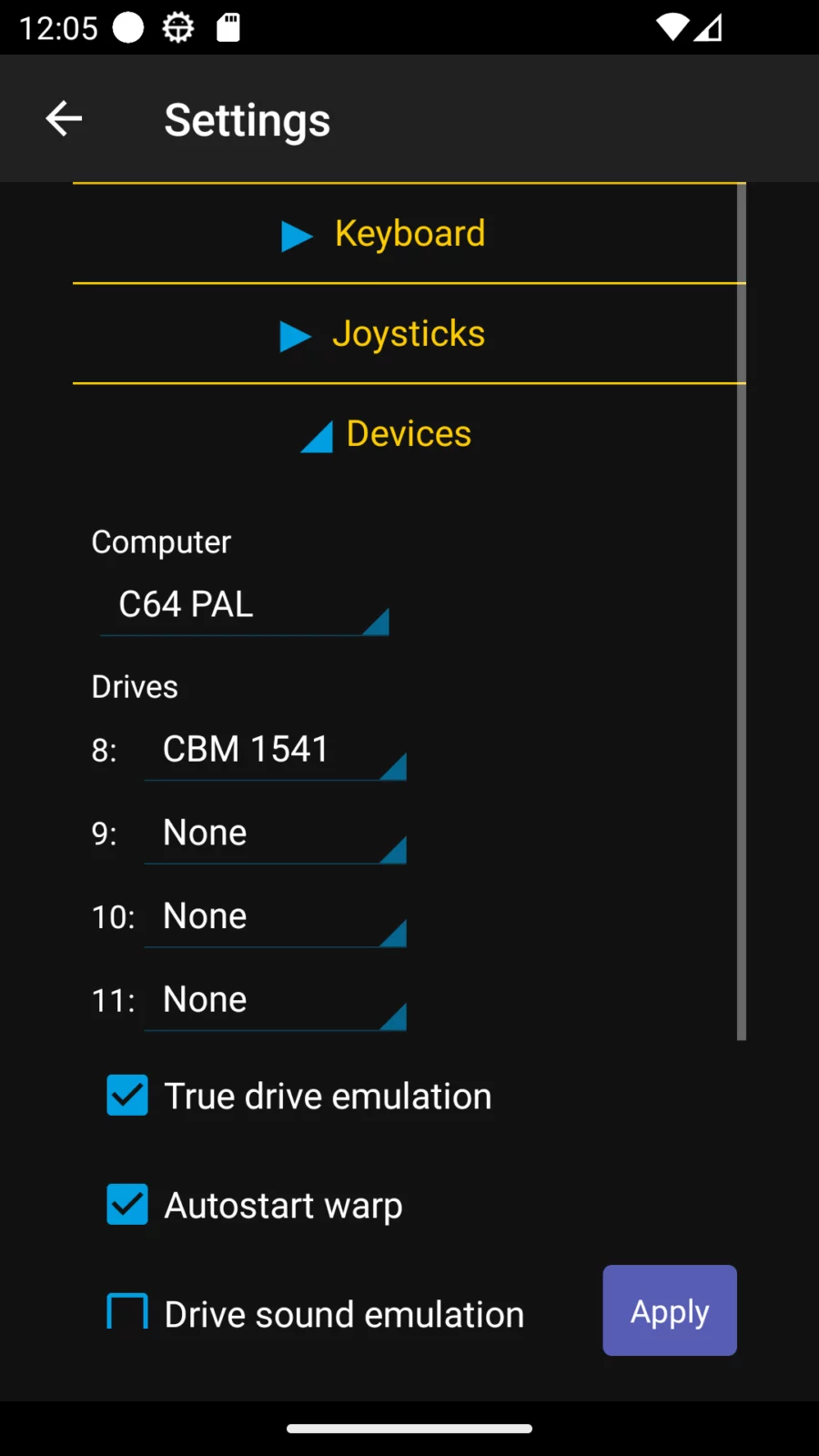
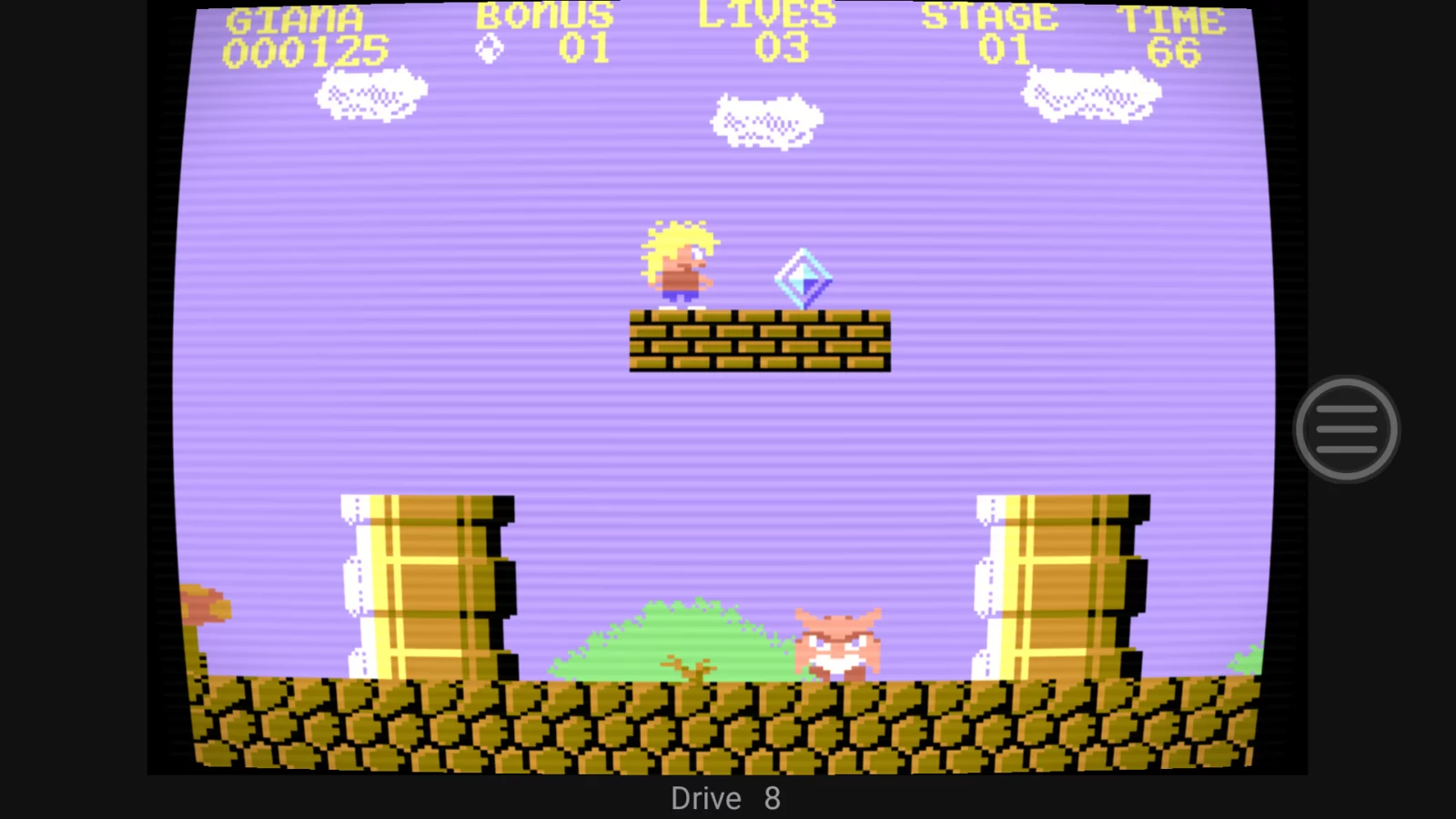
What's new v0.8.11
New:
- Android device's Display refresh rate is now automatically aligned with the emulation’s refresh rate whenever possible, otherwise the device’s refresh rate can be increased.
- New options to choose SID model, set SID filters and enable a second SID.
- The numeric sections of the compact C128 and PET keyboards include cursor keys, Shift, Shift Lock, C= and Control).
- Improved handling of Start/Select/Menu buttons.
Bugfixes:
- Fixed numeric keys on C128 and PET.
- Crashes were fixed.
About 8-Bit Wonders
8‑Bit Wonders – Retro Commodore Emulator & Game Center
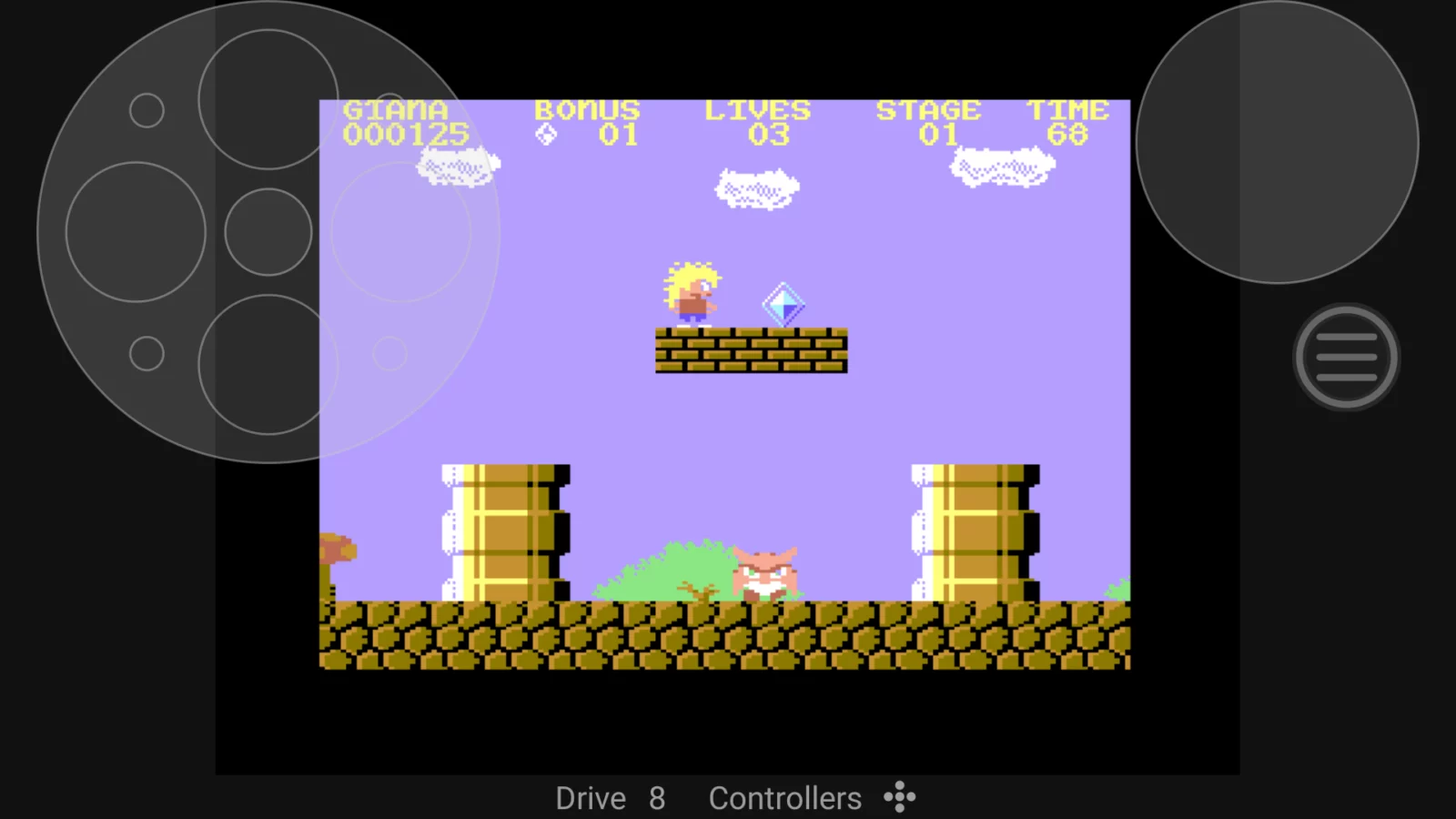
Step back into the golden age of computing with 8‑Bit Wonders, the all‑in‑one emulator that brings classic Commodore systems to your modern Android device. Play old‑school pixel games, explore vintage software, or enjoy new creations built in the iconic 80s style — all with the convenience and power of today’s hardware. Whether you're reliving childhood favorites or discovering retro computing for the first time, 8‑Bit Wonders delivers an authentic yet modernized experience.
The app supports a wide range of classic Commodore 8‑bit computers: C64, VIC‑20, PET, C128, Plus/4, and C16. It runs smoothly on phones, tablets, and Android TVs, offering broad compatibility across modern devices.
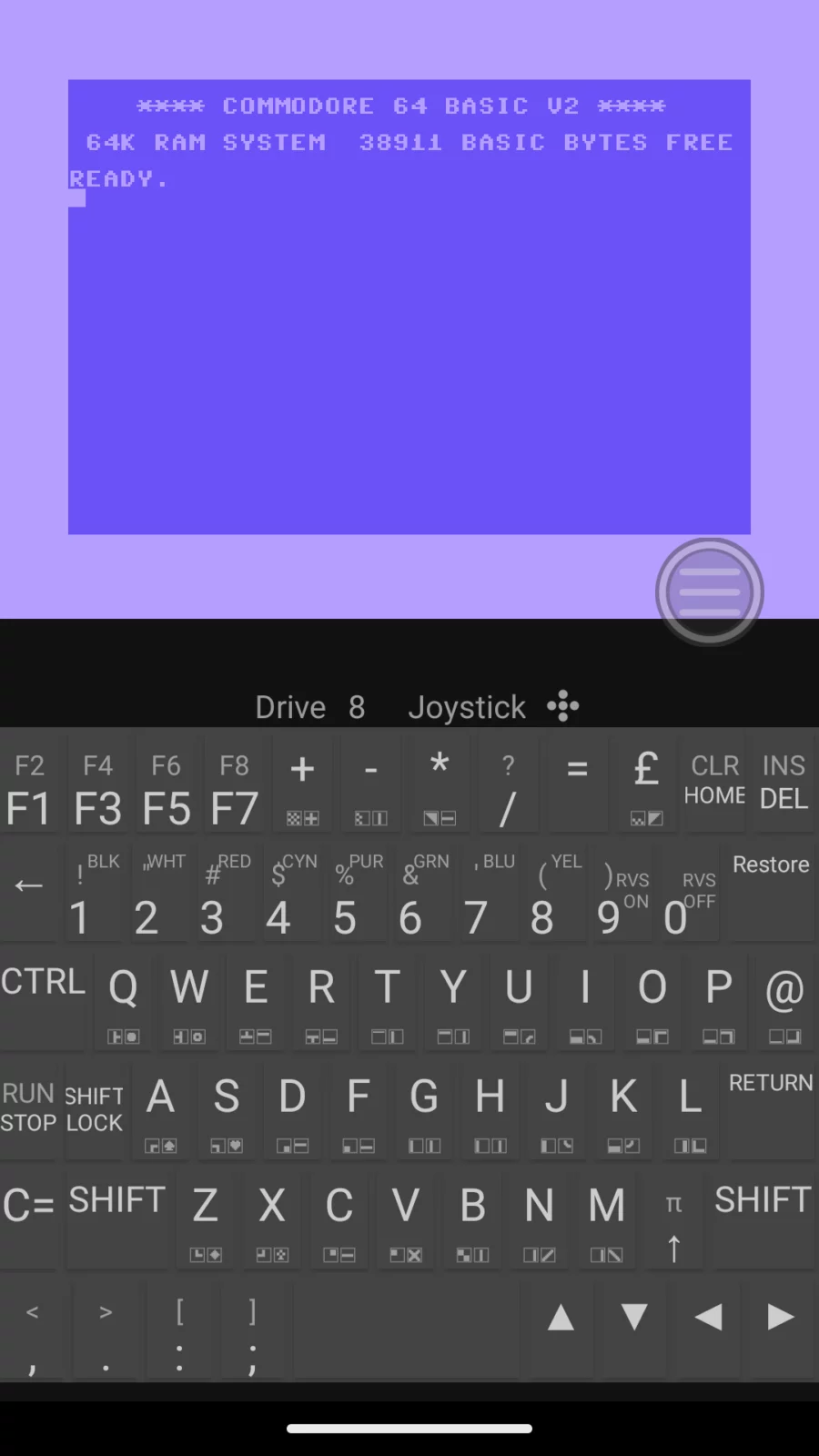
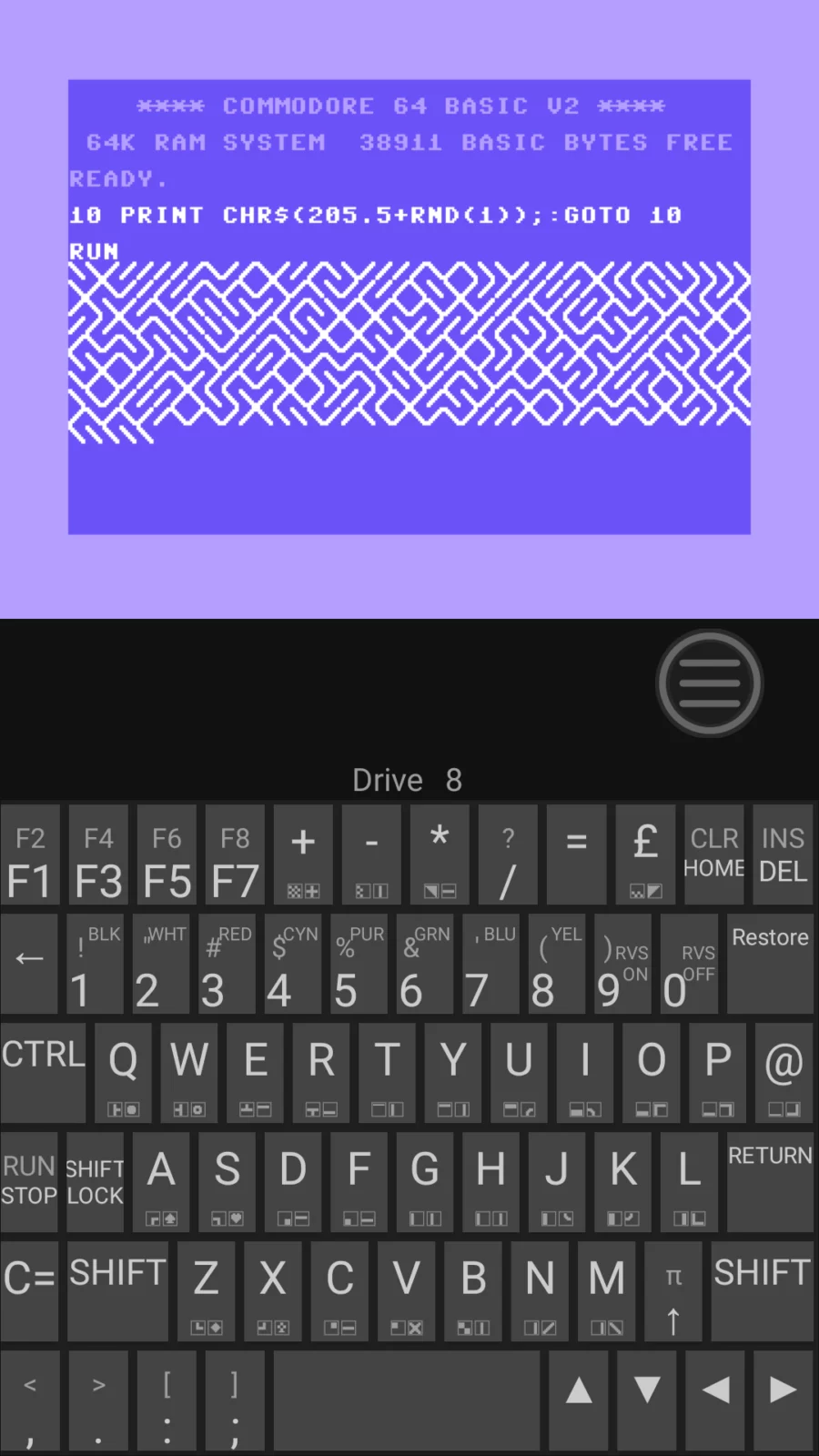
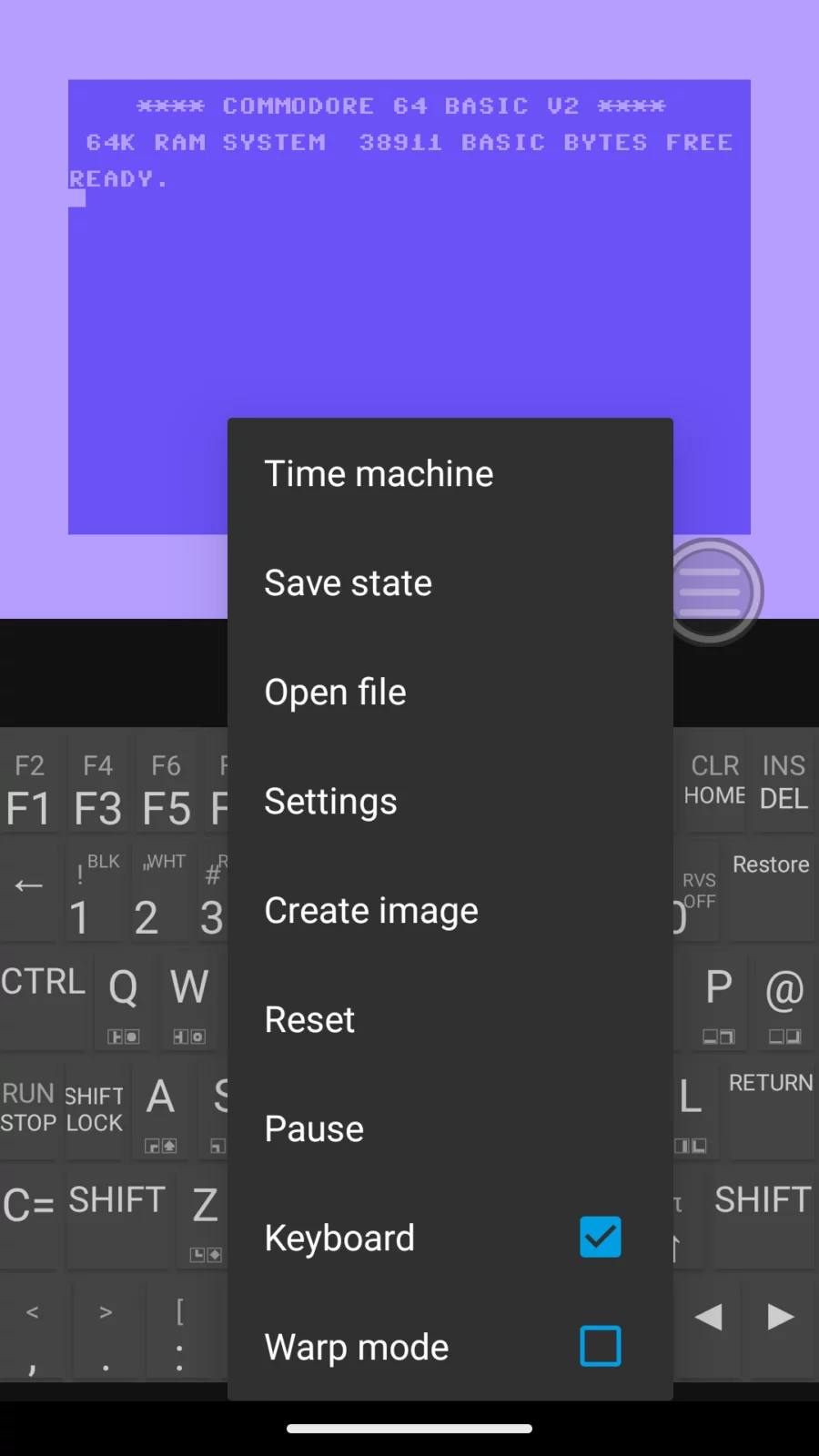
You can use hardware joysticks, gamepads, mice, a virtual touch joystick, and both hardware and virtual keyboards with customizable layouts. Save states and a built‑in time‑machine feature let you rewind gameplay and undo mistakes at any moment. For an authentic retro look, CRT emulation recreates the feel of classic displays.
All disk and tape formats supported by VICE are fully compatible. The app includes an initial library of systems and preinstalled games, and you can expand it by adding your own save states, downloading content directly from archive.org, or importing additional games and applications as 8bw or rp9 files, including those created with tools like C64 Forever.
You can customize your controls by mapping buttons to keystrokes or enabling auto‑fire. A dedicated demo mode lets you play audio in the background or run visual demos in a clean movie‑screen view without Android UI elements.
8‑Bit Wonders is still in development, and your feedback helps shape its future. Share what you enjoy, what needs improvement, and what you would change at: https://eightbitwonders.gitlab.io/app/feedback/
The app retrieves content from archive.org, github.com, gitlab.com, and zimmers.net. . It does not collect personal data; only your public IP address is shared with those services when downloading content.
APK file hosted on AABforAndroid (Sep 24, 2026, SHA-256 verified). Free and open-source software (GPL-2.0-or-later) · Source code.