PennyWise: SMS Expense Tracker App Android Free Download

PennyWise: SMS Expense Tracker App Android Free Download
PennyWise: SMS Expense Tracker
SarimAI Chat
- Android
- Free
- Open source · AGPL-3.0-only
- Released
- Aug 29, 2025
- License
- AGPL-3.0-only
- Package
- com.pennywiseai.tracker
- SHA-256
3dd88519c3749adafe992ea70c4517de339e2b61a8f94beabf211e400e2a1e75
Screenshots
What's new v2.21.0
- App is now fully translatable — per-app language switching and Crowdin integration are live, with fresh translations already applied
- Loans are now listed by person, showing the net balance owed and a Settle up action
- Ignoring an account now correctly hides all its transactions everywhere in the app
- Budget cards show how much you can spend per day to stay within the limit
- Fixed UCO Bank SMS parsing — the account balance was being recorded as the debit amount
About PennyWise: SMS Expense Tracker
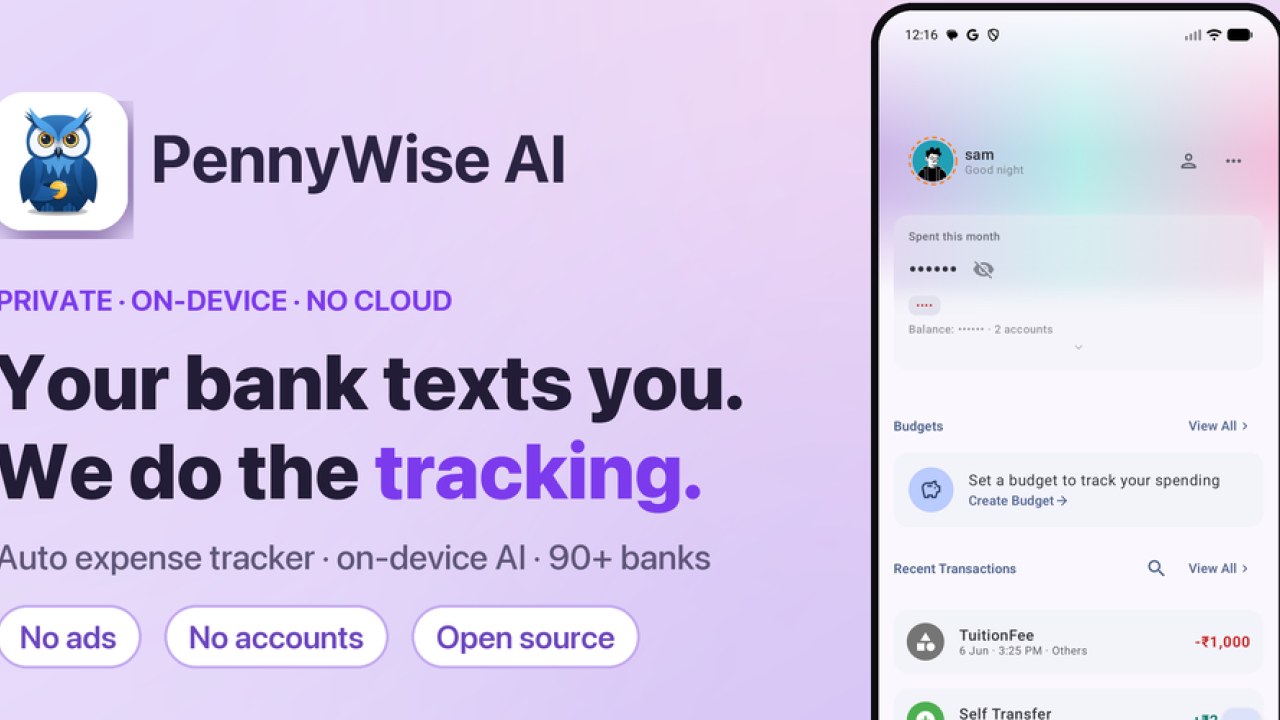
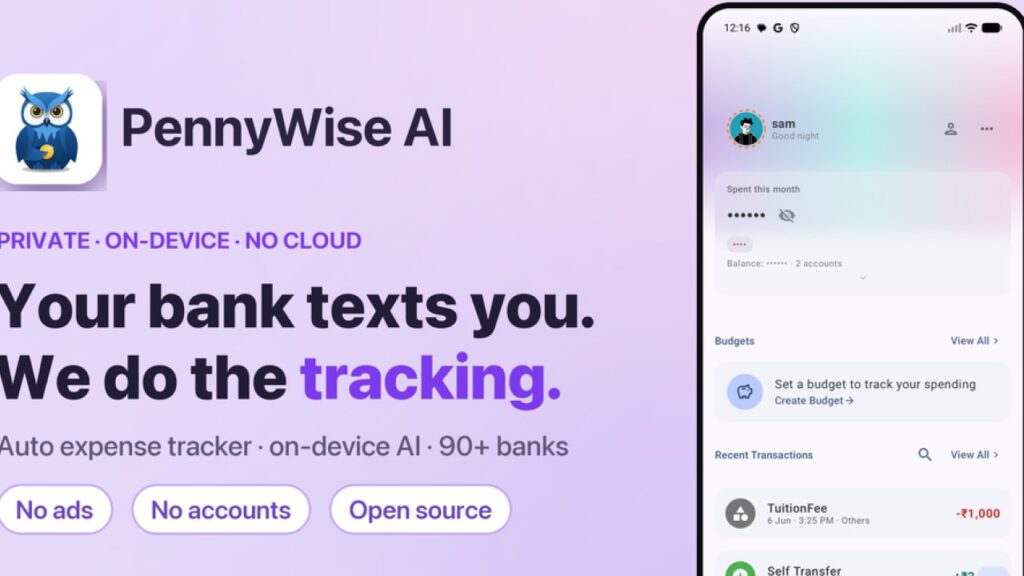
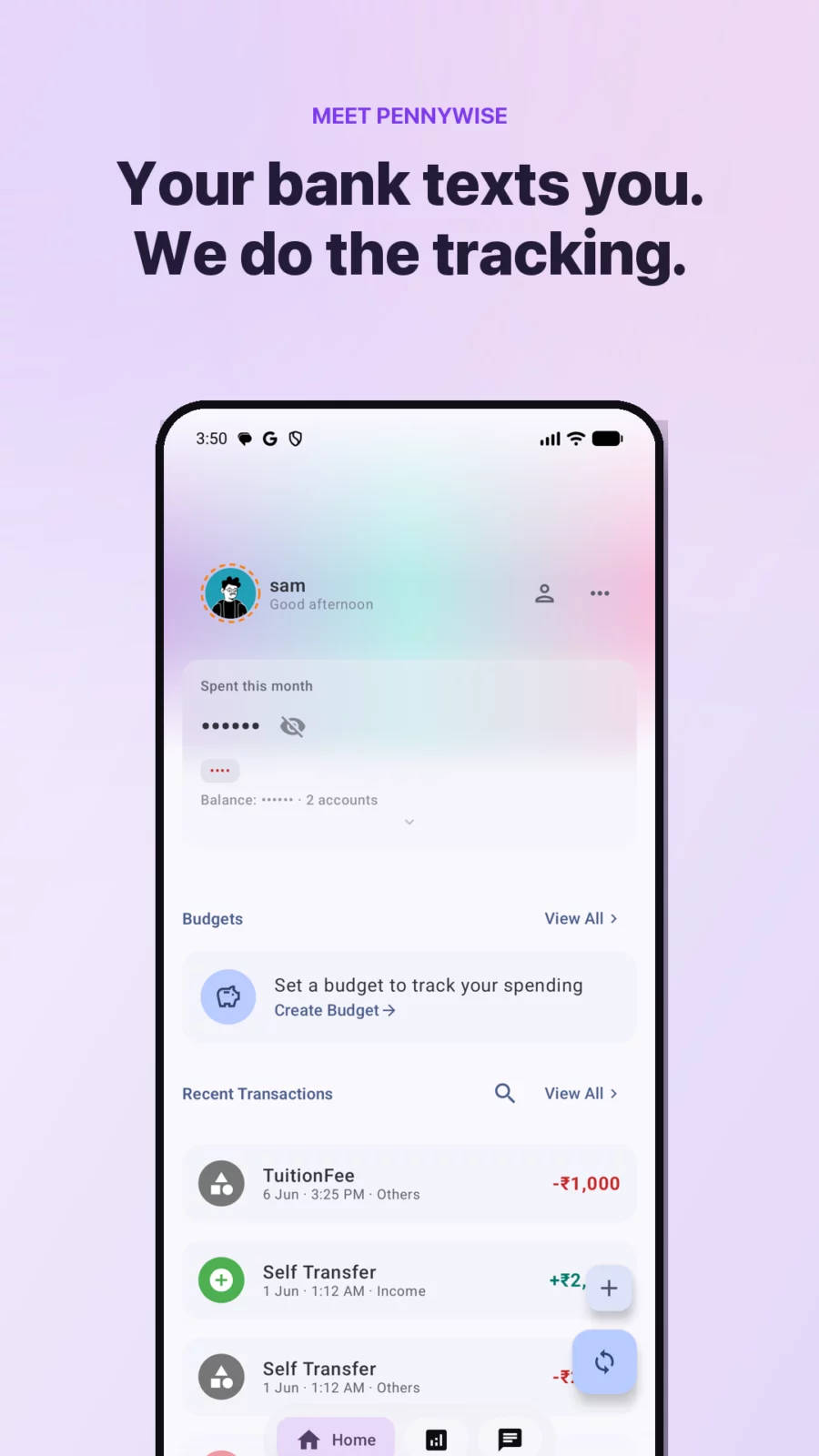
Your bank already texts you every transaction. PennyWise reads those SMS on your phone and turns them into an automatic expense tracker — no manual entry, no sign-up, nothing uploaded.
★ Why PennyWise asks for SMS permission
Reading bank SMS is how the app works — it is the entire product. Everything happens on your device: no server ever receives a message, there is no account to create, and the complete source code is public (AGPL-3.0) so anyone can verify exactly what it does. Would rather not grant it? You can still add transactions by hand or import a PDF statement.
- ★ Automatic expense tracking
- Every UPI payment, card swipe, ATM withdrawal and bank transfer becomes a categorized transaction
- 157 banks and payment services across 24 countries, with multi-currency support
- Works with any UPI app — it reads your bank's SMS, not the app
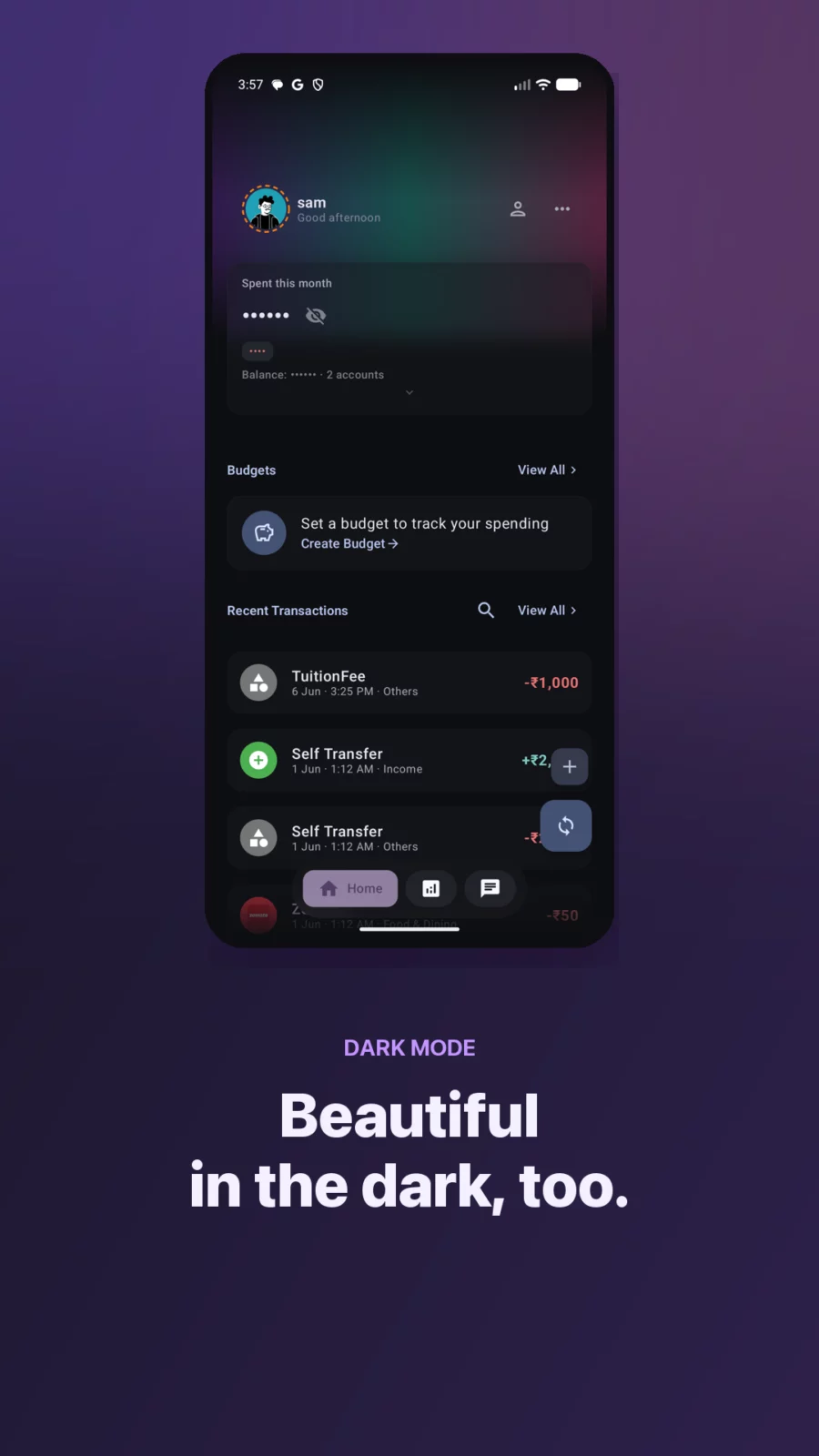
- A clean, searchable spending timeline that stays up to date on its own
- ★ Budgets and insights
- Set monthly budgets per category and watch progress as you spend
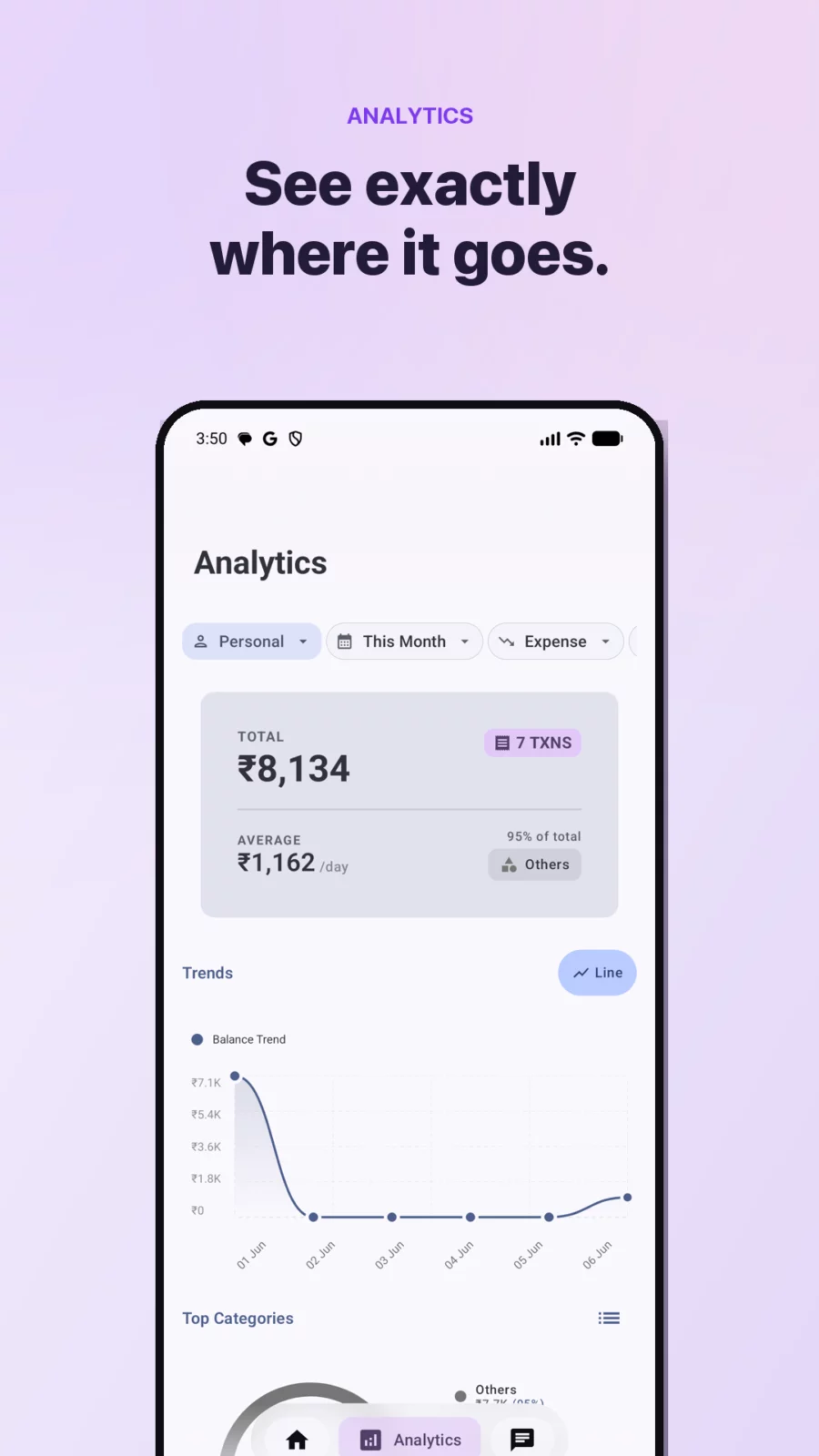
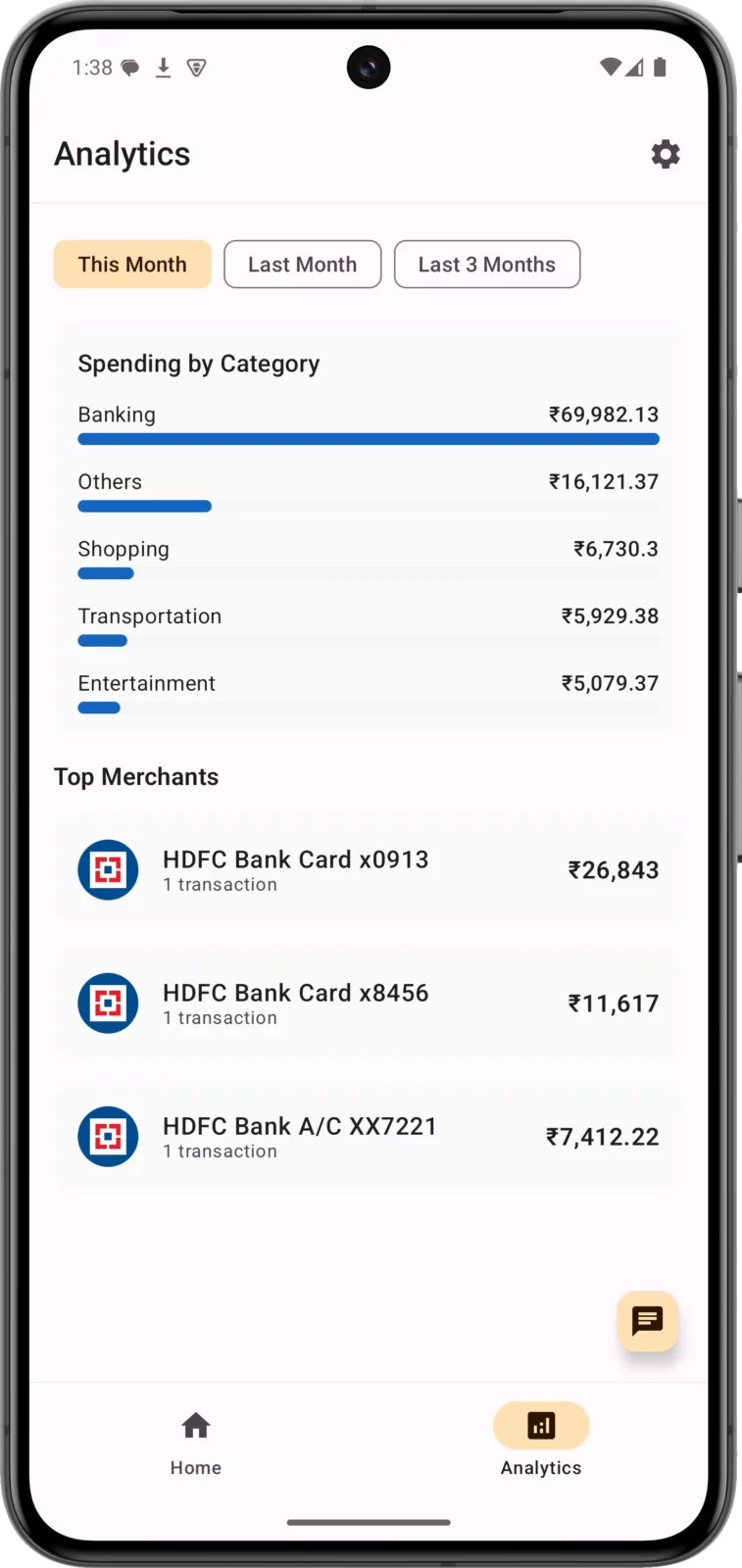
- Spending trends, category breakdowns and month-on-month comparisons
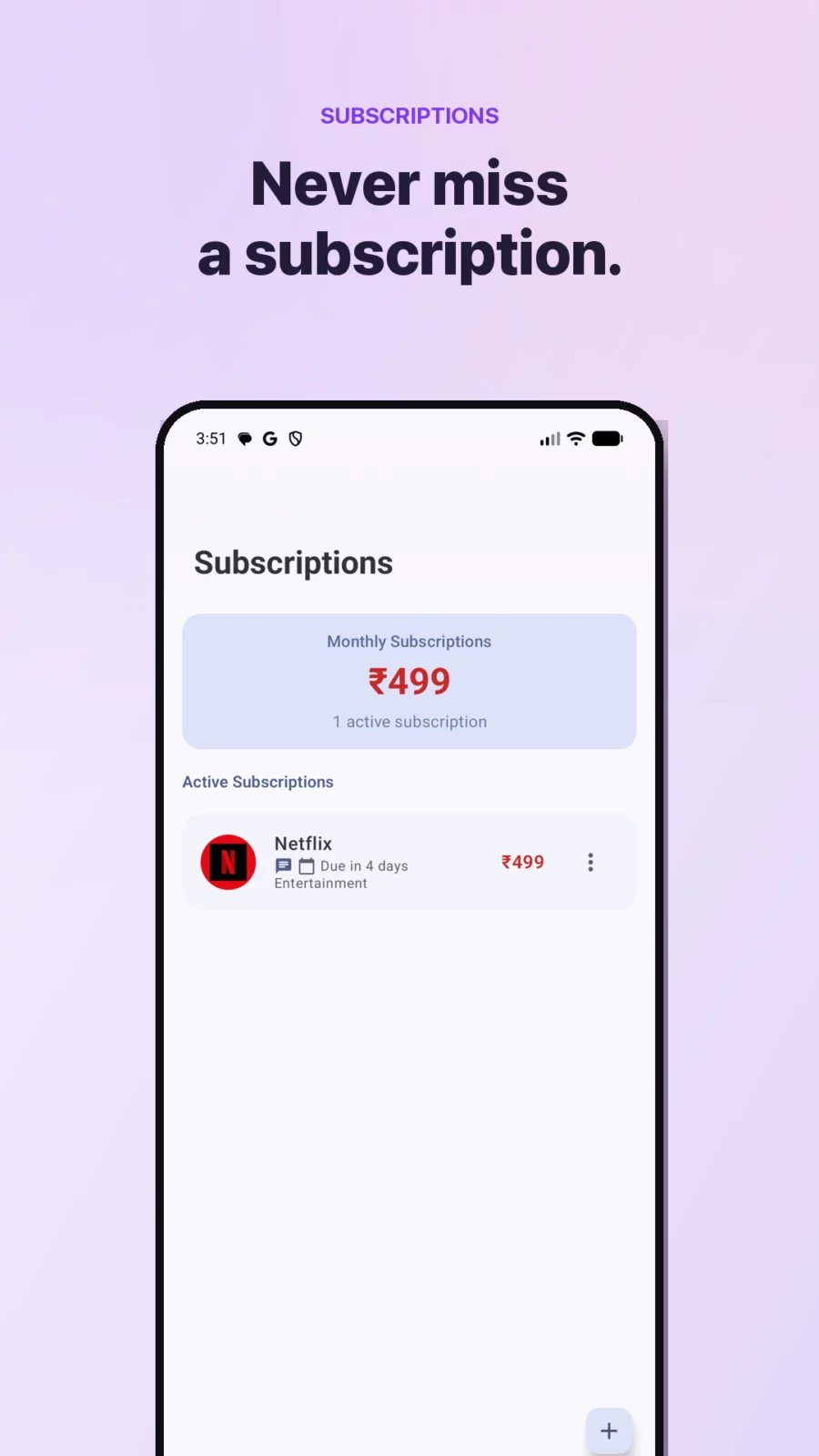
- Automatic subscription detection — finds the recurring payments you forgot about
- Smart rules to auto-categorize transactions your way
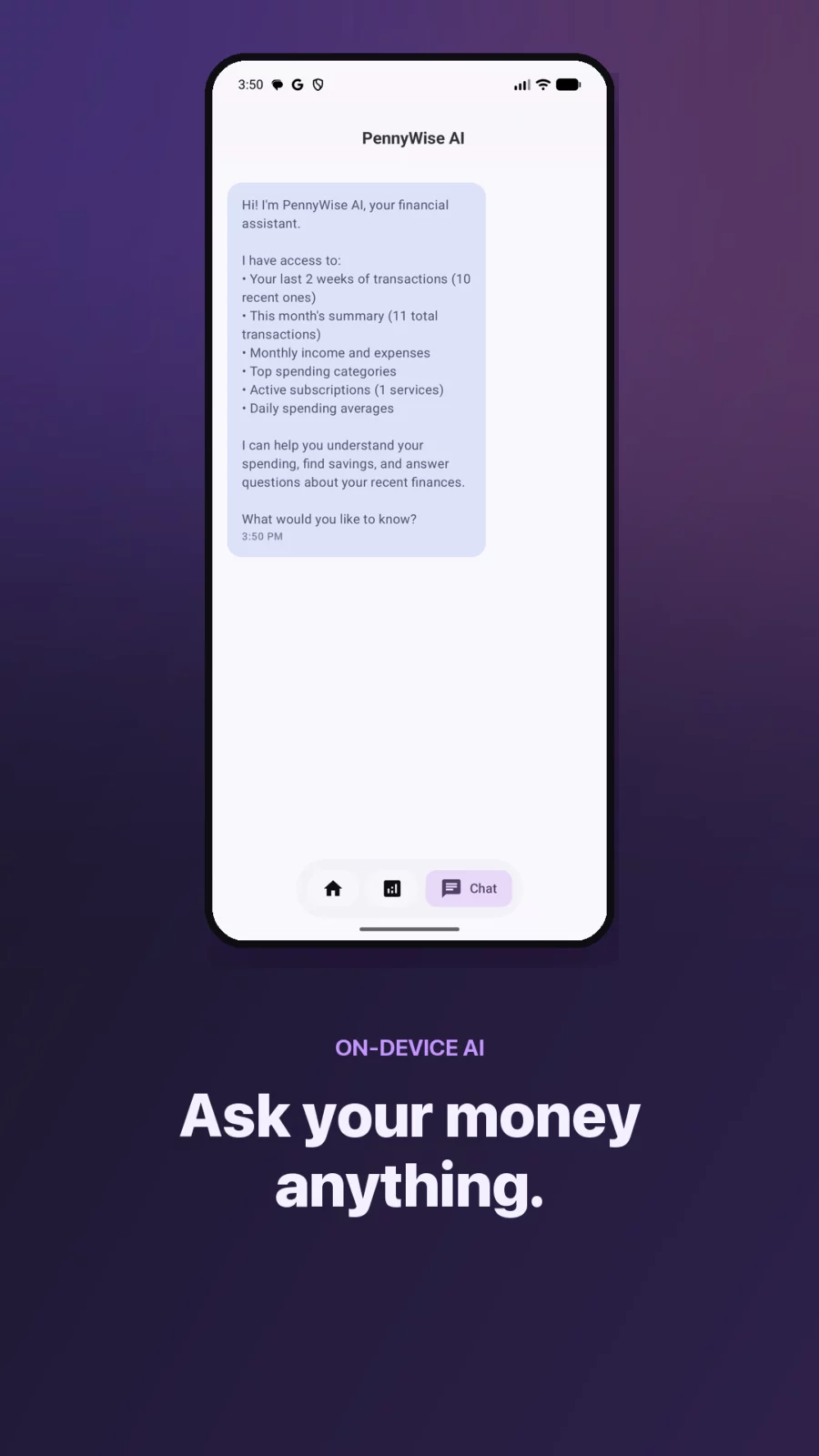
★ On-device AI assistant
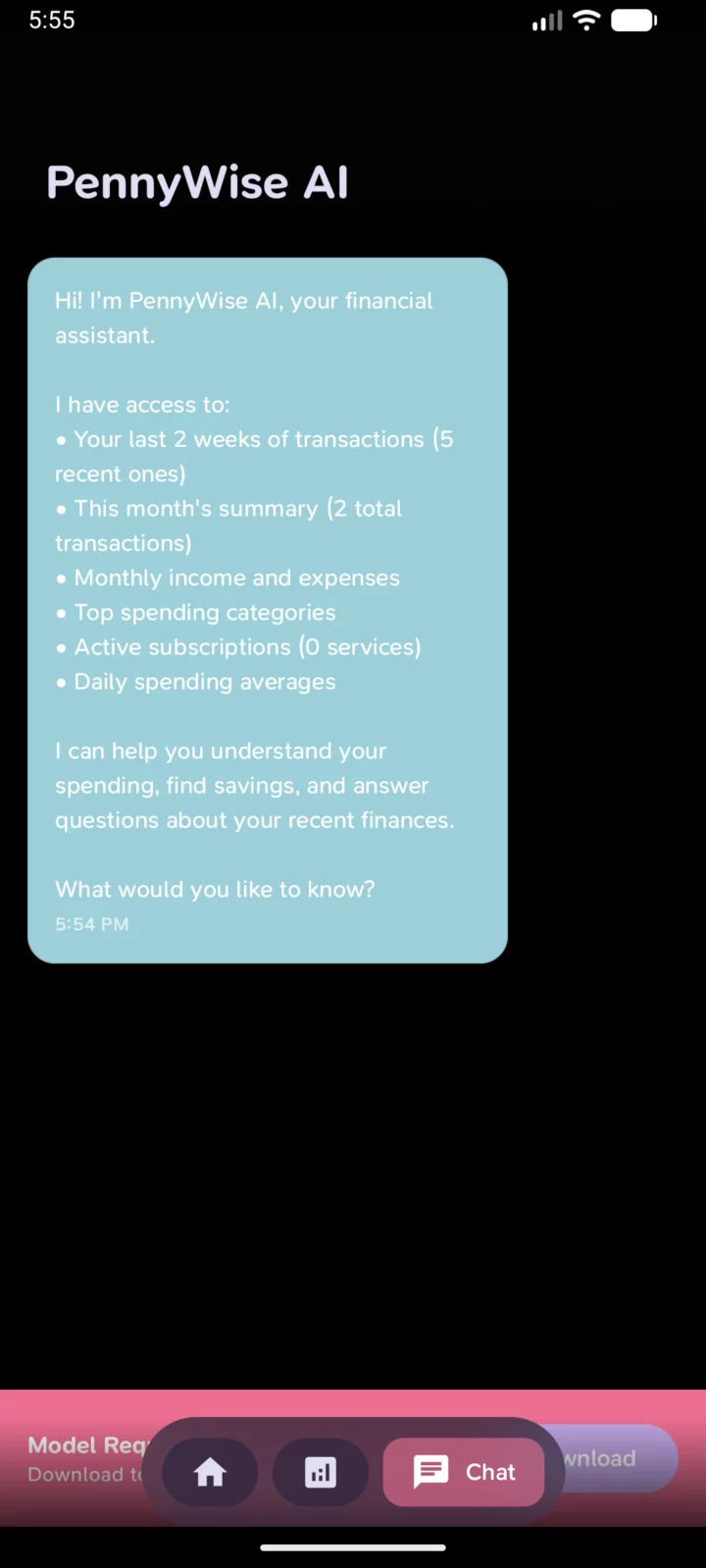
Ask "what did I spend on food last month?" and get a real answer. The AI model (Qwen 2.5) runs locally on your phone — no API calls, no cloud, works offline.
- ★ Private by design
- No account, no login, no email required
- No ads, no trackers, no analytics on your financial data
- Nothing leaves your device
- Open source (AGPL-3.0) — read the code yourself
★ Free, with an optional Pro upgrade
PennyWise is free to use. Where in-app purchases are available, an optional Pro upgrade adds unlimited custom rules, PDF statement imports, CSV export and duplicate-account merge — and directly supports a solo developer building PennyWise independently. Builds distributed without in-app purchases have all of it unlocked from the start.
A money manager, budget planner and spending tracker in one — for people who hate typing in expenses.
APK file hosted on AABforAndroid (Sep 29, 2026, SHA-256 verified). Free and open-source software (AGPL-3.0-only) · Source code.