















NotallyX – Quick Notes/Tasks App Android Free Download

- Released
- Nov 2, 2024
- License
- GPL-3.0-only
- Package
- com.philkes.notallyx
- SHA-256
5b36118a2ba72c5c84f18b9914d16146235652dbb7985da6f71ac31229a9b436
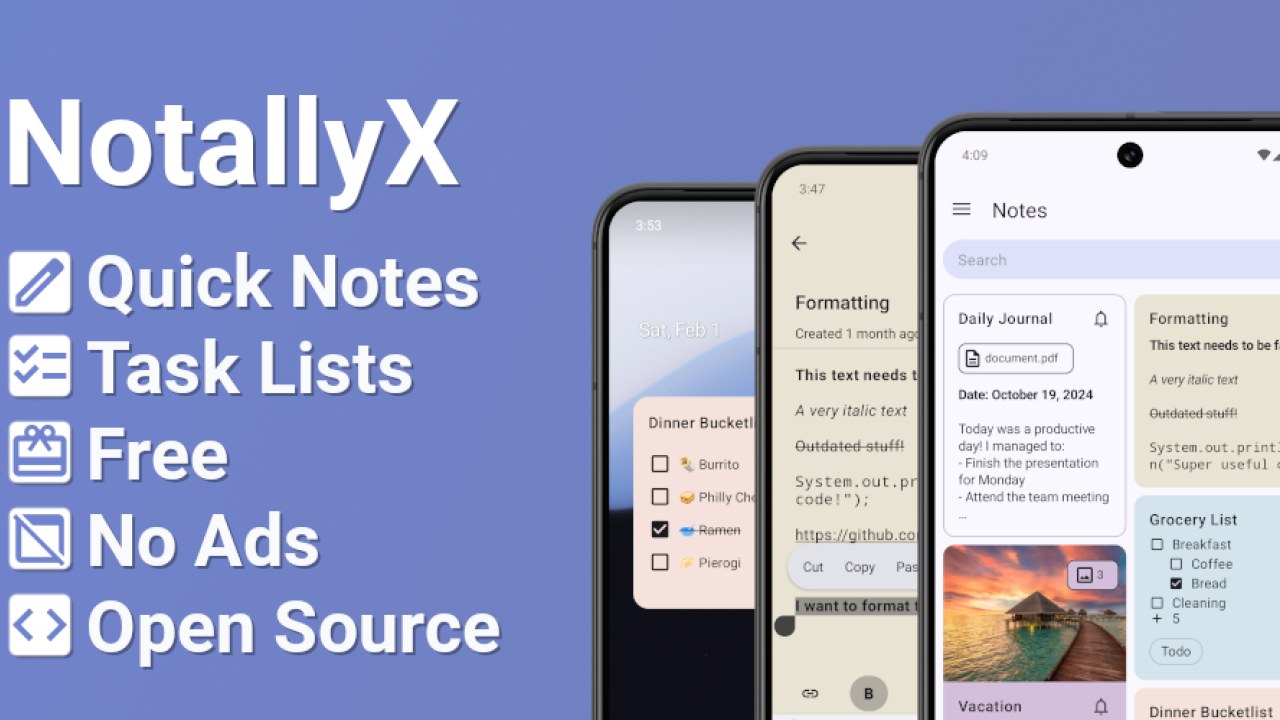
Screenshots
What's new v7.11.3
- Fix database encryption check without SQLConnection
- Fix database recreations
- Add detailed crashes folder containing instance logs and database dumps
- Drop Android 5&6 supports for libraries compatibilities
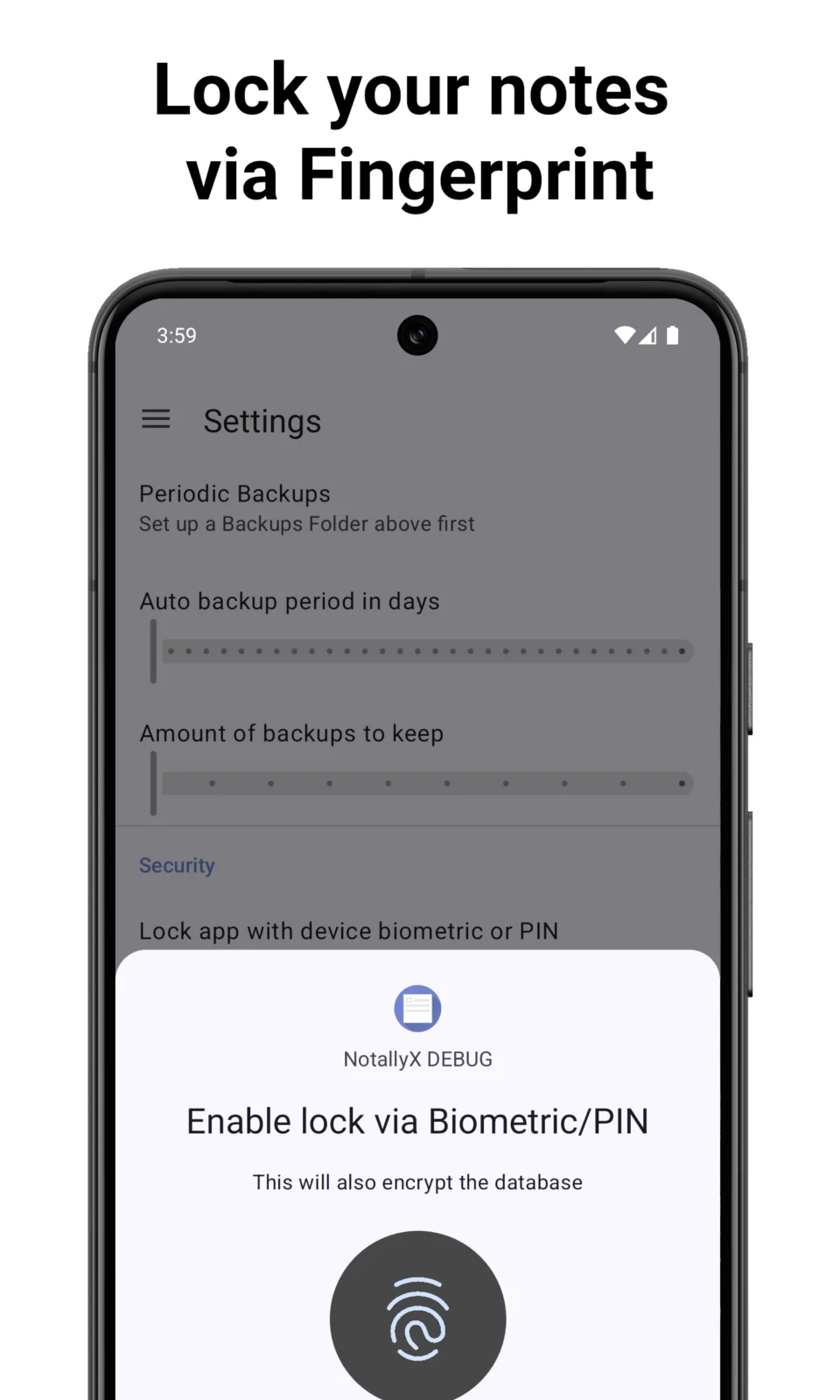
- Declare encryption via biometric as experimental
About NotallyX - Quick Notes/Tasks
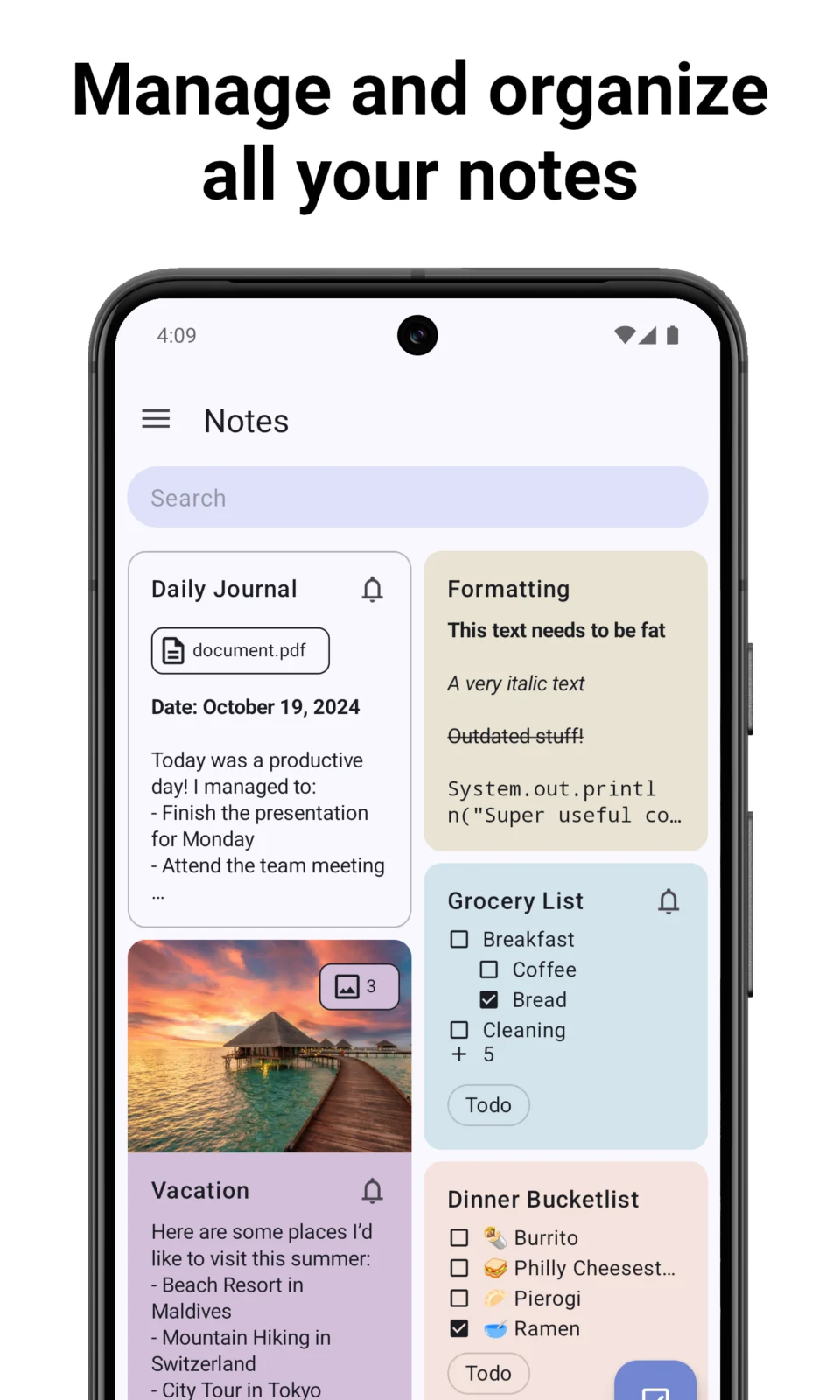
NotallyX is a minimalistic note taking app with a simple design and powerful features.
Organization
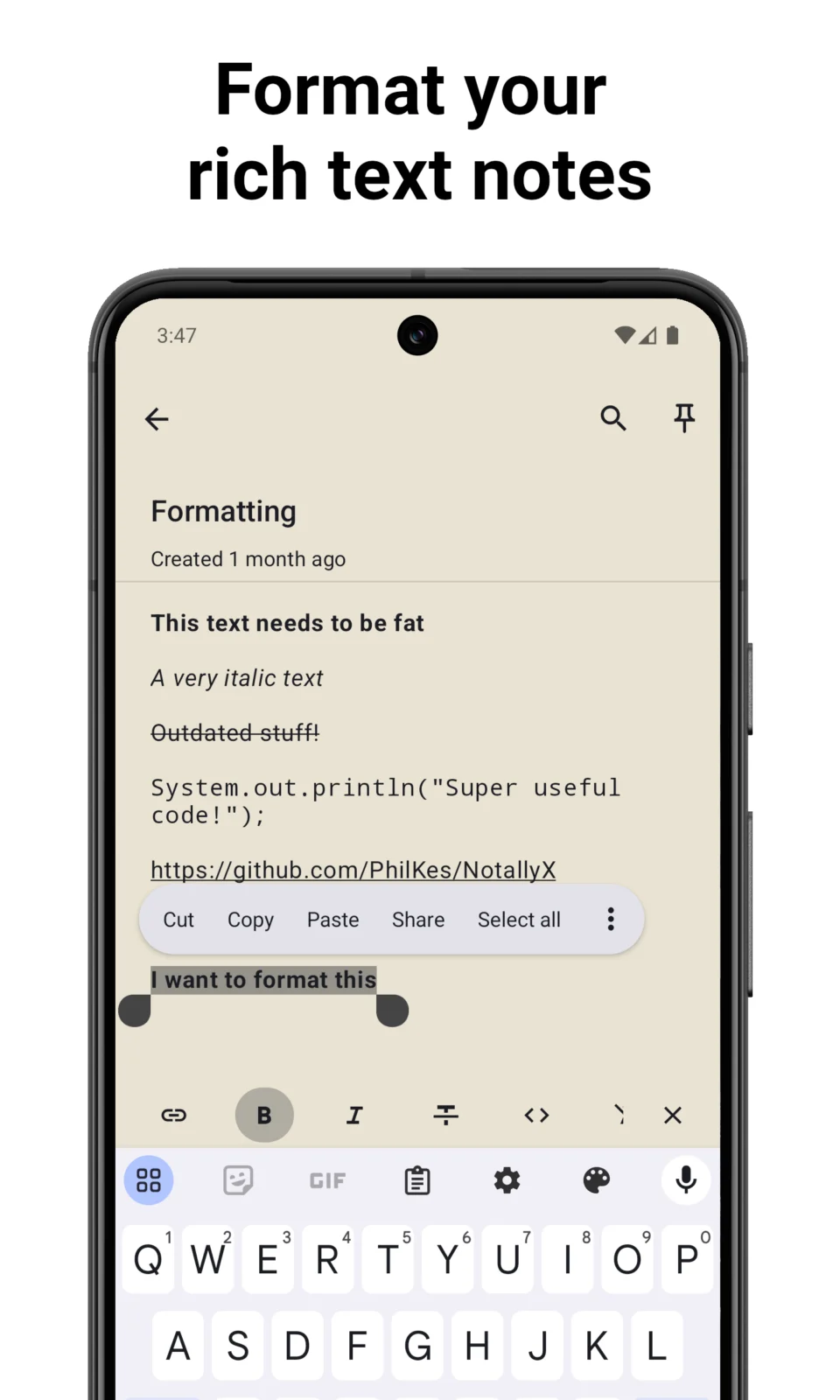
• Create rich text notes with support for bold, italics, mono space and more
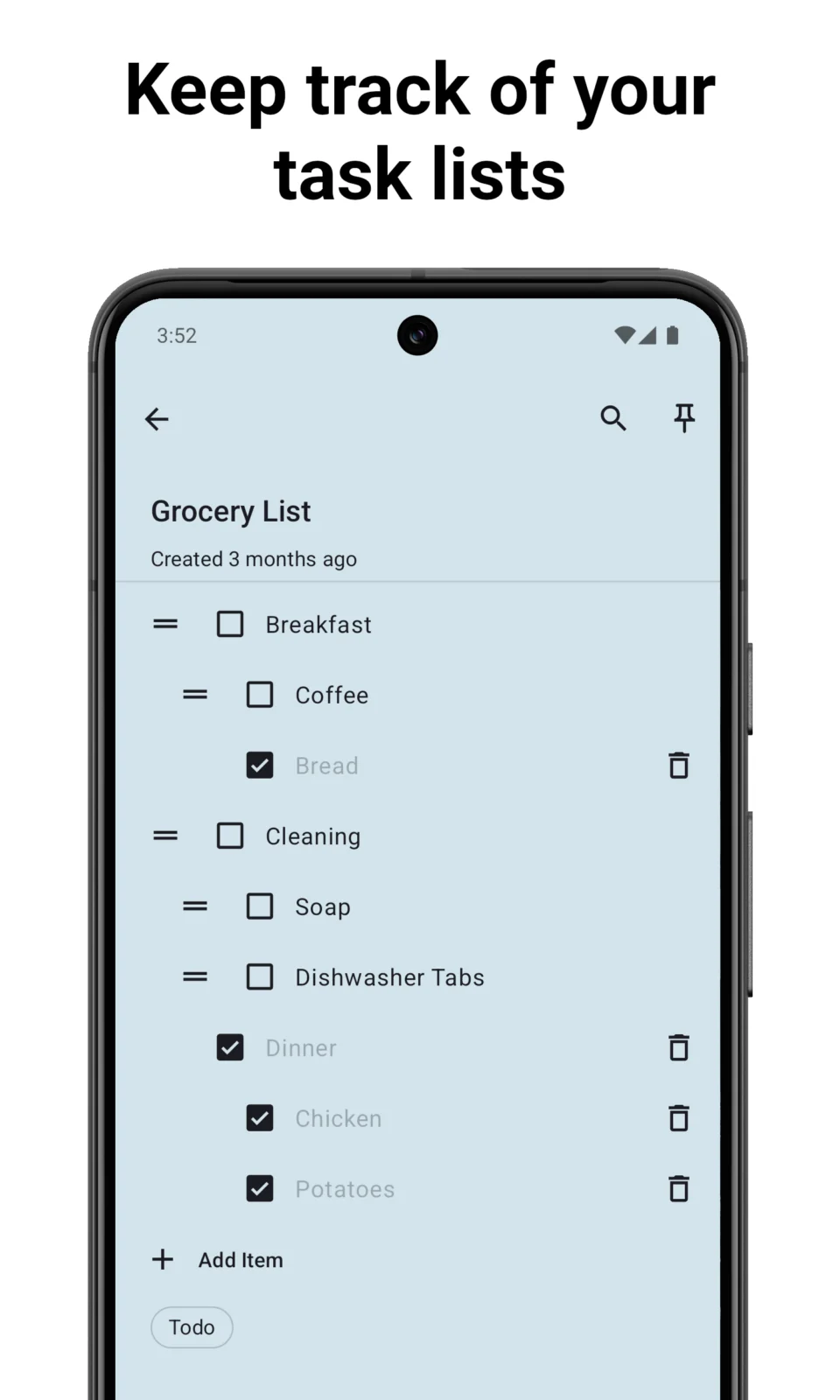
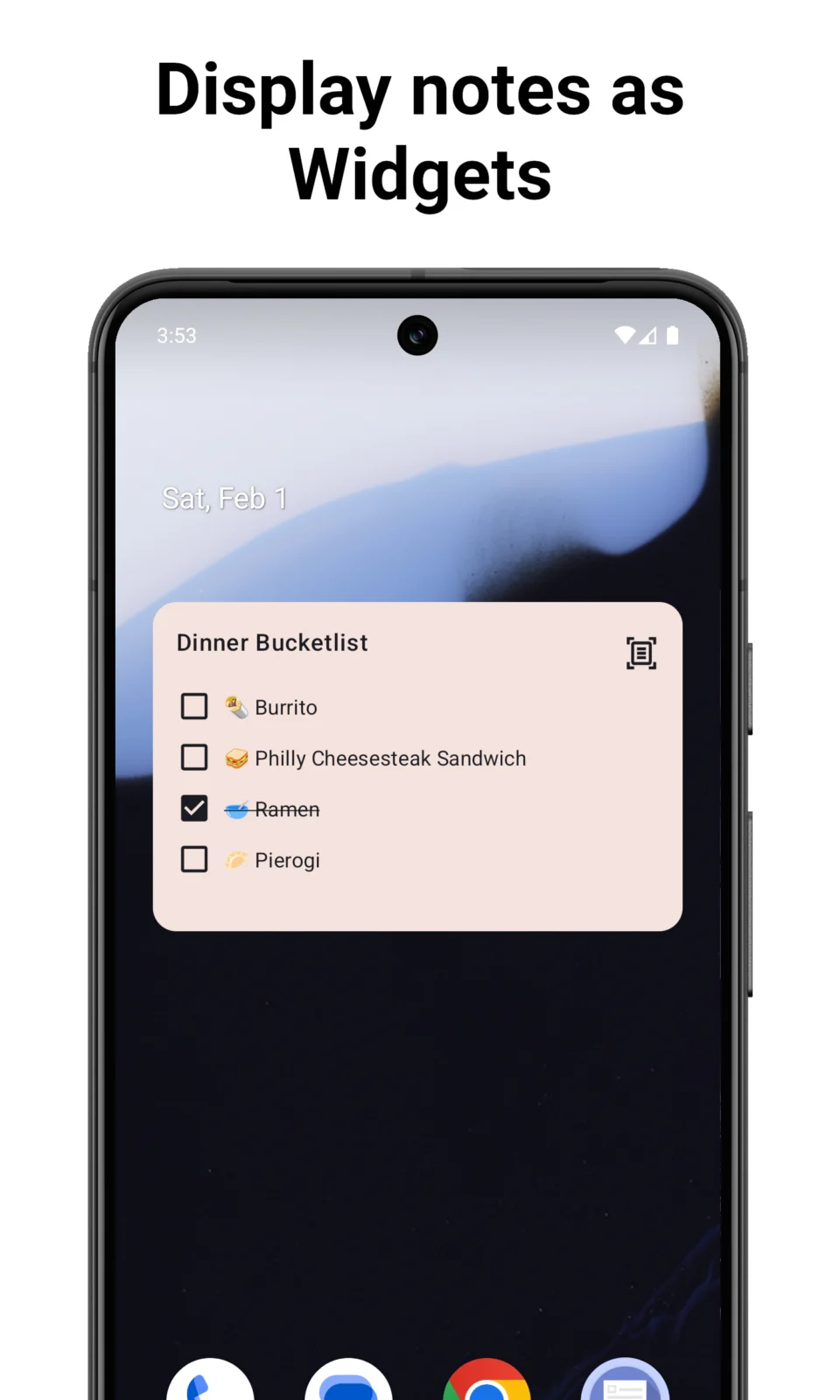
• Create task lists and order them with subtasks
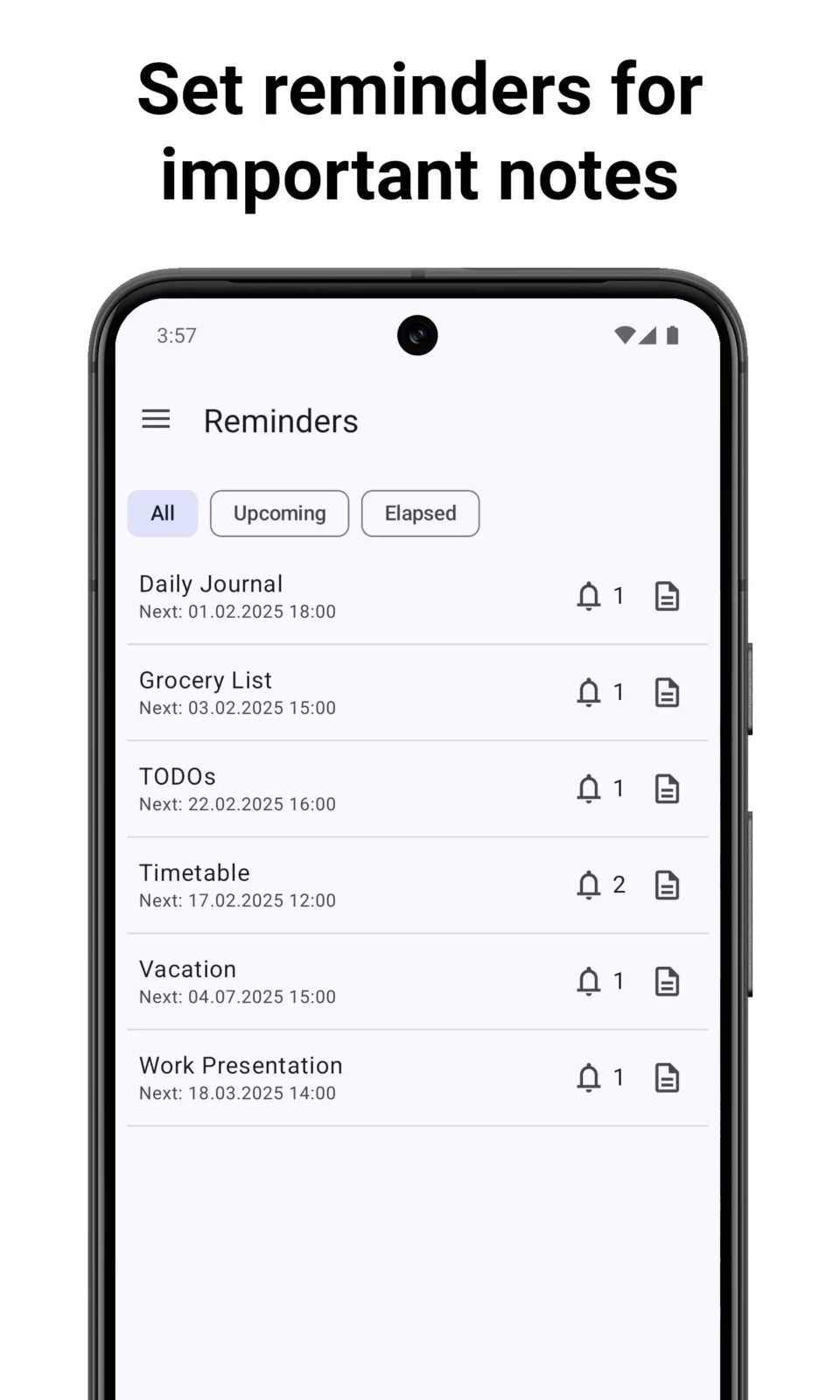
• Set reminders with notifications for important notes
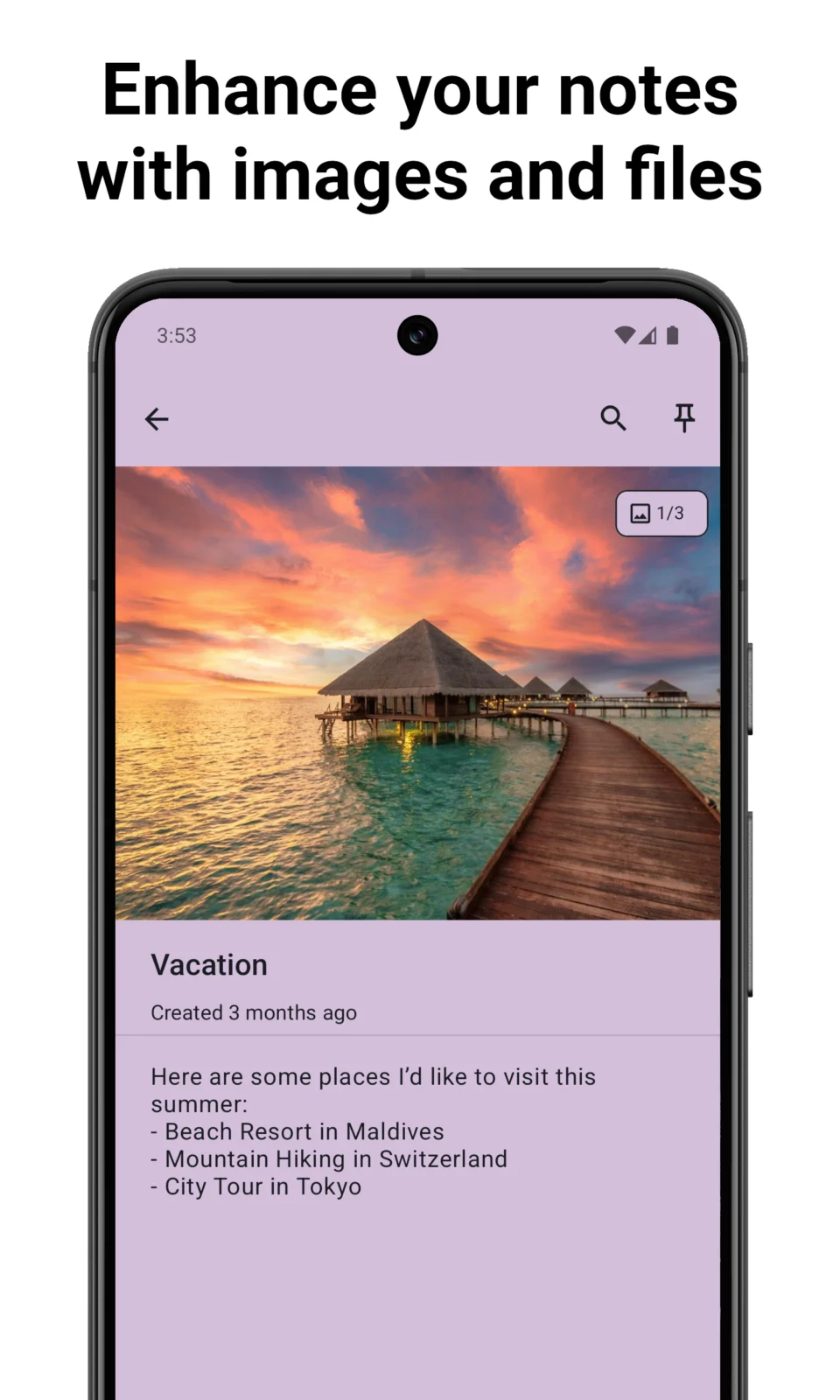
• Complement your notes with any type of file such as pictures, PDFs, etc.
• Sort notes by title, last modified date, creation date
• Display the notes either in a List or Grid
• Color, pin and label your notes for quick organisation
• Add clickable links to notes with support for phone numbers, email addresses and web urls
• Actions to quickly remove checked tasks
• Undo/Redo actions
• Extensive preferences to adjust views to your liking
• Quickly share notes by text
• Lock your notes via Biometric/PIN
• Configurable auto-backups
• Create audio notes
• Adaptive android app icon
• Support for Lollipop devices and up
Convenience
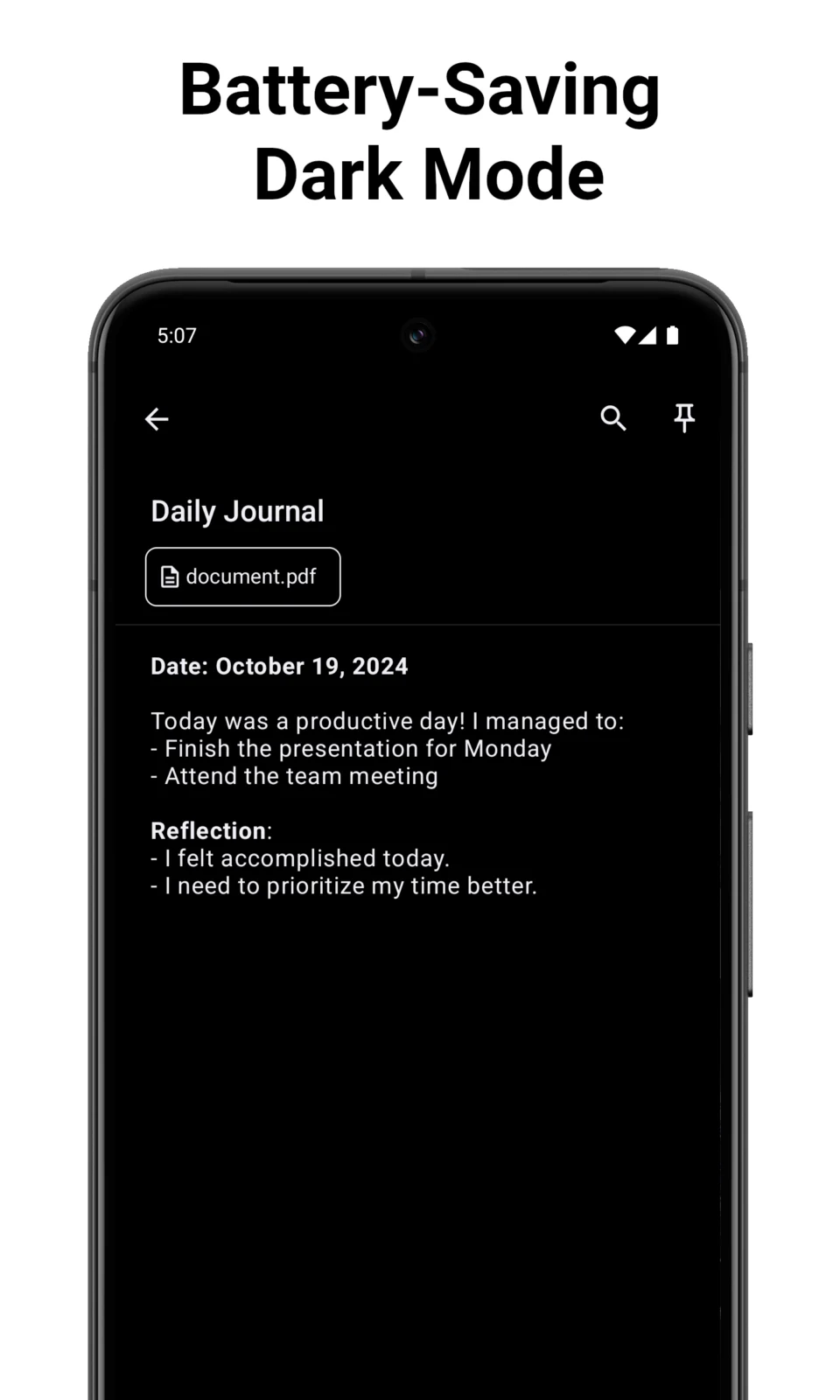
• Dark mode
• Completely free (+ no Ads!)
• Adjustable text size
• Auto save and auto-backups (optionally password-protected)
• Add notes and lists to your home screen with widgets
• Import from other Notes apps such as Evernote, Google Keep or plain text files
Privacy
There are no ads, trackers or analytics of any kind. All your notes are stored completely on and never leave your device.
Optional Permissions
• Show Notifications, Run Foreground Service: To display a notification if a backup fails or if reminders are triggered
• Schedule exact Alarms: To schedule reminder notifications at exact date-times
• Prevent Phone from Sleeping, Run at Startup: Used by the auto backup feature to ensure backups keep happening even if your phone is restarted
• Record audio: when recording an audio note
• Use Biometrics: if Biometric/PIN app lock setting is enabled, to unlock the app
Note
Due to a bug on Xiaomi’s part, some MiUI devices might not be able to access the text formatting options.
https://github.com/Crustack/NotallyX
APK file hosted on AABforAndroid (Oct 15, 2026, SHA-256 verified). Free and open-source software (GPL-3.0-only) · Source code.