













Bluke App Android Free Download
1.1.0Version
Oct 12, 2026Updated
4 MBSize
Android 9+Requires
- Released
- Jun 24, 2026
- License
- AGPL-3.0-or-later
- Package
- dev.arnv.bluke
- SHA-256
8c34f683315c7ccacdc5f3cf78bf6e8d7b8546bfb83f7275d112dd8ae58b5487
Screenshots
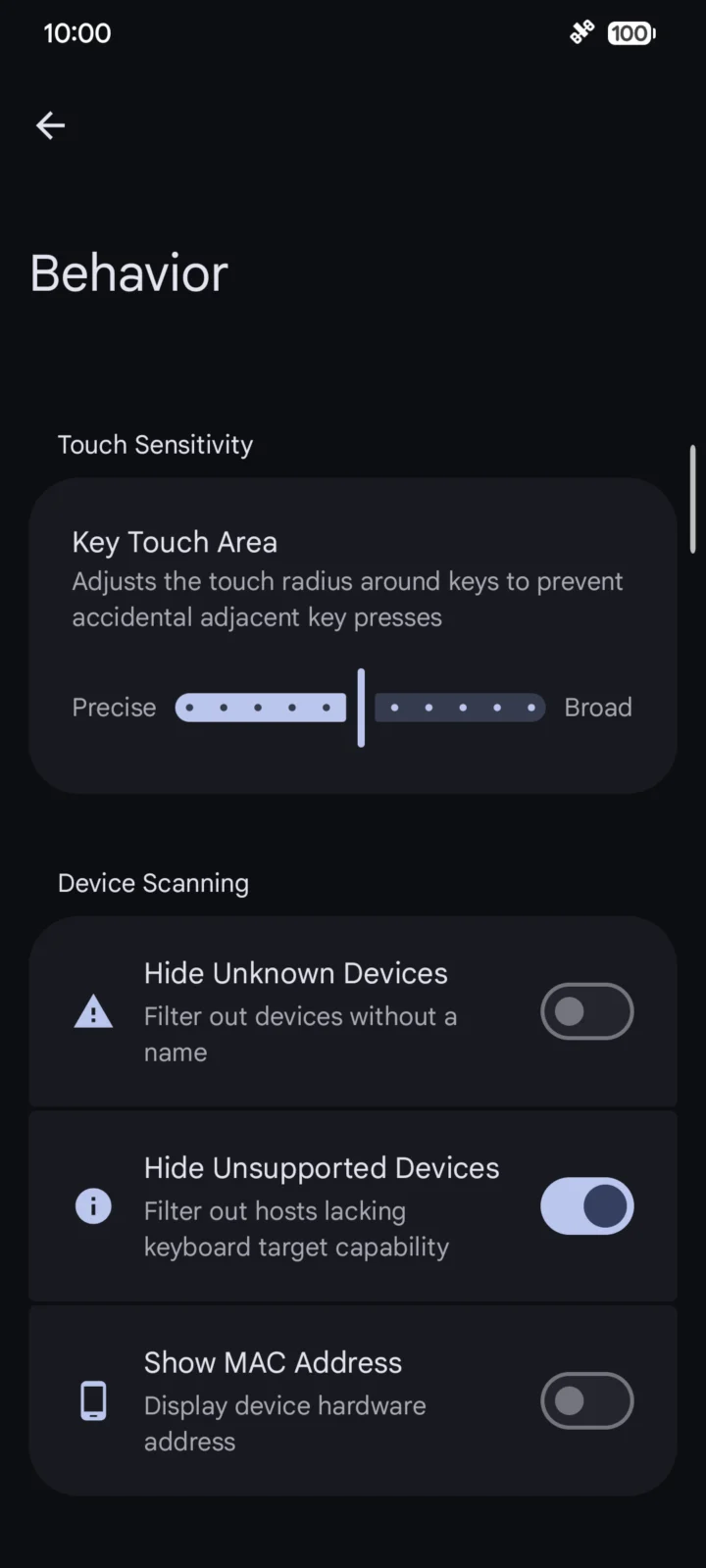
What's new v1.1.0
- New Multimedia remote mode with presentation and volume controls
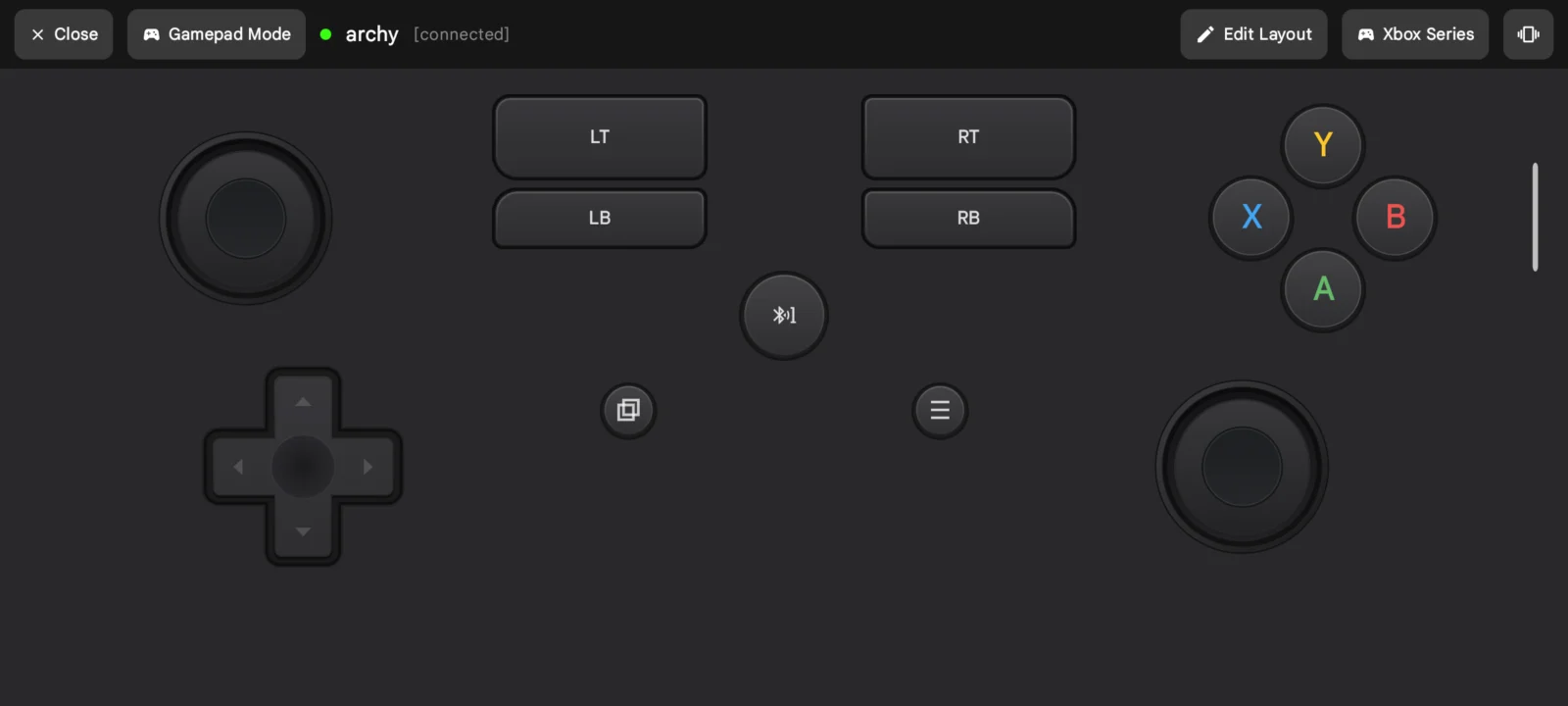
- Live Native, Android, and Web gamepad profile switching
- 6 new switch sounds + custom Mechvibes ZIP pack import
- Added AZERTY, QWERTZ, Dvorak, Colemak, and Russian layouts
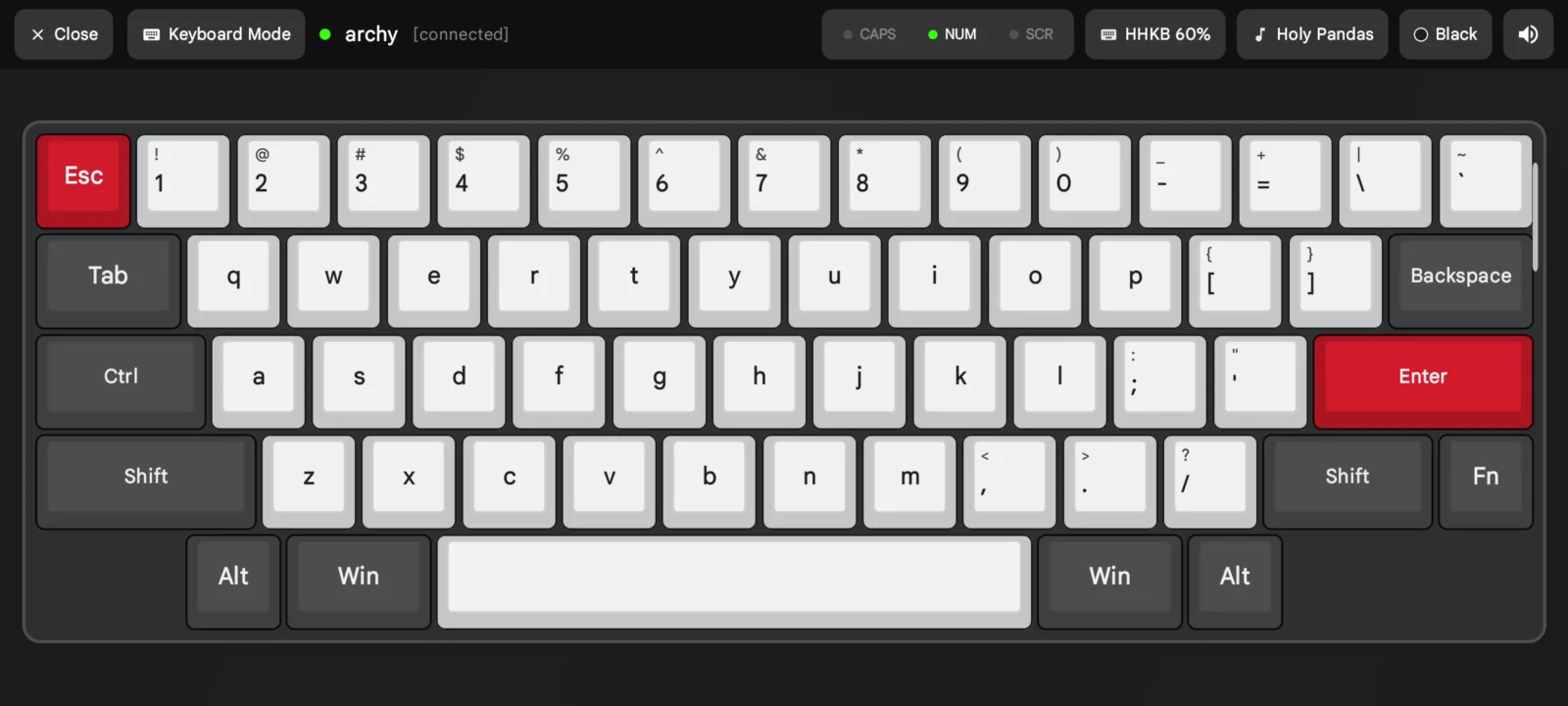
- Custom keyboard theme editor with RGB color picker
- Restored reliable touchpad tap-and-drag
- Note: Please forget and re-pair devices once after updating
About Bluke
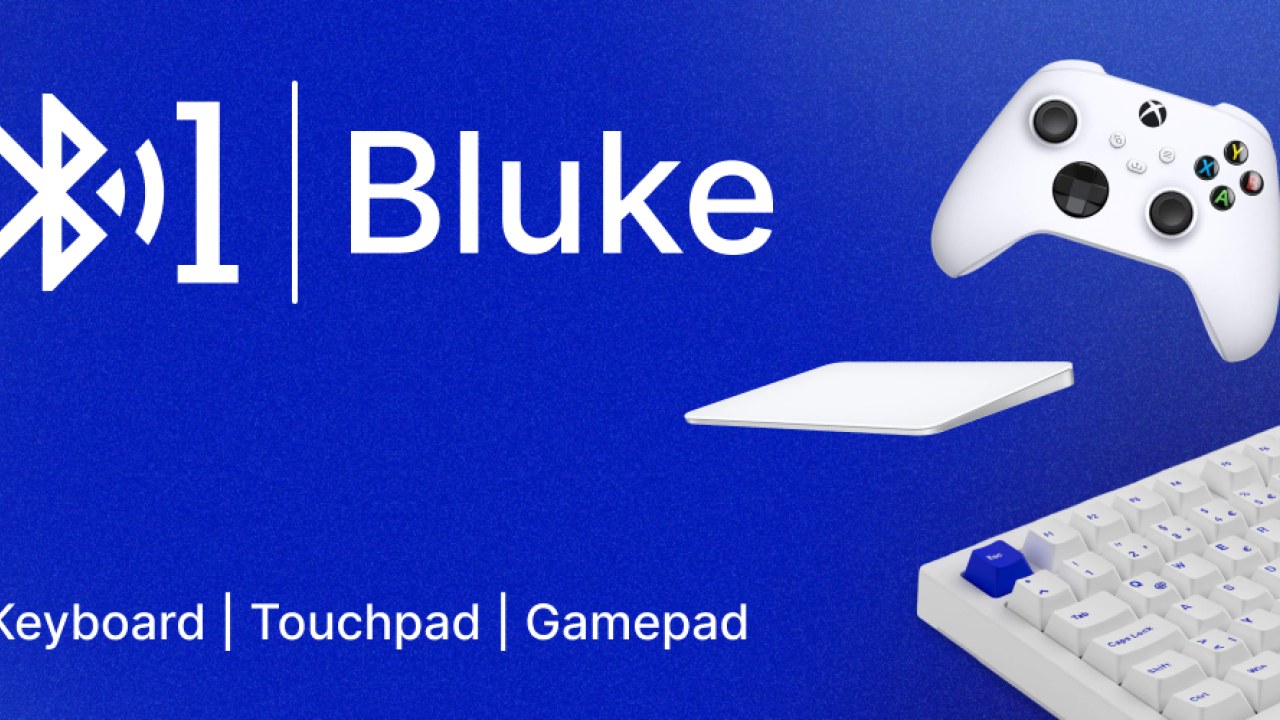
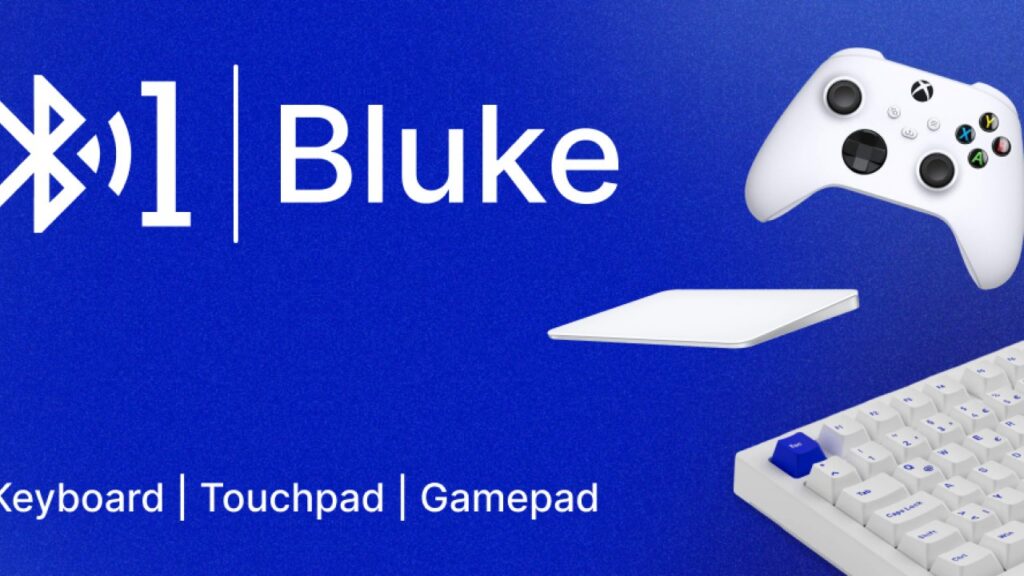
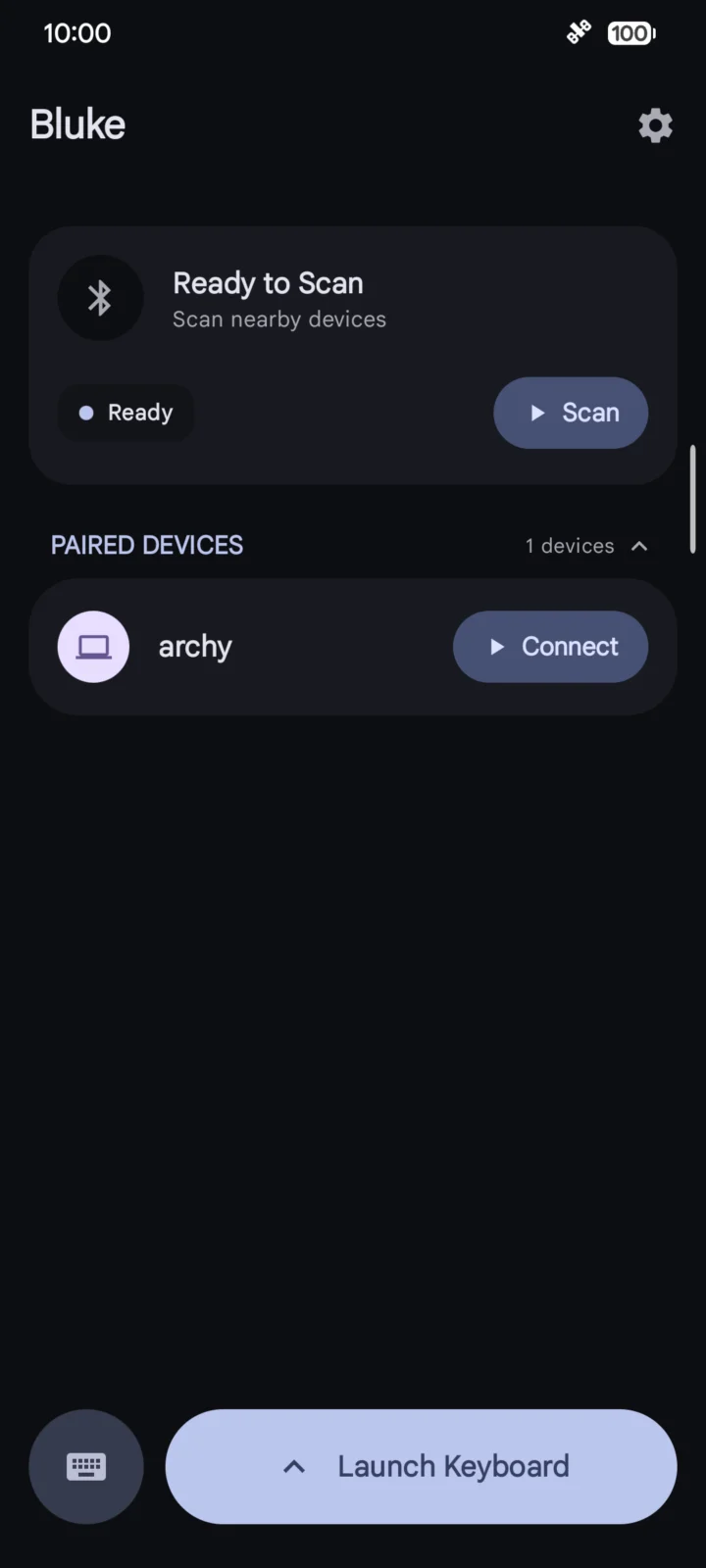
Bluke lets you use your Android phone as a wireless keyboard, mouse trackpad, game controller, and media remote.
It utilizes your phone's built-in Bluetooth HID profile and acts like how a typical input device would work.
No installing server apps or background clients, just pair, connect and it works.
- Features:
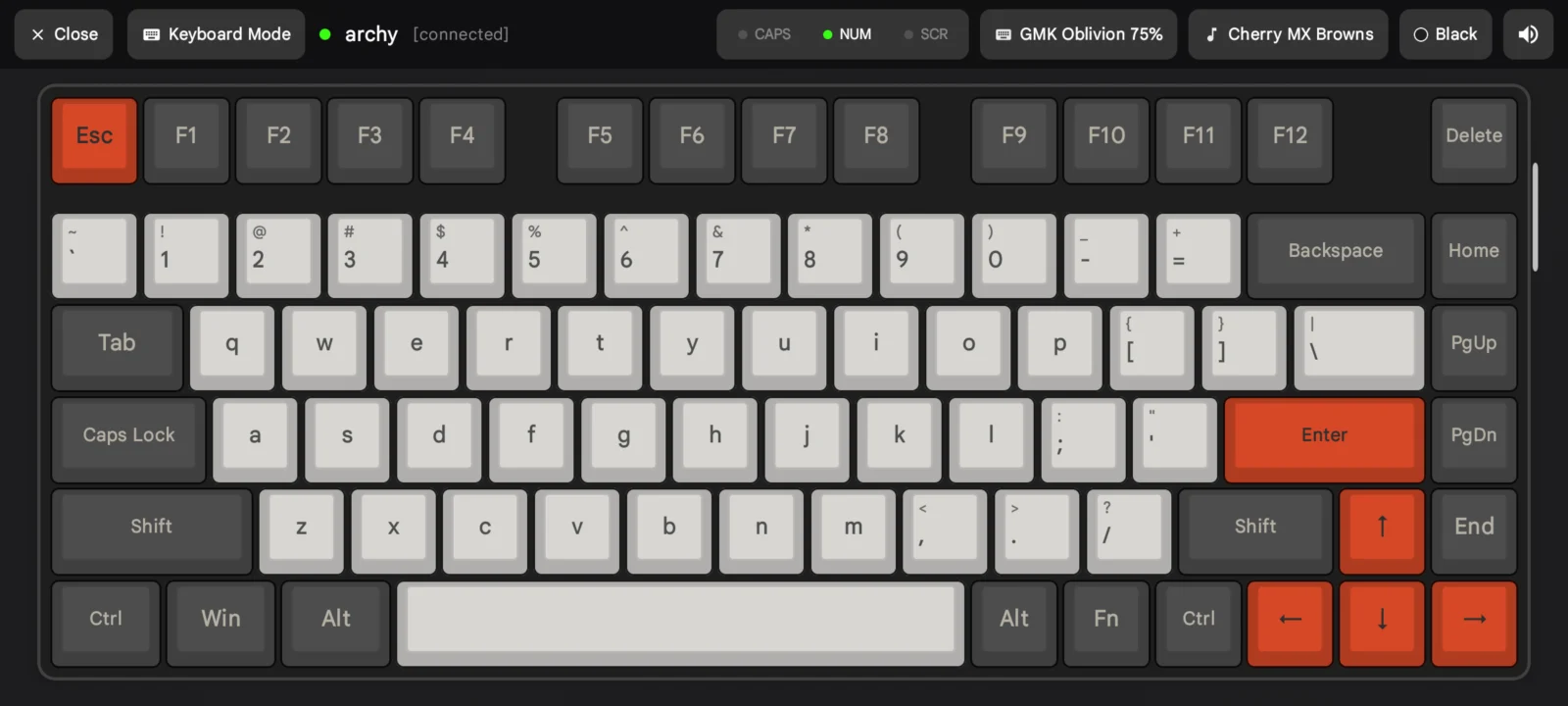
- Keyboard mode with real mechanical typing sounds (12 built-in switches, custom Mechvibes pack import, Fn media shortcuts, and international layouts).
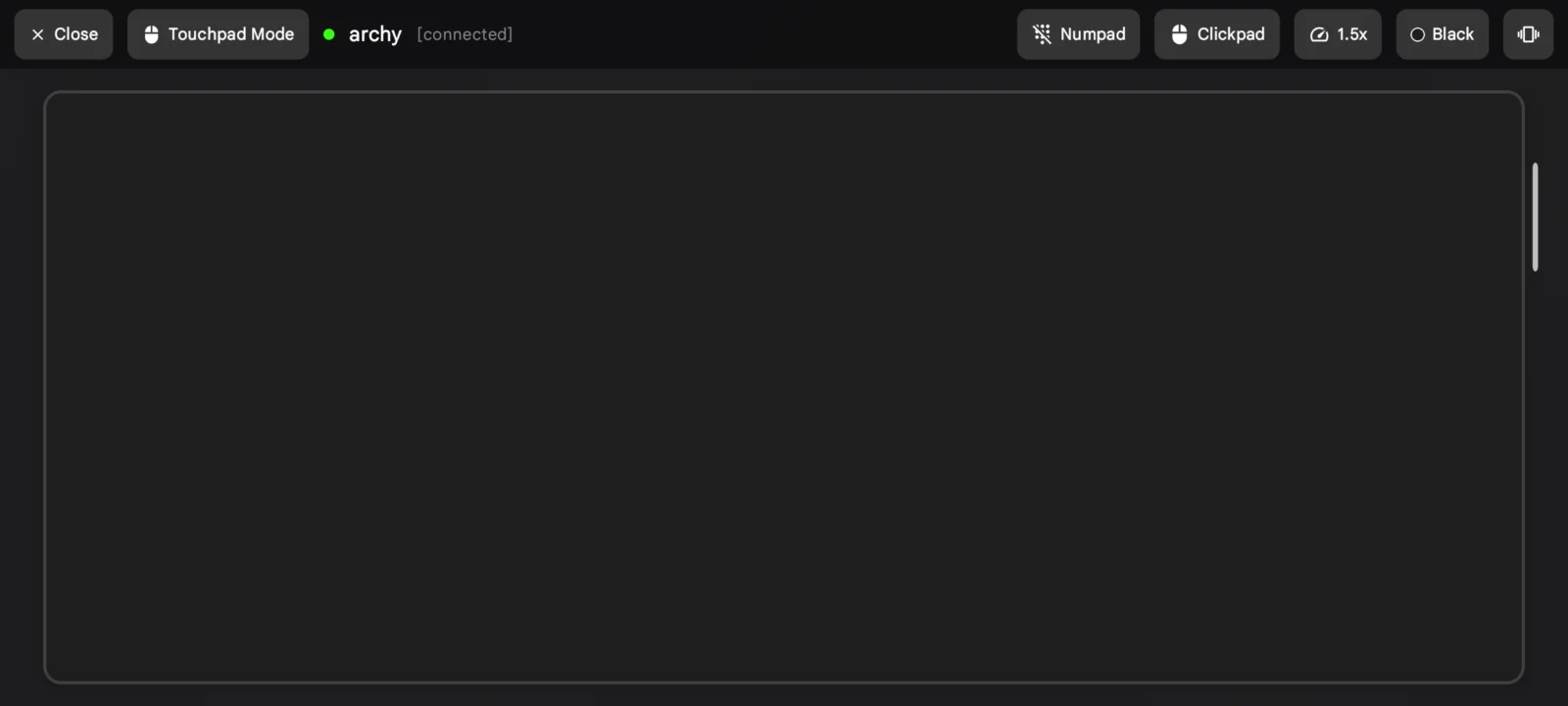
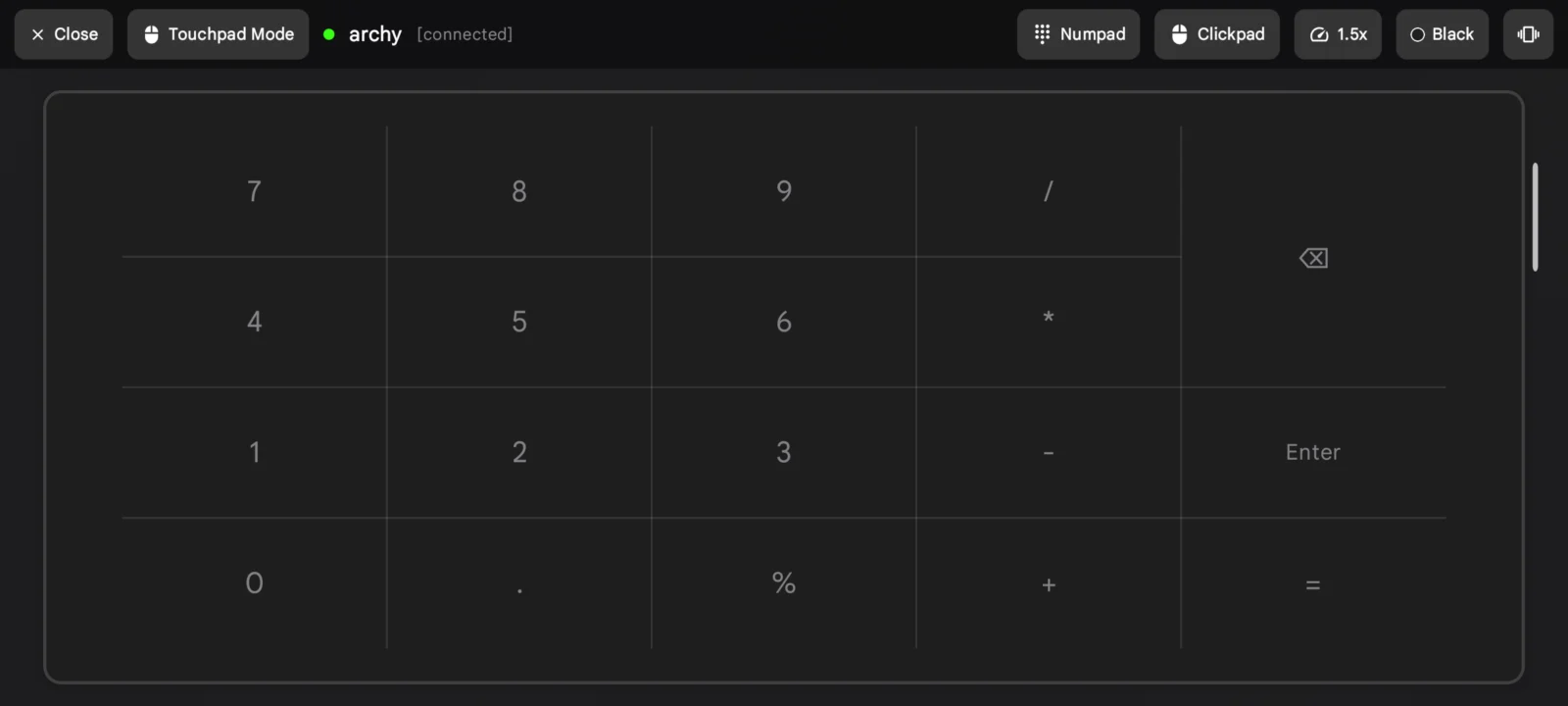
- Trackpad mode with smooth cursor control, natural two-finger scrolling, tap-and-drag, and an LED numpad overlay.
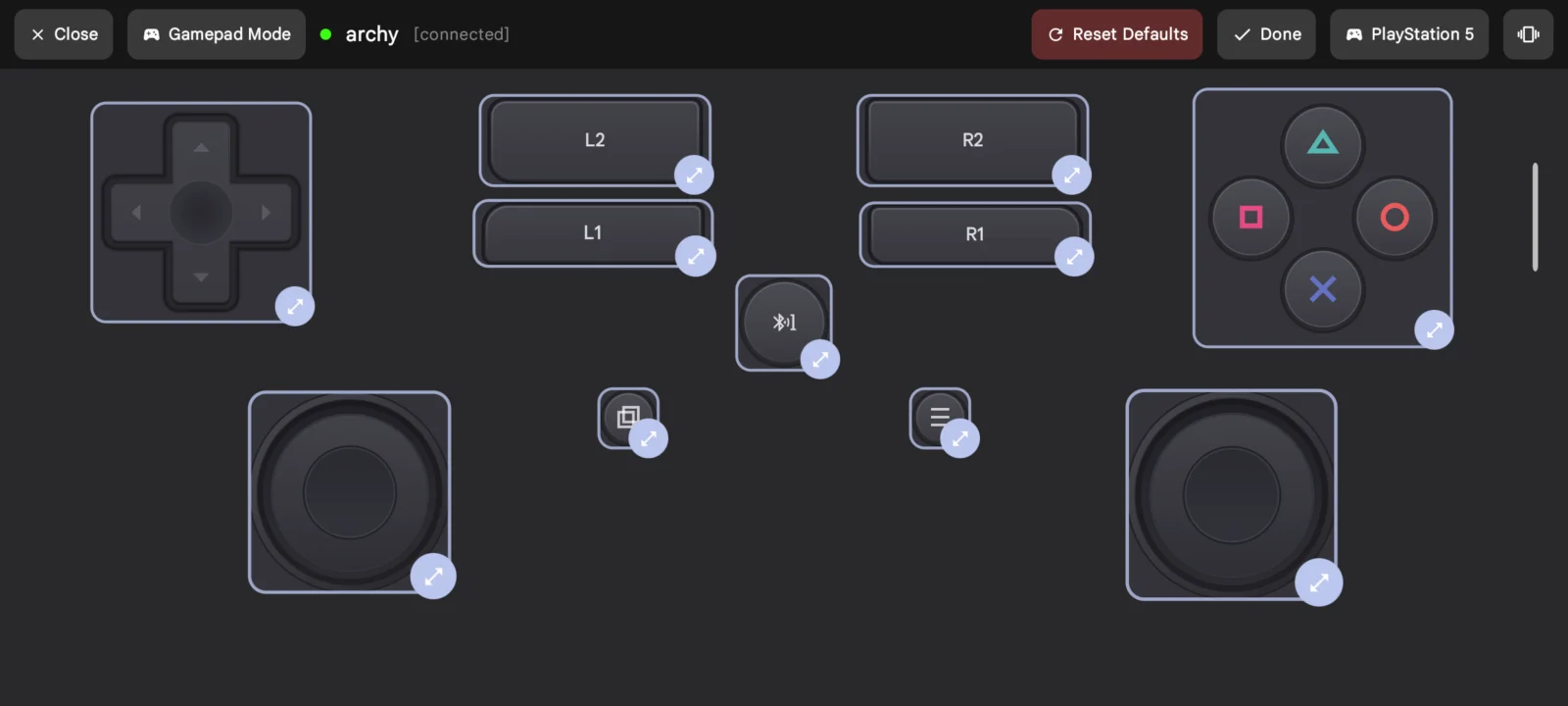
- Gamepad mode with dual analog sticks, Xbox/PS5 button styles, stick inversion, and Native/Web/Android controller profiles.
- Multimedia remote mode for media playback and slideshow presentations, with optional phone volume rocker control.
- Stays connected in the background and with the screen locked while in use.
- Material You dynamic themes, custom color palettes, adjustable haptic feedback, and auto-reconnect on launch.
Bluke is 100% offline, everything stays local, no tracking, and it is fully open source. Source code can be accessed at: https://github.com/arnav-kr/Bluke
Blukev1.1.0 · 4 MB · Android 9+
Download APKAPK file hosted on AABforAndroid (Oct 13, 2026, SHA-256 verified). Free and open-source software (AGPL-3.0-or-later) · Source code.